I need to emulate an RS232 signal for a project but I’m having trouble figuring out the correct hardware and software setup. My goal is to communicate with a device that only supports RS232, but I don’t have a native serial port. Any advice on reliable ways to do this, or recommended adapters and software tools?
Tool Hunt: Virtual RS232 That Doesn’t Make You Want To Scream
Okay, story time. You ever find yourself with some stubborn old software that’ll throw a fit unless it sniffs an RS232 connection? Yeah, me too. My boss dusted off some ancient label printer app that insists on real com ports and started mumbling about “legacy reliability.” Well, I’m not out here soldering DB9s back into existence, so off to the internet I go.
Fast Fix: Virtual Serial Ports In Two Clicks (I Swear)
Not gonna lie, plenty of those virtual port things out there feel like they’re from the same era as the software. But after trying a parade of duds, this one actually worked: https://www.virtual-serial-port.org/
Super basic install, like you’re setting up a printer driver. Open it, click a couple things, and bam—your device manager lists shiny new COM ports ready to confuse your legacy apps. Honestly, smoother than my last Windows update.
What Happened When I Messed With It
I tried looping two virtual ports, then ran a serial terminal on each. When I sent “HELLO” from one, the other instantly lit up with “HELLO”. No lag, no random disconnects. Not bad.
Gotchas? Maybe.
- Didn’t require admin rights after install. Install did, but whatever.
- Haven’t tested with dongles/drivers that do serial sniffing voodoo, but for printers/scanners/GIS stuff? Worked fine.
TL;DR
If you need a virtual RS232 without selling your soul to driver hell, check it: https://www.virtual-serial-port.org/. Got me home by dinner.
RS232 signal emulation honestly can feel like you’re cosplaying as a 90s IT tech. Let’s not. Mikeappsreviewer already recommended looping virtual serial ports, which, sure, works if you’re just doing PC-to-PC or testing old apps that expect a serial handshake. But if your endgame is communicating with literal hardware—a legacy barcode reader, CNC, or space-age (for 1997) embroidery machine—you can’t magic a physical RS232 port into existence with software alone.
Here’s where I break the mold and say: skip pure software solutions for talking to actual hardware. Those virtual ports are awesome for app-to-app or test harnesses, not cables and solder joints. You need real, honest-to-god voltage swings (-12V/+12V) for real RS232 signaling. USB-to-RS232 (look for one that says FTDI chip, not Prolific, less headaches) bridges are the no-fuss option. They give you a COM port Windows isn’t embarrassed about, and your hardware won’t know the difference.
But, say you really just need to dummy an RS232 device on your PC for software testing—then, yeah, something like creating virtual serial ports for legacy device compatibility can save you rebuilding old rigs or installing driver flu.
In short:
- Real hardware = use a USB-to-RS232 cable, preferably FTDI chip.
- Emulating device/software only = Virtual Serial Port Driver or similar tools.
Oh, and about “RS232 emulator”—if you’re on the hunt for the best solution for simulating RS232 serial communication on Windows, search for reliable RS232 emulation software that enables robust virtual COM port creation, hassle-free and compatible with modern systems.
If you’ve already tried Mike’s virtual approach and it’s not cutting it for your actual device connection, trust me, spring for decent adapter hardware. It’s like $10, saves sanity, and keeps your boss off your back when the thing actually prints labels.
So here’s the thing—RS232 emulation’s basically a whole spectrum from “pretend COM ports for legacy software junk” all the way to “I need actual voltages to make this 1980s hardware come alive.” Everyone loves talking up USB-to-RS232 adapters (FTDI vs Prolific cage match, amirite?), but I actually ran into some surprises with those too: some adapters wimp out on signal lines you actually need, so be very picky if you need DTR/RTS/CTS action or your device blinks weird without them.
That said, both @mikeappsreviewer and @caminantenocturno nailed the split between virtual ports for software and real adapters for hardware, so props. But, curveball here: if you have something like a Raspberry Pi or an Arduino lying around, you can rig them to bit-bang or buffer real RS232 lines, or even emulate devices. You’d just need a simple MAX232 chip and maybe a few resistors. This is genuinely a lifesaver for quirky protocols or debugging with logic analyzers—WAY more flexible than store-bought adapters, if you can code a little.
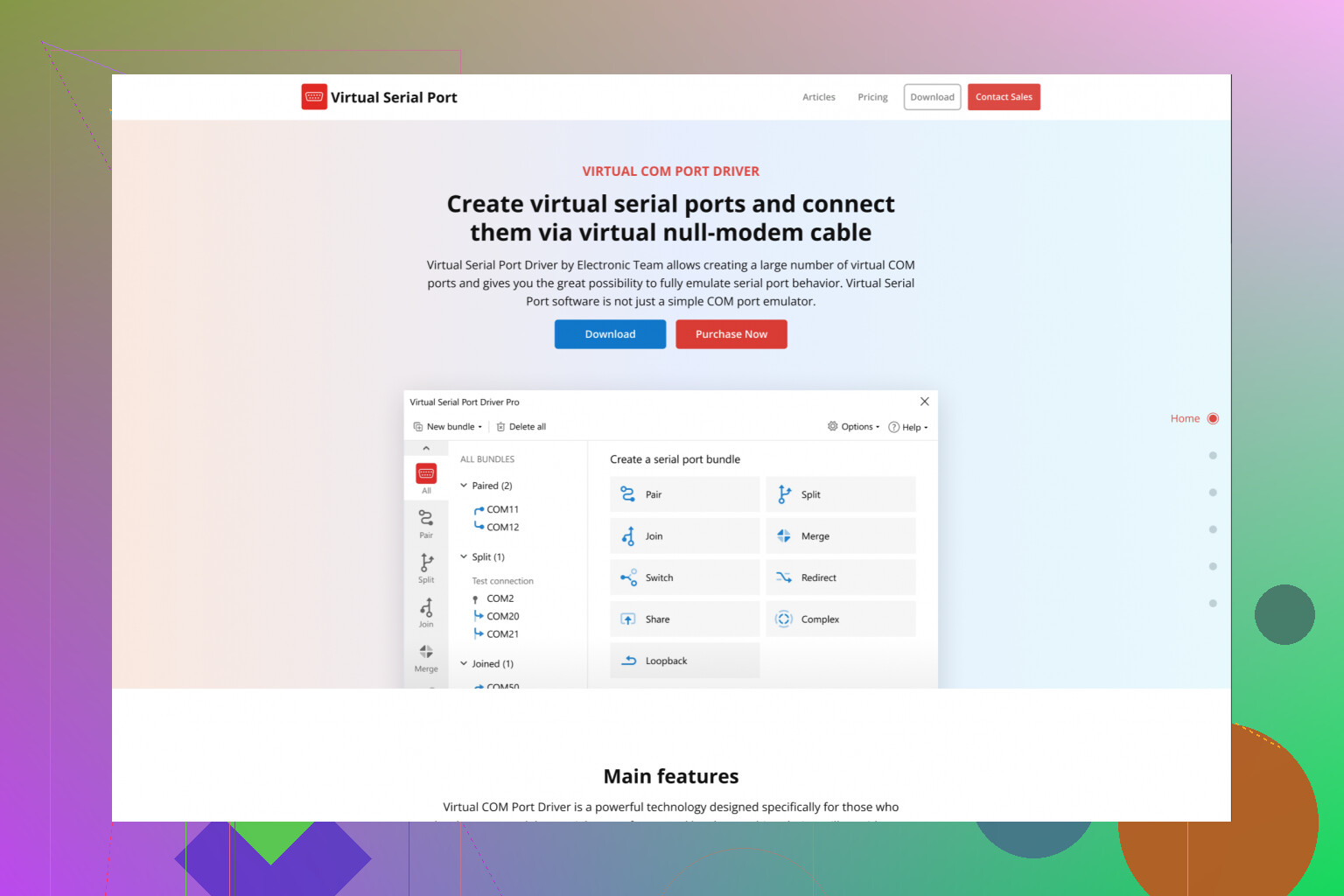
On the software (I mean, RS232 signal emulation utility, wink), I’d put “Virtual Serial Port Driver” out there as a solid way to craft virtual com links—great for pairing old programs or simulating data without cables everywhere. If “download and go” is your style, see the step-by-step for getting the most out of your PC with powerful RS232 virtual port creation. Beats juggling dongles for software-only fuss, honestly.
One thing almost nobody tells you: rare edge case, but certain industrial devices or medical stuff won’t play nice unless they sense the right handshake lines plus ~12V swing. There isn’t a perfect virtual fix for that, so…yeah, sometimes you gotta break out the soldering iron (or hope your adapter’s not a potato).
To sum it up:
- Just testing apps? Virtual Serial Port Driver for lazy wins.
- Real hardware = FTDI-based adapter or roll your own with Arduino + level shifter for max control.
- Oddball use case? Consider microcontrollers or actual voltage conversion—never assume software alone gets you all the way.
So, what’s your hardware exactly? Sometimes we crack this puzzle with a $9 cable, other times we’re elbow deep in jumper wires and curse words…
Use an Ethernet-to-RS232 serial device server. Connect the RS232 device to the server, plug the server into your router, then install its virtual COM driver. Your software sees COM3 or COM4 as if it were local.
Match baud rate, parity, data bits, and stop bits. Start with 9600, 8-N-1 if the device manual gives no clear settings. Check whether you need a straight-through or null-modem cable. This setup is simple, stable, and works from another PC too. Setup takes about 10 minuts.
Two things get mixed up in this thread. Emulating an RS232 signal means real voltage on a wire. Emulating an RS232 port means Windows sees a COM number that isn’t tied to anything physical. The original question says ‘signal’ but then says ‘communicate with a device that only supports RS232,’ which sounds like actual hardware, so most of the software talk here is aimed at the wrong problem.
If the device is real, @0xbadger4’s serial device server is honestly the cleanest answer nobody’s giving enough credit to. You skip the whole cable-and-chip debate and it works over the network from any machine, which is handy if the device lives in a different room than your PC.
Virtual Serial Port Driver still earns a spot for the software-only side, and I do keep it around. My one gripe is that it happily lets you pair ports at mismatched settings and won’t warn you, so when a test acts weird you end up chasing a baud rate you set wrong yourself. Fine tool, just double-check your own config.
So decide first: are you feeding a program or a physical box? That answer picks the hardware for you.