I lost my Samsung TV remote and need a free iPhone app that actually works well. I’ve tried a couple of remote apps, but they either won’t connect, have too many ads, or need a paid upgrade. Looking for help finding the best free Samsung TV remote app for iPhone that’s easy to set up and reliable.
I went through a pile of iPhone remote apps for Samsung TVs, and the annoying part showed up fast. A lot of them say “free,” then throw ads at you or block basic stuff after a minute or two. If you want something usable, I’d look for four things first. Fast pairing, working power and volume buttons, a keyboard for typing into search boxes, and a connection that doesn’t flake out every other launch.
After trying the common ones, these are the apps I’d keep on the shortlist.
1. TVRem – Universal TV Remote
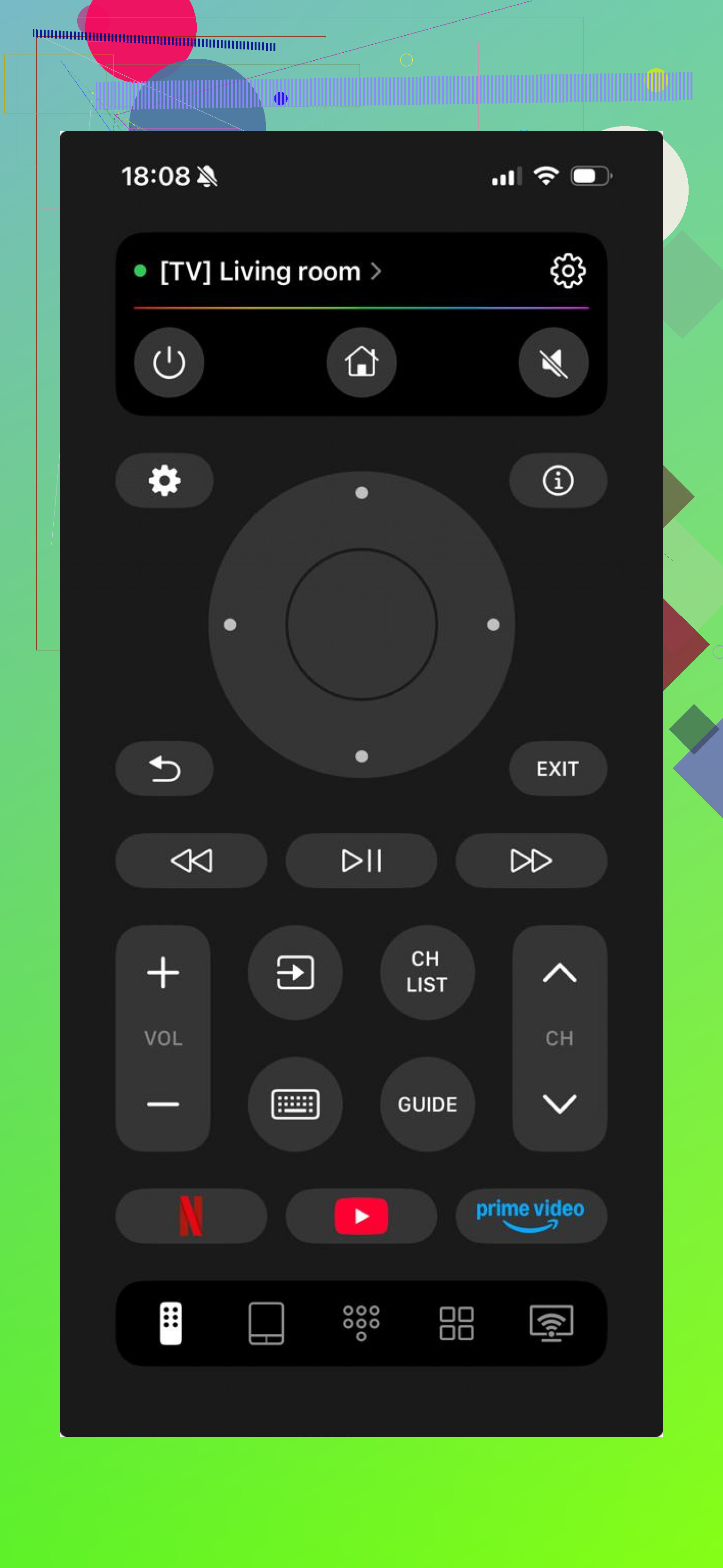
This is the first one I’d install.
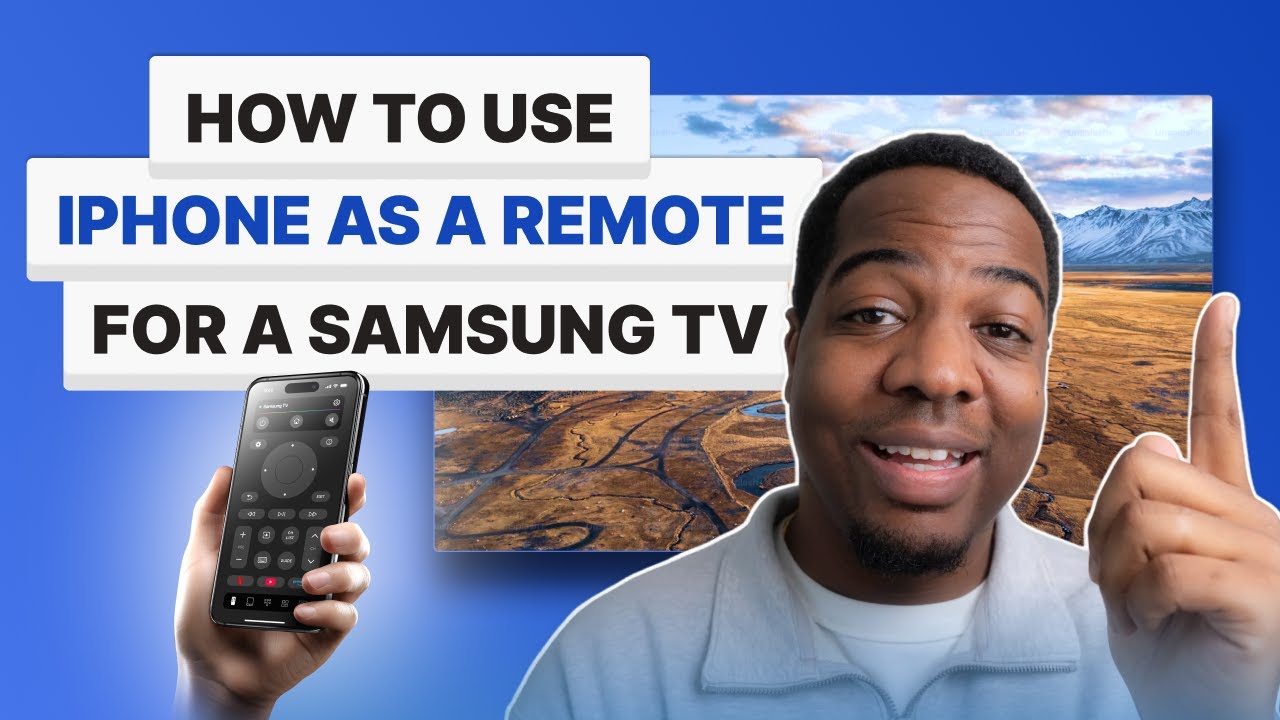
It paired fast when I tested it, and the basic controls were all there without the usual nonsense. No immediate paywall for the useful parts, which is rare enough on its own.
One thing I liked more than I expected, it is not stuck on Samsung only. If your place has a mix of gear, like LG in one room, Roku in another, Fire TV somewhere else, or Apple TV on the main set, this app handles those too.
What’s included:
- Volume and channel buttons
- Touchpad navigation
- Built-in keyboard
- Voice search
- Shortcuts for apps
- Automatic device detection
Who it fits:
People who want one free app that works daily and doesn’t turn into a subscription trap.
2. Samsung Smart TV Remote Plus
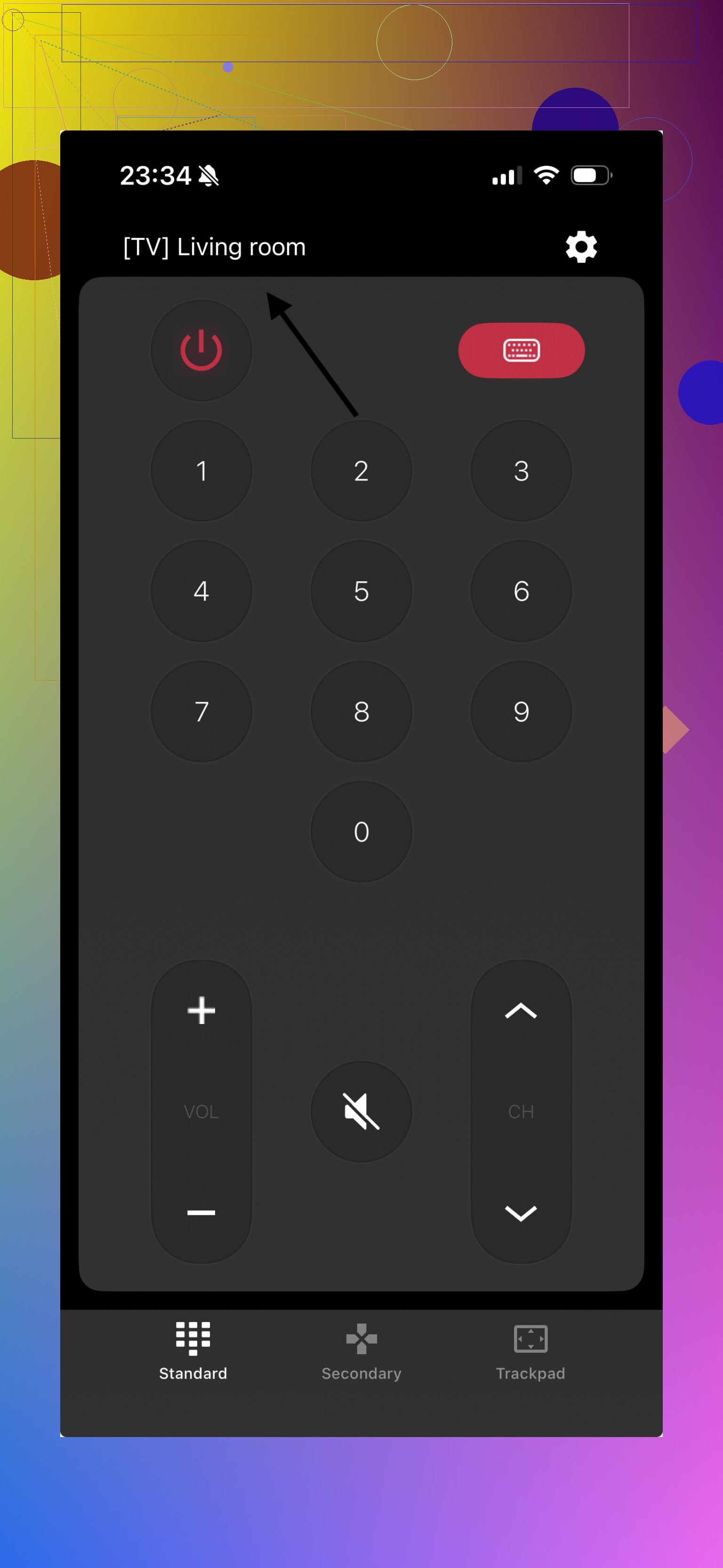
This one sticks close to the Samsung feel. The layout looks familiar, and I didn’t need to hunt around to find the usual buttons.
It covers the standard remote functions and feels close to the physical remote Samsung ships with the TV.
What’s included:
- Full button layout
- Keyboard input
- Touchpad
- Smart Hub shortcuts
What stood out:
Made with Samsung TVs in mind
Easy to figure out
Connects fast
What bugged me:
Some features look like they need payment
3. Remote for Samsung Control TV
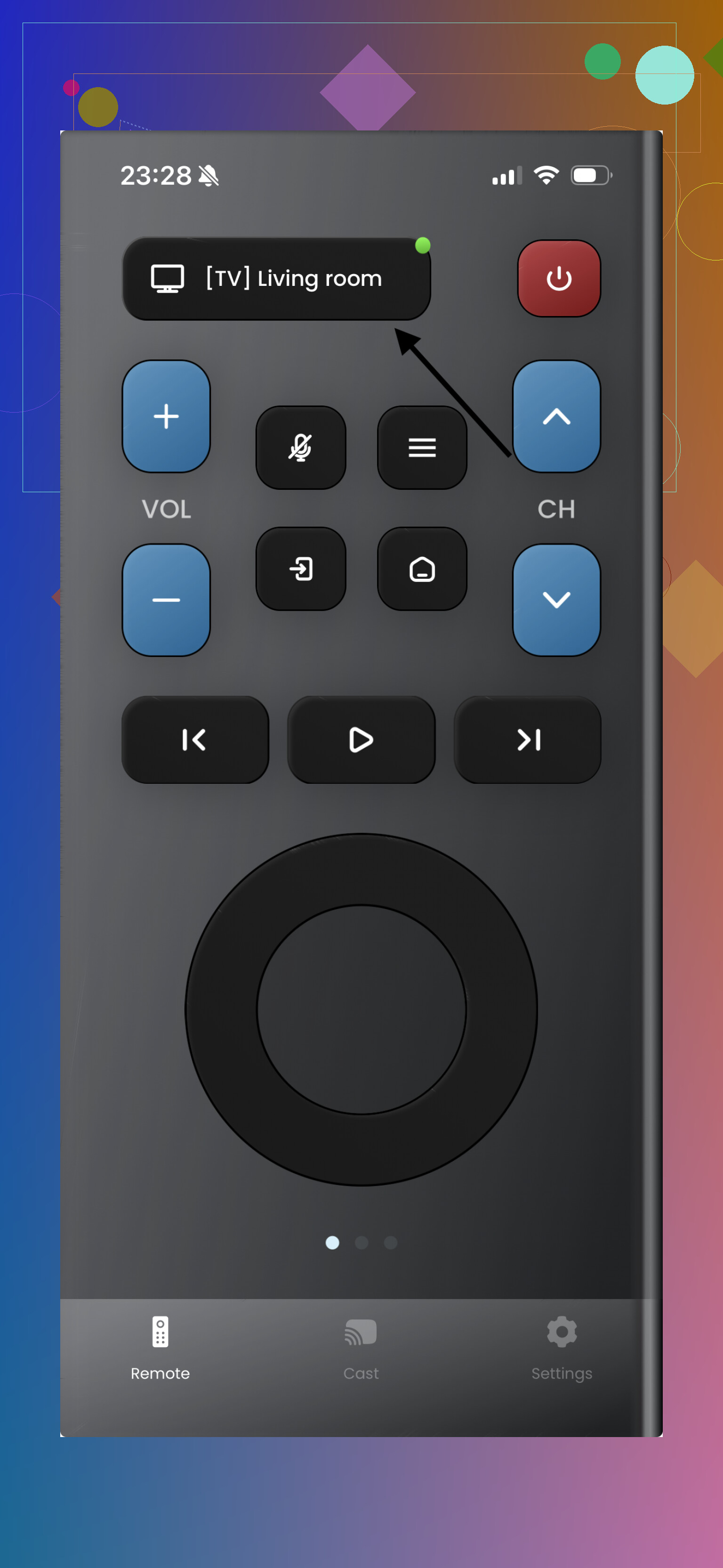
This one felt stripped down, in a good way at first. If all you need is the usual stuff, it gets through the job without clutter.
I’d put it in the “works fine for basics” category. Nothing fancy, no big learning curve.
What’s included:
- Power and volume controls
- Navigation buttons
- Keyboard
- Basic touchpad support
Upsides:
Fast setup
Clean interface
Downside:
Ads and premium popups showed up
4. Universal Remote TV Smart
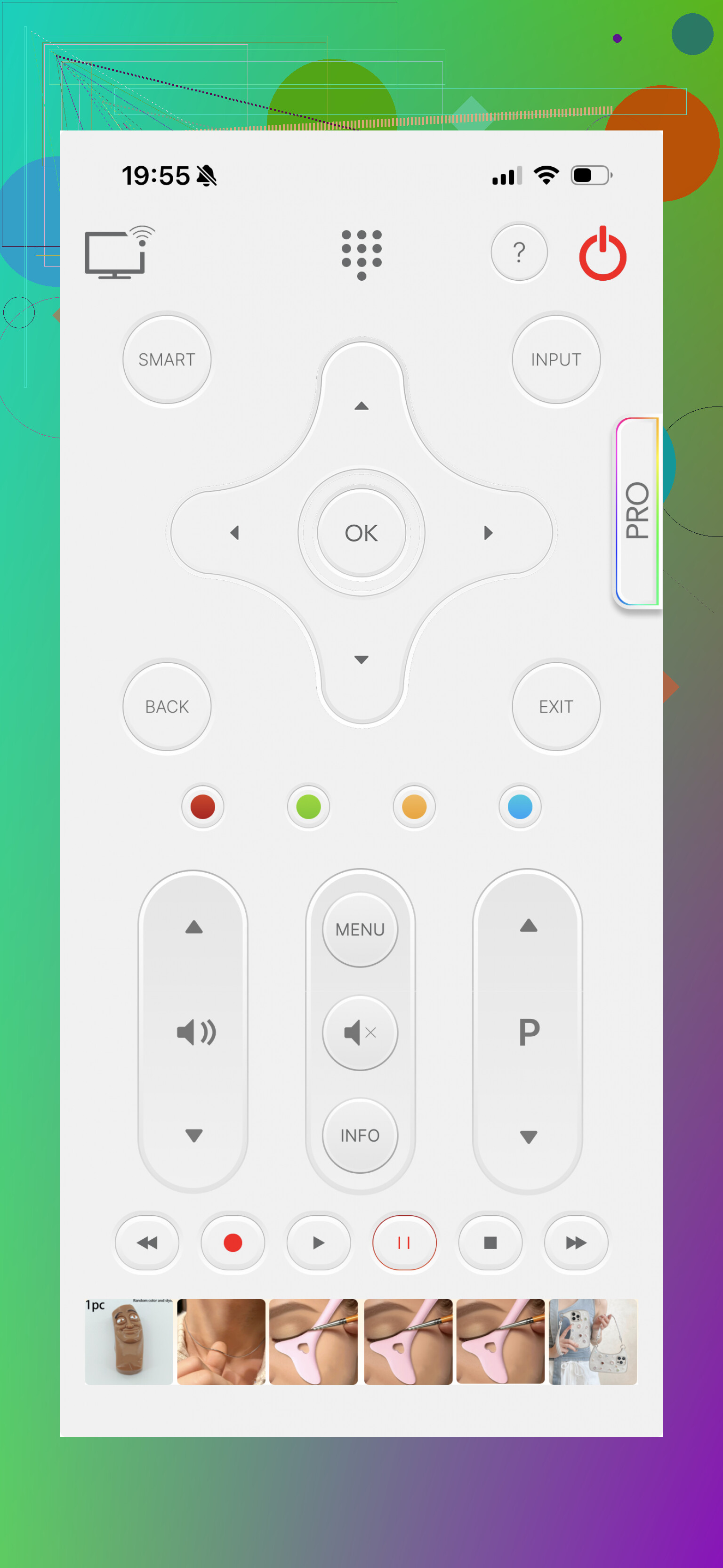
I’d look at this one if your home has random brands everywhere. It works with Samsung, plus other TVs, so you’re not boxed into a single device maker.
For mixed-device homes, that matters more than people think. One app is easier than five.
What’s included:
- Standard remote buttons
- Keyboard typing
- App shortcuts
- Support for multiple brands
Pros:
Wide device support
Cleaner-looking design
Cons:
Full use seems tied to a subscription
5. Smart TV Remote for Samsung
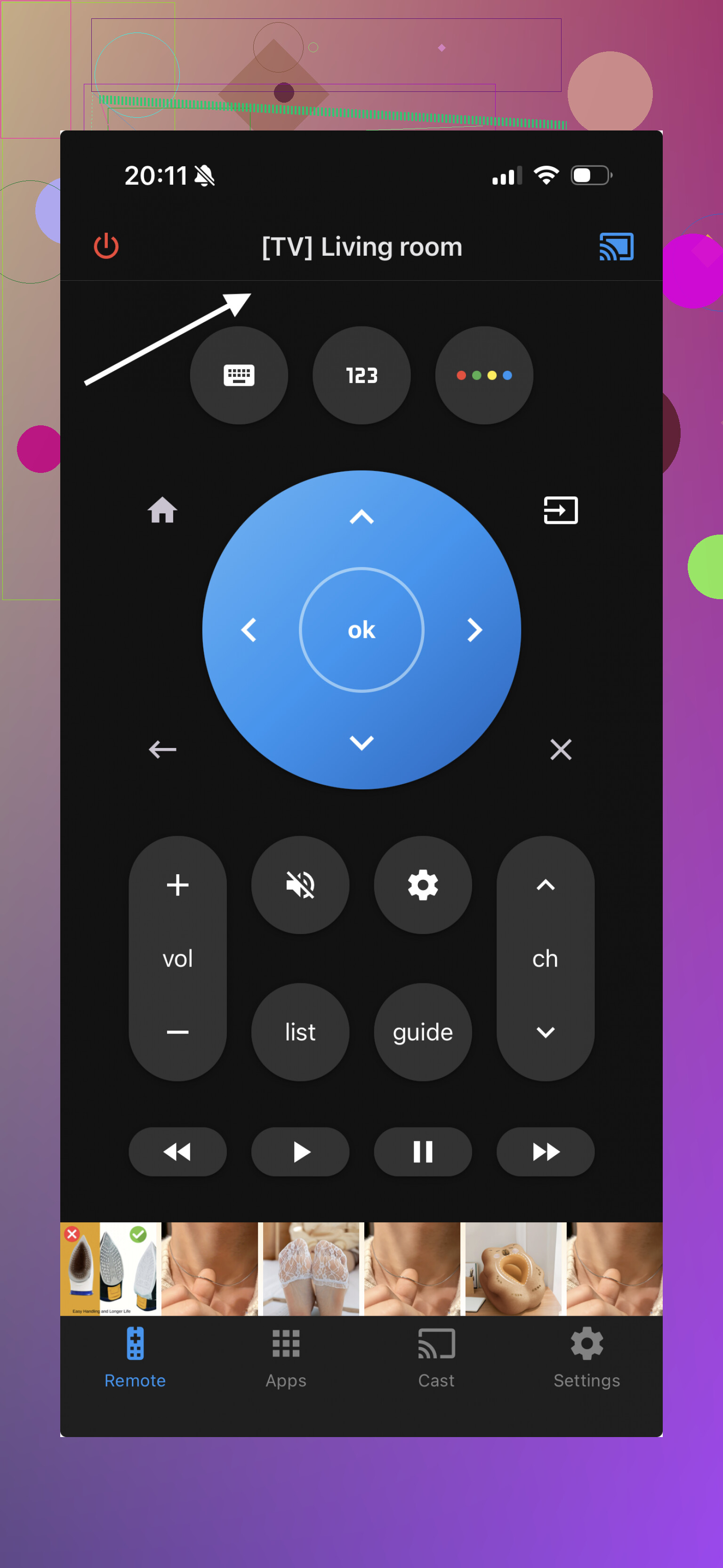
This is another Samsung-only option. It has the usual features you’d expect and doesn’t take long to set up.
I’d say it makes sense if you want an app aimed only at Samsung TVs and don’t care much about controlling anything else.
What’s included:
- Power and volume buttons
- Touchpad
- Keyboard
- Streaming shortcuts
Strong points:
Built for Samsung TVs only
Setup is simple
Weak point:
The free version feels limited
Which one would I pick?
If you want something you install once and keep using without running into subscription screens, TVRem came out ahead for me.
Why I’d put TVRem first:
- Free use does not feel fake
- Works with Samsung and other TV brands
- Includes keyboard and voice search
- Connection stayed quick and stable
- The layout stayed simple enough to use half asleep, lol
A lot of remote apps are fine for a quick test. TVRem felt more livable day to day. If your Samsung remote is missing, dead, or buried in the couch forever, TVRem is the option I’d try first on iPhone.
I’d keep it simple. If you want free and usable on iPhone, TVRem is a solid first try. @mikeappsreviewer already covered a lot of the feature list, so I’ll skip the sales pitch part.
My take is a little different. I don’t care much about voice search in a TV remote app. I care about three things. It connects fast. Volume works every time. It does not throw a paywall in my face after 30 seconds.
Why TVRem stands out:
- It finds Samsung TVs fast on the same Wi-Fi.
- 100% free.
- Keyboard input helps a ton for YouTube, Netflix, search, passwords.
- It works with other TVs too, if your house has mixed stuff.
One thing to check first, your iPhone and Samsung TV need to be on the same Wi-Fi network. A lot of ‘broken’ apps fail because of ths, not because the app is bad. Also, some older Samsung TVs are pickier with pairing.
If TVRem gives you trouble, I’d try a Samsung-specific app next, but most of those get annoying fast with ads or locked buttons. So yeah, for free, I’d start there. Not perfect, but less irritating than most I tested.
I mostly agree with @mikeappsreviewer and @shizuka that TVRem is probably the best first free app to try on iPhone, but I’d add one caveat: “best” depends a lot on how old your Samsung TV is. Some of the apps get blamed when the real issue is the TV’s network remote support being flaky or half-disabled.
What I’d do:
- Try TVRem first because it’s really free.
- If it doesn’t connect, don’t keep hopping between 10 apps right away
- Go on the TV and check if Mobile Device Manager / External Device Manager / Network Remote settings are enabled
- Make sure your phone is on the same Wi-Fi band if your router splits 2.4GHz and 5GHz weirdly
One thing I kinda disagree on: Samsung-specific apps are not always better. Sometimes they’re more annoying because they copy the Samsung layout, then lock half the buttons behind pro. Looks nice, works bad. Classic app store stuff.
If you only need:
- volume
- arrows
- keyboard
then TVRem is probly the least annoying free option right now.
If your TV is older and none of these connect, that usually means the TV just doesn’t support IP remote control properly, not that every app is trash. In that case, honestly, a cheap physical replacement remote from Amazon might save your sanity faster than fighting apps for 2 hours lol.
Try the TV’s built-in control button first. Samsung often places a small joystick under the center logo, along the bottom-right edge, or behind the lower-right corner.
Press it once to open the menu. Move it to select power, volume, source, or channels. This gets your TV working in under a minute, with no Wi-Fi, ads, or pairing.
For easier daily use, buy a basic Samsung-compatible infrared remote. They usualy cost $8 to $15 and work after adding batteries.
Expect any Wi-Fi remote app to feel a half second slower than the real remote. That is just how these work. The signal bounces through your router instead of firing straight at the TV, so navigating a grid of Netflix thumbnails can get mildly maddening. Fine for volume and power, less fun for heavy browsing. Worth knowing before you decide the app is broken.
The thing nobody mentioned that I’d check before downloading anything third party: Samsung’s own SmartThings app. It’s free, no ads, and if your TV is from roughly the last several years it shows up as a remote inside the app once it’s on the same network. Since you already have an iPhone and probably already trust Samsung not to bury a paywall in their own software, that’s the lowest risk starting point. If it detects your set, you’re done and you never touch the app store again.
If SmartThings won’t see the TV, then yeah, TVRem is a reasonable next try, and @shizuka is right that the same Wi-Fi thing trips up more people than any actual app bug. I’d just push back a little on treating the app hunt as the main plan. @pixel2101 made the point that gets ignored in every one of these threads: the joystick button under the panel controls power, source, and volume with zero setup. Handy for right now while you sort out the app situation.
And honestly, if you watch this TV every day, a cheap IR replacement remote for under fifteen bucks is the least annoying long term answer. No latency, no pairing, no network mood swings. I’d run SmartThings for convenience and keep a physical remote around for the days your router decides to act up.