I’m a system administrator trying to improve remote access security for our servers after a recent security review exposed some vulnerabilities in our current setup. There are a lot of options out there, and I want to make sure I pick something that’s both highly secure and practical for daily use. What solutions are you using, and what features should I prioritize?
Looking for Rock-Solid Remote Access Tools? Here’s What Actually Works (My Experience Edition)
If you’ve ever stared at an unresponsive server at 2:00 a.m. while riding the bus home, you know what’s at stake. Remote access for system admins is not just about convenience; this is infrastructure survival mode. Here’s the lowdown on what’s out there, based on real use, quirks, and the stuff the marketing gloss never covers.
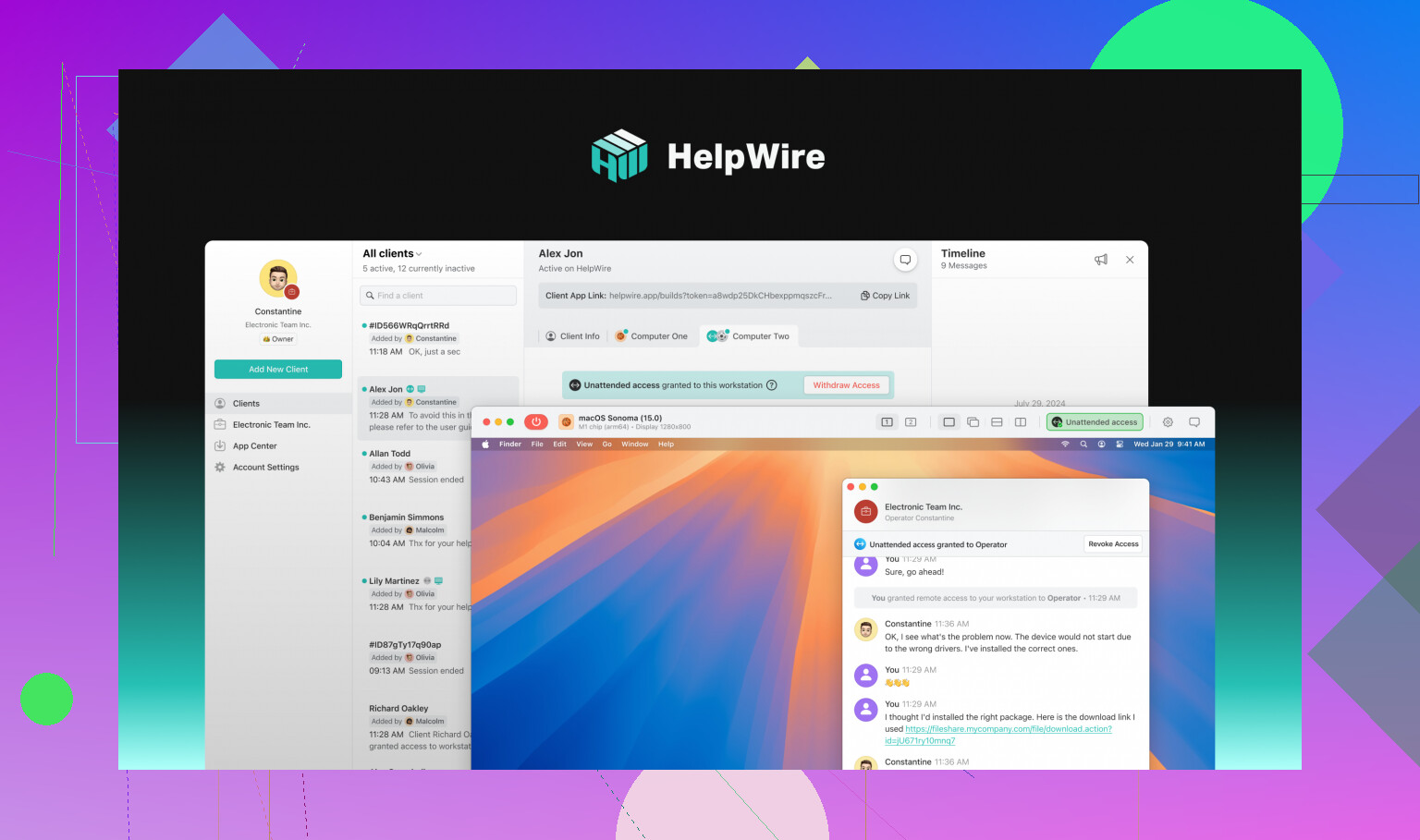
 HelpWire: The Fresh-Faced Upstart That Actually Delivers
Had to try something new after getting tired of “all-in-one” tools that feel like dragging a suitcase up five flights. So I landed on HelpWire for remote administrative access. Honestly? It’s like finding a clean hoodie after digging through a pile of conference swag. Fast to set up, zero drama with firewalls, and enough encryption that paranoid-me can sleep. They built this for tech support and sysadmins, which means it’s barebones where it counts and won’t throw 14,000 menu items at you.
When it Makes Sense:
Solo admins, small teams, or anyone tired of “solutions” with mandatory sales calls and pointless features.
What’s Cool:
- Click… connect… done. (No joke, I had it running before my coffee cooled.)
- Security defaults don’t require PhD-level tinkering.
- Actually fast on hotel Wi-Fi.
- Client and server troubleshooting: peak easy-mode.
Where it Chokes:
- You won’t get your SIEM or ticket system plugged in (yet).
- Not much legacy baggage; some might see that as a minus.
Cost:
Totally free, which made me double-check the small print. Nope, free is free.
 TeamViewer Tensor: The Heavy-Duty Classic (But Bring Your Credit Card)
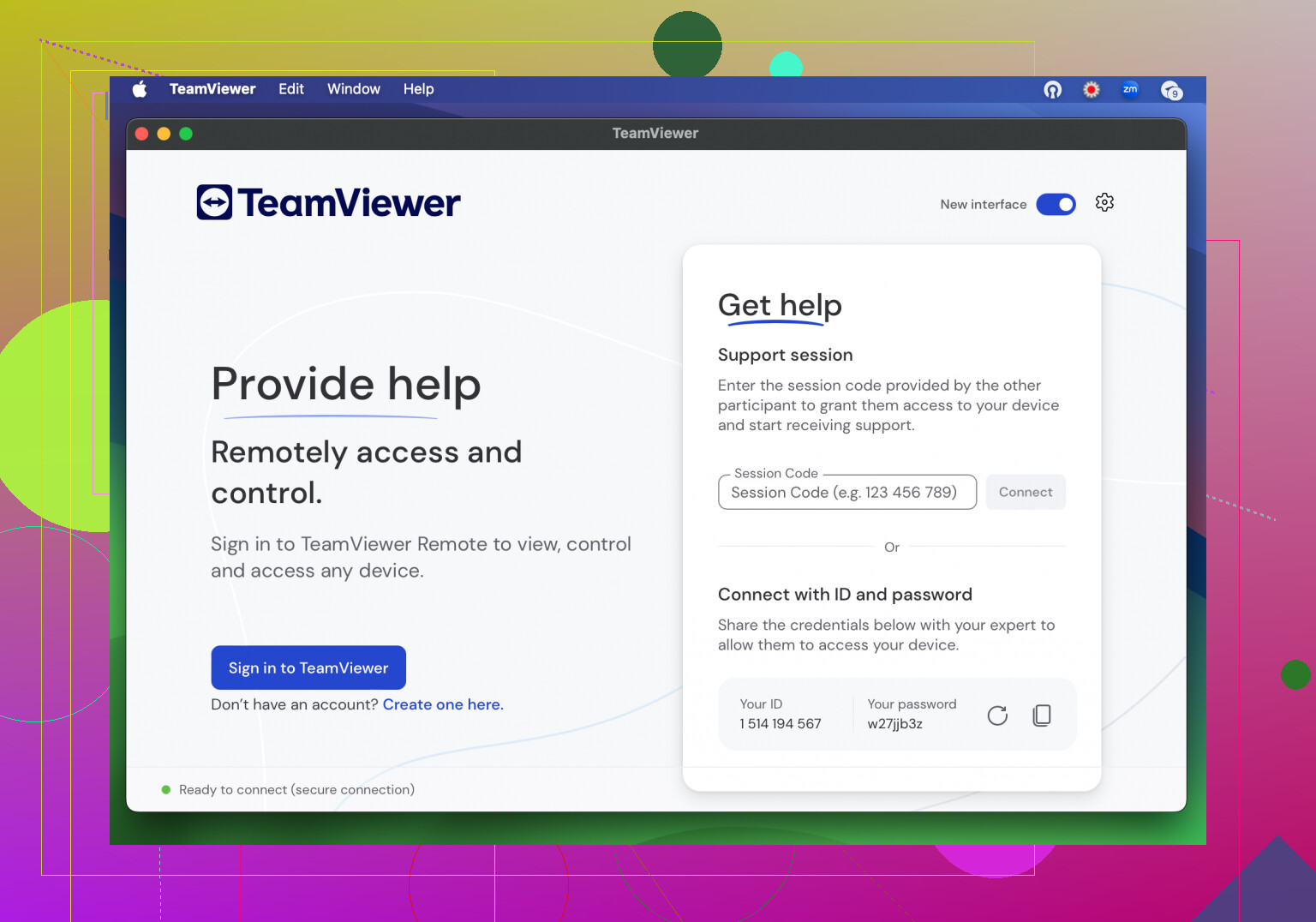
Let’s not kid ourselves—TeamViewer is everywhere. Tensor is their “big business, big compliance” version. If your audit guy wears a suit or your infrastructure stretches around the globe, chances are your org already has a Tensor contract somewhere. Security standards are high, but you’ll need to convince accounting it’s worth the ongoing price tag.
When it Makes Sense:
Huge enterprises. Teams juggling AD, macOS, Linux, and whatever else someone decided to deploy “one time” in 2017.
What’s Cool:
- Nearly every OS? Covered.
- Full-on ITSM integrations and reporting.
- You need to prove PCI DSS? Set it up, tell compliance you’re done.
Where it Chokes:
- That price: Blink and you’re staring down a small car payment.
- Feels like running Photoshop when you only needed Paint—you notice the load.
Cost:
Hefty enterprise pricing (think thousands per year). Every user/device? More $$$.
 Splashtop Business: Getting It Done on a Shoestring
If you need steady, affordable access and don’t care about having a “fancy” dashboard, Splashtop is the peanut butter sandwich of remote admin: reliable, satisfying, and oddly comforting. Performed rock-solid for server checks and quick fixes. Missing a few of the toys up in the “pro” tiers, but so what? Most people never touch those anyway.
When it Makes Sense:
Small shops or anyone who needs secure access without a C-suite’s IT budget.
What’s Cool:
- Runs on bargain hardware.
- Multi-device support; I’ve even kicked off a reboot from my phone mid-roadtrip.
- Cost? You can actually expense it without begging.
Where it Chokes:
- Need AD integration, custom scripting, or big data auditing? Gotta pay for higher tiers.
Cost:
Starts around $5–$8/user/month, but can edge up if you want the bells and whistles.
 AnyDesk: The Speed Demon for Last-Minute Saves
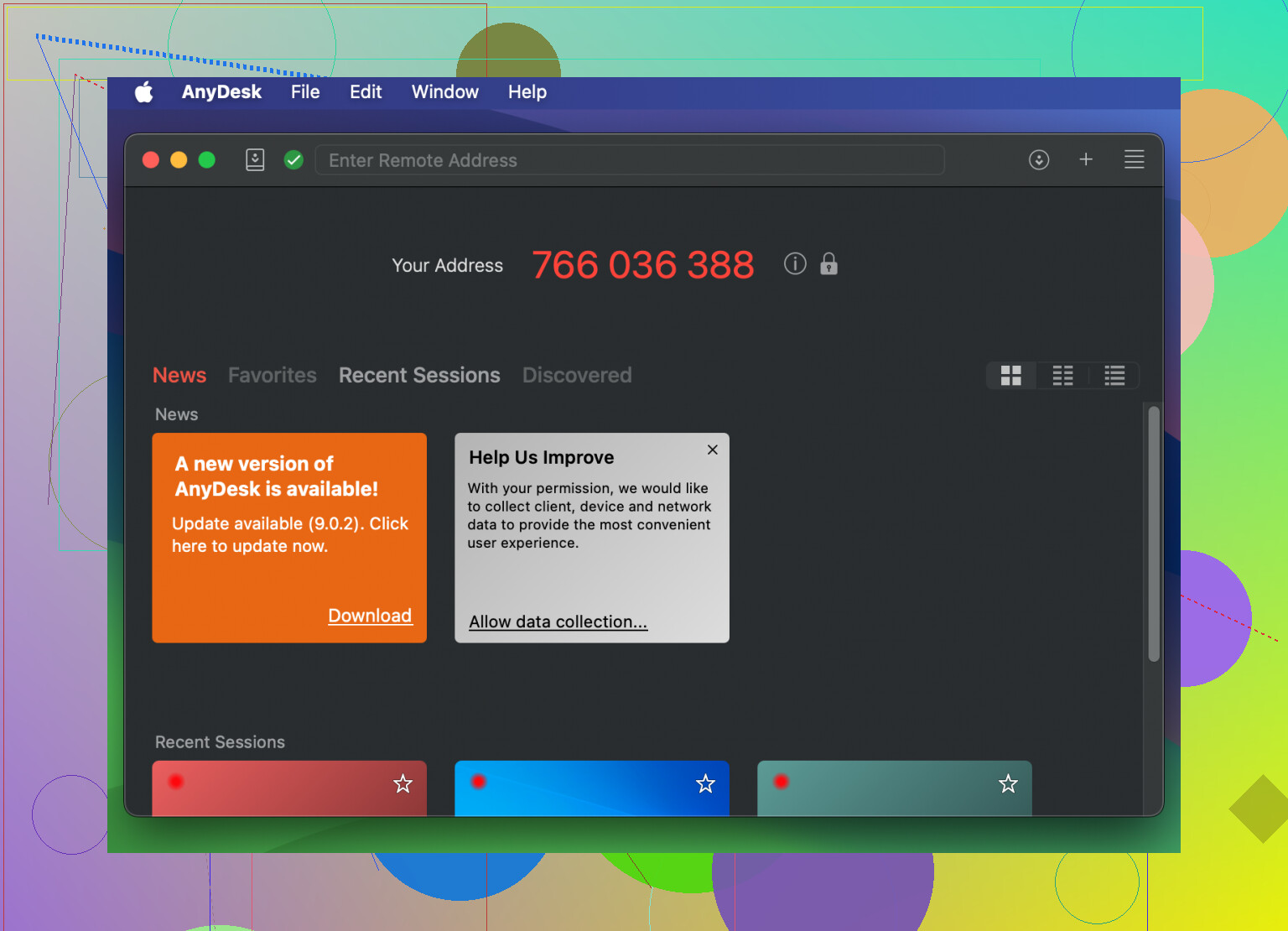
Ever try to fix a network on 4G in the middle of nowhere? That’s when AnyDesk comes alive—tiny install, connects in seconds, and runs smoother than a hot knife through butter. Great to have in your digital toolbox, even if just as a “break glass in case of emergency” solution.
When it Makes Sense:
Short “gotta fix this now” moments, or for backup access when your normal tool croaks.
What’s Cool:
- Uses barely any bandwidth.
- Installs in less time than explaining why you need remote access.
- Price is way more chill than the incumbents.
Where it Chokes:
- Not your go-to for massive audits, reporting, or managing 500 devices.
- Limited enterprise mashups; don’t expect it to log tickets by itself.
Cost:
Plans range from $15–$30/user/month, depending on features.
TL;DR Recommendations: Nerd-Approved Cheat Sheet
- HelpWire: If you want a remote admin tool that won’t chew up your morning or require a call to sales. Simple, solid, and secure for individuals or smaller teams.
- TeamViewer Tensor: Bring this out when compliance, legacy systems, or regulatory headaches are mission-critical. Budget accordingly.
- Splashtop Business: Get most of what you need without the sticker shock. Budget teams, rejoice.
- AnyDesk: Best for on-the-spot troubleshooting or as a speedy backup. Not a full-on enterprise replacement, but won’t let you down in a pinch.
If you’re on your own or wrangling a tiny crew, HelpWire is honestly a breath of fresh air. Balances ease, speed, and tight security without paying enterprise tuition. Don’t settle for sluggish legacy tools—your sleep schedule will thank you.
Alright, since @mikeappsreviewer already gave you the lightning round on the mainstream “remote everything” apps (and I agree HelpWire is a seriously underrated gem for admins flying solo or in lean teams), I’ll toss in another angle some folks weirdly overlook: Secure shell (SSH) plus modern bastion hosts. I know, I know, not shiny, not new, but that’s the point—SSH just plain works, and when configured right is about as bulletproof as it gets.
Here’s the no-BS version: Most breach reports (Verizon DBIR-type stuff) show brute-forced RDP and default creds as the biggest causes of remote access horror shows—not the openSSH daemon tweaked for key authentication, 2FA (think Google Authenticator or Duo), and locked down by firewall rules.
Actual recommendations:
- OpenSSH + Bastion + 2FA: Use a dedicated jump host (bastion) in your DMZ/VPC. Only THAT box has SSH open. Everything else—firewalled shut. Use strict pubkey auth (no passwords!) with 2FA as well.
- Guacamole (Apache): If you want browser-based access with gateway controls, Guacamole is OSS and can proxy RDP/SSH/VNC through a single tightly locked-down endpoint.
- BeyondTrust or CyberArk: For ultra-high compliance scenarios, privileged access management (PAM) suites actually broker remote sessions so the user never even sees the target server creds. Not cheap, and a pain to set up, but if your audit team chokes on log files, worth a look.
Those glossy tools—like TeamViewer Tensor and Splashtop—have their place if you need “click-n-fix” GUIs, but I don’t care how much they advertise AES-256, if you leave unattended access or weak OTP out there, you’re an easy mark. Also, some of those remote access platforms have had supply-chain or credential-stuffing breaches in their past. Not a deal breaker if you enforce MFA and review logs, but worth keeping in mind.
FWIW, I think HelpWire nails the “less is more, secure by default” philosophy that’s honestly what non-mega corps should use. The others do have more integrations, but that’s also more attack surface.
Bottom line: Don’t just buy features, actually use best practices. Bastions, strong keys, 2FA, audit logging—then your tool (HelpWire or SSH or PAM or whatever) just rides shotgun. And please, patch all the damn time!
Look, all these suggestions (props to @mikeappsreviewer and @stellacadente for covering the usual suspects plus reminding everyone that SSH+2FA ain’t dead) are solid, but here’s what I see sysadmins skipping way too often: managing how credentials are actually distributed and rotated. Everyone salivates over shiny dashboards, but half the time, you’ve got an RDP endpoint open to the world or Windows accounts that haven’t rotated passwords since before the pandemic.
You want “most secure”? Forget about the tool flavor for a second and ask yourself: can you prove who did what, when, and from where? Can you nuke compromised accounts instantly? TeamViewer Tensor, BeyondTrust, whatever—great, but they’re only as good as:
- Enforced Just-In-Time access (nobody gets permanent access, period).
- Full session recording and audit trails saved off the main prod subnet.
- No copy-paste or clipboard sharing unless absolutely necessary.
- Geo-fencing and time-based rules.
- Regular penetration testing of remote protocols and appliances (not just the endpoints).
HelpWire keeps popping up lately with folks who want something modern and not bloatware, and it’s right to get credit for strong default settings and fast setup—but, in my experience, any tool is a liability if you start poking holes in the firewall or let convenience trump discipline.
And before someone throws shade: browser-based access like Guacamole is cool, but you’d be surprised how often web session hijacking gets overlooked in audits. If you must expose RDP/SSH outside your VPN, please at least front it with Cloudflare Access or an identity-aware proxy.
TL;DR: Tools don’t replace process. HelpWire’s worth the look if you actually use the best practices it’s built around—otherwise, you’re just trading one risk for another fancy icon on your desktop.