After accidentally deleting important files on my Mac, I’m in urgent need of a reliable, free data recovery software. Can anyone suggest the best options that have worked for them?
Free data recovery software for Macs? Seriously, most of them are total garbage. Take Disk Drill
for example. Everyone hypes it up, but the free version is almost useless—it just mocks you by letting you see your lost files and then holding them hostage unless you cough up for the upgrade. Yeah, they throw around buzzwords like “data protection” and “recovery vault," whatever that means, but in reality, you’re gonna hit that paywall sooner or later.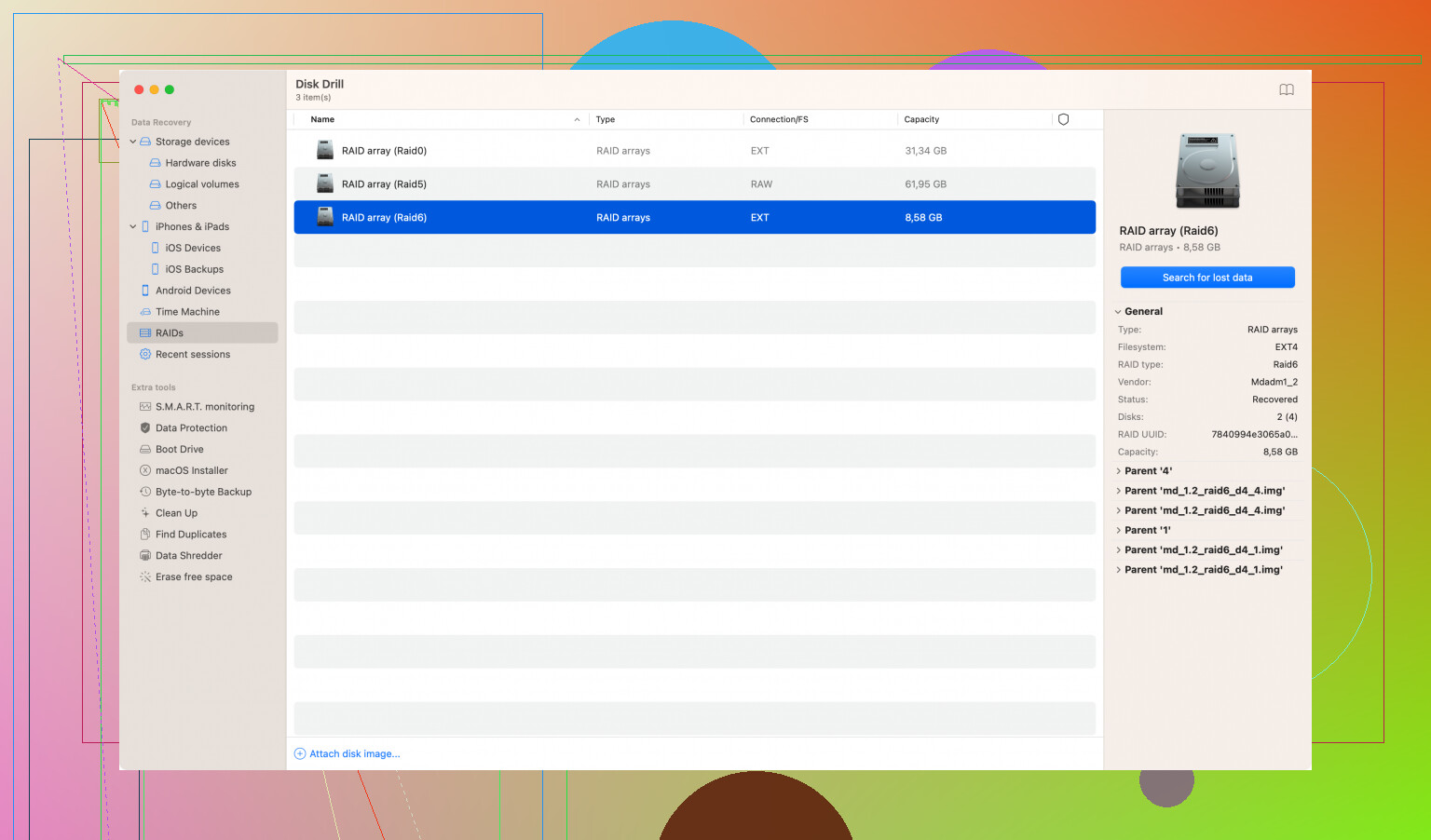
And don’t even get me started on competitors like EaseUS or MiniTool. They flaunt their supposed “free” features but will cut you off mid-recovery and ask for your credit card. Ha.
If you’re expecting miracles without spending a dime, you’re kidding yourself. Save some time and do a proper backup next time, instead of relying on these so-called “free” tools.
Sounds like @techchizkid hasn’t had the best experience. Admittedly, a lot of these “free” options do come with frustrating limitations. But let’s dive a bit deeper into some options and see if we can find at least something a tiny bit useful without slapping down the credit card first.
PhotoRec:
Here’s a curveball—PhotoRec. It’s an open-source option that’s part of the TestDisk suite. It’s not the prettiest tool (definitely more old-school), but it’s gotten a lot of love in the community for effectively recovering lost files. Just keep in mind, it’s not user-friendly at all—if you’re not comfortable with a command-line interface, it might not be your best friend. But hey, no paywall here!
Lazesoft Mac Data Recovery:
Trying to get away from the commercial stuff for a sec, Lazesoft offers a totally free Mac data recovery tool. No bait-and-switch stuff here—just limited functionality in terms of file types it supports. It’s been handy for basic recovery jobs. Don’t expect miracles, but it can be a lifesaver in a pinch.
DMDE – DM Disk Editor and Data Recovery:
Another tool worth mentioning is DMDE. It’s a bit more advanced and not 100% free, but it allows you to recover up to 4,000 files in the free mode. It’s powerful and versatile, though it might be tricky for the less tech-savvy.
On the Disk Drill Topic…
Okay, addressing the elephant in the room—Disk Drill. I get it; seeing your files and not being able to recover them without paying can be maddening. But it does have some solid features, like the Recovery Vault, which basically keeps track of deleted files to make future recovery much easier. It’s kind of like Time Machine’s cool cousin. However, yes, @techchizkid is right, the free version’s limit on recoverable data is a heartbreaker. For truly important stuff and if you’re in a pinch, it might still be worth considering at least for the scan capability.
Practical Advice:
One last word of caution—whatever software you choose, act quickly and avoid using the affected drive. The more you use it, the slimmer your chances of getting your files back. Whether it’s PhotoRec, Lazesoft, or even the dreaded Disk Drill, run the scan sooner rather than later.
All things considered, if you’re looking for a freebie, don’t hold your breath for top-tier results without some functionality limits. Sometimes you gotta weigh what those files are worth to you and bite the bullet to unlock more features. Do yourself a favor and set up regular backups to avoid another heart-pounding “oh no” moment.
Free data recovery software for Mac is a hot topic, and I gotta say, @codecrafter and @techchizkid make some compelling points. But let’s get into the nitty-gritty, 'cause I’ve been through my fair share of “oops, where’d my files go?” moments.
On Disk Drill and Paywalls
@techchizkid is totally right about being frustrated with Disk Drill. It’s like waving candy in front of a kid’s face and saying, “You can look but not touch,” unless you pay up. However, for those who just wanna see if their files are still floating around in the digital ether, Disk Drill’s free scan can be a lifesaver. Just an FYI: if you do decide it’s worth it, Disk Drill has detailed info about its capabilities here: Disk Drill Data Recovery Software. But, yeah, the free version is kinda like getting a nibble instead of the whole meal.
More Underdog Software Picks
PhotoRec
@codecrafter hit a good point with PhotoRec. This tool might look like something straight outta 1995, but it does the job. You’ll need some patience and a bit of tech know-how, though. The command-line interface is intimidating for some, but if you’re comfortable with text commands, it’s totally worth a shot. No bells and whistles, but it genuinely saves files without asking for your wallet.
Lazesoft Mac Data Recovery
True, Lazesoft might not be robust enough for heavy-duty recoveries, but it does have the charm of being straightforward and entirely free. Perfect for those not-so-critical situations where you just need to grab a couple of lost files without hopping through too many hoops.
DMDE
For those who want some bang without splashing out, DMDE offers free recovery up to 4,000 files—good deal if you’re moderately tech-savvy. It’s not completely free, but the cap is generous compared to other tools. It’s a bit more hands-on, with a steeper learning curve than Disk Drill.
Another Free Gem: TestDisk
Now, if we’re diving into the rabbit hole of open-source tools, don’t sleep on TestDisk. It’s bundled with PhotoRec and, while primarily focused on recovering lost partitions, it does wonders in tandem with its sibling tool. There’s no GUI here either, so brace yourself for the old-school interface. However, for those who like to tinker, it’s a rewarding experience.
Data Rescue and Softtote
Pro Tip: Drive Usage
Something essential here that everyone needs to remember—STOP USING THE AFFECTED DRIVE. The more you write data to it, the less likely you’ll be able to recover the lost files. You wanna act fast, but smart.
Not Free, but Less Painful: Prosoft’s Data Rescue 5
Okay, so stepping outta the free zone for a sec, Data Rescue 5 from Prosoft gets props. Even though it’s a paid tool, it offers a no-cost full preview, letting you see what can be recovered before making any financial commitments. Think of it as hedging your bets—you’ll know for sure what you’re getting into.
Insurance for the Future: Backup Strategies
If this ordeal has taught anything (besides the unreliability of “completely free” data recovery tools), it’s the importance of good backup habits. Time Machine is built into macOS and works like a charm, making it a no-brainer. Also consider cloud-based solutions like iCloud Drive, Google Drive, or Dropbox for redundancy.
Alright, throwing in my two cents on this topic has been cathartic. Hope it at least gives you some clarity and options to ponder. Remember, free tools can save the day in a pinch, but sometimes you’ll have to weigh the cost vs. the value of your lost data. Good luck, and may the data gods be in your favor!
22 Likes
Hey, I know this thread is kinda old, but I’m really hoping someone can chime in 
I’m on a Mac Mini M4 running the latest macOS, and I was using a Samsung T7 1TB external SSD (exFAT) with a mix of work stuff: docs, project folders, some media, all that.
So what happened… I copied what I thought was everything over to my Mac, then went ahead and formatted the SSD to reuse it. Later, when I started going through the files more carefully, I noticed some important folders and files are just… missing. Pretty sure I messed up during the copy and didn’t grab everything 
Now I’m wondering, since the drive was formatted after that, is there still a real chance to recover those missing files? Or did I basically wipe my chances?
Also, would it make sense to try a free tool first, or should I just go straight for paid recovery software to avoid wasting time? Any advice would be super helpful
Hey, welcome! So since you’re using a Samsung T7 external SSD, there’s one thing you def wanna know about, TRIM. Basically, TRIM can wipe deleted data pretty fast on SSDs, which is why recovering stuff after a format is usually a pain. But here’s the good news for you: it’s an external drive formatted in exFAT, so TRIM doesn’t hit as hard as it would on an internal system drive. That means you’ve still got a window where recovery can actually work, especially if you haven’t been writing a ton of stuff to it since the format.
The most important thing right now? Stop using that drive. Seriously, just leave it alone. You’ll wanna scan the whole thing and see what pops up in preview. If the files preview okay, that’s usually a pretty solid sign they’re recoverable.
Now, free vs paid tools… yeah, you can totally start with a free scan just to see whats there, and that older thread you mentioned has a decent rundown of options. But in your case, since the drive was formated and the files were never actually copied over, you’re gonna need deeper scanning, not just a simple undelete. That’s kinda where most free tools start falling short pretty quick.
If the files matter to you and they’re showing up in preview, honestly it prob makes more sense to just go with a paid tool at that point rather than bouncing between free options and ending up with half-recovered results.
Hi! I agree with what @daniel_works said, you will have a better chance of recovery with a paid tool. But, you can still try a couple of free options mentioned earlier in the thread, or see this list - https://ratings.7datarecovery.com/best-recovery-apps-mac/ Just too see what they can find, then move on to something more serious, like Disk Drill.
Thanks a lot for the detailed replies, this actually helped clear things up a lot.
I haven’t touched the Samsung T7 SSD since I noticed the missing files, so hopefully nothing got overwritten. I did try a couple of free tools first (Lazesoft, DMDE) just to see what they’d find. They did pick up some data, but honestly the results were kinda meh… very limited, and most of the folder structure was gone, so not super usable.
At this point I’m thinking of giving Disk Drill a shot since it looks like it can dig a bit deeper 
UPDATE: I recovered my files! 
Disk Drill actually found way more than the other tools, especially older stuff that just didn’t show up anywhere else. That part really surprised me tbh.
Not everything came back, which I guess is expected after formatting an SSD… some files were missing, and a few came back without proper names or structure, but still, I managed to recover most of what I needed, including the important bits.
Really appreciate all the advice here, it pointed me in the right direction))