If you want a free Sharp TV remote app on iPhone, the first thing I ran into was this, “Sharp” by itself doesn’t tell you much. Some Sharp sets run Roku TV. Others are on Android TV or Google TV. So the right app depends on what your TV is running.
The first one I’d try is TVRem – Universal TV Remote
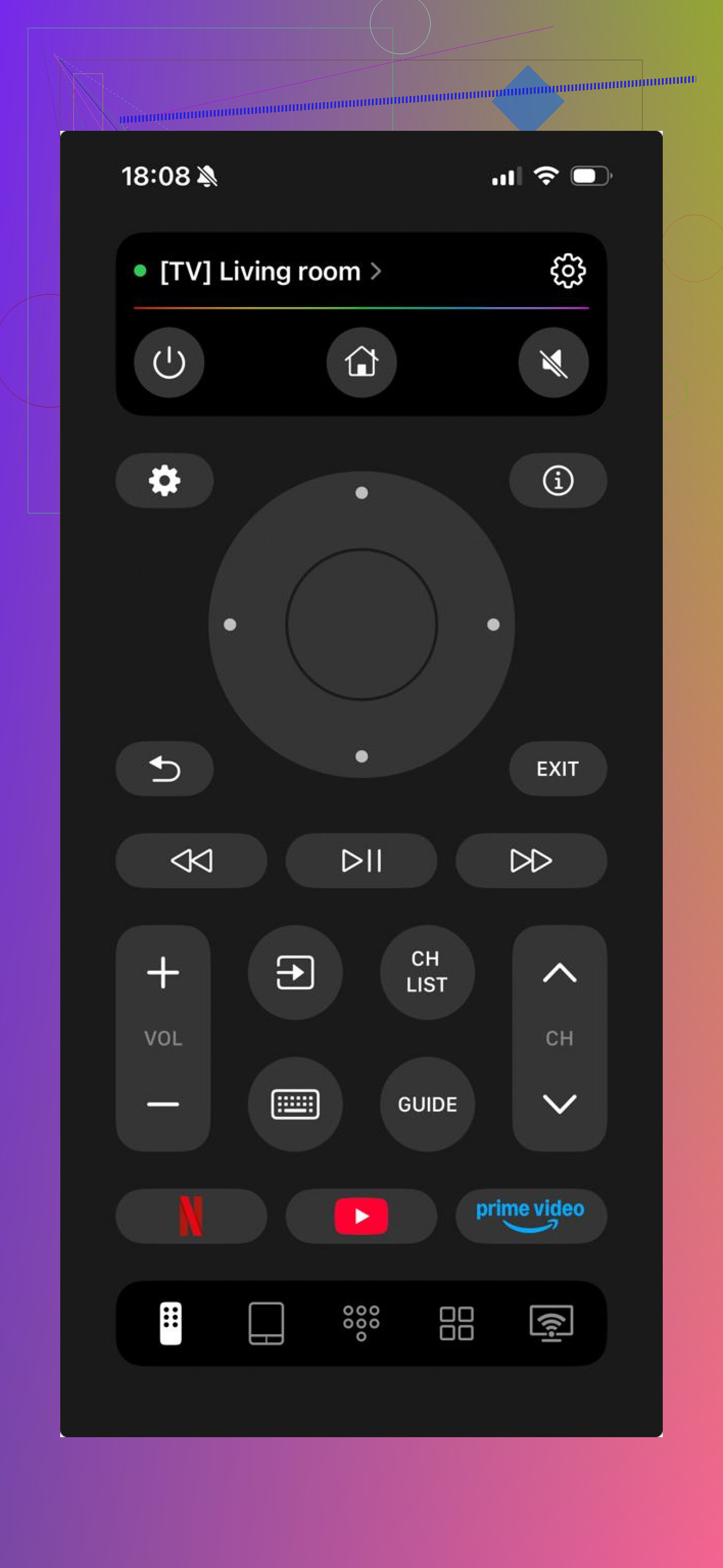
I used it on Roku TV and Android TV sets, and setup was simple. Same Wi‑Fi, a quick scan, done. You get the stuff most people need, volume, directional controls, typing from your phone, app launch shortcuts. What stood out to me was range across platforms. If your house has a mix of TVs, this saves time. Also, no ads showed up for me, and I didn’t hit a paywall for the normal controls.

Another one people try is TV Remote – Universal Remote.
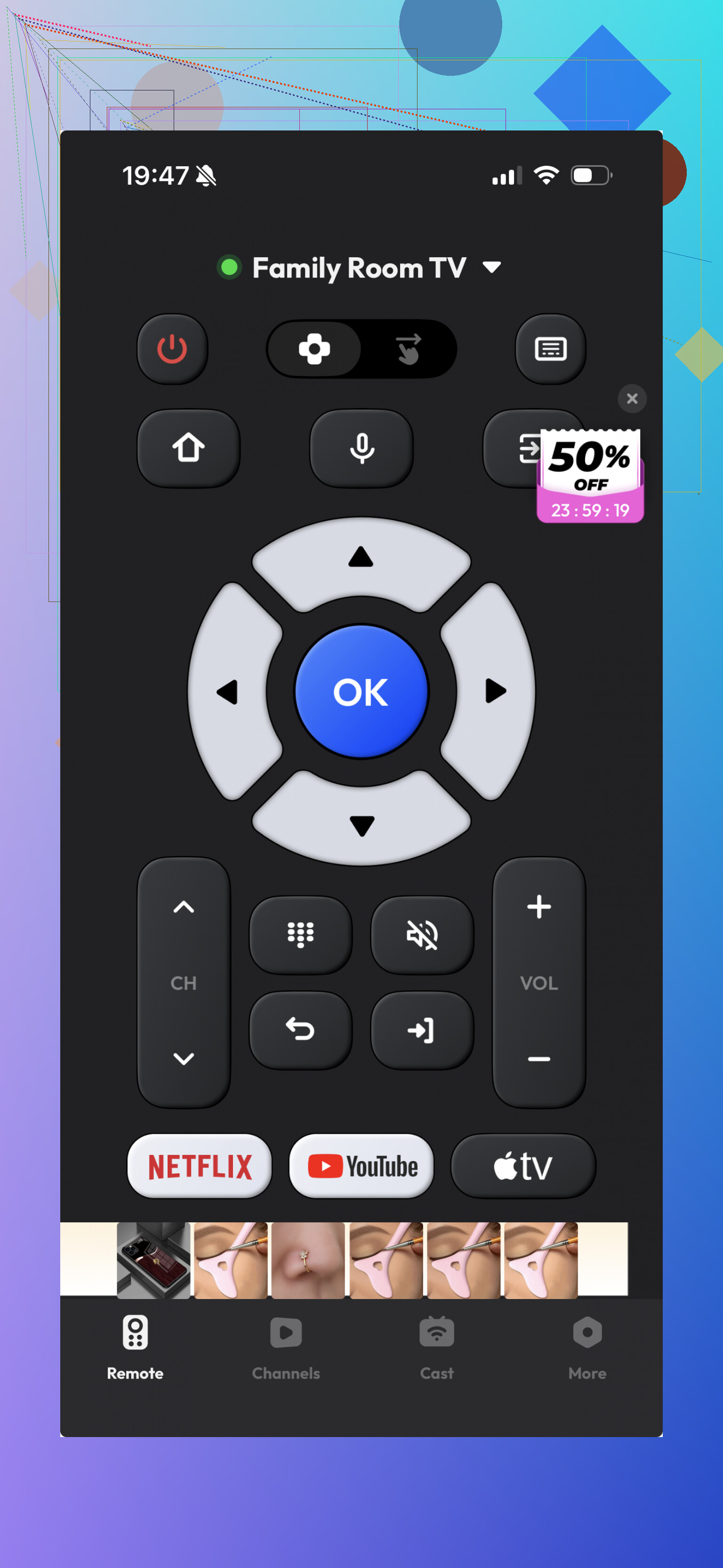
It does work with some Sharp TVs, and it covers the usual buttons. I got it paired fast enough, but it felt a bit thinner once I started using it for more than a minute or two. Fine for basic input. Less great if you want something polished or broad in support.
If your Sharp TV is a Roku model, I’d skip the guessing and use the official Roku app.
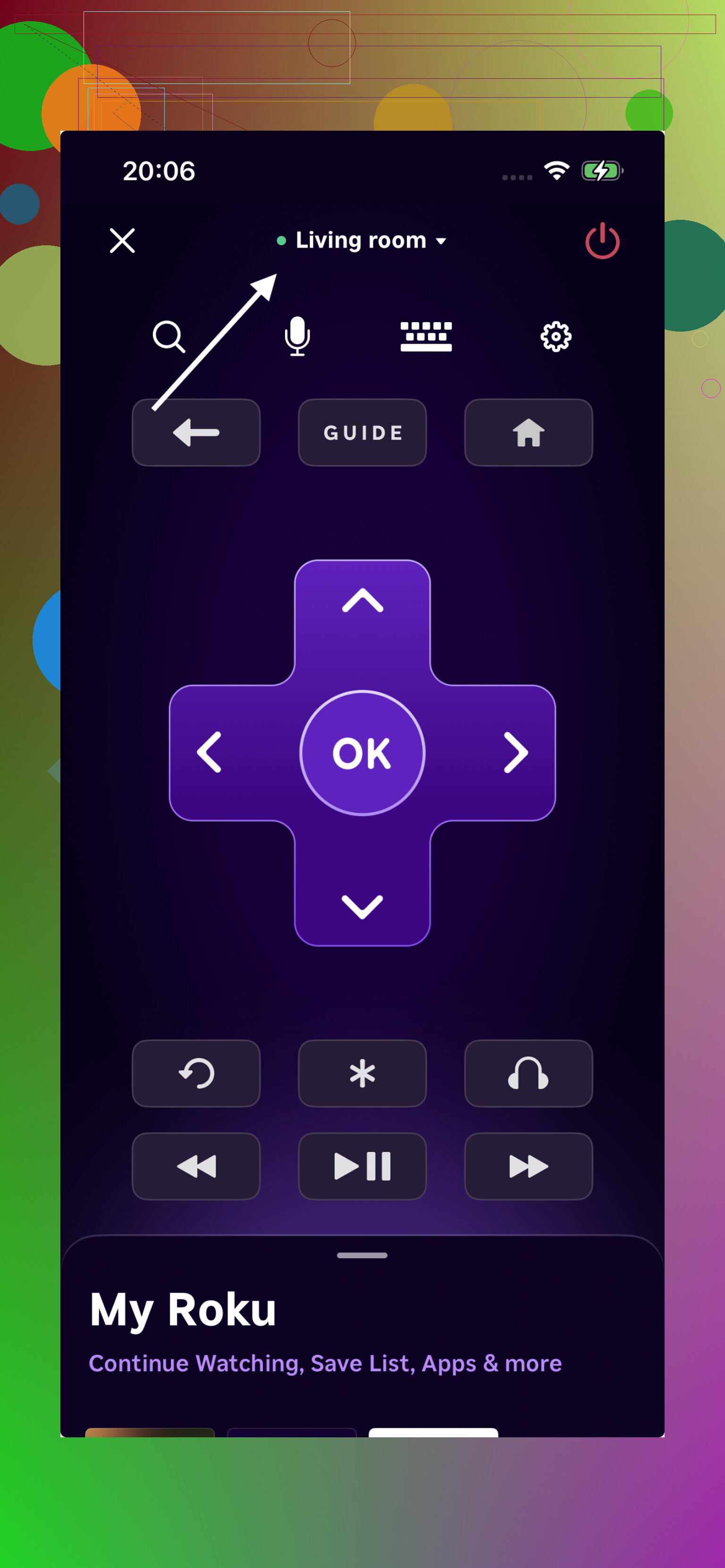
This is the one I had the least trouble with on Roku-based sets. Pairing was smooth. Navigation felt consistent. For plain remote duties, it held up better than a lot of third-party options I tested.
What I’d do, if you don’t feel like installing five apps and deleting four, start with TVRem. It covers the platforms most Sharp TVs use now, Roku plus Android TV and Google TV. It’s free, it doesn’t throw core features behind payment, and it cuts down the trial-and-error mess. For most people, tha’ts the easiest path.