I lost my Sharp TV remote and need a free iPhone app that actually works to control the TV. I tried a couple of remote apps from the App Store, but they either would not connect or wanted a paid upgrade. Looking for recommendations for the best free Sharp TV remote app for iPhone that is easy to set up and reliable.
If you want a free Sharp TV remote app on iPhone, the first thing I ran into was this, “Sharp” by itself doesn’t tell you much. Some Sharp sets run Roku TV. Others are on Android TV or Google TV. So the right app depends on what your TV is running.
The first one I’d try is TVRem – Universal TV Remote
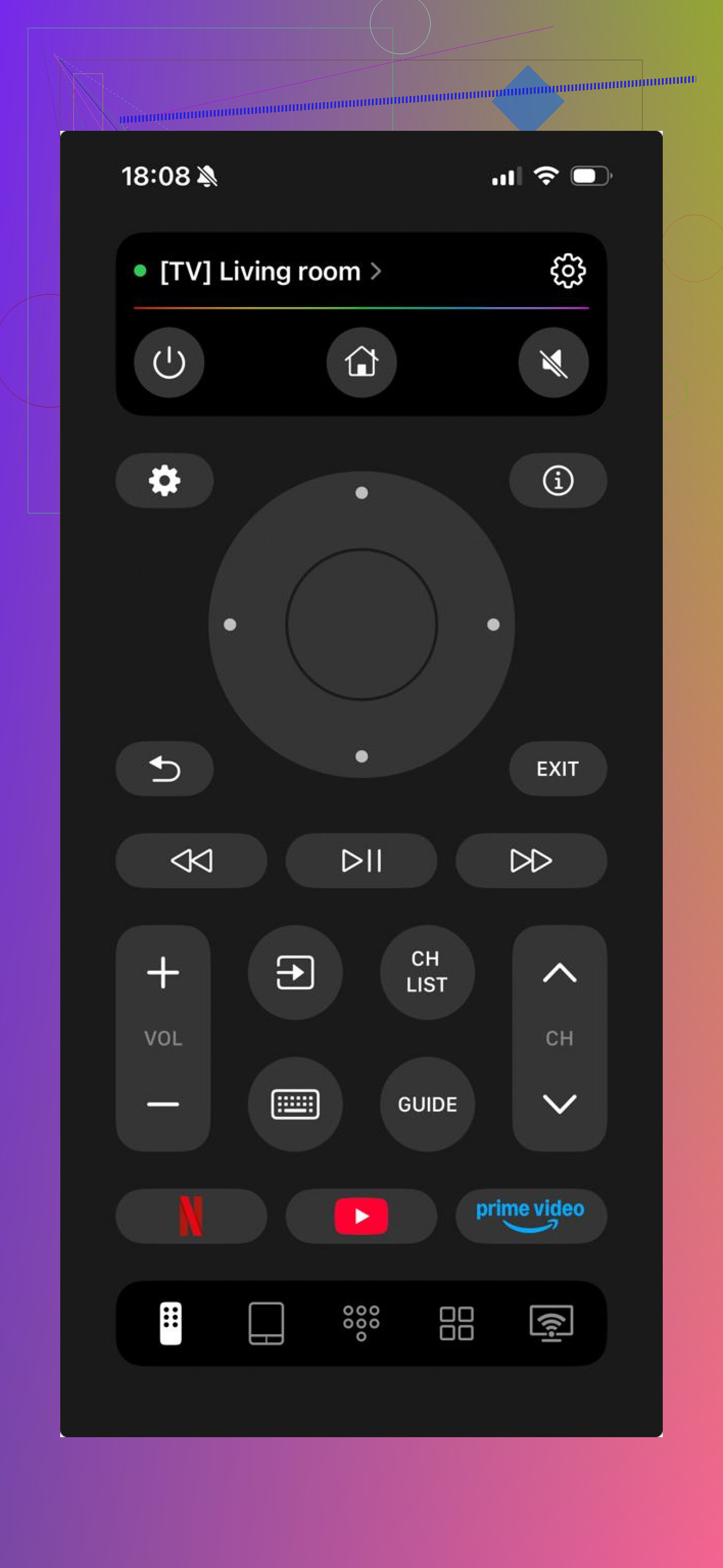
I used it on Roku TV and Android TV sets, and setup was simple. Same Wi‑Fi, a quick scan, done. You get the stuff most people need, volume, directional controls, typing from your phone, app launch shortcuts. What stood out to me was range across platforms. If your house has a mix of TVs, this saves time. Also, no ads showed up for me, and I didn’t hit a paywall for the normal controls.

Another one people try is TV Remote – Universal Remote.
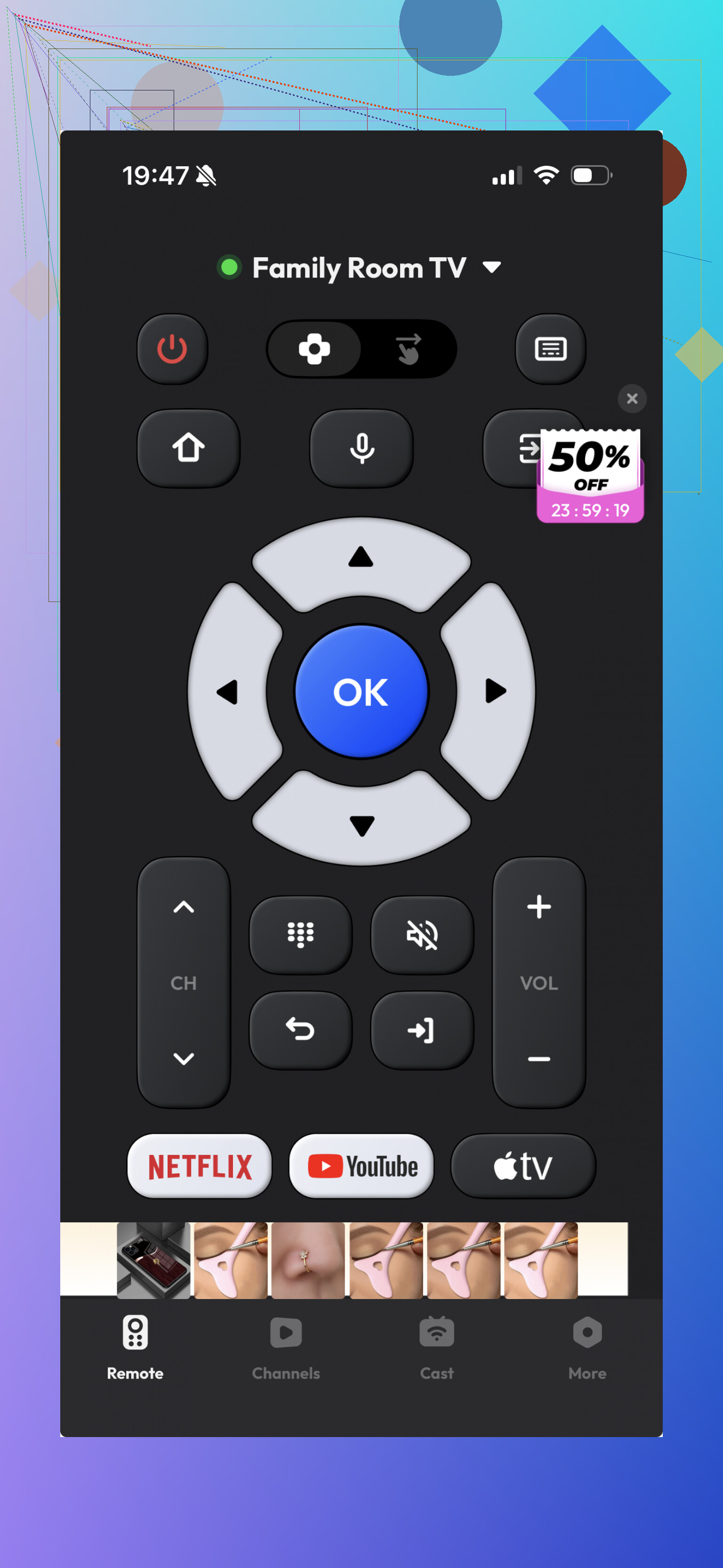
It does work with some Sharp TVs, and it covers the usual buttons. I got it paired fast enough, but it felt a bit thinner once I started using it for more than a minute or two. Fine for basic input. Less great if you want something polished or broad in support.
If your Sharp TV is a Roku model, I’d skip the guessing and use the official Roku app.
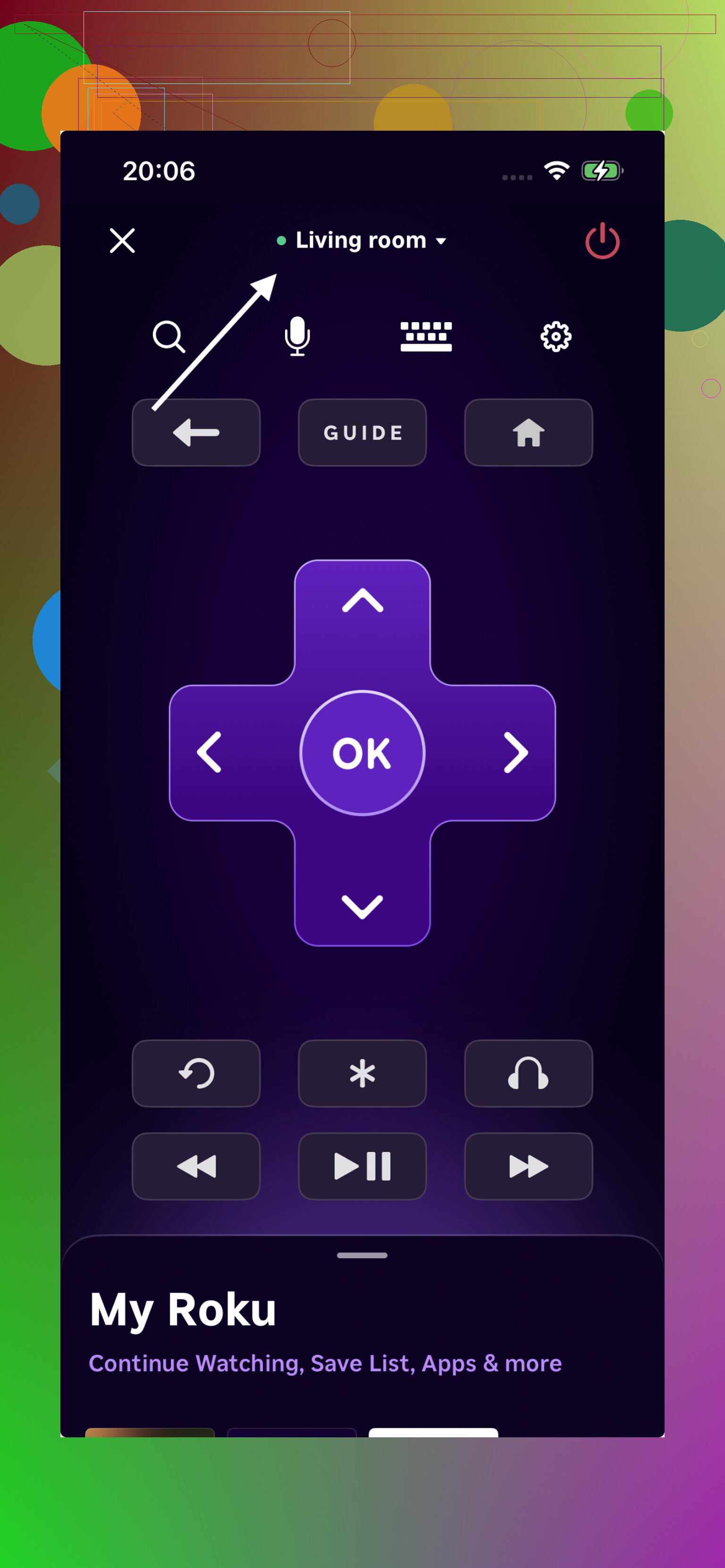
This is the one I had the least trouble with on Roku-based sets. Pairing was smooth. Navigation felt consistent. For plain remote duties, it held up better than a lot of third-party options I tested.
What I’d do, if you don’t feel like installing five apps and deleting four, start with TVRem. It covers the platforms most Sharp TVs use now, Roku plus Android TV and Google TV. It’s free, it doesn’t throw core features behind payment, and it cuts down the trial-and-error mess. For most people, tha’ts the easiest path.
I’d sort it by TV system first, not by the Sharp logo. @mikeappsreviewer is right on that part. Sharp sold TVs with different software, and remote apps fail when you pick the wrong family.
Fast way to narrow it down.
-
If your Sharp TV says Roku TV on the home screen, use the official Roku app first. It’s the most stable free option on iPhone from what I’ve seen. Fewer fake “free” traps.
-
If it says Android TV or Google TV, try Google TV. It works better than a lot of third-party apps for simple control, esp for pairing and text input.
-
If your TV is older Sharp Aquos, many iPhone apps won’t help at all. iPhones do not have IR blasters. Those old sets often need infrared, not Wi-Fi. This is the part a lot of apps hide, and it wastes your time.
So my take is a bit different. I would not start with a universal app first unless you already know your Sharp uses Wi-Fi remote support. I’d start with the official app for the TV system. Better hit rate. Less messing around.
One more check. Your phone and TV need to be on the same Wi-Fi. If guest Wi-Fi is on for one device, pairing often fails. I got burned by this once, lol.
If you post your Sharp model number, people here can tell you the best app in like 2 mins.
I’d actually push back a little on starting with universal apps first, even though @mikeappsreviewer and @cacadordeestrelas made fair points. In my expereince, the “free” universal remotes on iPhone are hit-or-miss and a lot of them bait you with one working button, then ask for subcription.
Best free options if you want the least headache:
- Roku app if your Sharp is a Sharp Roku TV
- Google TV app if your Sharp runs Android TV or Google TV
- Aquos Remote Lite is worth checking only if you have a compatible Aquos model on Wi-Fi, but support is spotty now
The annoying truth: if it’s an older Sharp that used the original IR remote only, your iPhone won’t replace it. No IR blaster, no magic, no matter how many apps claim otherwise lol.
So my take:
- Check the TV home screen or model number
- Use the official app for that platform
- Ignore any app that asks for payment before it even finds your TV
If you post the Sharp model, people can probly tell you in one reply which app will actually work.
I mostly agree with @cacadordeestrelas, @cazadordeestrellas, and @mikeappsreviewer on checking the TV platform first, but I would add one shortcut: look at the back label for terms like Roku, Google TV, Android TV, or Aquos before wasting time on installs.
If you want one app to test before going down the rabbit hole, TVRem – Universal TV Remote is a reasonable first shot on iPhone.
Pros for TVRem – Universal TV Remote
- Works with multiple TV systems, so useful if your Sharp is not obvious
- Simple setup if Wi-Fi pairing is supported
- Good for basic controls and text entry
- Better than a lot of fake free remote apps
Cons
- Still won’t help if your Sharp is IR-only
My slight disagreement with the others: official apps are not always automatically best if you do not know the TV system yet. A universal app can save one round of guessing. But once you identify the platform, switching to the official Roku or Google TV app is usually smarter. If it is old Aquos, skip app hunting and get a replacement remote.
A simpler fix is to use your streaming device remote through HDMI-CEC. If you own a Roku, Fire TV, Apple TV, or cable box, its remote often handles Sharp TV power, volume, and input.
Open the TV settings with the small button or joystick under the screen. Enable HDMI-CEC. Sharp sometimes labels it Aquos Link. Then enable TV control in your streaming device settings.
This avoids app fees, Wi-Fi pairing, and random connection issues. Setup takes about 3 mins. If CEC fails, buy an exact-model replacement remote using the model number on the back label. They often cost $10 to $15.
If the TV is fully powered down, don’t expect any Wi-Fi app to wake it up. That trips people up constantly. These apps talk to the TV over the network, and on a lot of Sharp sets the network chip goes to sleep when the TV is off, so the app just sits there saying ‘not found.’ You can control volume, inputs, navigation once it’s already on, but the power-on part is where the phone quietly fails. Worth knowing before you decide an app is broken.
That’s actually the strongest reason @silverstream’s HDMI-CEC tip is underrated here. If you’ve got a Roku stick or Apple TV plugged in, that little remote wakes the whole chain including the Sharp, and it keeps working when your phone can’t. No pairing, no paywall roulette. The only catch is CEC being off by default, and Sharp burying it under the Aquos Link name, so check there first.
On the app side, I think @cazadordeestrellas has the right instinct. Start with the official app for whatever platform the TV runs, not a universal one. The universal apps like the TVRem one mentioned earlier are fine as a quick ‘does my TV even respond over Wi-Fi’ test, but I wouldn’t build my daily setup around one. Once you know it’s Roku or Google TV, the first-party app is just steadier. And if it turns out to be an older IR-only Aquos, stop hunting entirely and order the model-matched remote. Ten bucks beats an hour of installing apps that were never going to work.