I lost my physical remote and need to control my Android TV from my iPhone. I tried a few iOS remote apps, but they either won’t connect or have limited features. I need help finding a reliable Android TV remote app for iPhone that actually works.
There are a couple iPhone apps for controlling an Android TV, but they are built with different priorities.
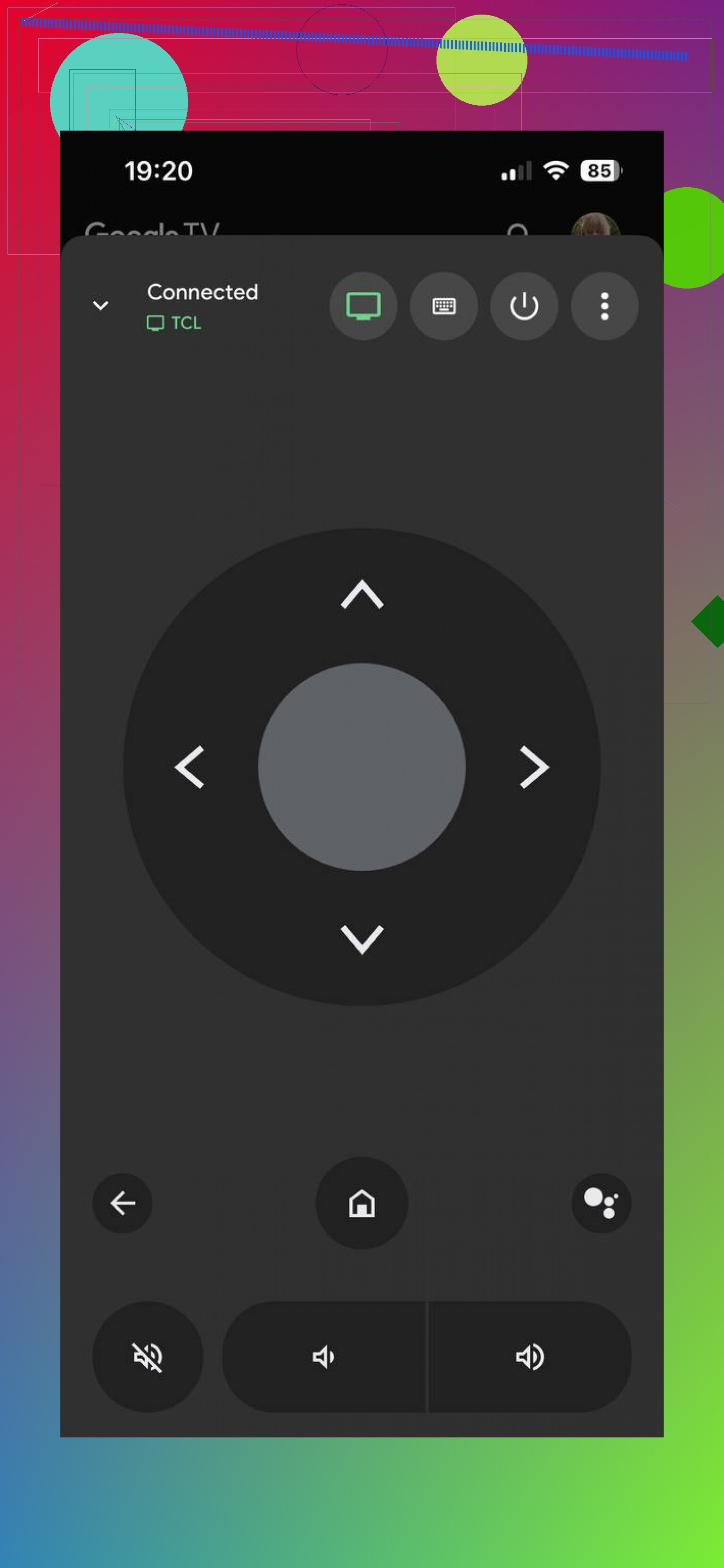
The Google TV app felt more like a media hub when I used it. You open it and run into movie picks, watchlists, account stuff, casting, and browsing. The remote is in there, sure, though it never felt like the main point. It worked, but I had to dig for it more than I wanted.
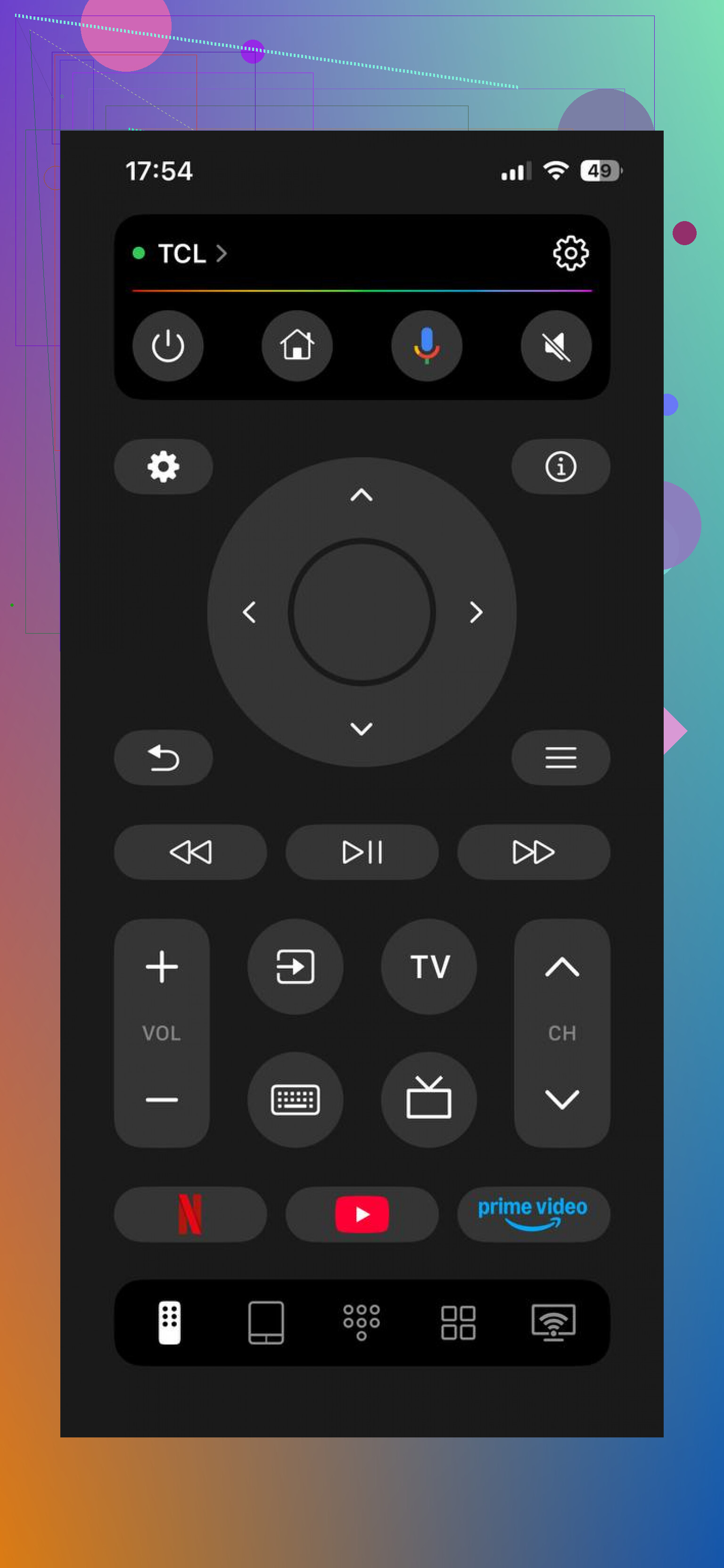
TVRem – Universal TV Remote App goes the other way. It is focused on remote control first, and you notice it right away.
Why I ended up preferring it for daily use:
It worked with a long list of Android TV and Google TV devices.
It felt like a full remote replacement, not an extra tool buried inside a bigger app.
The Wi-Fi pairing on the same network was quick for me.
The touchpad navigation was smooth and less annoying than I expected.
It had the buttons I needed without hunting around, home, back, volume, input, playback.
Typing from the phone keyboard was way faster than pecking through the TV keyboard.
The layout stayed clean. No extra media feed stuff in the way.
For basic remote use, it was usable without much setup stress.
My short take:
Google TV app is more of a full content app with remote features added in.
TVRem is aimed at people who want their phone to behave like a remote and get out of the way.
If your goal is simple, control the TV fast and move on, TVRem felt like the more practical pick in day to day use.
I’d keep two options on your phone, not one.
First, try the official Google TV app. I know @mikeappsreviewer found it too bloated, and I sort of agree. It hides the remote more than it should. Still, it tends to pair better with Android TV and Google TV boxes because it uses Google’s own remote flow. If your TV is already on the same Wi-Fi and signed into Google services, this is often the first one worth testing.
Second, if you want a remote-first app, TVRem is a fair pick. Where I disagree a bit with @mikeappsreviewer is this, third-party apps are hit or miss on older Sony, TCL, Hisense, and cheap Android TV boxes. Great on some sets, flaky on othres. So test it fast and see if volume, home, input, and keyboard input all work. Those 4 features matter more than flashy layout.
What I’d check before blaming the app:
- TV and iPhone on the same Wi-Fi band.
- VPN off on your phone.
- TV remote settings enabled in network or device prefs.
- If the TV was rebooted since you lost the remote.
If the TV is stuck off-network, iPhone apps won’t help much. Then your best move is a USB keyboard, HDMI-CEC through another device, or borrowing a cheap universal remote for first pairing. Kinda annoyng, but true.
I’d actually split this by what you need right now.
If the TV is already on your Wi‑Fi, the fastest combo is usually:
- Google TV app for initial pairing or text input
- TVRem if you want a cleaner day-to-day remote feel
I kinda disagree with @mikeappsreviewer on one thing though: “remote-first” apps are not always the most reliable just because they look cleaner. Some Android TV sets are weirdly picky, and the ugly official option sometimes connects when the nicer apps don’t. Annoying, but yep.
One thing neither answer really stressed enough: volume control can fail even when everything else works. A lot of TVs only allow nav/playback over network remote APIs, while volume still depends on IR, HDMI-CEC, or brand-specific support. So if an app connects but volume doesn’t work, that doesn’t automatically mean the app sucks.
Also worth checking:
- whether your TV has a brand app on iPhone, like Sony BRAVIA, TCL, etc.
- whether you have an Apple TV/console/streaming stick remote via HDMI-CEC that can wake and control basic functions
- whether your TV supports a Bluetooth remote app path after first pairing
If the TV is offline, honestly, apps are kinda useless. At that point a cheap USB mouse or keyboard often saves the day faster than installing ten apps that all say “searching for device…” forever. Learned that the dumb way lol.
I’d add one angle the others only hinted at: if your Android TV supports Google Fast Pair / Nearby device discovery, iPhone remote apps can still be flaky until the TV’s network services fully wake up. That is why some apps look broken when the real problem is the TV’s standby behavior.
For actual app picks, I’d keep it simple:
1. Google TV app
- Pros: best chance of authentic pairing, good keyboard input, solid for basic nav
- Cons: cluttered, remote is buried, not great as a pure remote replacement
2. TVRem – Universal TV Remote
- Pros: cleaner remote layout, quicker access to core buttons, better as an everyday remote
- Cons: third-party compatibility can vary, and volume/input support may still depend on the TV
Small disagreement with @waldgeist and @stellacadente: I would not spend too long testing lots of apps back to back. If two fail, the issue is usually the TV state, not the app.
What I’d try that hasn’t been said yet:
- wake the TV with the physical power button on the set
- connect the TV to Ethernet if Wi-Fi is acting weird
- check if Remote Service / Networked Standby is enabled in developer or power settings
- if you have a PlayStation, Chromecast, or set-top box attached, use HDMI-CEC to navigate into network settings first
So, best practical combo:
- Google TV app for first connection
- TVRem – Universal TV Remote for daily use if you want less clutter