I keep seeing the same Mac archive question come up in threads like this one, so I went through the usual suggestions myself and compared how they behave in normal use.
Quick version. macOS opens .zip files on its own. For .rar, .7z, and older oddball archive types, you need a separate app. After trying a pile of them, these are the names people keep circling back to, each for a different reason.
1. The Unarchiver
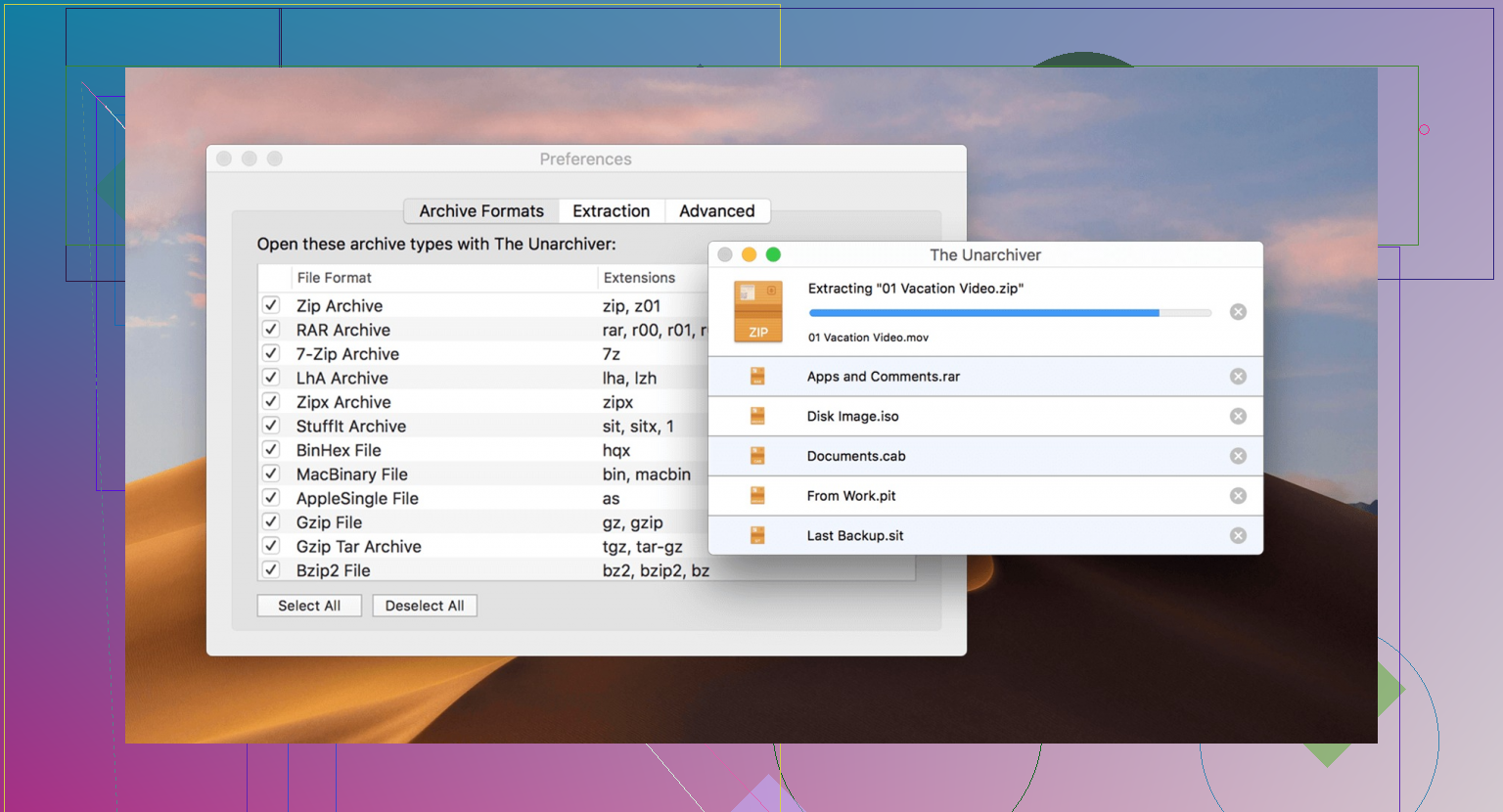
If you want the low-effort pick, this is the one I saw recommended most often. The Unarchiver has been around for years, and it feels like one of those apps people install once and stop thinking about.
What it does well. It is small, opens a long list of formats like RAR, 7z, Tar, and Gzip, and fits in with macOS without looking weird.
Why people keep using it. There is almost no process. You double-click an archive, it extracts, drops the folder where you expect, and gets out of the way. I liked it most when I wanted zero setup and zero fiddling.
2. Keka
This is where the conversation shifts. If extracting files is only half the job and you also need to make archives, Keka tends to come up fast. I ended up liking it more than I expected.
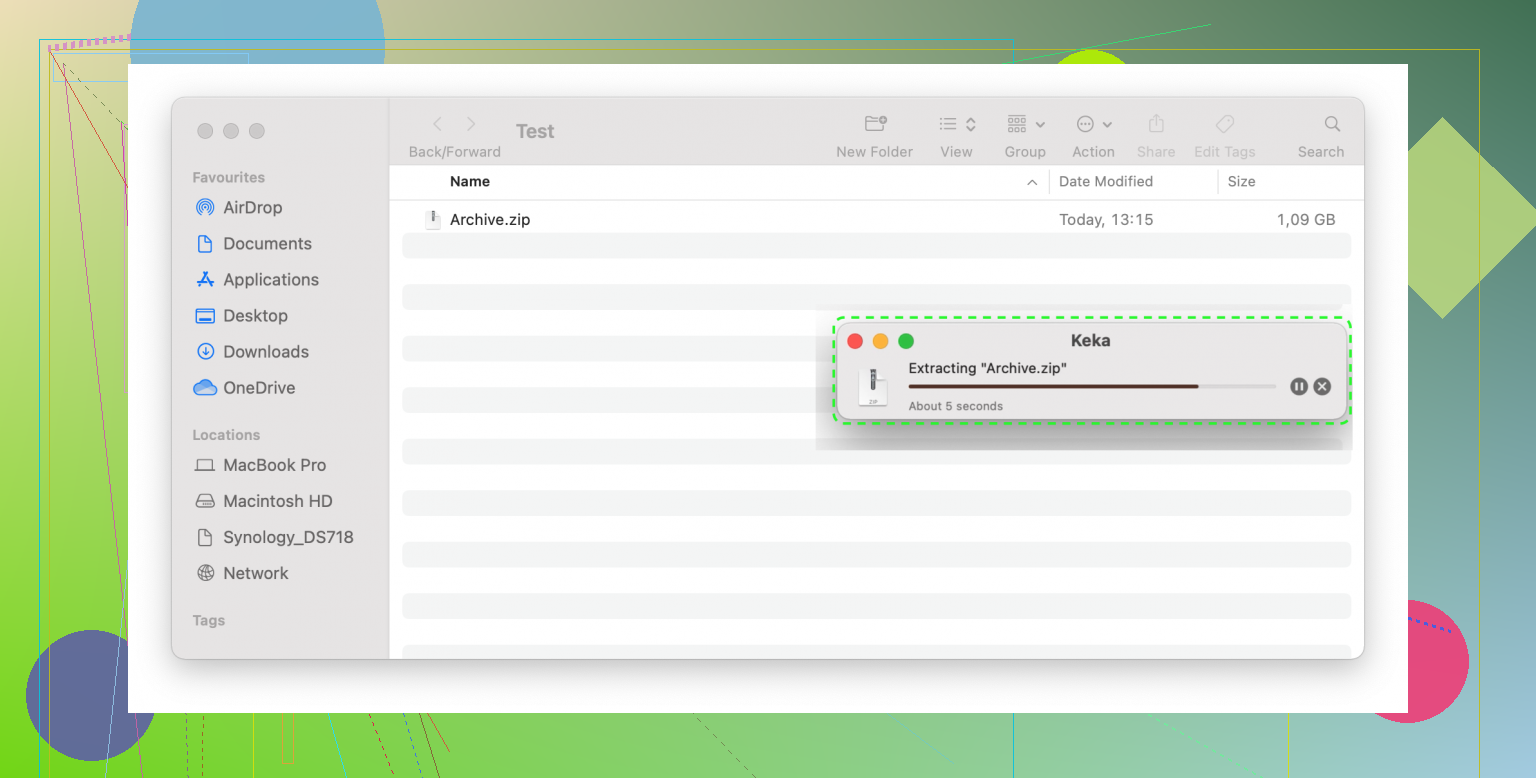
Main strengths. It supports strong compression settings, archive splitting, password protection, AES-256 encryption, and the drag-and-drop flow is easy to live with.
Why it earns a spot. I used it on a large folder once and split the output into chunks for upload. No drama, no odd errors. If you need to compress, encrypt, and break a file set into fixed sizes, Keka handles the boring part well. It being open source helps too.
3. Commander One
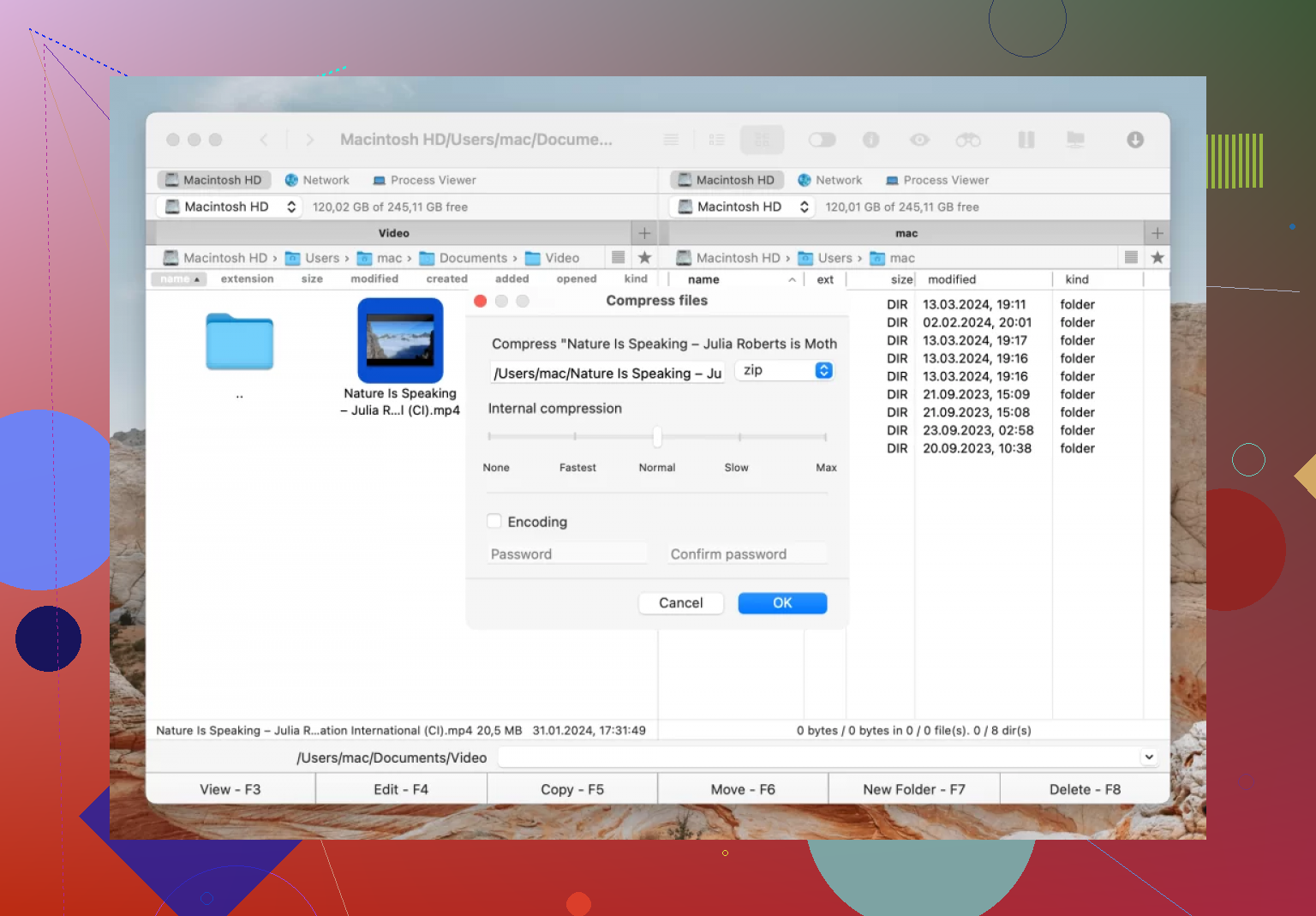
This one is for people who do more than crack open archives once in a while. Commander One is closer to a full workspace than a single archive tool.
What stands out. It supports a long list of archive types, including RAR, ZIP, 7z, LHA, TGZ, TBZ, TLZ, and TZ. It also lets you search inside archives and edit files without unpacking everything first.
Why some people swear by it. If your files live on servers half the time, this setup makes sense. FTP, SFTP, and FTPS support are built in, so you can move files around and work through one interface. I can see why admins and web people stick with it. Pulling down a giant archive only to tweak one file gets old fast.
4. WinZip for Mac
I do not see regular Mac users bring this up as much now, but in office setups, shared Windows and Mac teams, and locked-down work environments, WinZip still hangs around for a reason.
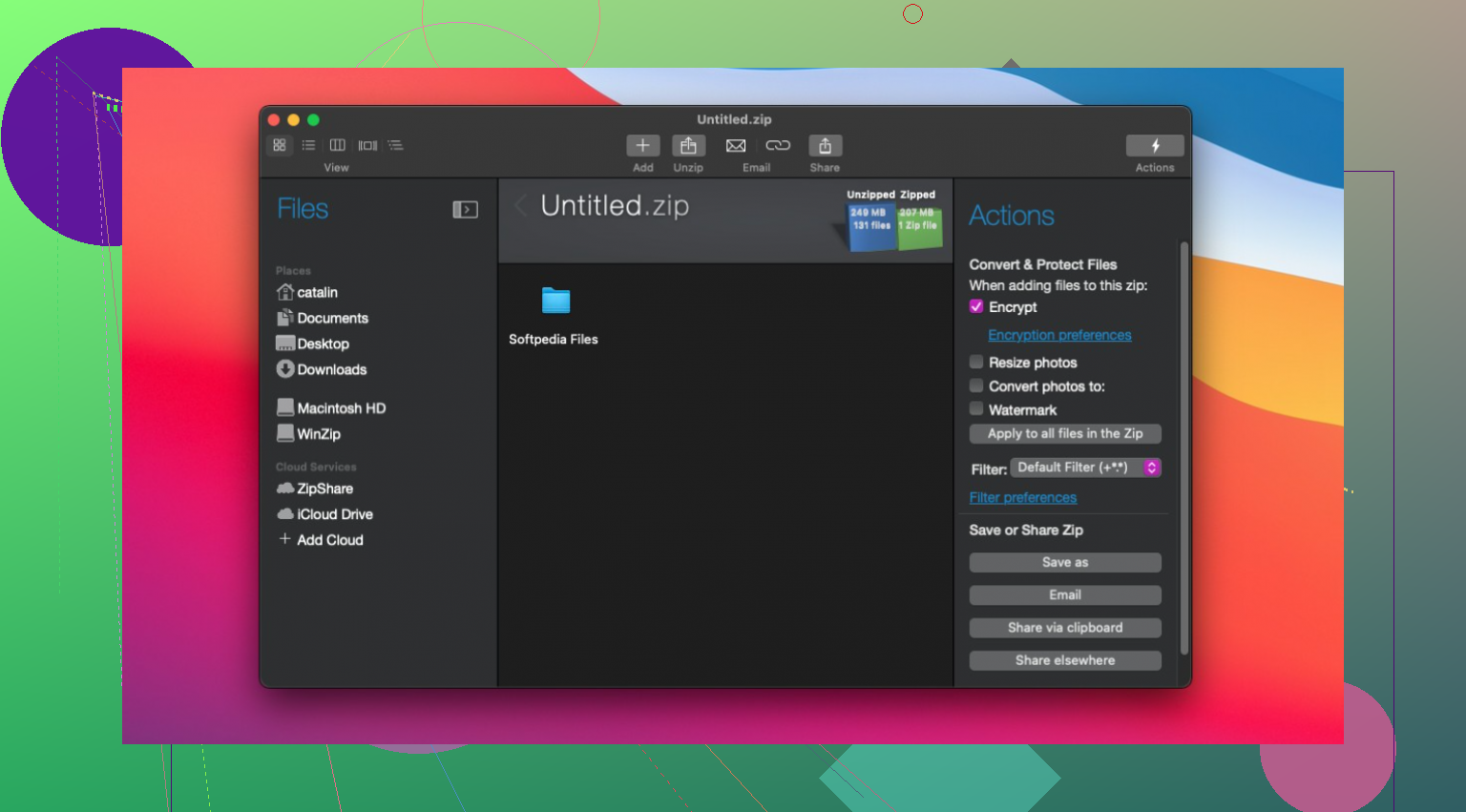
What it focuses on. Cloud tie-ins, sharing tools, encryption, and file handling beyond simple extraction.
Where it fits. If your work lives in iCloud Drive, Dropbox, or Google Drive, and you need encrypted archives moving through approved channels, WinZip feels built for tht sort of routine. It is less about elegance and more about predictable office use.
What I’d pick depending on the job
If you want a free extractor and do not care about extras, go with The Unarchiver.
If you need to make archives, set passwords, or split large files, Keka is the better fit.
If you work inside archives and also deal with remote servers, Commander One makes more sense.
If you are stuck in company workflows with cloud storage rules and security reqs, WinZip is still the safe answer.
That is the cleanest way I know to sort through the noise. Different app for a different mess.
A simpler option is the command line. Install Homebrew, then run:
brew install unar
Open Terminal, type unar, add a space, drag your RAR file into the window, and press Return.
This extracts the archive beside the original file. You avoid ads, subscriptions, and extra file-manager features. It also works well for occasional RAR files. Use this if you dont want another app sitting on your Mac.
Half the time a RAR ‘won’t open’ it has nothing to do with the app. If the download got cut off, or it is a multi-part set (part1.rar, part2.rar and so on) and you are missing a piece, every unarchiver on this list will fail the same way. So before you go app shopping, check the file size against the source and make sure you actually have all the parts. That saves you from blaming perfectly good software.
The Unarchiver advice from @himmelsjager and @yozora is solid for the plain case, but there is one gap nobody mentioned. Some RAR files use RAR5 with password encryption, and older builds of certain free tools either stall or throw a vague error on those. The Unarchiver handles most of it fine these days, but if you hit an encrypted archive and get nothing but a spinner, that is usually the cause, not a corrupt file.
On Commander One, I get why it keeps coming up, and I don’t think the people pushing it are wrong. If you already live in a two-pane file manager and pull down archives constantly, having extraction built into the same window is genuinely convenient. My only pushback is that it is a workflow choice, not a RAR fix. It won’t open anything The Unarchiver can’t. So install it because you want the file manager, not because you think it unpacks RARs better.
For someone with three files sitting in Downloads right now, I’d honestly lean toward @shadowspark169one’s terminal route if you are even slightly comfortable with it. One brew install, drag, done, nothing living in your Applications folder afterward. If terminals make you nervous, The Unarchiver is the no-thinking answer and that is fine.
One last thing people forget: whatever app you pick, grab it from the developer or the App Store, never from some ‘free RAR opener’ search result. That is where the ad-junk and fake pro upgrades come from, and it is the actual risk in this whole question.