I’m overwhelmed by how many universal TV remotes are out there and the reviews are all over the place. I need one remote that can reliably control my TV, soundbar, and streaming devices without constant reprogramming or lag. What models are you using that actually work well for multiple devices, and what should I avoid?
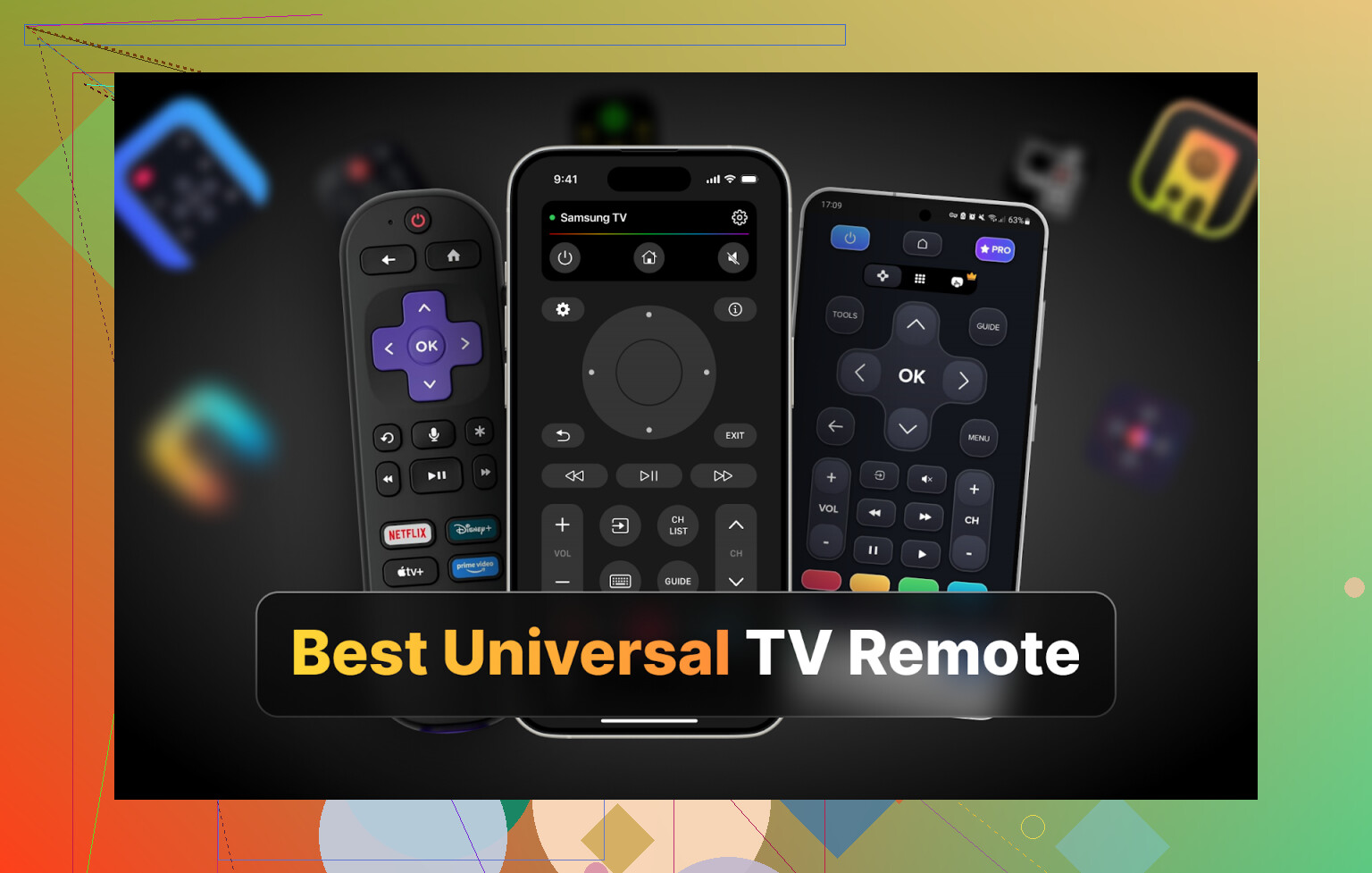
Hi all,
I got sick of hunting for TV remotes under couch cushions, so I ended up going way too deep into phone remote apps.
Context: I have two TVs at home, Samsung and LG. That means two different physical remotes, each disappearing at the worst possible time. My phone, on the other hand, is always nearby. So I started testing universal remote apps on iPhone, Android, and Mac to see what is actually usable every day and what is trash behind a paywall.
Below is what I tried, what worked, and what annoyed me.
Part 1: TV remote apps for iPhone
I grabbed a handful of the more visible iOS apps from the App Store:
TVRem Universal TV Remote
TV Remote – Universal Control
Universal Remote TV Smart
TV Remote – Universal
Each one behaves a little differently once you go past the pretty screenshots.
TVRem Universal TV Remote – my main iPhone pick
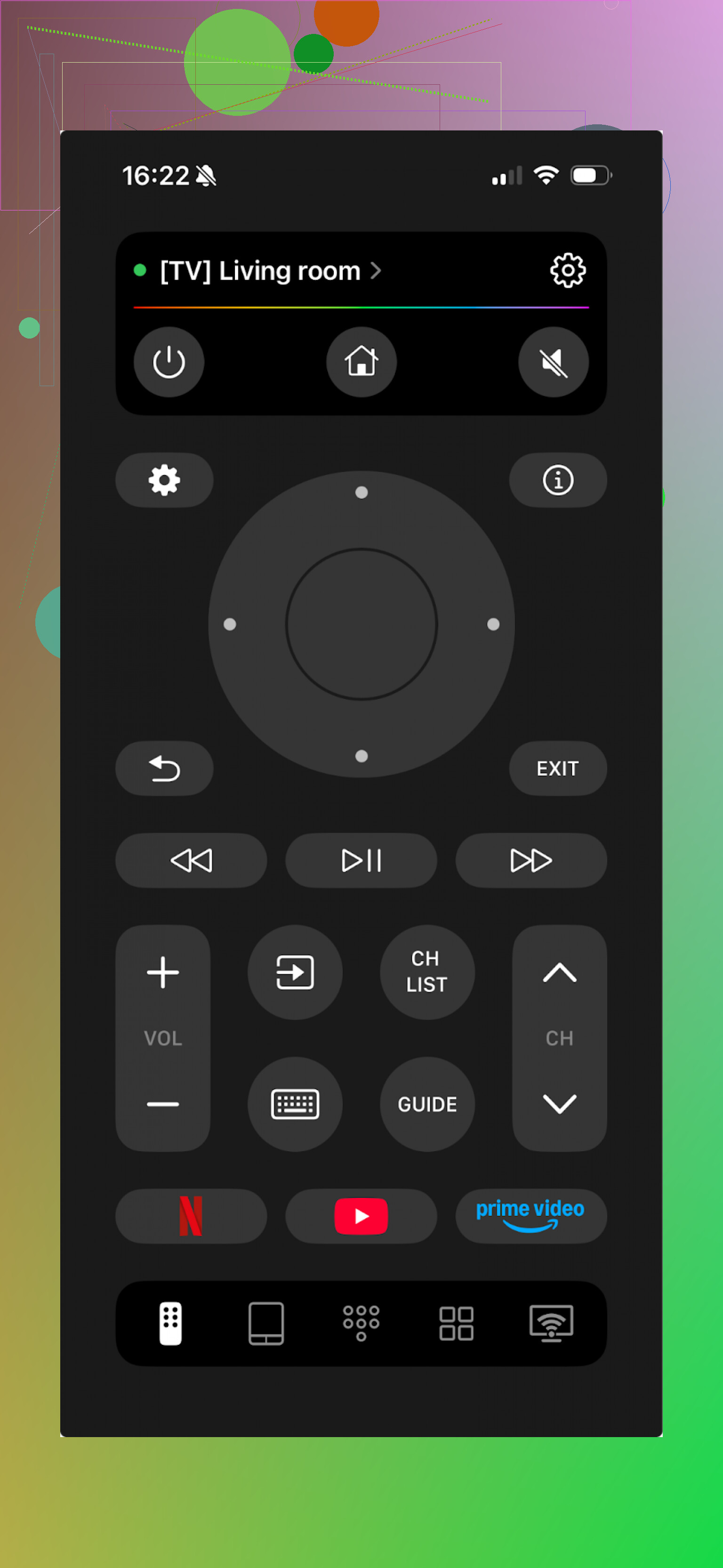
This one surprised me.
It works with most big TV brands and platforms I have around or tried at friends’ places: LG, Samsung, Sony, Android TV, Roku, etc. It skipped Vizio, which annoyed one friend later, but more on that.
What I noticed right away: there was no “7-day trial, then surprise charge” situation. No banners pushing subscriptions in my face. I kept tapping around trying to hit a paywall and never found one.
Stuff I used a lot:
• Touchpad for moving around TV menus
• Voice control on supported TVs (Google Assistant or Alexa) plus voice input for search fields
• On-screen keyboard, which made Netflix and YouTube logins bearable
• Channel and app switching without digging for extra menus
Pros
- Interface is clean, easy to read in a dark room
- Connects to TVs fast on the same Wi-Fi
- No subscription, no in-app purchases
- Supports a bunch of platforms and brands
- Covers all the usual remote stuff: volume, channels, navigation, inputs, etc.
Cons
- No support for Vizio at the time I tested
Price: free
Link:
Verdict:
If your TV brand is supported, this feels like a “set it and forget it” remote. Free, no nagging, and it has the core features you need day to day.
There is also a Reddit thread where people compare remote apps vs physical remotes. I read through half of it before testing things:
Explore the product page to get more details about the universal TV remote app:
Video:

TV Remote – Universal Control
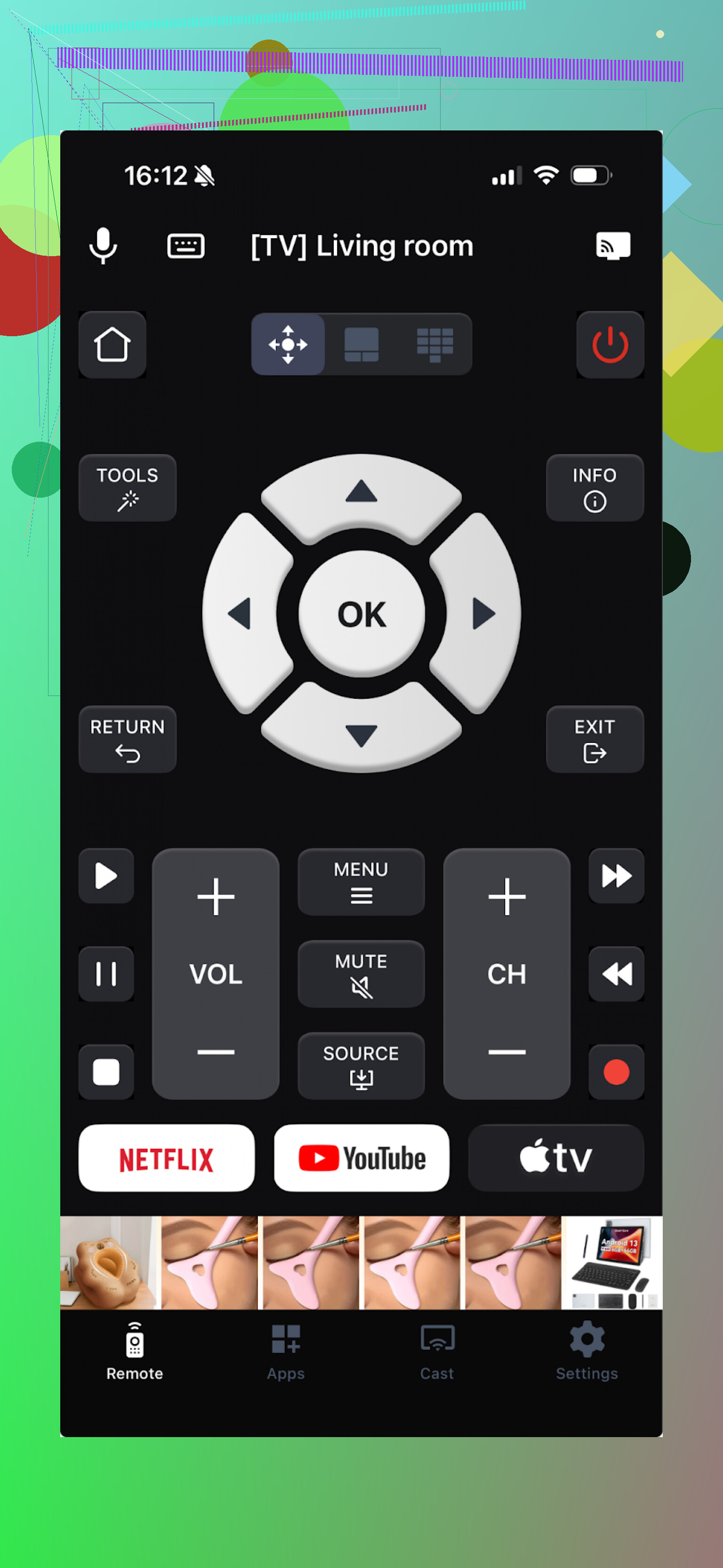
This one covers a lot of TV brands too and connects over Wi-Fi. So both your iPhone and TV need to be on the same network.
Feature-wise, it checked the boxes I cared about:
• Touchpad
• Voice control
• App/channel launcher
• Keyboard
Then you hit the catch. Most of the useful bits are locked behind in-app payments or a trial. I signed up for the free trial so I could test it properly. It also includes media casting, which I did not use much because I usually cast from each app anyway.
Pros
- Has the tools I need: keyboard, voice, navigation
- Works across a lot of TV brands
Cons
- Ads baked in
- Most features trigger some form of paywall
- I had a few crashes when opening or switching menus
Price: from $4.99 and up
Link:
Verdict:
Feels usable if you are fine paying. I did not buy it because I wanted something either free or at least not pushing upsells every second tap.
Universal Remote TV Smart
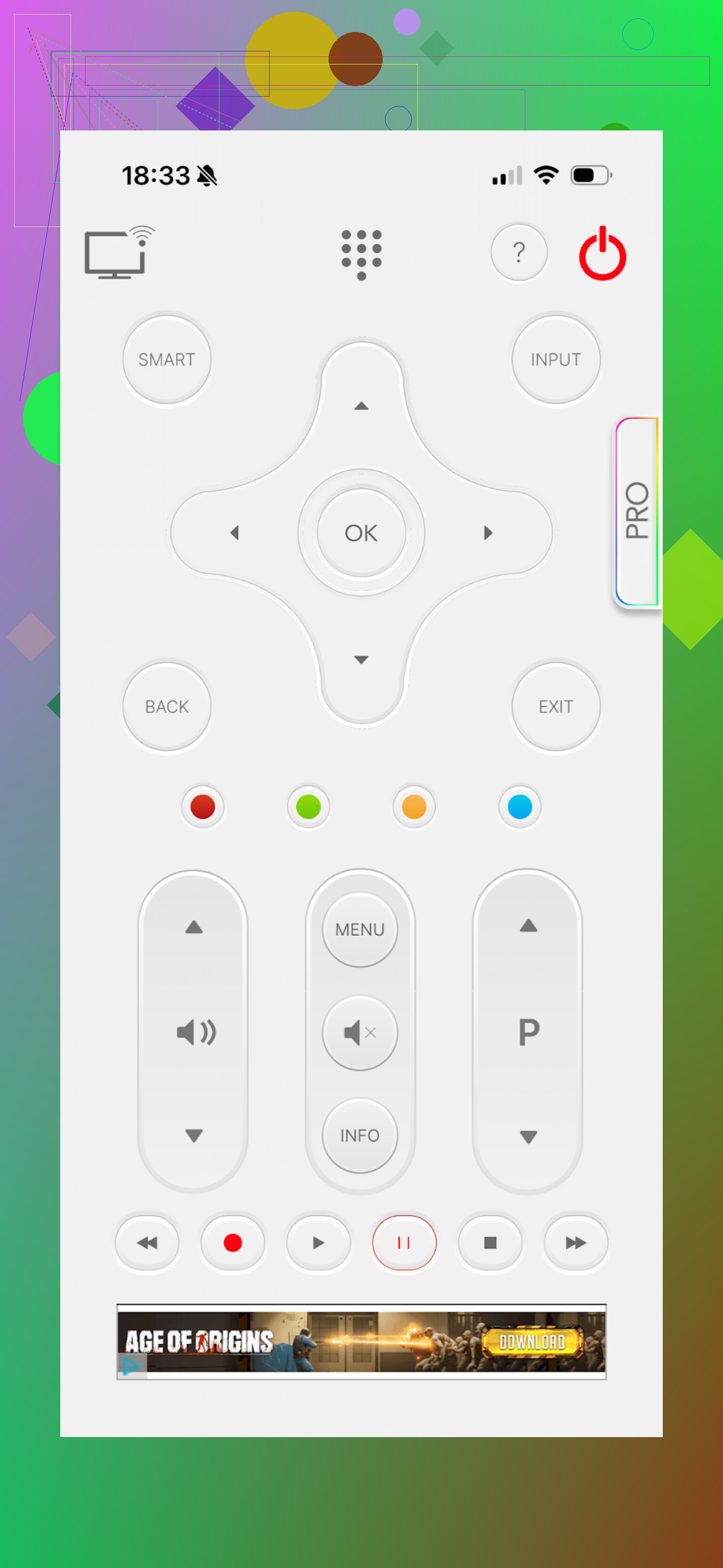
This one also works with a lot of brands, so on paper it looked fine. The problem started when I tried to use it as my main remote for a day.
The layout did not feel like a real remote. Buttons were in odd spots, I needed extra taps for simple actions, and I kept mis-tapping things in the dark. Functionally, it does the basics:
• Keyboard
• App and menu navigation
• Volume
• Channels
Pros
- Good brand support list
Cons
- Interface feels awkward and slow to work through
- No voice control
- Forced video ads that interrupt what you are doing
- Many actions trigger subscription offers, including something as small as trying to open YouTube from the remote
Price: from $7.99 and up
Link:
Verdict:
This ended up at the bottom of my iPhone list. Clunky layout, heavy paywalling, and aggressive ads. Hard to recommend.
TV Remote – Universal
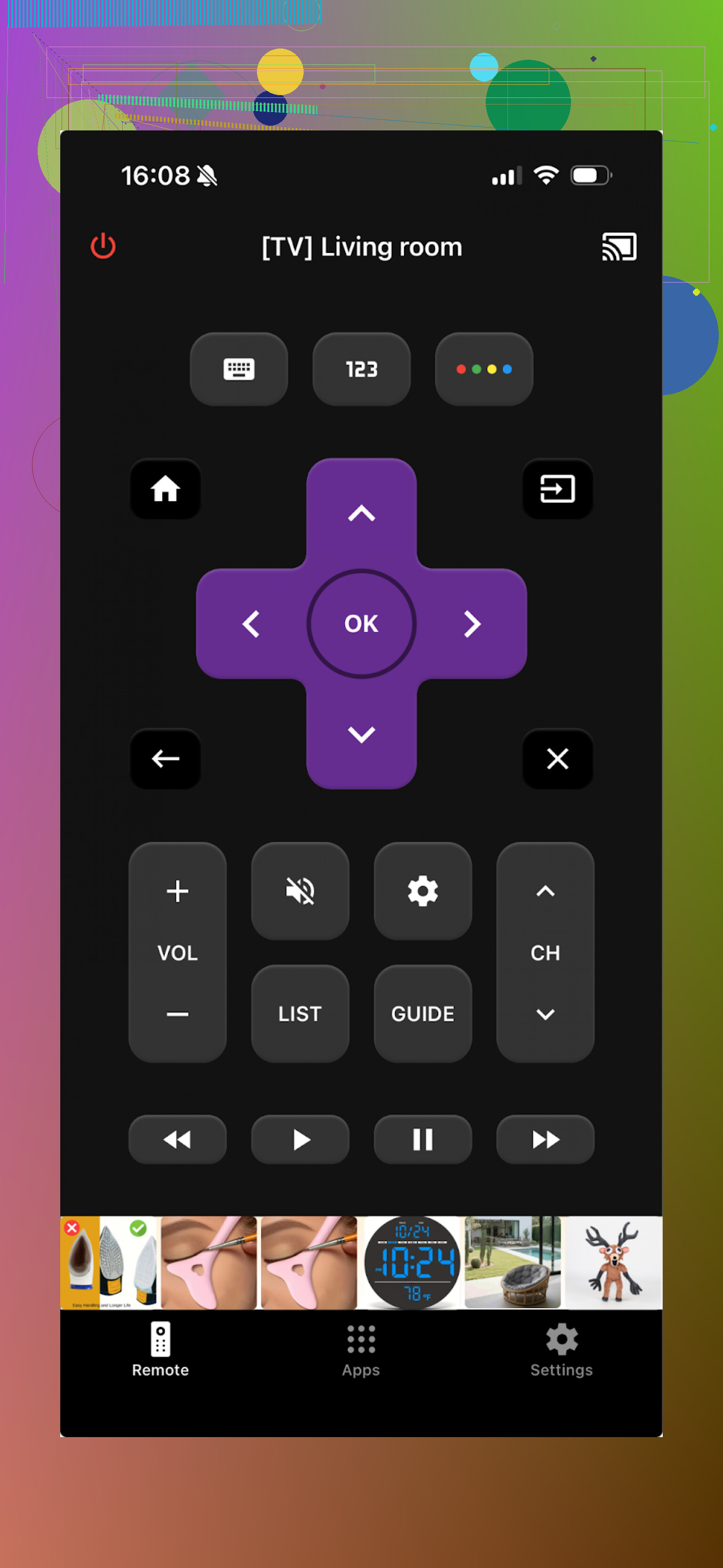
This one turns both iPhone and iPad into remotes. Supports LG, Samsung, Sony, Vizio, Android TV, and more. So if you have a Vizio, this covers that gap from TVRem.
It uses Wi-Fi, so again, the usual rule: same network for phone and TV.
Feature set is basic, but in a decent way:
• Channel and app switching
• Keyboard input
• Playback controls like pause, rewind, fast forward
Pros
- TV detection and pairing were straightforward
- Interface is simple to understand
- Main basic tools available
- Free trial
Cons
- Ads in the free version, removable with payment
- Nearly every advanced-looking button or feature tries to send you to a paywall
Price: from $4.99 and up
Link:
Verdict:
I used the trial long enough to test everything. Main screen lagged a bit on my phone, but it stayed mostly usable. The constant upselling and ads made it tiring to use long term though.
Part 2: TV remote apps for Android
My wife is on Android, so I went through a few options with her phone to find something she would use daily.
Tested apps:
Universal TV Remote Control
Remote Control For All TV | AI
Universal TV Remote Control (Unimote)
Universal TV Remote Control (a different one, same name, different dev)
Universal TV Remote Control
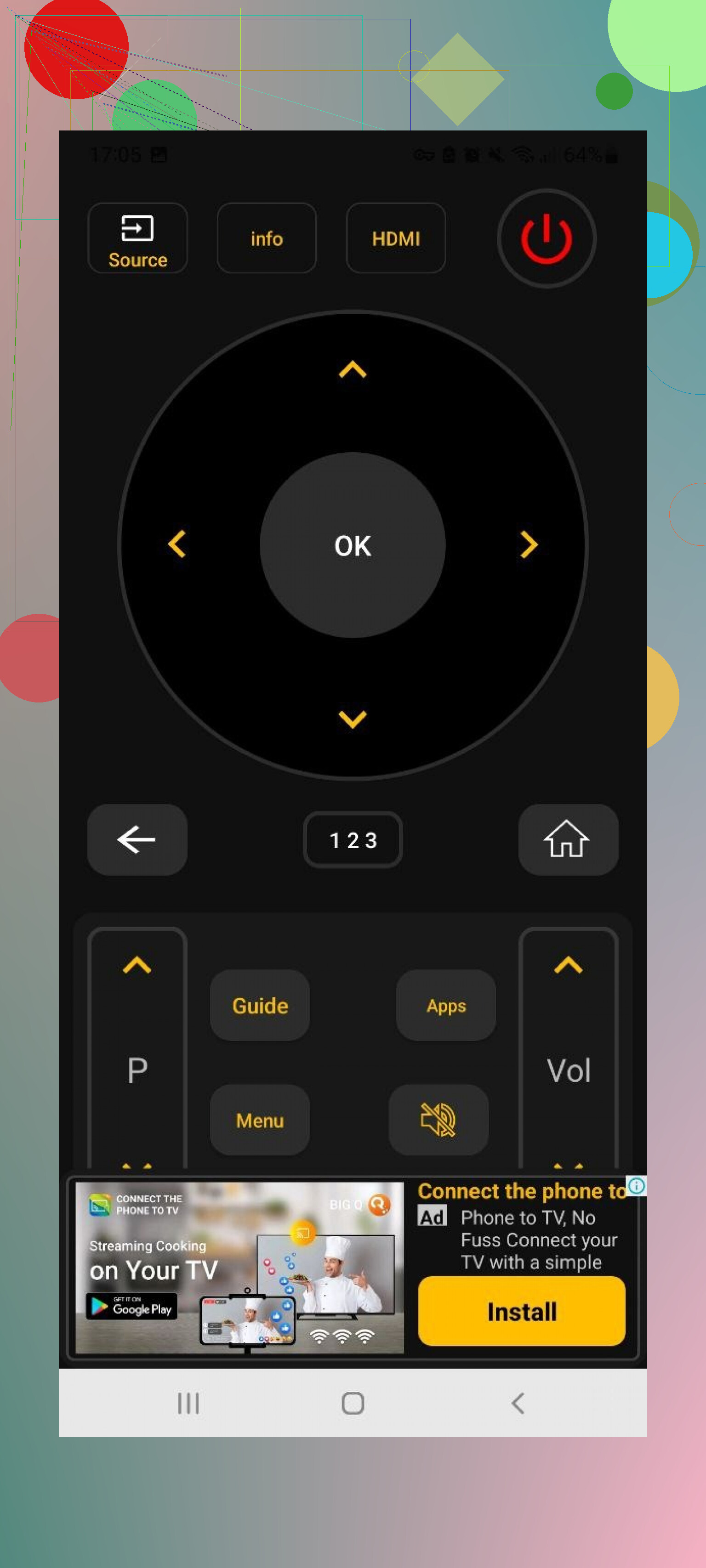
This one supports a huge range of brands: Sony, Samsung, LG, Philips, TCL, Hisense, Panasonic, and more. It also works over Wi-Fi and, if your phone has an IR blaster, as a classic infrared remote.
Features that stood out:
• Trackpad-style navigation
• Voice search
• App control
• Built-in keyboard
All of that is free. Then the downside hit hard.
Pros
- Wide brand and device support
- Works over Wi-Fi and IR
- Comprehensive feature set without needing to pay
Cons
- Ads everywhere, dense and frequent, sometimes hard to close
- Crashes happened enough that I had to reconnect to the TV more than once during a session
Price: free
Link:
Verdict:
At first it looked like the ideal “feature-rich and free” app. The ad situation killed it for me. I got tired of being interrupted in the middle of simple actions.
Remote Control For All TV | AI
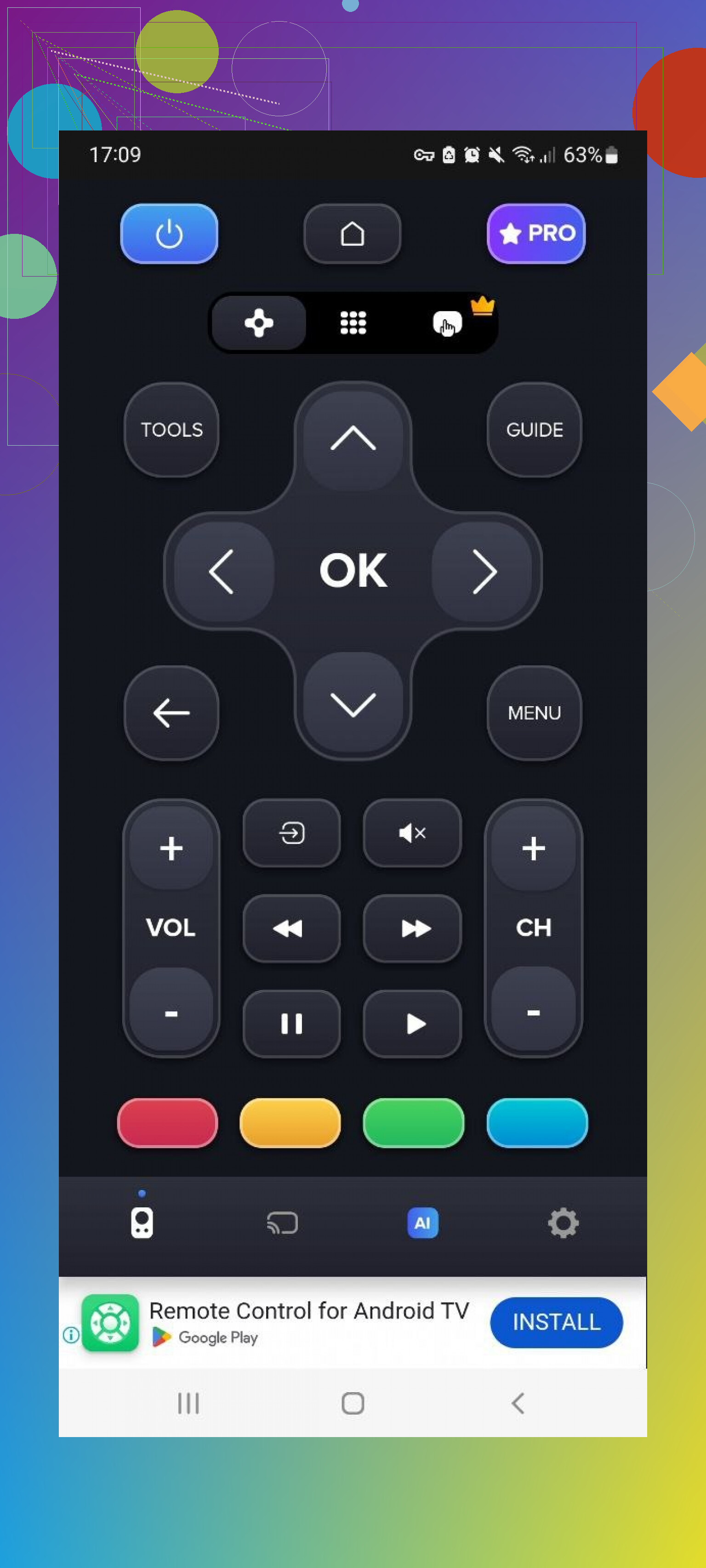
This one tries to sell AI features and “smart” tools, but I focused on the remote basics.
It works with multiple brands via Wi-Fi. The free tier gives you standard remote controls, which is enough to test if it works with your TV. But pairing sometimes took a while, and TV detection felt slower than most other apps I tried.
Paid features add:
• Ad removal
• “AI assistant”
• Keyboard with voice input
• Screen mirroring
Pros
- Broad support for different TVs
- Core remote buttons included in the free version
Cons
- Frequent ads
- TV detection and connection felt sluggish
- Most of the features I would want long term are under a paid plan
Price: from $4.99 and up
Link:
Verdict:
If you only need simple on/off, volume, and some navigation, this might work. For heavier use or fast switching, the connection delays and paywalls get old.
Universal TV Remote Control (Unimote)
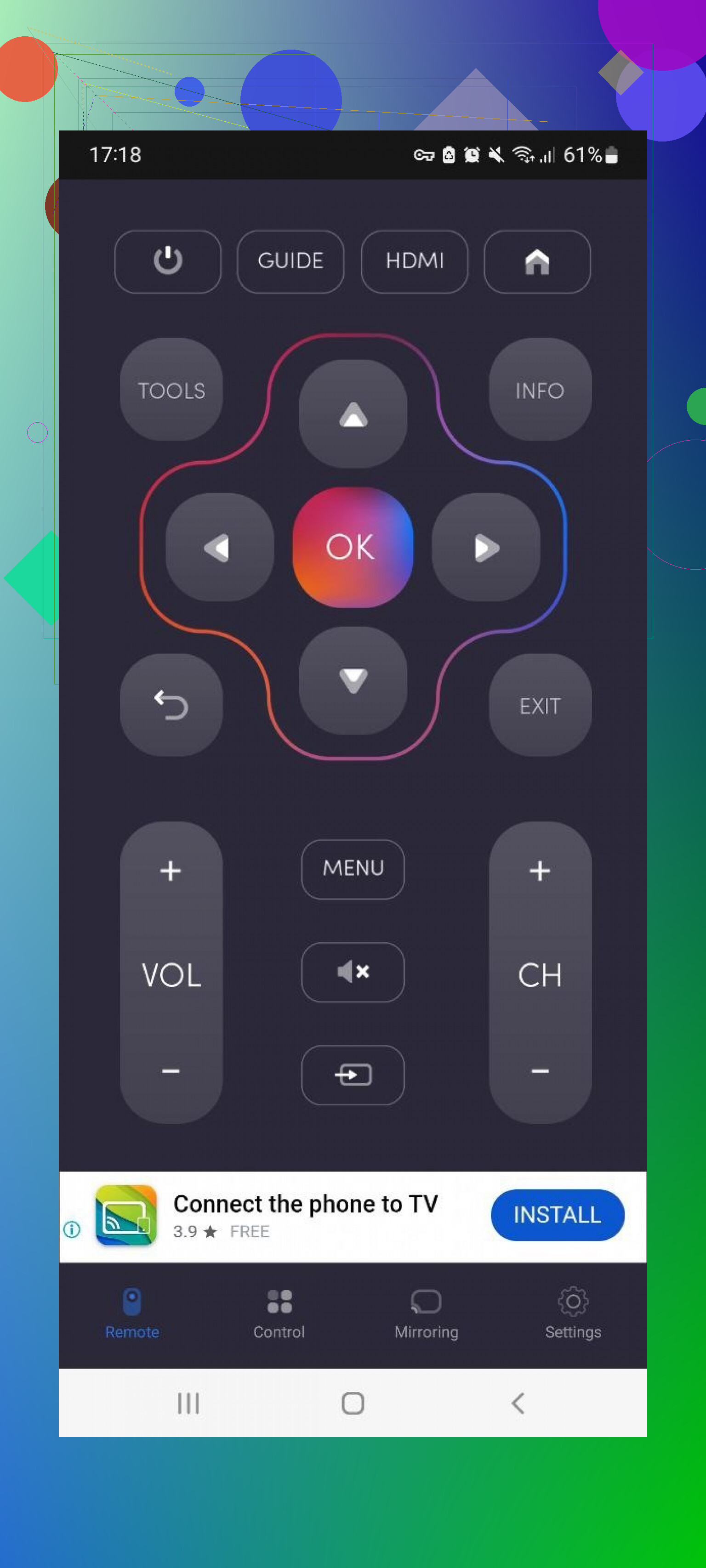
This app supports Wi-Fi for Smart TVs and IR if your phone still has an IR blaster. It recognized my TV quickly, which gave me hope, but then needed a few attempts to stay connected.
Ads were again the big issue, especially full-screen ones.
Pros
- Simple interface, so no guessing where things are
- Works with both IR and Wi-Fi setups
Cons
- Full-screen ads that interrupt use
- Many features gated by in-app purchases
- Connection drops from time to time
Price: from $5.99 and up
Link:
Verdict:
Fine as a backup if your regular remote dies unexpectedly. For daily use, the interruptions and instability become irritating pretty fast.
Universal TV Remote Control (another one)
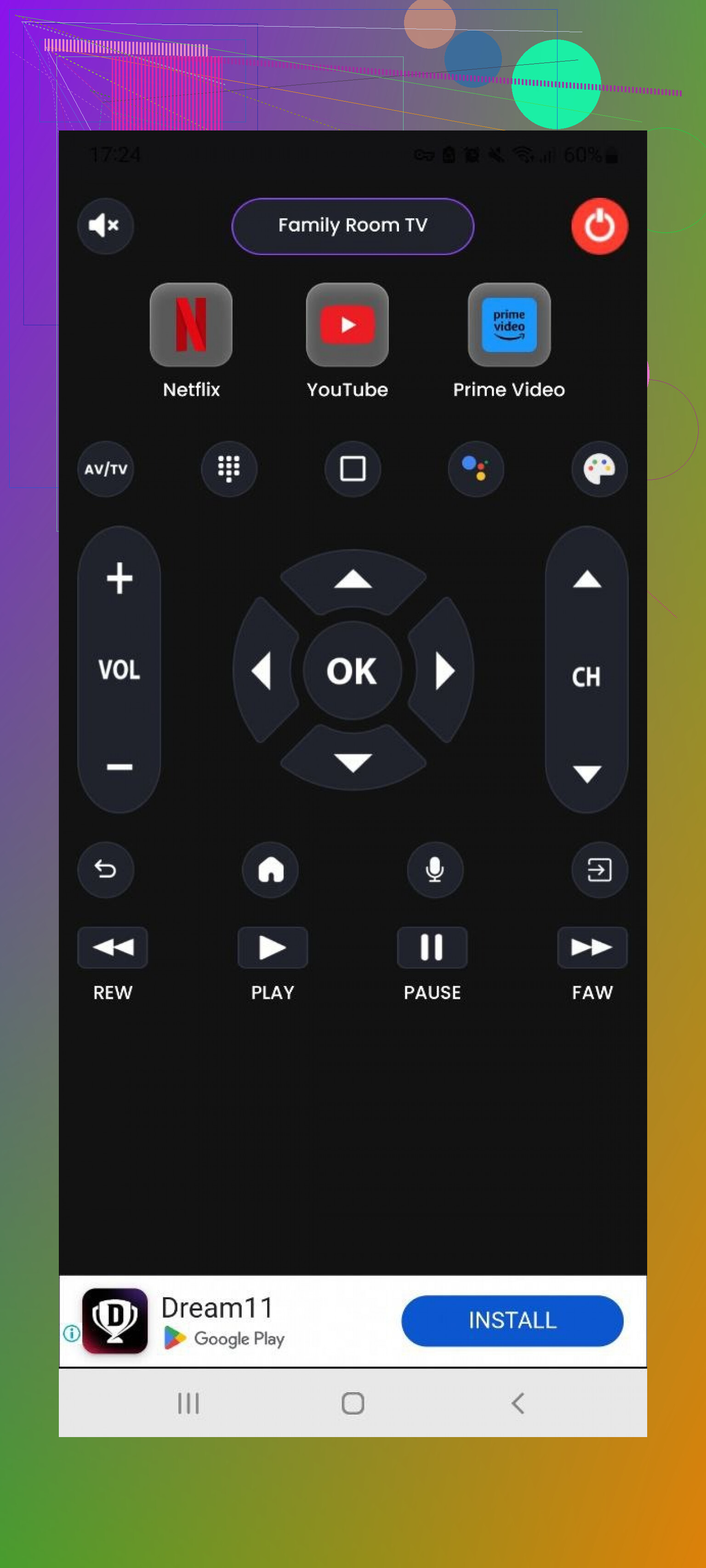
Different developer, same naming. This one supports LG, Samsung, Sony, TCL and similar brands, and works both over Wi-Fi and via IR.
Main tools:
• Main universal control screen
• Power on/off
• Home/Menu button for moving through TV menus
• Simple playback controls like Play, Stop, Back, Forward
Pros
- Covers all the basic things you would expect from a remote
- Has a free trial
Cons
- Ad-heavy usage
- Most of the more useful bits require payment
Price: from $3.99 and up
Link:
Verdict:
It works, but you pay to remove the two biggest problems: ads and locked features. If ads drive you nuts, this will too.
Part 3: Mac apps to control your TV
This part started as an experiment. I spend a lot of time on my Mac, so I figured, why not see if controlling the TV from there is practical.
Tested:
TVRem Universal TV Remote
TV Remote, Universal Remote
TVRem Universal TV Remote on Mac
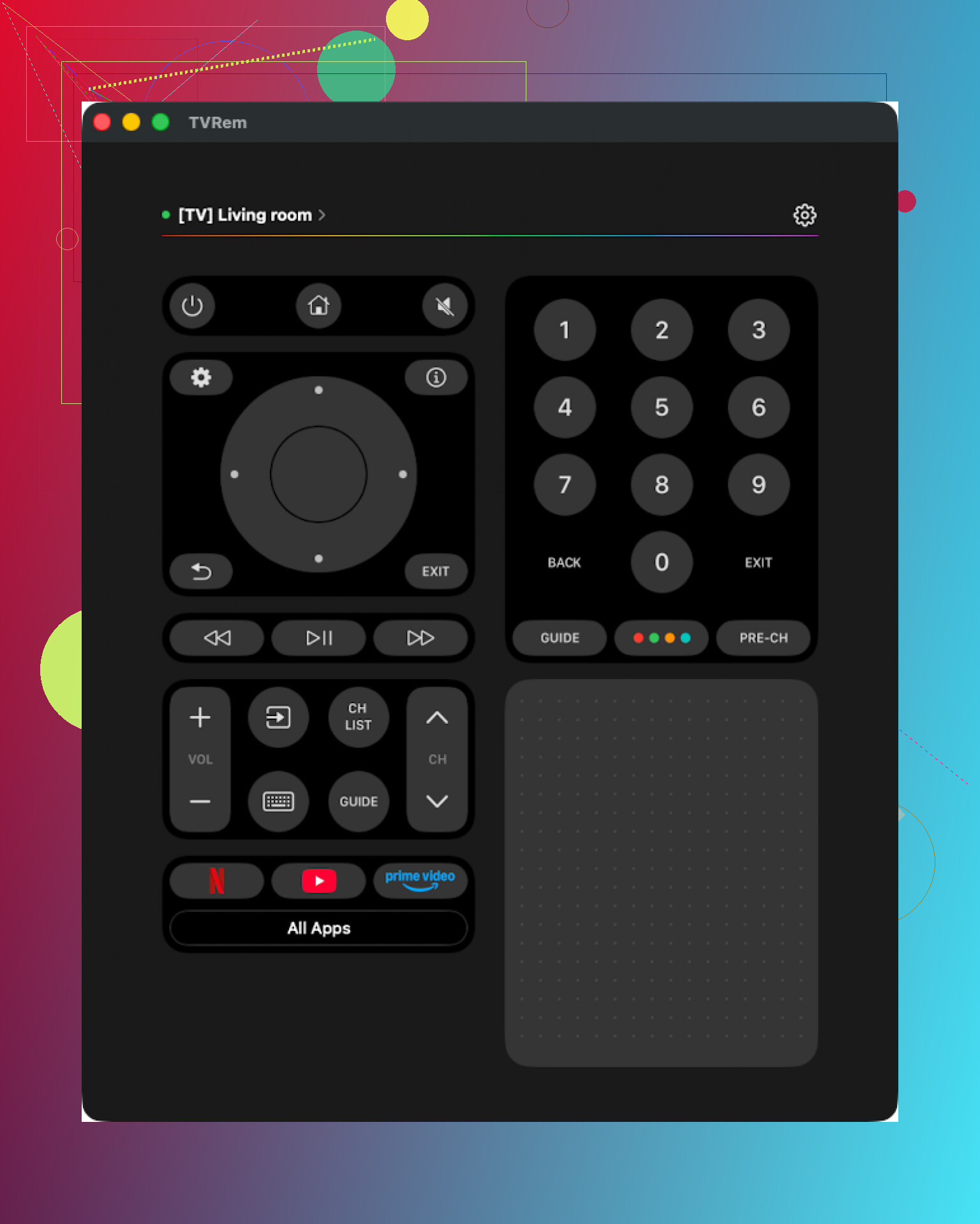
Same developer name as the iPhone app above. You get it from the Mac App Store and pair it with your TV. I used a Samsung TV for testing.
Setup went smoothly. It found the TV and connected quickly. Layout on Mac looked straightforward enough that I did not have to think or hunt for controls.
Features I used:
• Touchpad for navigating TV menus
• Built-in keyboard for logging in or searching
• App launcher to jump between installed TV apps
Pros
- Interface is clean and easy to learn
- No ads, no upgrade prompts
- Works with a number of brands
- Includes the main remote functions you need
Cons
- Again, no Vizio support when I checked
Price: free
Link:
Verdict:
If you like doing everything from your Mac while the TV is on nearby, this works well. Light, simple, no subscription push.
TV Remote, Universal Remote on Mac
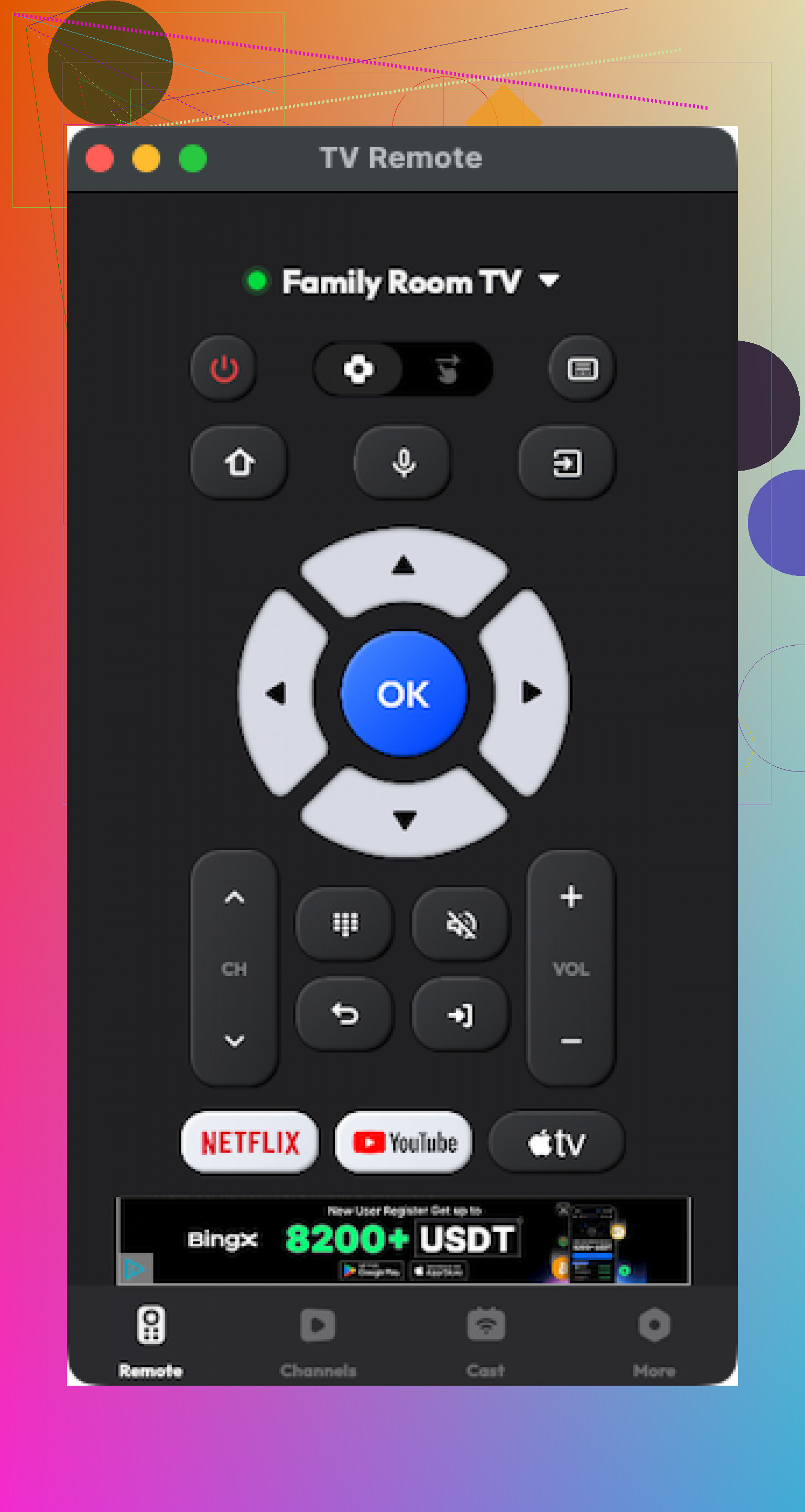
Also from the Mac App Store, and also supports multiple brands.
It paired with my TV without problems. When it worked, it did what I expected. The trouble started after some time using it. It occasionally crashed and had to be reopened.
Most of the features that looked appealing in screenshots were paywalled.
Pros
- Interface is ok to use
- Supports several popular TV brands and includes basic tools
Cons
- Many things require payment on top of the base install
- Occasional app crashes during use
Price: from $4.99 and up
Link:
Verdict:
Usable if you are fine paying and ok with dealing with a crash here and there. Not something I’d install on someone’s computer who hates troubleshooting.
Part 4: Physical TV remote vs phone or Mac remote apps
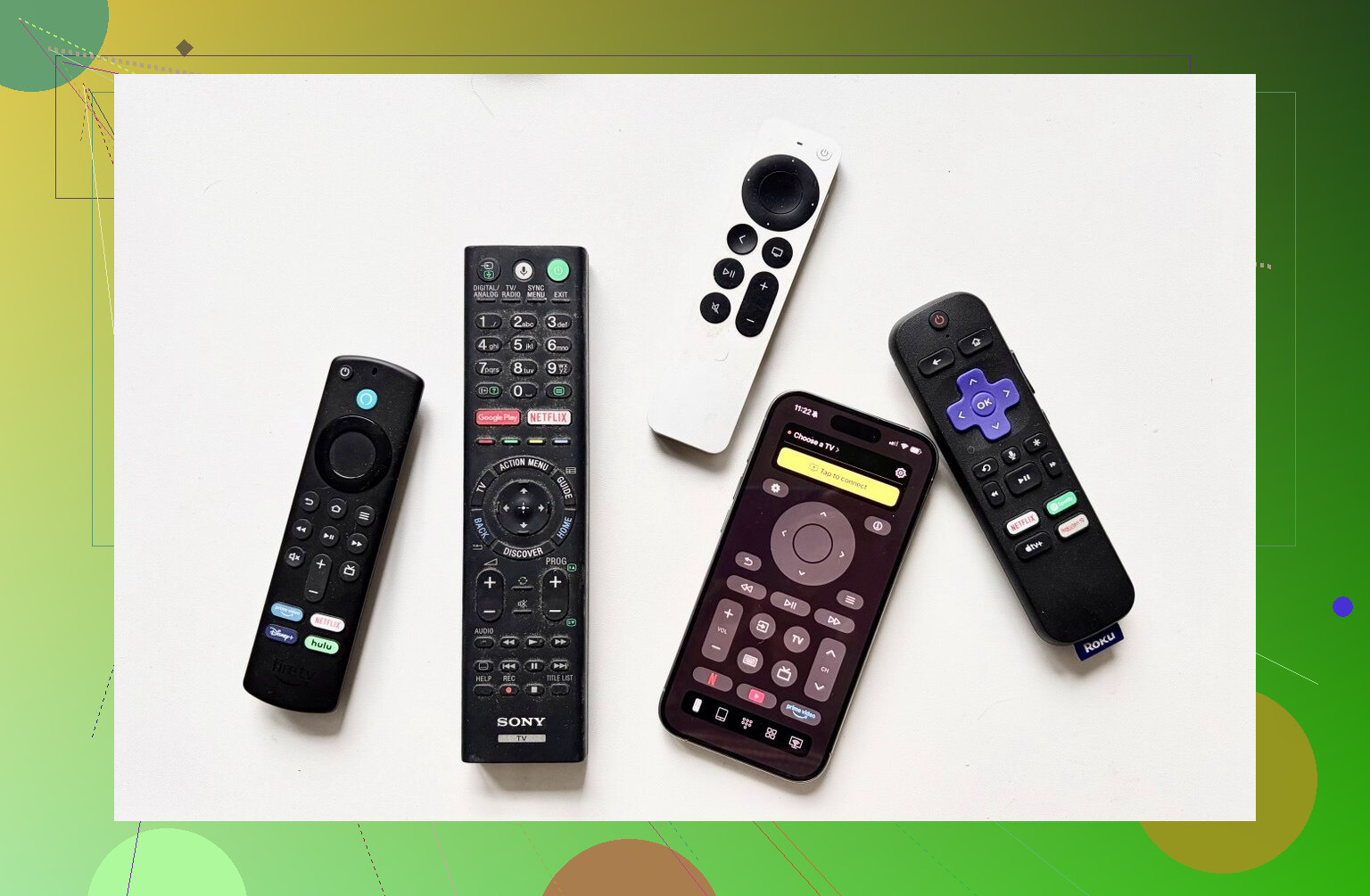
Quick breakdown from my own use at home.
Physical remote
The classic plastic thing that ships with your TV. Sometimes “smart”, sometimes not.
Remote app
Software installed on your phone or Mac that sends commands over Wi-Fi, Bluetooth, or IR.
Why I started preferring apps
-
Harder to lose
I misplace physical remotes constantly. My phone sits in my pocket or next to me. That alone saves time. -
Text input does not ruin your evening
Typing Wi-Fi passwords or logging into Netflix using arrow keys on a remote is painful. Phone and Mac apps with keyboards cut that process down a lot. If you watch content on multiple streaming platforms, this matters. -
Cost
Replacement Samsung remotes for recent models on Amazon sit roughly around $15–$20. LG replacements tend to fall around $13–$35 depending on the model and if you want “magic” style ones. Phones already exist in your pocket, and many apps are free or cheaper than one hardware remote. -
Multiple devices, one place
Mixed-household situation: I control a Samsung and an LG. Apps that handle both in one screen save me from digging for whatever physical remote belongs to whichever TV. -
UI is sometimes less awful
Many TV remotes, especially on older or cheaper sets, have cluttered buttons. Some apps provide cleaner layouts and faster access to what you use daily.
Where apps fall short
• You need Wi-Fi or Bluetooth working. If your TV is offline or sleeping in a weird state, some apps fail to connect.
• You depend on your phone or Mac being around, unlocked, and not dead.
• Some TVs only expose limited app control, so you might not get every button or function you get on the physical remote.
My actual setup now
After all this testing, I ended up with a combo at home.
On my iPhone, I use:
• TVRem Universal TV Remote as my main pick, because it is free, has a useful touchpad and keyboard, and does not shove subscriptions in my face. Missing Vizio support is the only serious gap I noticed.
• TV Remote – Universal as a “paid but solid” backup in case someone needs Vizio or different feature coverage. I used the trial, and it felt like it would make sense for people who do not care about paying a few bucks.
On my wife’s Android phone:
• She stuck with Universal TV Remote Control. I grumbled about the flood of ads, but from her point of view, it got the job done and she did not feel like switching again.
On my Mac:
• TVRem Universal TV Remote again, mostly for those evenings when I am already at my desk and do not want to reach for my phone.
If you hate losing remotes or switching between multiple ones for different TVs, it is worth trying a couple of these apps for a week and seeing which annoys you the least. The main tradeoffs are always the same: ads vs payments vs stability vs brand support.
Short version. If you want one thing that reliably drives TV, soundbar, and streamers without constant fiddle, you are looking at either:
- One solid hardware universal remote
- One good phone app per ecosystem
Since @mikeappsreviewer covered phone and Mac apps, I will focus on physical remotes and how to pick one that does not suck.
Step 1: Decide how you want to control everything
If you want zero phone use and one handheld remote on the couch:
• Look for a “universal IR + HDMI CEC” remote
• Make sure your TV has HDMI CEC on and works well with it
• Samsung: Anynet+
• LG: Simplink
• Sony: Bravia Sync
• TCL / Hisense: often just called CEC in settings
In many setups, if the TV handles CEC correctly, one remote to the TV controls volume on the soundbar and basic navigation on Apple TV, Roku, Fire TV, etc.
Step 2: Actual physical universal options that do not need constant reprogramming
- SofaBaton U2 or U1
• IR universal remote
• Learns codes from your existing remotes
• Stores everything in the remote itself
• After initial setup, you do not touch it again unless you add a new device
Good if:
• All your gear uses IR
• You want “old school” reliability
Bad if:
• You expect tight integration with streaming boxes over Bluetooth
- SofaBaton X1
Closest thing left to a Logitech Harmony for normal people.
• IR blaster hub plus handheld remote
• Controls TV, AVR or soundbar, Apple TV, Fire TV, etc
• Uses activities like “Watch TV”, “Watch Apple TV”
• Press one button, it powers the right stuff and switches inputs
Why it fits your “no constant reprogramming” request:
• Once activities are set, you rarely change them
• Firmware and app are a bit clunky, but the commands themselves stay stable
Issue:
• Setup through the mobile app is slower than it should be
• If you hate initial config screens, this will annoy you on day one
- Your TV remote plus HDMI CEC, used on purpose
If your gear is simple:
Example setup:
• TV: LG or Samsung
• Soundbar: same brand or any ARC / eARC bar
• Streamer: Roku, Apple TV, Fire TV
Checklist:
• Plug streamer into HDMI 1 or 2 on the TV
• Use HDMI ARC / eARC port for soundbar
• Turn CEC on in TV and on the streamer
• Turn “control TV volume” or similar setting on in the streamer
Result:
• TV remote does volume on soundbar
• TV remote navigates Roku and Apple TV menus in most cases
• You rarely need the streamer remote
This is boring, but it tends exactly to what you want with no new gadget.
Step 3: What to avoid for your use case
Based on what you wrote:
Skip:
• Super cheap $10 “universal” remotes with 4 buttons and manual codes
• They often forget codes after battery changes
• Tiny memory, poor device libraries
• Voice assistant only setups
• “Turn on living room TV” is nice, but you still reach for a remote for volume and scrubbing
• Overly app dependent remotes that lose all config if the app bugs out
I partly disagree with @mikeappsreviewer here. Phone apps are great as backup and for text entry. For daily “sit down, hit power, adjust volume” a good physical remote is still simpler if you are the sort of person who hates taking the phone out every time.
Step 4: How to pick for your specific gear
If you reply with:
• TV brand and model
• Soundbar brand and model
• Streaming devices
You can narrow it to:
• “CEC-only with stock TV remote”
or
• “You need a hub style remote like SofaBaton X1”
or
• “A simple IR learning remote is enough”
Fast recommendation if you want to buy now
• Minimal effort, modern TV, ARC soundbar, one streamer
→ Use your TV remote plus HDMI CEC, turn that on everywhere and throw the others in a drawer
• Mixed brands, AVR or more than one streamer, want one button “Watch X”
→ SofaBaton X1
• Simple gear, hate apps, want cheap but stable
→ SofaBaton U2 or any decent IR learning remote with good reviews and true “learning” from original remotes, not just code lists
That way you set it up once, then ignore reprogramming for years unless you swap hardware.
Short version: if you truly want “one remote, no constant reprogramming,” you’re basically looking at (a) a good hub remote or (b) letting your TV be the hub and using CEC properly. Everything else is pain disguised as plastic.
@mikappsreviewer nailed the app side, but I honestly disagree with leaning on phone remotes as the primary solution. They’re amazing as backup and for typing, but if you want to flop on the couch and mash a button, grabbing your phone, unlocking, finding the app, waiting for Wi‑Fi, etc. gets old fast.
I’d look at it like this:
- If your setup is simple
TV + soundbar + 1 streamer (Roku / Apple TV / Fire TV) and everything is fairly modern:
- Connect soundbar via HDMI ARC/eARC to the TV
- Plug streamer into regular HDMI on the TV
- Turn CEC on everywhere
- Samsung: Anynet+
- LG: Simplink
- Sony: Bravia Sync
- Now the stock TV remote usually controls:
- TV power & input
- Soundbar volume
- Basic navigation on Roku / Apple TV / Fire TV
For a lot of people this is the “universal remote” and it doesn’t need reprogramming because there’s nothing custom to reprogram. The catch: CEC is flaky on some brands, so it can be slightly voodoo until you get it stable.
- If you’ve got mixed gear or more than one box
TV + soundbar/AVR + multiple streamers, maybe a Blu‑ray, maybe a console:
- This is where old Logitech Harmony used to be king. Since that’s basically dead at retail, the realistic replacement is a hub-style remote like SofaBaton X1.
- Why X1 for your use case:
- It lives as the “brain” and talks to your stuff via IR / Bluetooth
- You program activities like “Watch Apple TV,” “Watch Cable,” etc.
- Press one button, it:
- Turns on the right devices
- Sets the correct input
- Routes volume to the right thing
Reprogramming is mostly “set once, then forget until you swap hardware.” The mobile app setup is clunky, I’m not going to sugarcoat it, but once it’s dialed in, it ticks your “reliable” box way better than juggling 3 remotes.
- If you want cheap and basic, no hub
Something like SofaBaton U2 or any decent IR learning remote:
- Pros:
- Learns individual buttons from your existing remotes
- Config lives on the remote, so battery swaps don’t blow everything up
- No cloud server that randomly dies in 3 years
- Cons:
- Won’t handle Bluetooth-only streamers as nicely
- No “smart” activities, more like “pick device, then use it”
This is fine if all you care about is TV + soundbar volume + maybe a cable box, and your gear still uses IR.
Where I part ways a bit with @shizuka: relying purely on HDMI CEC is great when it works, but in mixed-brand setups, I’ve seen way too many random issues. Ghost power-ons, wrong device waking up, volume stuck, etc. So if your reviews research is making you anxious, that anxiety is not wrong. CEC is not magic, it’s a truce between companies that barely like each other.
Given what you asked for, I’d actually choose like this:
-
You have 1 TV, 1 soundbar, 1 streamer, all bought within last ~5 years:
→ Try the “TV remote + CEC” route first. If it behaves for a week, you’re done and you didn’t even have to buy anything. -
You have multiple streamers or anything non‑trivial:
→ Get a hub remote (X1 category). Spend an annoying afternoon setting it up once, then leave it alone for years. -
You’re on a tight budget and everything uses IR:
→ IR learning remote, ignore the super cheap “code list only” remotes that forget everything when you sneeze.
If you drop your exact TV, soundbar, and streamer models, people here can sanity check whether CEC is realistic for you or if you’re firmly in “you need a hub” territory.
If you’re overwhelmed, zoom out a bit and pick a “control philosophy” first, then a device. The specific brand matters less than which camp you’re in:
- Let the TV remote be the universal
- Use a hub-style universal remote
- Go “phone as remote” first, plastic backup second
@shizuka is mostly in camp 1 (CEC everywhere). @viajantedoceu is closer to camp 2 (hub remotes). @mikeappsreviewer went deep on camp 3 (apps). I’d split the difference instead of going all in on any one of them.
1. Start with what you already own
Before buying anything, flip these settings:
- Connect soundbar to TV via HDMI ARC or eARC
- Turn HDMI CEC on in TV and soundbar
- Make the TV the audio output for your streaming devices
If that gives you:
- TV power + input control
- Soundbar volume
- Basic streamer navigation
from the stock TV remote, then your “universal remote” is free. No constant reprogramming. You only shop for a remote if CEC is flaky or you have multiple boxes and weird power sequences.
I slightly disagree with relying on CEC long term for complex setups, but it is still the first thing to try because it costs nothing and may solve 80% of your headaches.
2. When CEC is not enough: hub remote vs simple universal
If your setup is more like: TV + soundbar/AVR + 2–3 streamers + maybe a console, CEC alone gets messy. This is where a hub remote still makes sense and keeps “set it and forget it” realistic.
Since Logitech Harmony is effectively gone, your practical options are mostly:
- Hub-style remote (activity based, controls via IR + Bluetooth + maybe Wi Fi)
- Non-hub learning remote (IR only, no activities or very simple ones)
Hub remotes cost more and the initial setup is annoying, but they are closest to what you say you want: one remote, reliable, no constant reprogramming.
3. Physical remote vs phone apps in day to day use
Where I disagree slightly with @mikeappsreviewer: phone remotes are fantastic for text entry and as a backup, but for pure “grab and click,” a dedicated physical remote is still less friction.
You can absolutely keep using apps like TVRem Universal TV Remote on iOS or the Android options they listed as companions. They are great for:
- Logging into apps
- Searching across services
- Controlling the TV when the remote vanishes again
I would not make them the only control surface for a living room, especially if multiple people use the system.
4. Thoughts on the “best universal TV remote” idea
There is no single magic remote that everyone agrees on now that Harmony is gone. What you actually want is:
- A remote that treats activities like “Watch TV” or “Watch Roku” as one button
- Enough device support to cover your TV, soundbar, and streamer
- Settings that live in the remote or hub so you do not reprogram every time you change batteries
You will avoid a lot of pain by ignoring ultra cheap brandless remotes that only rely on “code lists” and lose everything after a reset.
5. Where a product like “best universal TV remote” actually helps
When you are comparing “best universal TV remote” models, think in terms of these pros and cons:
Pros for a solid universal remote in this category
- One button activities that switch inputs and control volume on the right device
- Support for many brands so you are not stuck if you swap TVs or soundbars later
- Configuration stored in a hub or in non volatile memory so you do not constantly redo it
- Often can replace 4 or more original remotes without feeling hacked together
Cons to be aware of
- Higher upfront cost than a basic IR zapper
- Initial setup through an app or PC can be clunky and time consuming
- If it relies heavily on cloud servers, long term support is a question mark
- Some models handle Bluetooth streamers poorly compared with IR gear
Those tradeoffs matter more than the name on the plastic.
6. Concrete way to decide for your room
Use this quick filter:
-
If you have: 1 TV + 1 soundbar + 1 streaming device, all from the last 5 years
→ Try CEC plus your TV remote for a week. If it behaves, you are done. -
If you have: multiple boxes, an AVR, or older mix and match gear
→ Go hub style universal remote and plan on one slightly painful afternoon to configure it. After that you should not be “constantly reprogramming” unless you buy new hardware. -
If you have: a very tight budget and everything uses IR
→ Get a decent IR learning remote and teach it the key buttons from each original remote. No frills, but very stable.
If you list your exact TV, soundbar, and streaming devices, people can sanity check which of these paths will actually be low maintenance for your specific setup instead of you rolling the dice on whatever Amazon calls “universal” this week.
A simpler fix is to make your streaming box the center of the setup. Pick the device you use most, such as Roku, Apple TV, or Fire TV, then program its original remote for TV power and soundbar volume. Leave the TV on one HDMI input and stop switching sources.
This removes the need for a universal remote, hub, or phone app. It works best if 90% of your viewing comes from one streamer. Keep the TV remote in a drawer for rare setings. Setup takes about 10 minutes, with less reprograming later.
Wi-Fi phone remotes can’t reliably turn a cold TV on, and that’s the catch that gets glossed over up top. Most of the app-based control works by talking to the TV over the network, which means the TV already has to be awake or at least in a standby state that keeps Wi-Fi alive. Plenty of sets drop the network when they go into deep sleep to save power. So you tap the app, nothing happens, and you reach for the plastic remote anyway. IR does not have that problem, which is the quiet reason physical remotes still win the ‘first button of the night’ battle. @mikeappsreviewer touched on this but it deserves bold underlining if you’re thinking of going app-first.
On the CEC advice from @shizuka and @caminantenocturno, I agree it’s the right first move because it costs nothing, but the volume routing is where I’d set expectations lower. CEC volume passthrough tends to behave when the soundbar and TV are the same brand or the bar is on true ARC/eARC. Mix a random bar with a TV from another maker and you get the classic mess: TV thinks it controls its own speakers, bar ignores the commands, and you end up in the audio menu every few days re-toggling things. It works, until a firmware update quietly changes the behavior and you spend an evening figuring out what broke.
The streamer-as-center idea from @vibergirl is clean and I like it for single-streamer households, but it has the same soundbar limit. An Apple TV or Roku remote can usually do TV power and TV volume through CEC, but it is not actually controlling your soundbar directly. If the bar is not in the CEC chain properly, that remote gives you nothing on volume. So that trick leans on the same plumbing as the pure CEC route, just with a nicer remote in your hand.
My actual take: figure out your power-on and volume path before you spend anything. If your streamer remote can already wake the TV and move the volume on the bar through CEC, you’re done, drawer the rest. If it can’t, that’s your signal you need real IR, and a learning or hub remote like the SofaBaton stuff people mentioned is the honest fix, not another app. Keep an app like TVRem around as the backup for typing passwords and searching, since that’s where phones genuinely beat every physical remote, but don’t make it the thing you depend on to start the evening. One physical remote that sends IR for power and volume, one app for text, and CEC doing the input switching in the middle. That combo has the fewest dead ends.