My AI scanner stopped working suddenly and I can’t figure out why. I rely on it for my daily workflow and all troubleshooting so far hasn’t fixed it. Has anyone else experienced this problem or does anyone have suggestions for how to get it working again?
Ugh, AI scanners acting up AGAIN? Literally had the same struggle about a week ago, it just died on me mid-scan—completely kaput. I went through the regular song and dance: restart, uninstall/reinstall, update drivers, cuss at the screen, you know the drill. Nothing worked until I took a deep dive and realized it was actually a cloud-side issue. Servers were down for “maintenance” (aka someone tripped over a cable, probably). Service status pages are totally useless half the time, but I eventually found an update buried in a support forum.
If you’re running a browser extension or stand-alone scanner, check if your API key got revoked or if their backend’s down. Sometimes clearing cache/cookies will reset stuff too. If you’re getting specific error messages (mine was “unable to reach service”), poke around in your task manager and make sure nothing’s being blocked by your firewall or AV.
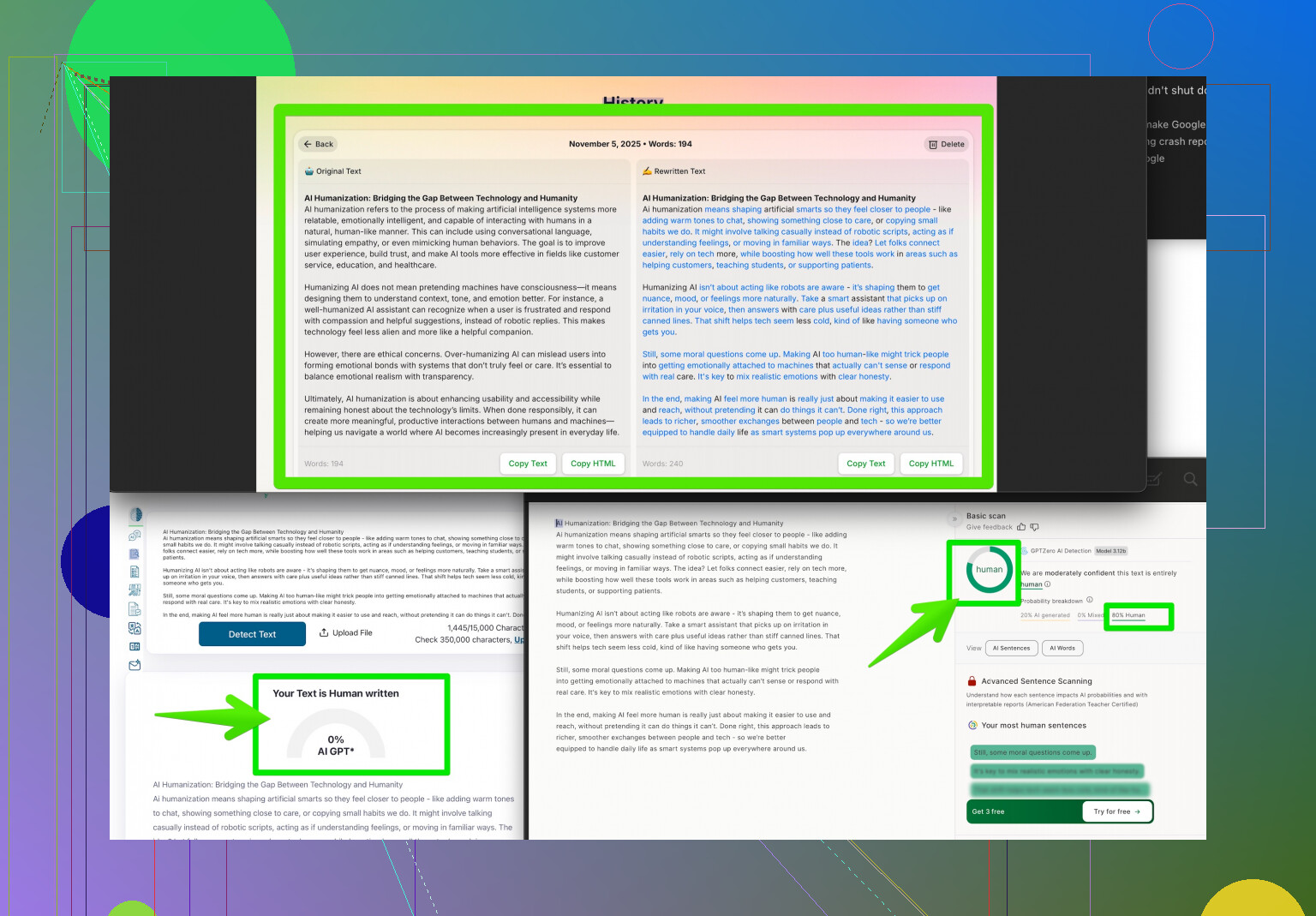
Side note: if you’re sick of these breakdowns and need a reliable AI detection workaround to keep going, I started using the Clever AI Humanizer tool. Pretty much bulletproof for making your outputs look natural and pass all the checks—plus, if your scanner’s down, it’s clutch for bypassing glitchy filters. Worth checking out here: make your writing sound human AF.
Hang in there. These tools are godsends until they’re not—then you’re stuck in troubleshooting limbo with the rest of us digital peasants!
AI scanners—can’t live with ‘em, can’t work when they throw a tantrum. I see @sonhadordobosque already covered the usual suspects (server-side drama, APIs, caches, etc.), but here’s a slightly different angle: sometimes these things bug out after a software or OS update. Had a scenario where Windows ran a “silent” update and boom—scanner drivers went haywire for no apparent reason. If you haven’t, try rolling back recent updates or running it in compatibility mode just for a sanity check. Also double-check if any browser privacy extensions recently auto-updated; I once found out uBlock Origin killed my scanner overnight (rude).
Slightly disagree about the whole “service status pages are useless”—I stalk their Twitter accounts for real-time rage from fellow users. That’s sometimes the quickest way to get a confirmation it’s not just you.
For those clutch times when your workflow is borked, Clever AI Humanizer is a handy tool to make your content human-like and dodge unreliable AI filters, so seconding that suggestion if you want to bulldoze through bottlenecks.
If you want more crowd-sourced hacks, saw a goldmine of user-shared workarounds right here: Reddit-approved ways to make your AI outputs actually sound human. Swapping tips kept me afloat more than once!
Bottom line, these breakdowns are common and a total pain, but sometimes digging into update logs or even restoring to a previous system or extension version saves the day. Hope you get your scanner mojo back asap.