HumanizeAI.io Review

I have to keep troubleshooting steps technically exact while making help articles less stiff for my support team. I tried HumanizeAI.io on a draft about resetting account access, but the rewrite made an optional step sound mandatory and softened a warning that needs to stay explicit.

The wording reads more naturally, but checking every sentence against the original is taking longer than editing it myself. Is there a way to limit the rewrite to phrasing while keeping those distinctions intact?

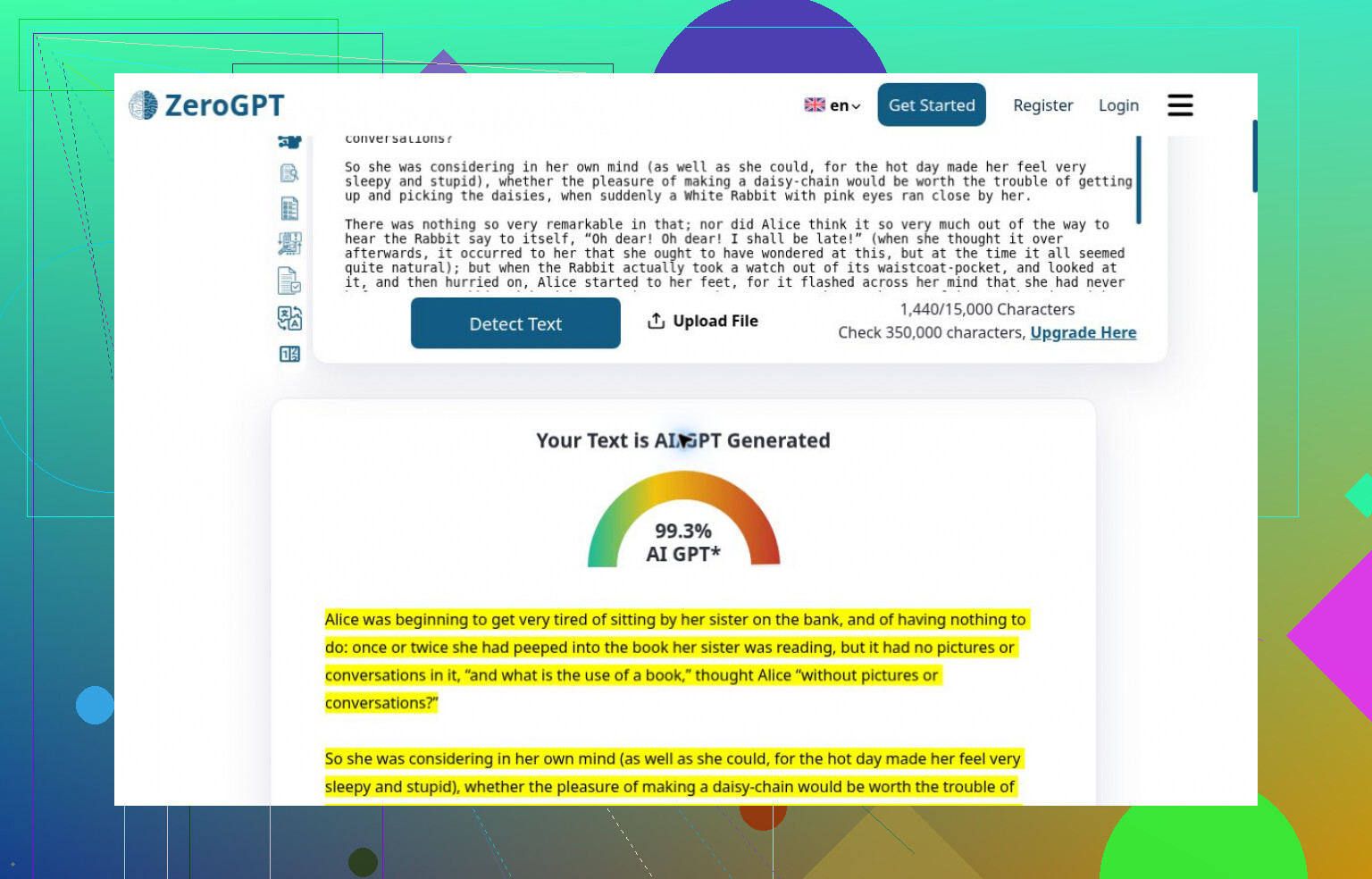
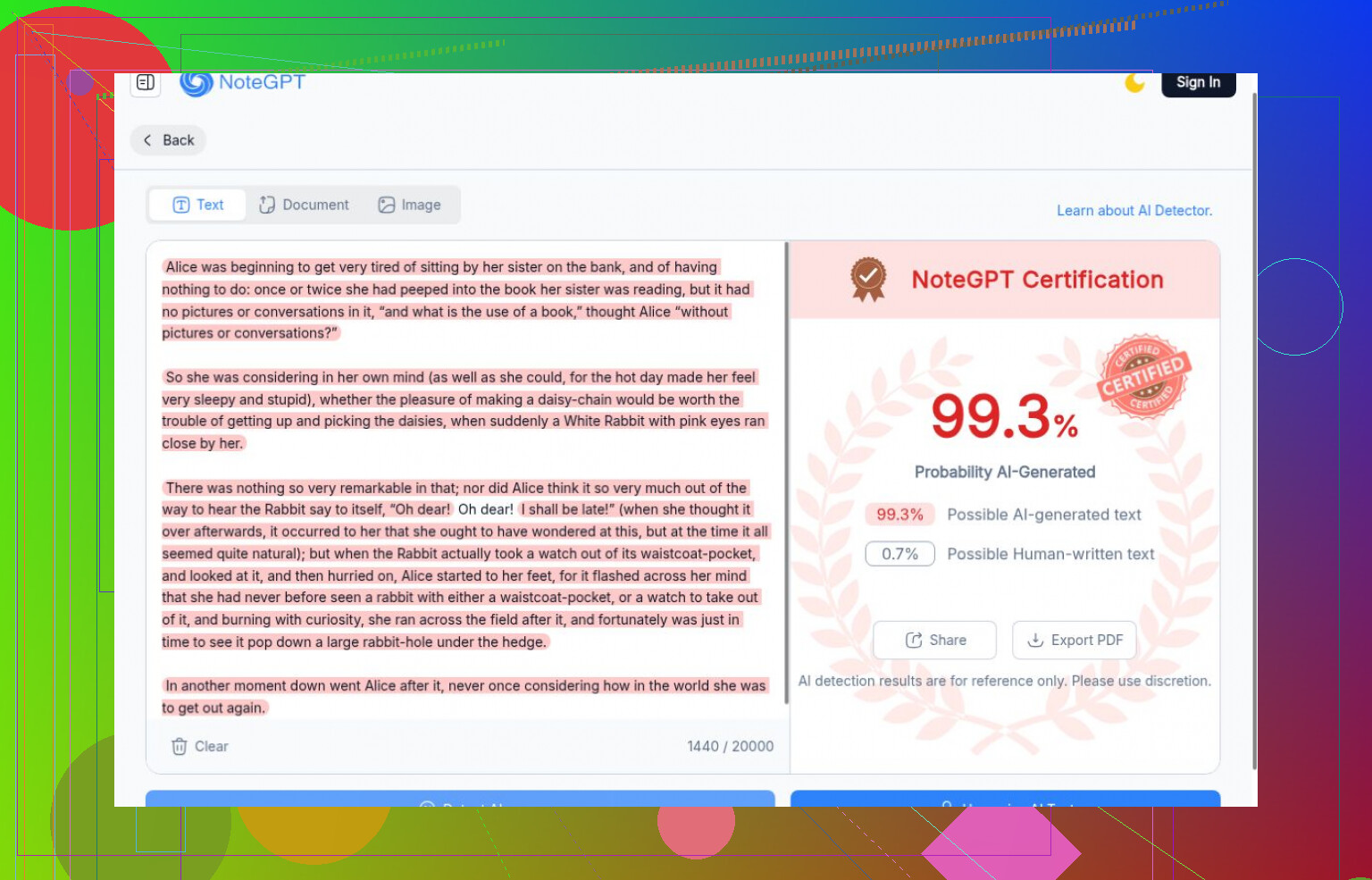
99.3% AI was ZeroGPT’s verdict on Lewis Carroll. The human control scored above every generated passage I submitted. That’s the result I’d check before trusting a detector’s confident label.

What I could actually compare

I reused six unchanged English passages: generated writing in different formats, a Carroll excerpt, and an AI-edited version of that excerpt. Some samples were related, so I wouldn’t treat this as a broad accuracy study.

I counted completed checks, not blocked submissions or leftover scores. I also kept access problems separate from detection failures. A signup screen tells me nothing about whether a detector works.

Where the results stopped adding up

ZeroGPT caught the generated texts but failed the human control. NoteGPT also gave Carroll its strongest AI score. Matching scores don’t establish shared technology.


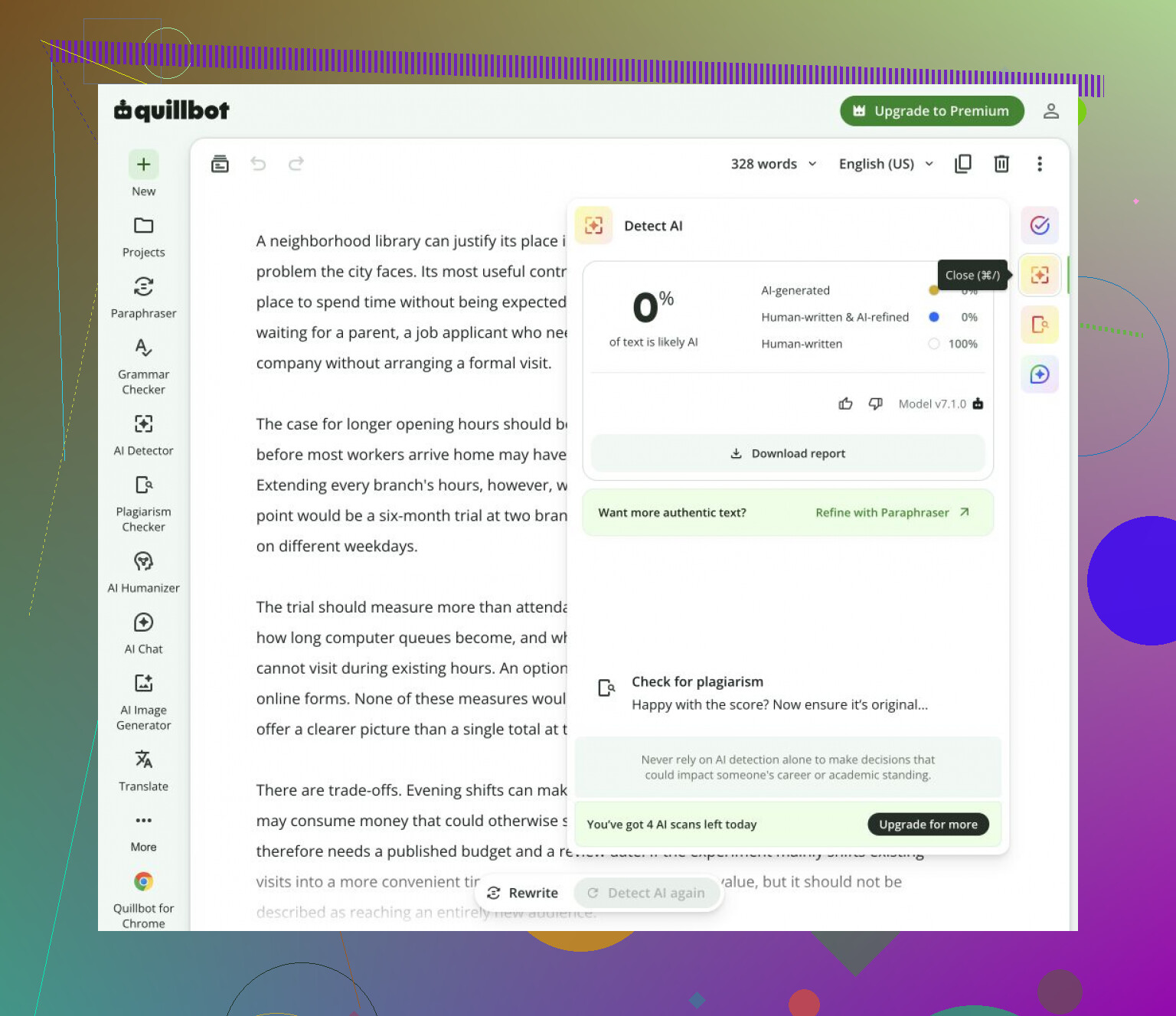
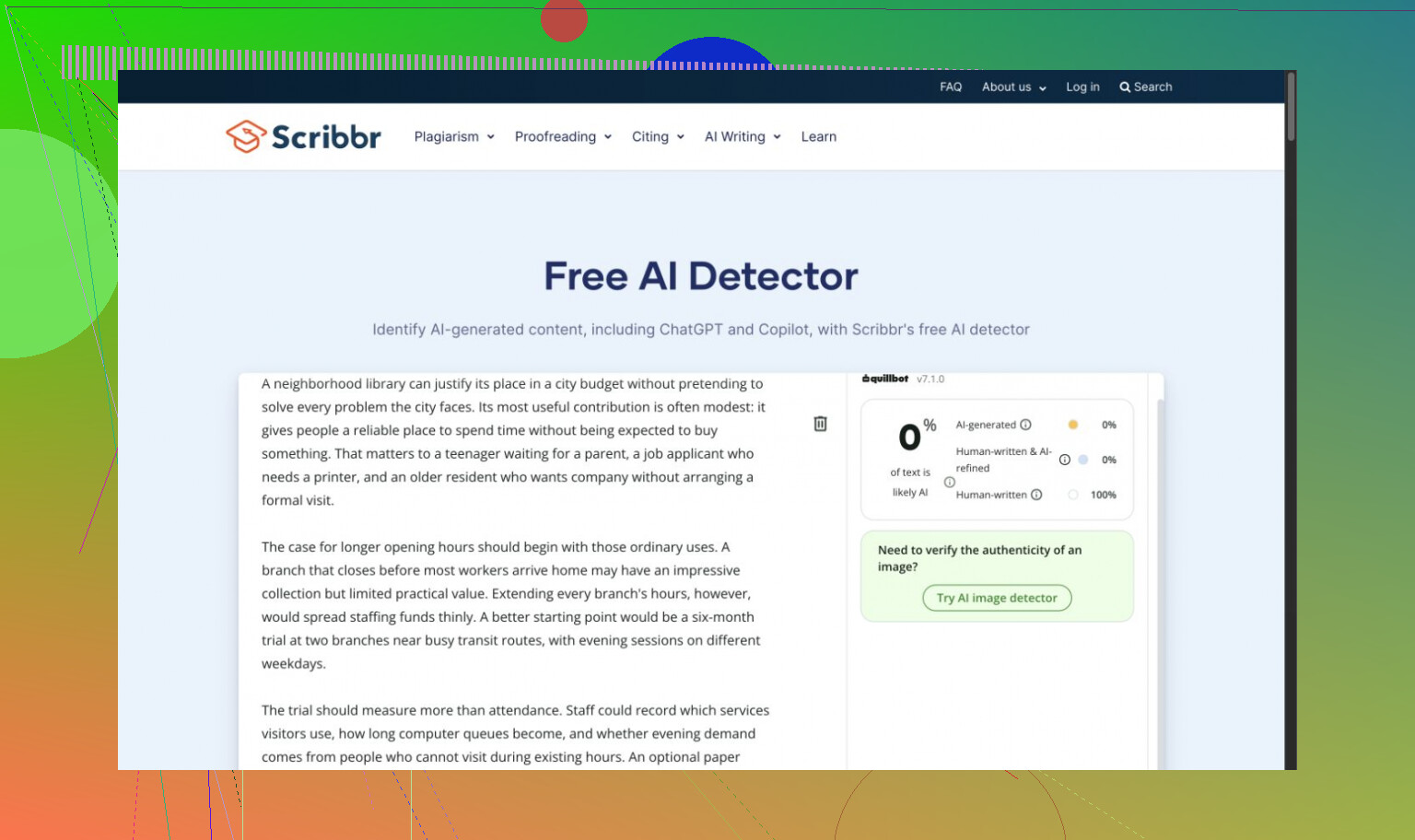
QuillBot accepted all four generated passages as human. Scribbr missed the essay too; its visible QuillBot branding kept me from counting it as an independent vote.


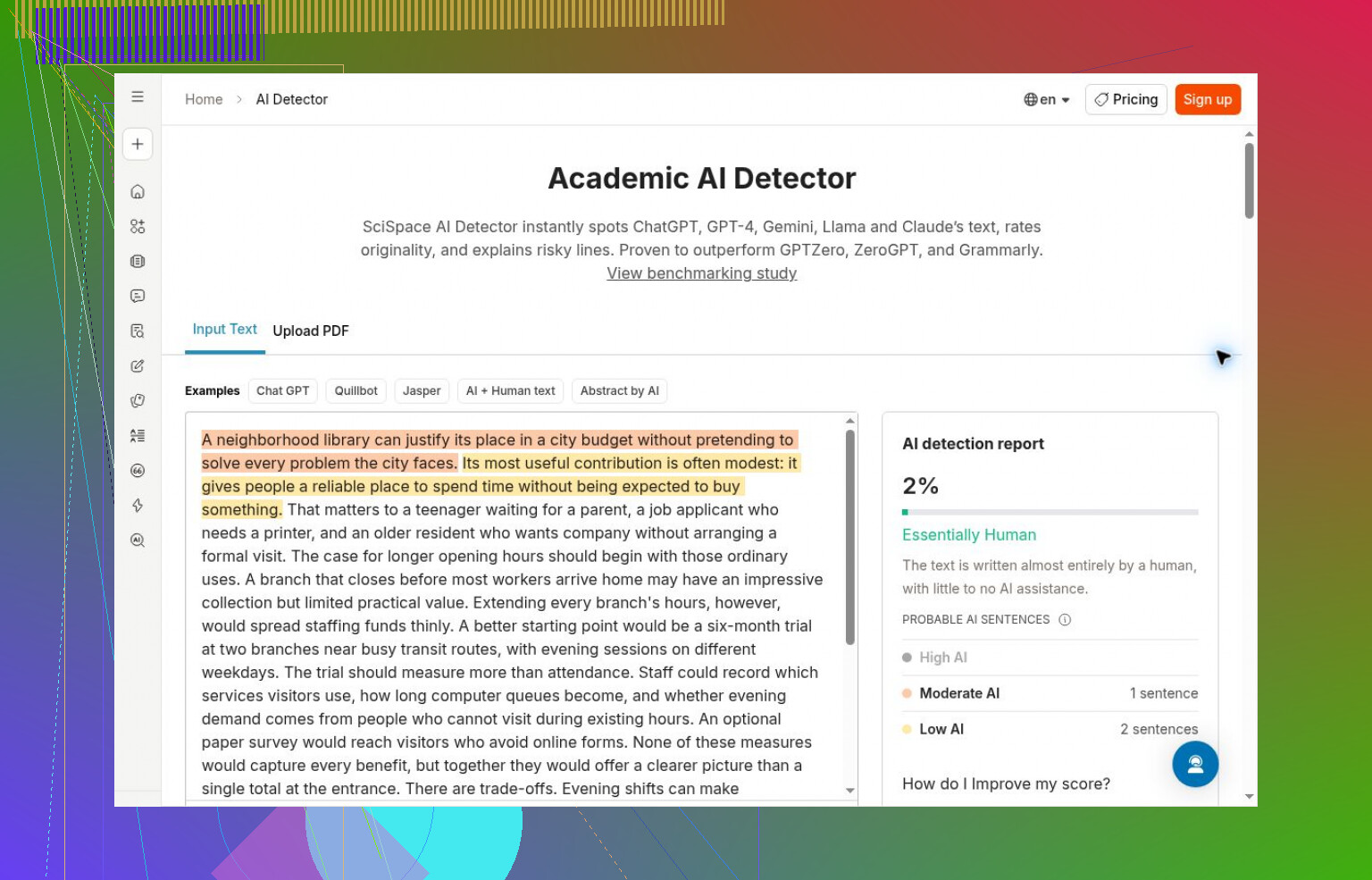
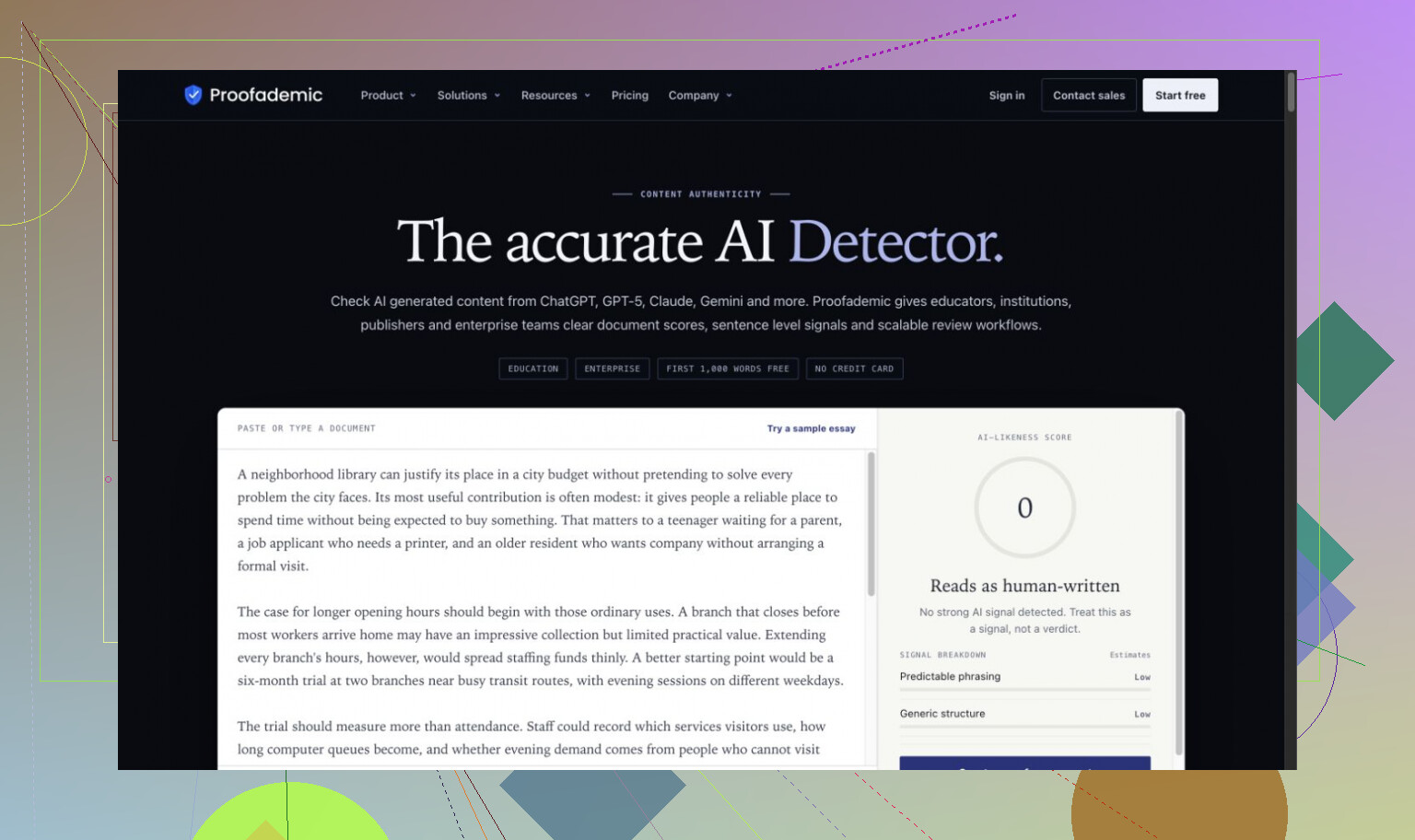
SciSpace and Proofademic’s public demo also missed the essay. Surfer accepted both generated passages it checked. I couldn’t establish why.


My full run with Clever AI Detector needed neither payment nor signup. It separated the generated passages from Carroll, but accepted the edited excerpt as human. I couldn’t verify advertised unlimited use, and sentence-level explanations sometimes conflicted with the headline.

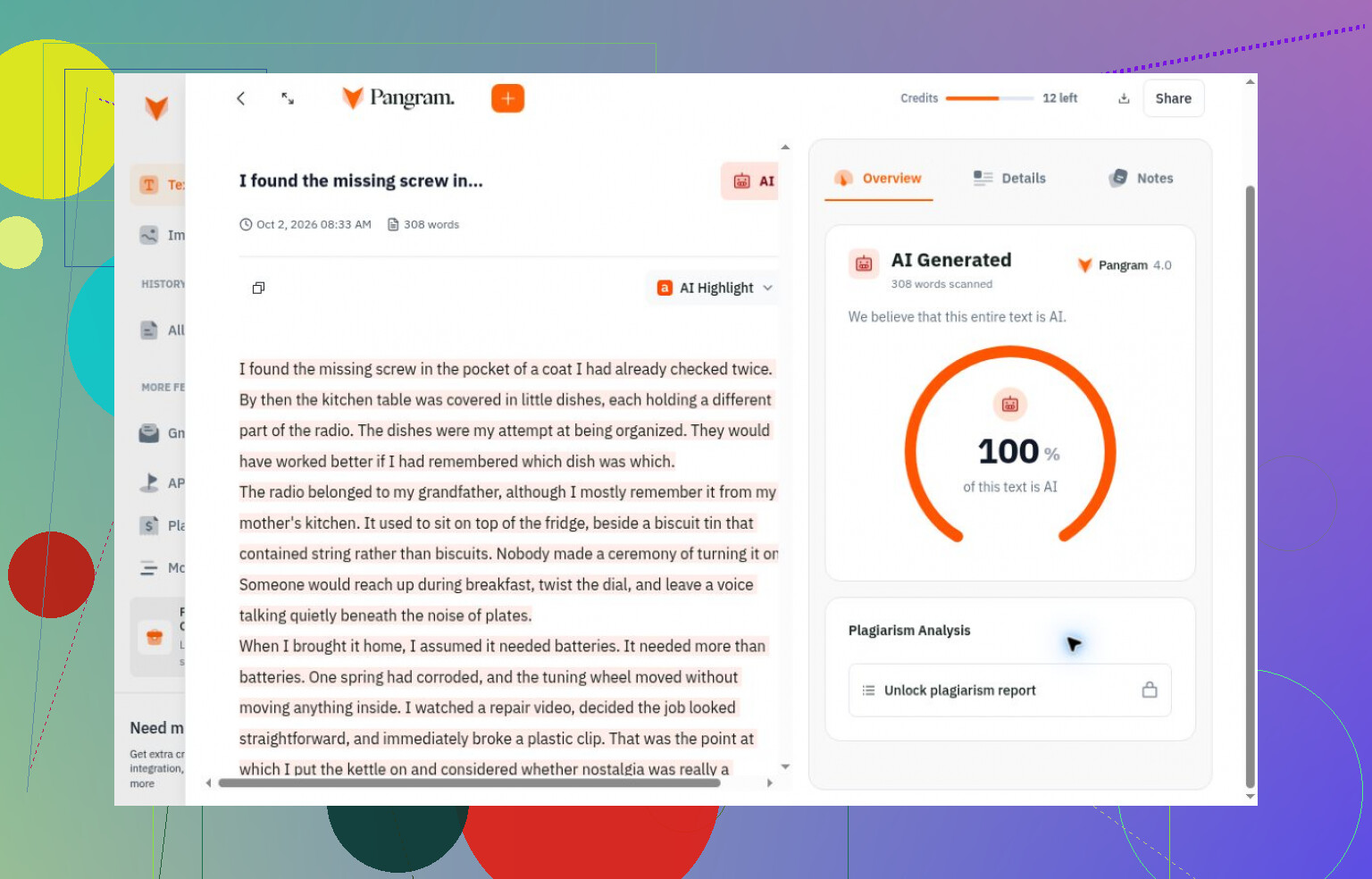
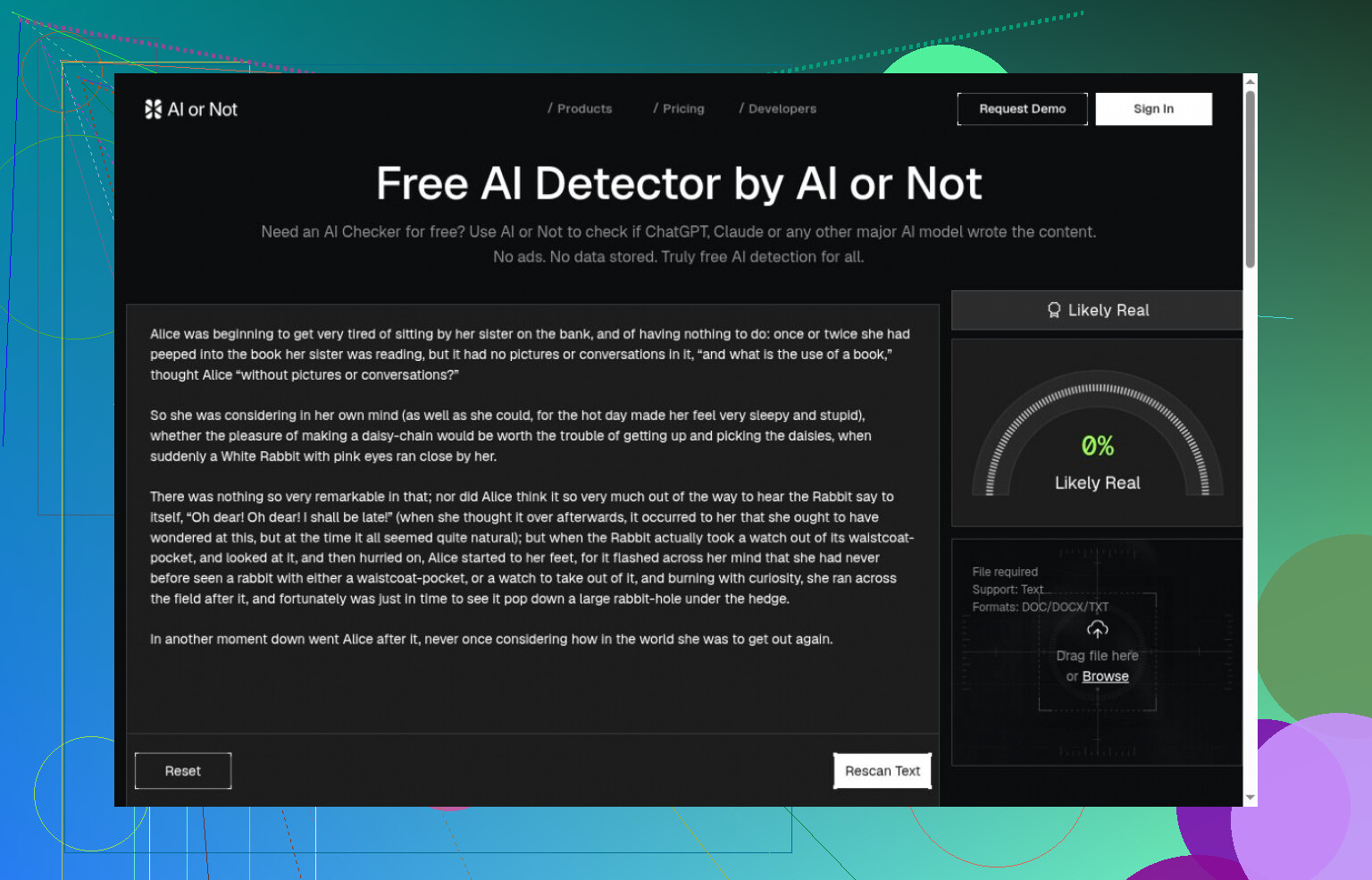
Pangram correctly classified its completed generated and human checks, though credits ran out. It also accepted the edited excerpt as human. AI or Not got its completed checks right; mixed writing wasn’t tested there.


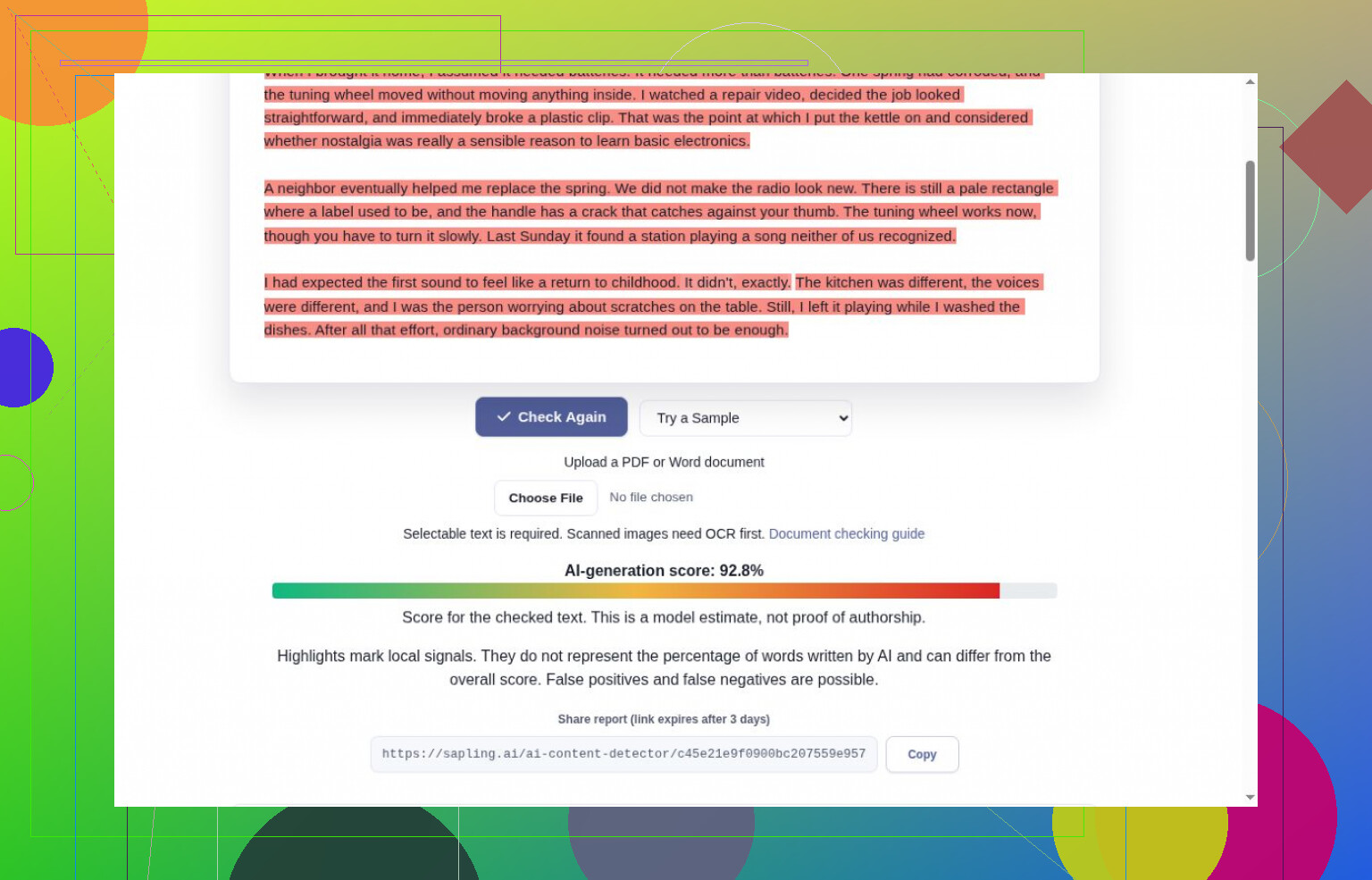
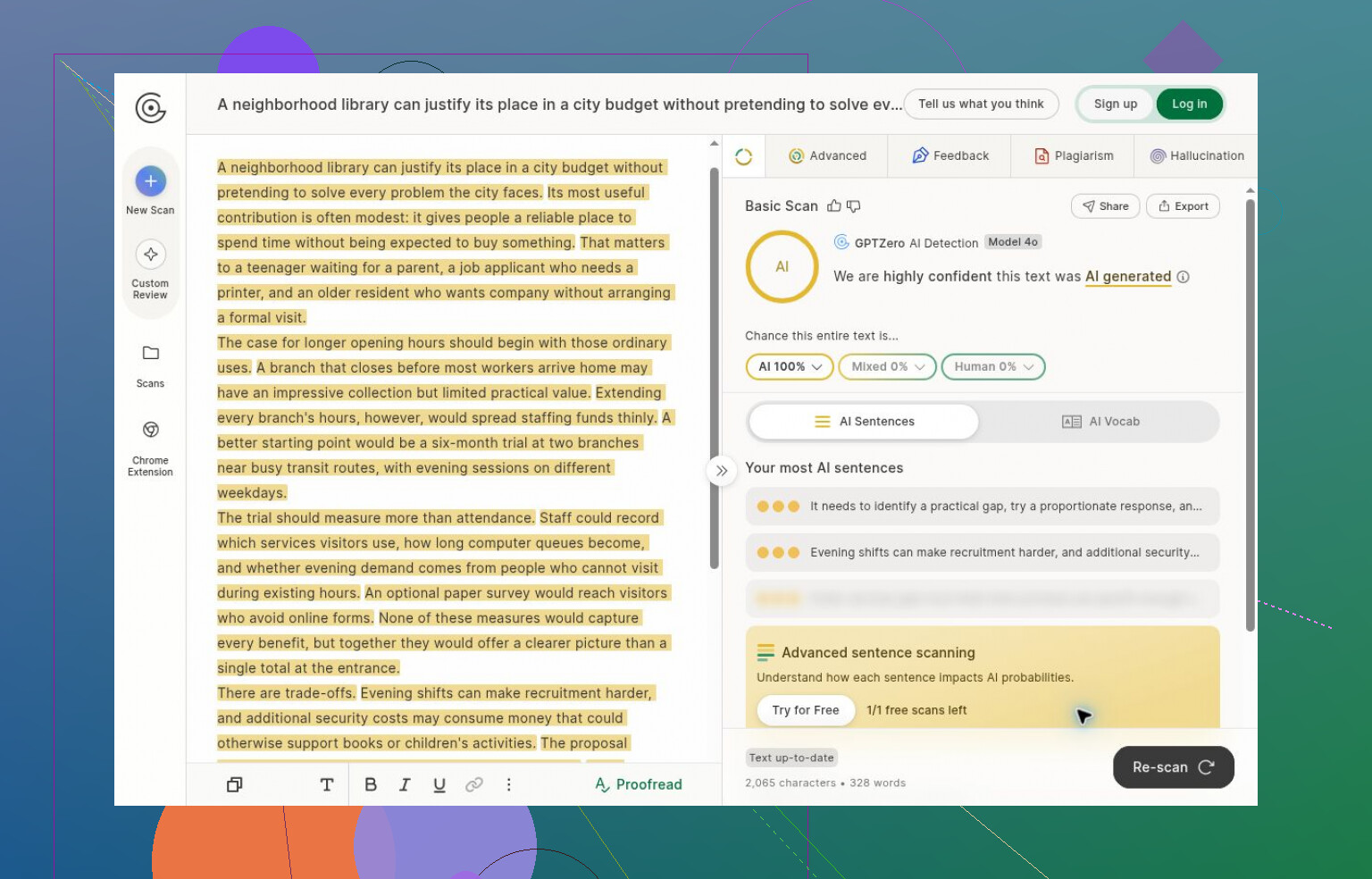
Sapling correctly handled the complete story and Carroll, but truncated the essay. GPTZero caught its generated inputs before signup intervened; changing text left an old score onscreen, not a fresh result.


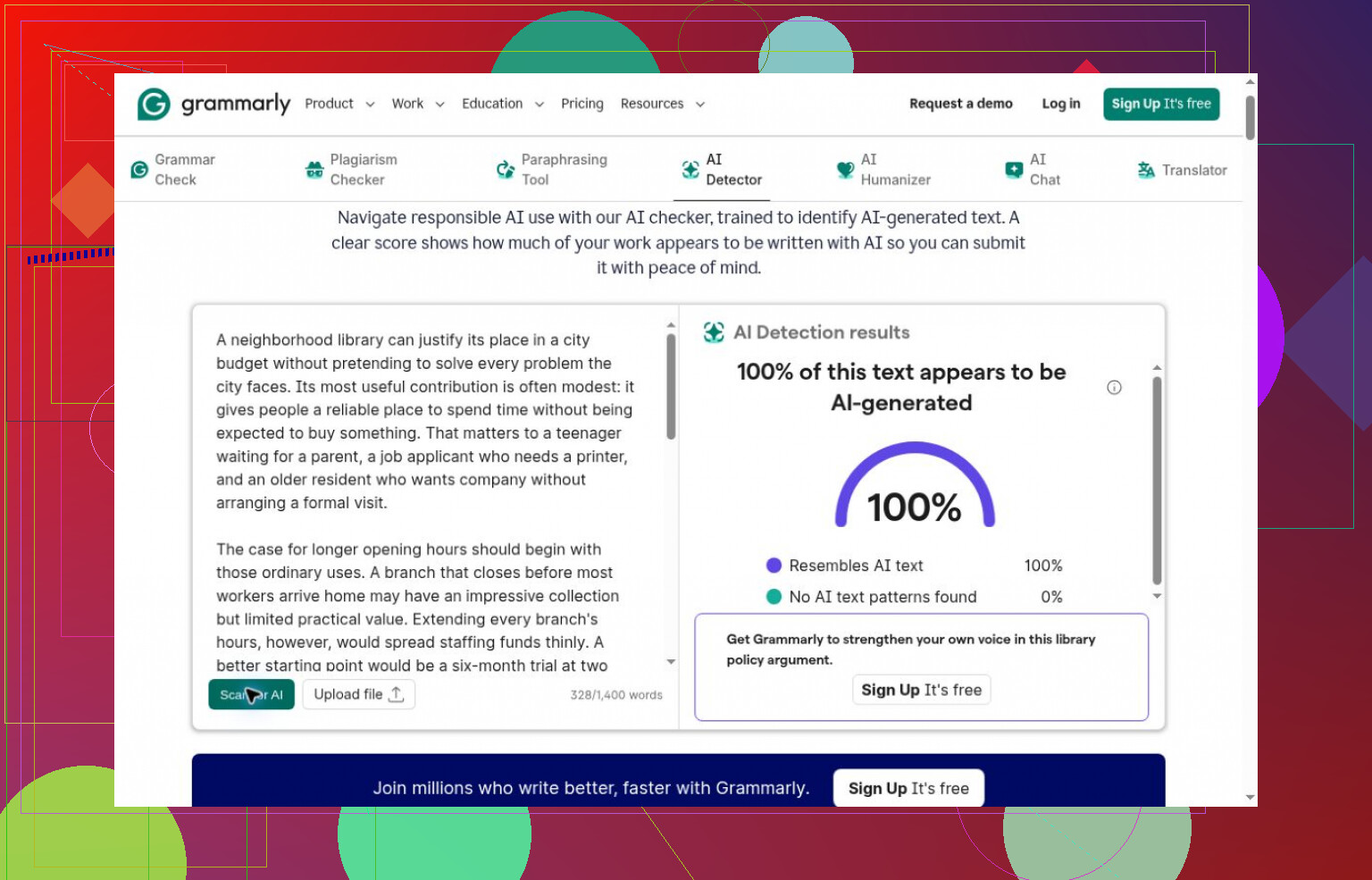
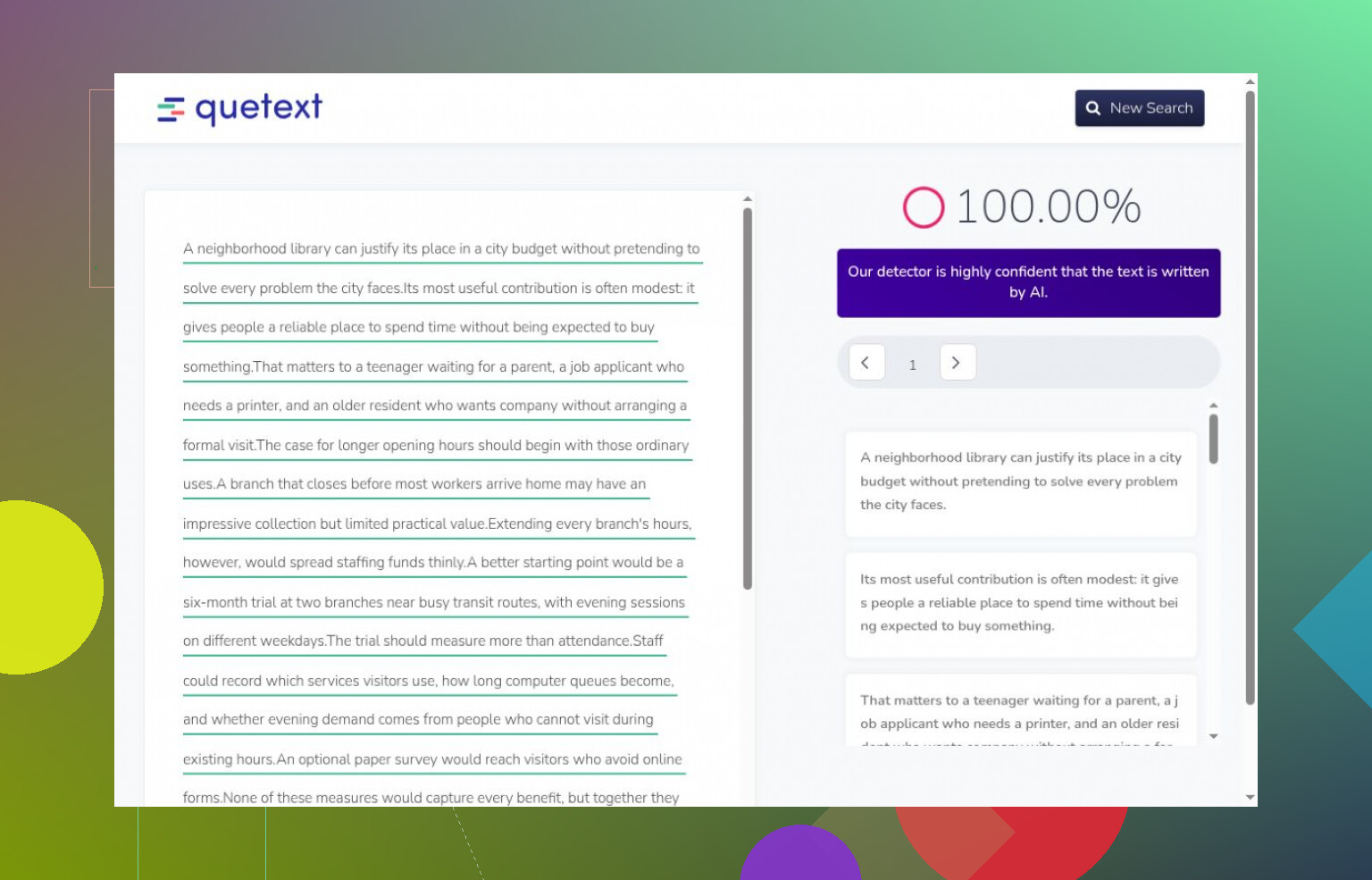
Grammarly and Quetext caught the essay, then blocked further guest attempts. Neither gave me a human-control result.


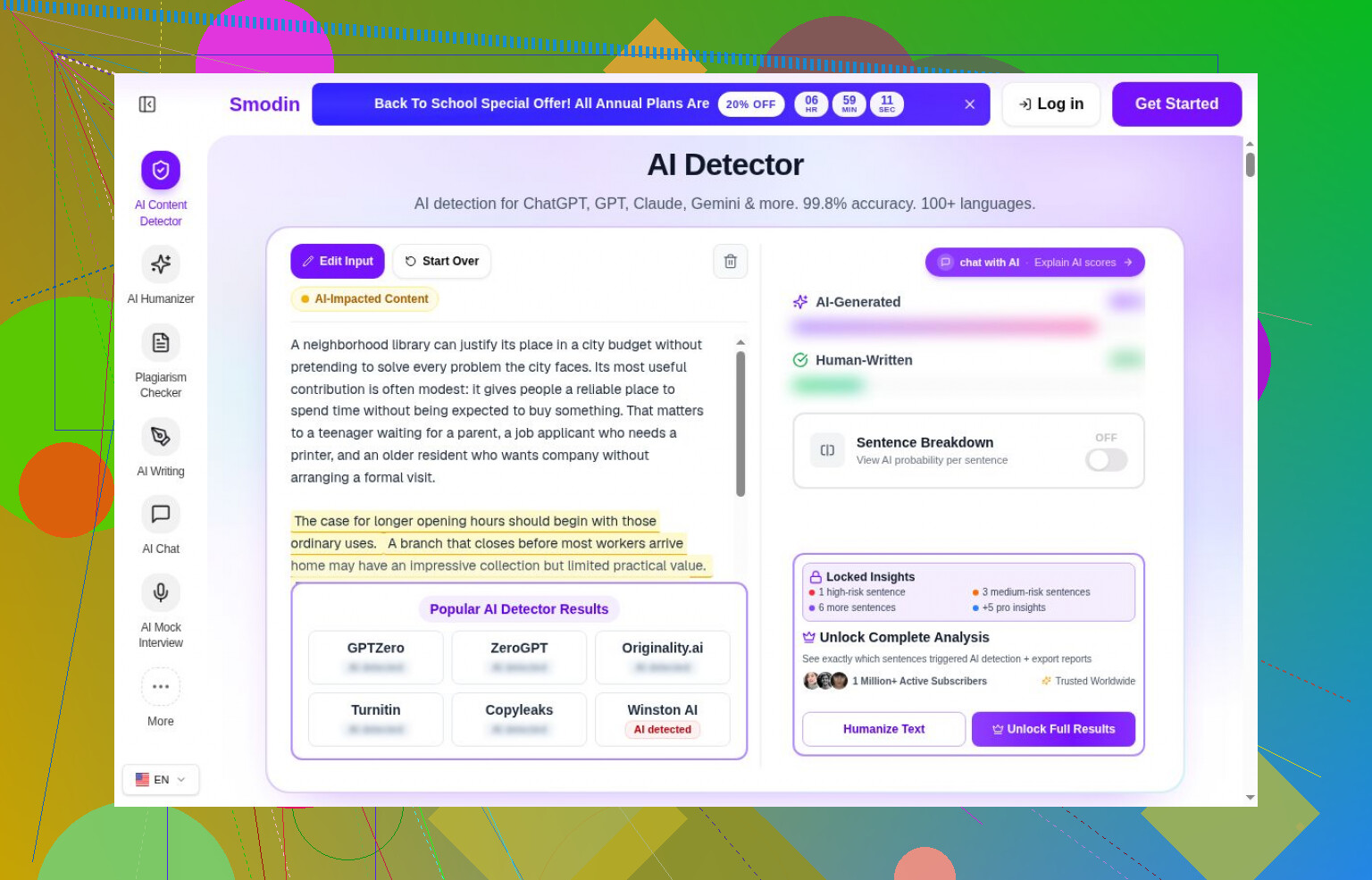
Decopy requested login; Smodin hid its headline values. I couldn’t assess either.


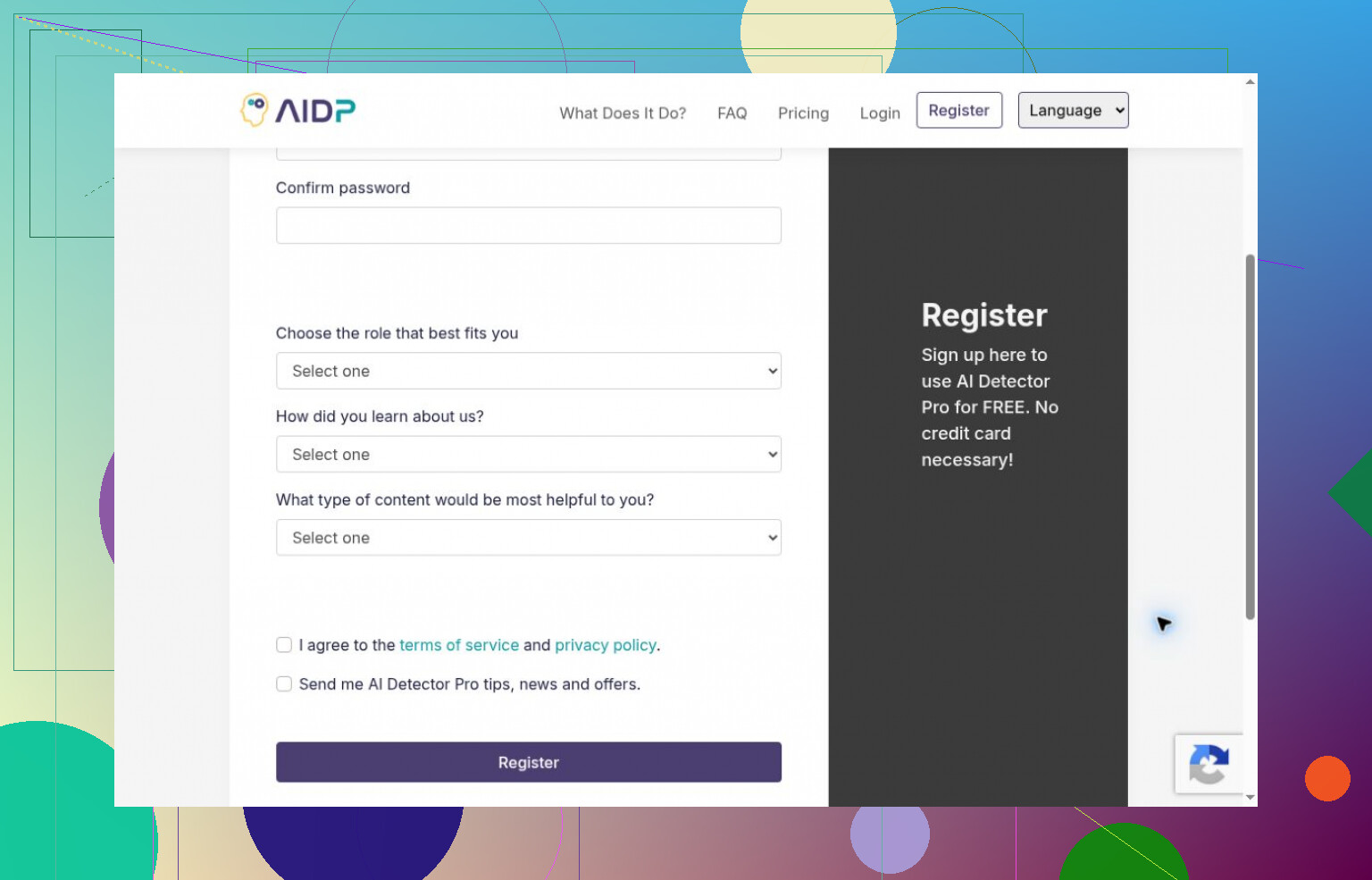
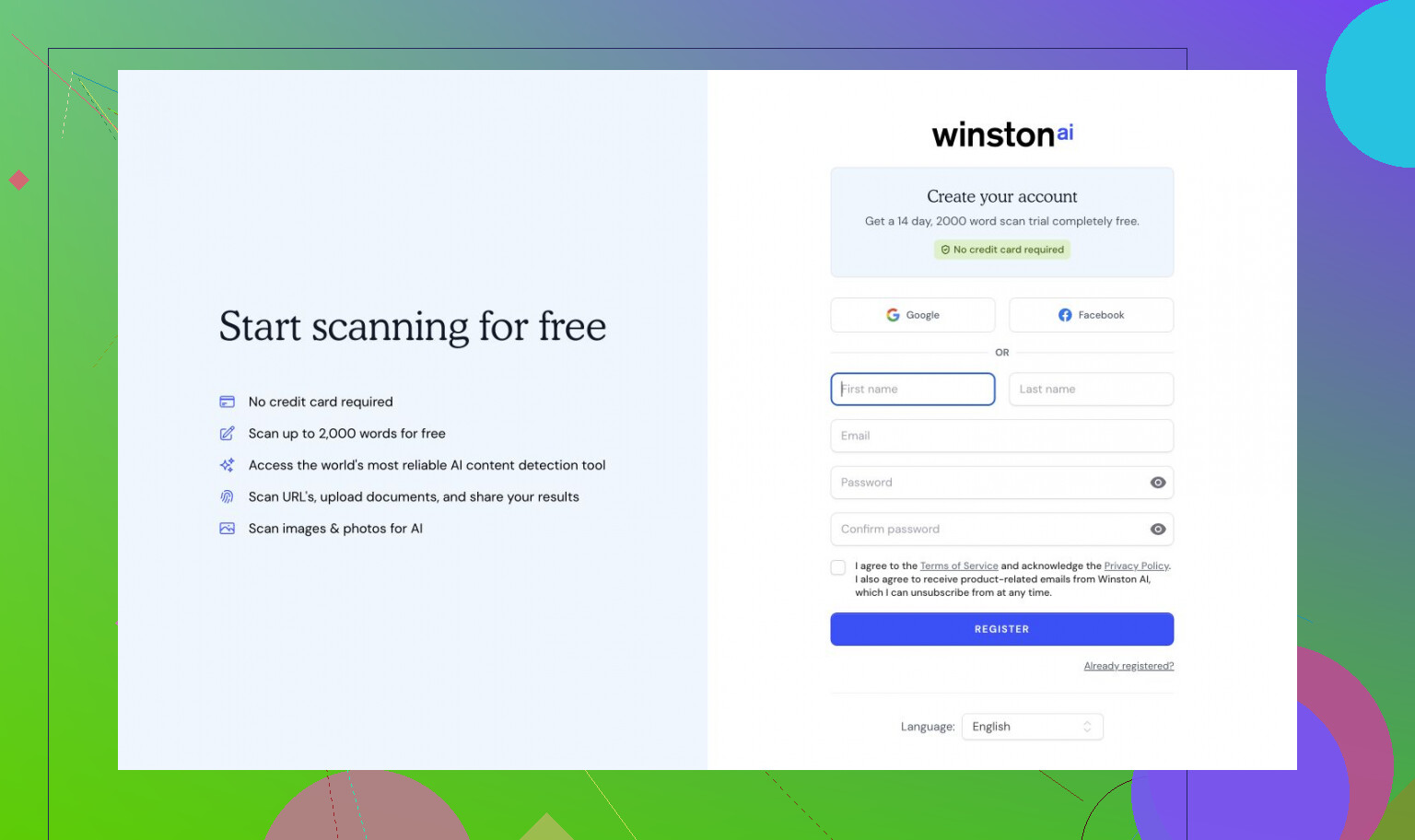
AI Detector Pro and Winston AI required registration. I stopped before scanning, leaving their advertised allowances unverified.


Copyleaks’ applicable-use terms stopped my review, not a failed scan. Turnitin needed institutional access I didn’t have.


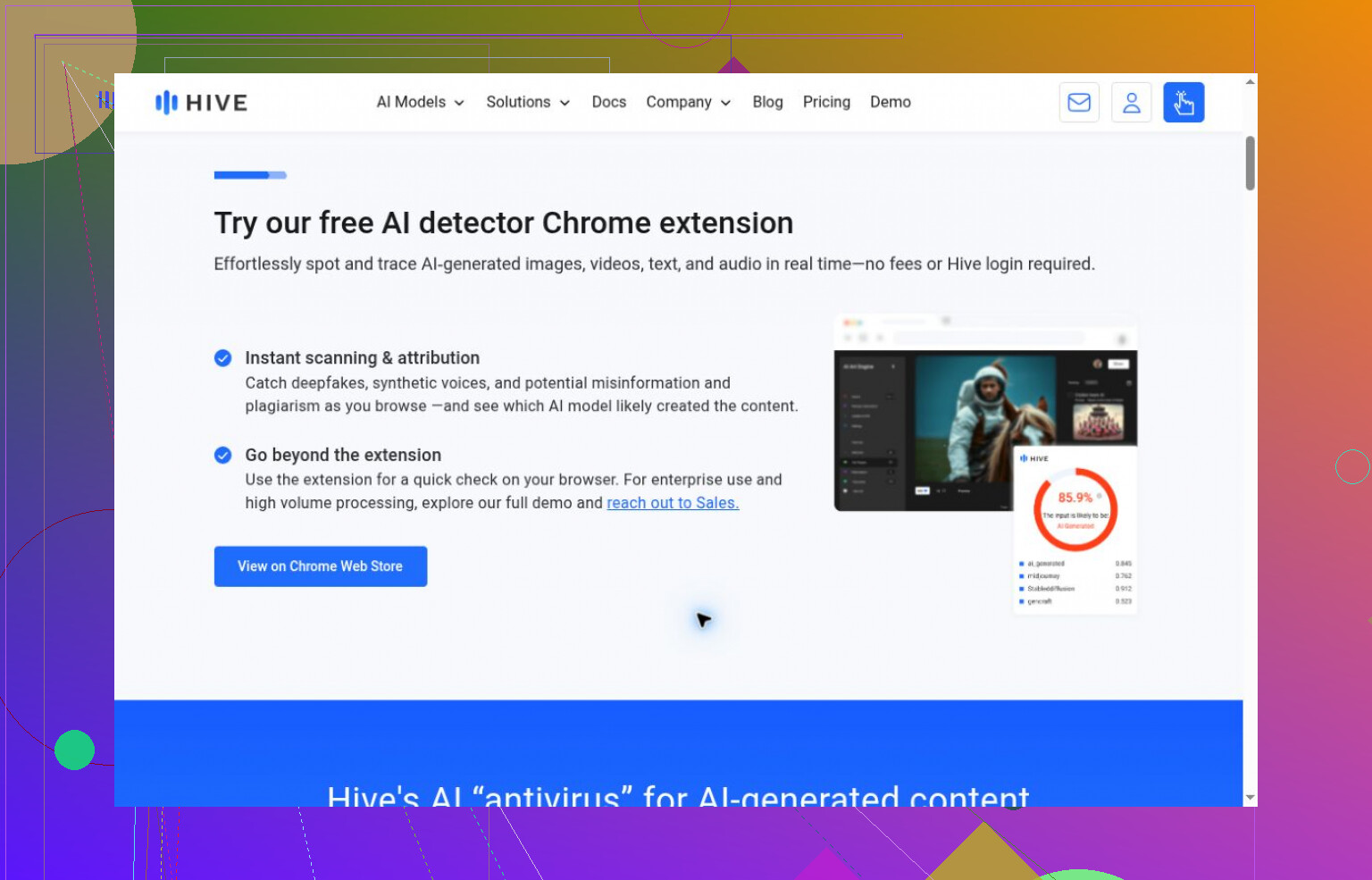
Hive’s inspected demo handled media; I didn’t configure its text options. ContentDetector.AI redirected to a Moxby extension I didn’t install.

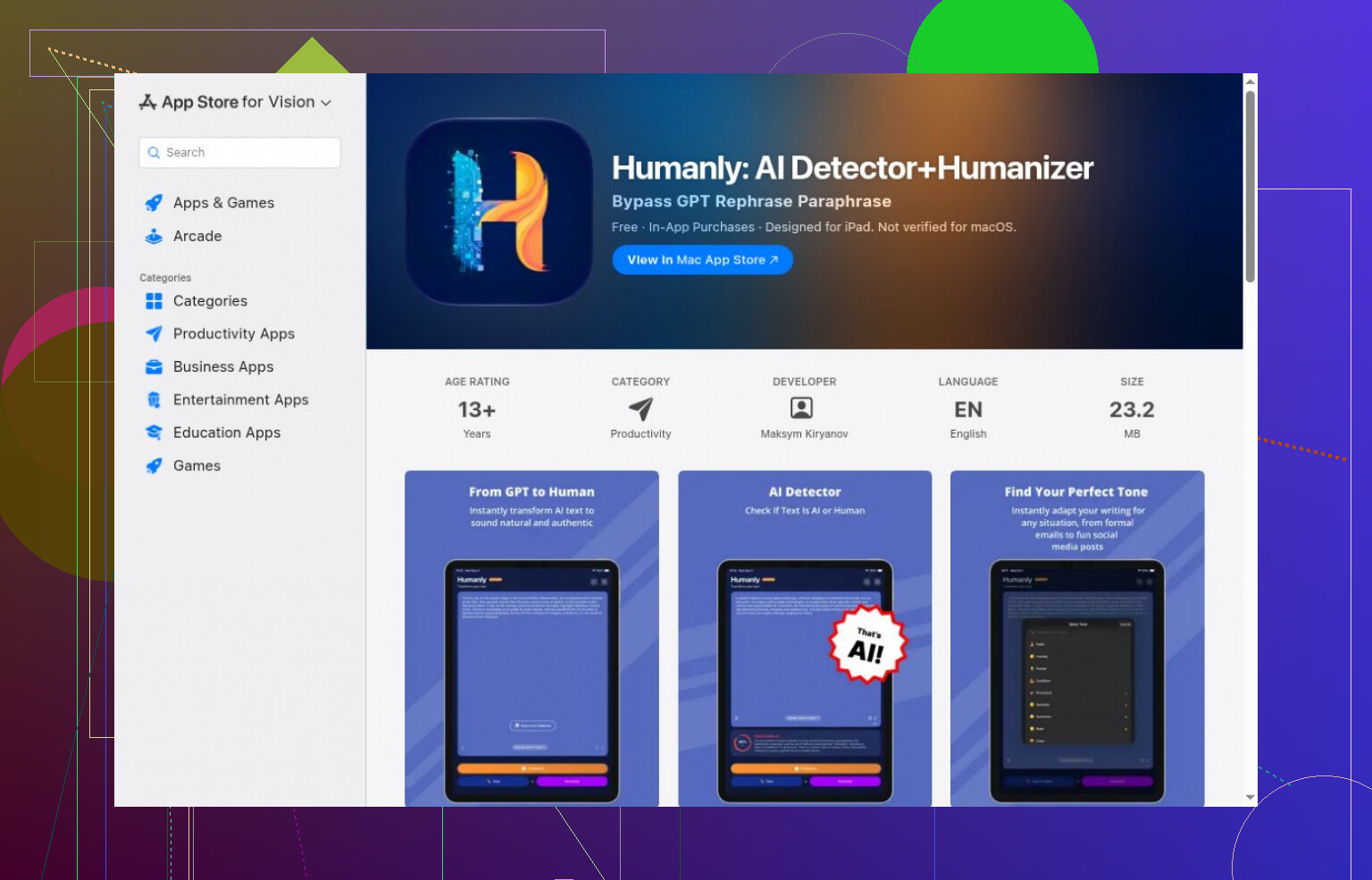
Humanly’s listing offered a free download with in-app purchases. I verified neither scanning allowance nor detection.

A score still needs its label

I wouldn’t read confidence, probability, and estimated AI share as interchangeable. Originality.ai correctly classified its completed generated and human samples, but guest access ended before broader testing. I selected its 15% AI Allowance setting; its confidence described the threshold-based verdict, not the proportion of generated words.
Changing “please select” to “select” is a tone edit. Changing “you can” to “you must” changes the procedure. I’d put the detector comparison behind that concern. Clever AI Detector’s Copy Report button is a welcome touch for handing results to another reviewer. (cleverhumanizer.ai) For your HumanizeAI rewrite, though, I’d keep numbered steps untouched and submit only the introduction and explanatory paragraphs. Ask for suggested edits rather than a replacement article, then approve them individually. Your review effort should go toward checking conditions and optional steps, not repairing instructions that were correct before the rewrite.

A smoother rewrite can leave readers looking for a button that doesn’t exist. If your screen says “Recover account,” changing that to “Restore access” might sound harmless, but now the article and the interface disagree. That’s why I wouldn’t stop at protecting numbered steps, as @primedrone suggests. Button labels, error messages, and account-status names need to stay consistent in the surrounding paragraphs too.

For your next HumanizeAI.io trial, I’d give the editor a short “keep these exact” vocabulary list and judge the result against the screen, rather than a score from Clever AI Detector. Can someone follow the article without having to guess which phrase refers to which control? You can make the voice friendlier through shorter sentences and less formal transitions without inventing synonyms for the product’s terminology. Given the optional-step change you caught, I’d want evidence that this saves editing time before adding it to the team’s workflow.

Watch the reassurance. @primedrone’s suggestion to edit only the surrounding prose still leaves room for “you’ll regain access right away,” which sounds friendly but promises an outcome your steps may not guarantee. Before running another draft through Clever AI Detector, I’d check whether the rewrite added any promises about timing or successful recovery.

Keeping the numbered steps untouched doesn’t make a rewritten article maintenance-free. You still need to know what happens when the actual recovery process changes next month. Otherwise, congratulations, you now have two drafts to argue with.

I’d push back a little on @primedrone’s approach for that reason. Editing only the surrounding prose gives the tool less room to break things, but I wouldn’t keep a “technical original” and a separate “friendly version” as ongoing documents. If your team does that, which one gets updated when a prerequisite changes? Which one do agents copy into replies? The optional-step mistake you caught is a reason to settle that before putting more articles through HumanizeAI.

My preference would be to treat the rewrite as a disposable editing proposal. Accept individual changes into your existing source article, then retire the alternate draft. Keep the reason for any important wording close to the source, too. A note such as “This action is optional because some users have already completed it” gives the next editor something more useful than “Please don’t change this.” Friendlier wording shouldn’t get to erase the reason a sentence was written that way.

For a trial, I’d go beyond approving the first rewrite. Take the approved result and introduce a pretend product change: a recovery route is no longer available, or a prerequisite now applies to a different account type. Have another team member update the article without consulting the person who approved the rewrite. See whether they can find everything that needs changing. That’s a more interesting test to me than whether the initial draft sounds pleasant.

You could still get value from HumanizeAI without making it a permanent stop in the publishing process. If the edits you accept mostly remove throat-clearing and split overloaded sentences, turn those into a few house-style examples. Then your writers can use those patterns directly. Paying attention to tone makes sense. Giving every future documentation update an extra reconciliation job is a rather expensive way to sound approachable.

Whether your agents are pasting in entire articles or sections into tickets, notice that it can affect the procedure. It might be possible to keep the same procedure and still make an excerpt harder to use by reading it top to bottom. Make sure to look out for edits that replace a specific noun with ‘it’ or a repeated prerequisite with ‘as noted earlier.’ Those changes may read better but have the copied section now rely on text the customer never received.

I agree with @espritlibre about keeping a single source article. The caveat is that approving that article as a complete document doesn’t cover every way the team uses it. For your HumanizeAI trial, take a section an agent would realistically paste into a reply and read it without the introduction or neighboring steps. Check whether the customer can still tell which account state it applies to and what they need before starting. This doesn’t require another maintained version, just a check on the approved text.

I’d explicitly allow useful repetition in the editing instructions. Repeating the name of a recovery method sounds stiff to an editor, but saves the agent from having to reinsert it into every response. For support content, I’d rather accept the slight stiffness than get prose that only works when no one skips a paragraph.

A tidy detector score tells you nothing about whether your renamed button still matches what the customer sees on screen, so don’t let it stand in for someone clicking through. That’s where I’d push back on the Copy Report angle from @primedrone. Clever AI Detector can go in the mix, but the handoff you actually need is a teammate running the steps against the live UI, not a report pasted to another reviewer.

A walkthrough with an eligible account leaves the failure branch untested. I’d extend @virtualexplorer6554’s UI check to someone who lacks a required recovery method, then compare what the original and rewritten articles tell them to do. The rewrite should preserve where they must stop or switch routes, even if they never reach a button.