Gah, tech woes are the absolute WORST. Been there, done that, practically got the t-shirt!! If you’re struggling to mirror your iPhone to a Sharp TV, it’s usually one of a few things: Wi-Fi issues, incompatible devices, or the occasional “why even bother” vibe. Here’s a quick rundown for you:
-
Check your Wi-Fi: Both devices need to be on the SAME Wi-Fi network for this to work. It sounds basic, but you’d be surprised how often this trips people up.
-
Apple TV or AirPlay Devices: The seamless way to mirror is if your Sharp TV supports AirPlay 2. If it does, just swipe down from the top right of your iPhone screen to open Control Center, tap Screen Mirroring, and select your TV from the list.
-
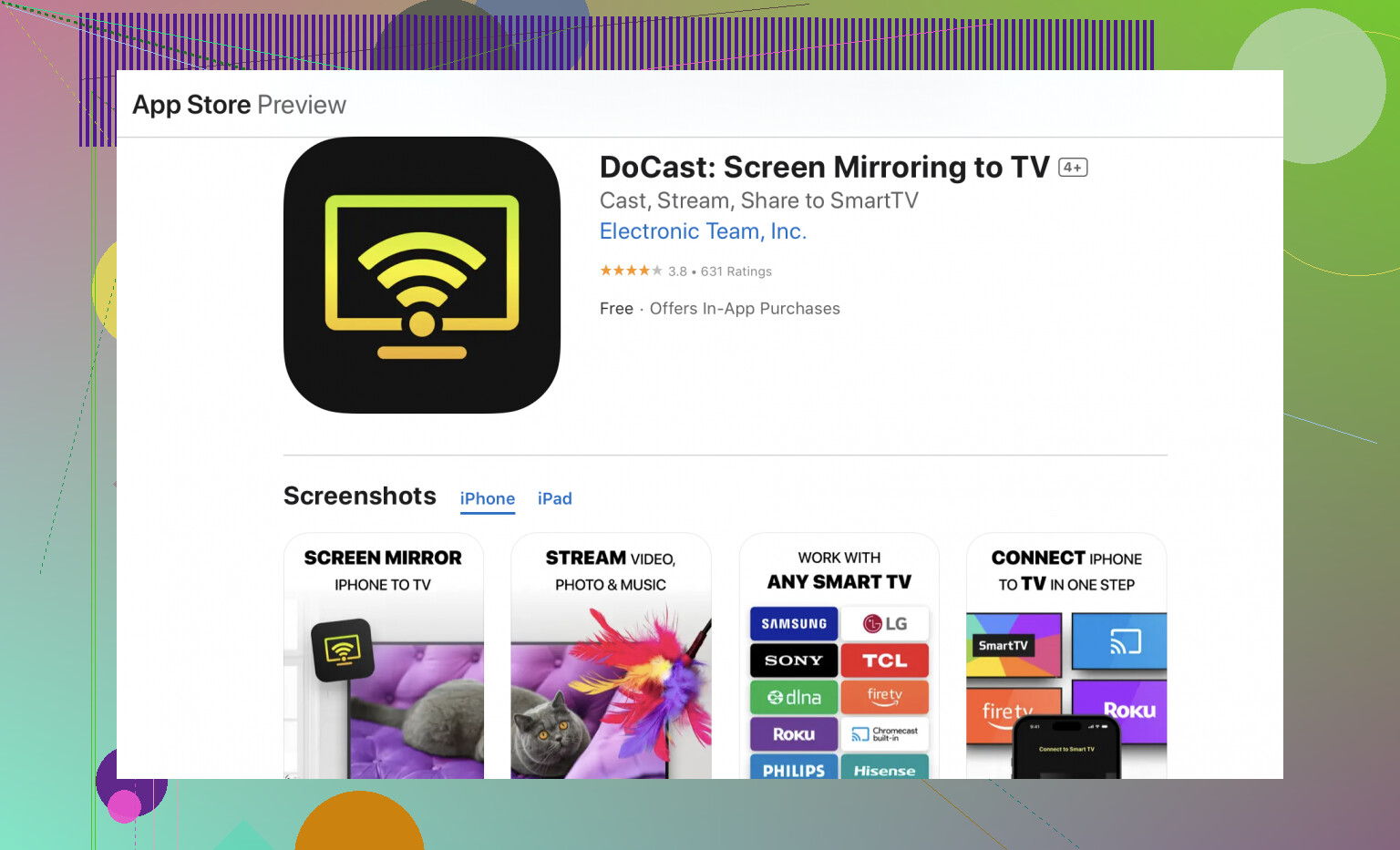
Apps Galore: There’s an app called DoCast Screen Mirroring App, which is a lifesaver. Download it on your iPhone, follow the steps to connect to your Sharp TV, and boom – you’re set.
-
HDMI Cable & Adapter: When all else fails, go old school. Get yourself a Lightning Digital AV Adapter and an HDMI cable. Plug the adapter into your iPhone and the HDMI into your TV. Select the right HDMI input, and you should see your screen mirrored on the TV.
-
Restart Everything: Sometimes tech just needs a kick in the pants. Restart your TV, iPhone, router, your sanity… kidding. Maybe.
If you’ve done all this and still nada, your TV might need a firmware update. Or, let’s face it, modern tech sometimes just doesn’t care about our feelings.
Good luck out there tech warrior  ! I’m rooting for you from my own pile of wires and despair.