I accidentally deleted photos and videos from my SD card while moving files to my Mac, and now I can’t find them anywhere. These files are really important, and I need help figuring out the best way to recover deleted SD card files on a Mac before anything gets overwritten.
I’d stop right there and leave the SD card alone. No more photos, no file copies, no reformat. When files get deleted on an SD card, they often sit there until new data lands on top of them. Once you keep using the card, recovery gets worse fast.
I’m on Mac too, and the tool I had the least trouble with was Disk Drill. I used it on camera cards a few times after accidental deletes and one format mistake. It read FAT32 and exFAT cards fine, let me preview stuff before pulling it back, and it did a decent job with camera clips too. There’s also an Advanced Camera Recovery mode, which helped me once with chopped up drone video files.
What I would do first
- Plug the SD card in with a decent card reader
- Install Disk Drill on your Mac
- Pick the SD card from the device list and scan it
- Run Universal Scan first
- If missing files are videos from a camera or drone, run Advanced Camera Recovery too
- Use preview before restoring anything
- Save recovered files to your Mac’s internal drive or another disk, not back onto the SD card
The preview step matters more than people think. If a photo opens properly in preview, or a video plays there without glitching, I usually take it as a good sign. It doesn’t promise everything, still, it’s better than restoring blind.
Also, check Mac Trash before you do anything fancy. I know, sounds dumb. But I’ve seen deleted files from removable media end up there, and I once got back a whole batch of shots from a card without needing recovery software at all. Took like 20 seconds.
If you want the free route, PhotoRec is worth a shot. I used it once and it worked, but yeah, it feels rough. The interface is old-school and you usually lose the original filenames and folder layout, which gets annoying fast if you shot a lot.
From what I’ve seen, accidental deletion is one of the better cases. If you didn’t keep shooting on the card after the mistake, your odds are still decent.
First, stop using the SD card. Eject it and set it aside. Deleted files often stay recoverable until new data overwrites them. On flash media, overwrite risk goes up fast.
I agree with @mikeappsreviewer on one thing, checking Trash is worth 10 seconds. I disagree a bit on jumping straight into a full recovery scan though. On a Mac, I’d check two places before scanning the card:
- Photos app, if you imported there. Look in Recently Deleted.
- Finder search on your Mac for file types like .JPG, .HEIC, .MP4, .MOV, sorted by date added.
A lot of “deleted from SD card while moving” cases end up being failed copies, partial imports, or files sitting in a library package.
If the files are not on the Mac, then use recovery software. Disk Drill is a solid Mac option for SD card recovery because it handles exFAT, FAT32, and common camera file systems well. One thing I like is creating a byte-for-byte image of the SD card first, then scanning the image instead of the card itself. That lowers risk if the card is flaky or starts disconnecting. Thats the step many people skip.
My order would be:
- Write-protect the SD card if it has a lock switch.
- Connect with a stable card reader.
- Make a disk image of the card.
- Scan the image with Disk Drill.
- Recover files to your Mac or an external drive, never back to the SD card.
If Disk Utility fails to image the card, that points to hardware trouble. At that point, don’t keep remounting it over and over. That makes things worse.
If you want a visual guide, this Mac SD card file recovery walkthrough covers the process in a simple way.
One more thing people miss. If you used Command+Delete in Finder on copied files from the card, macOS sometimes removes the card entries but leaves copied data on the destination folder with different timestamps or duplicate names. Check for hidden duplicates too. It sounds dumb, but ive seen it happen.
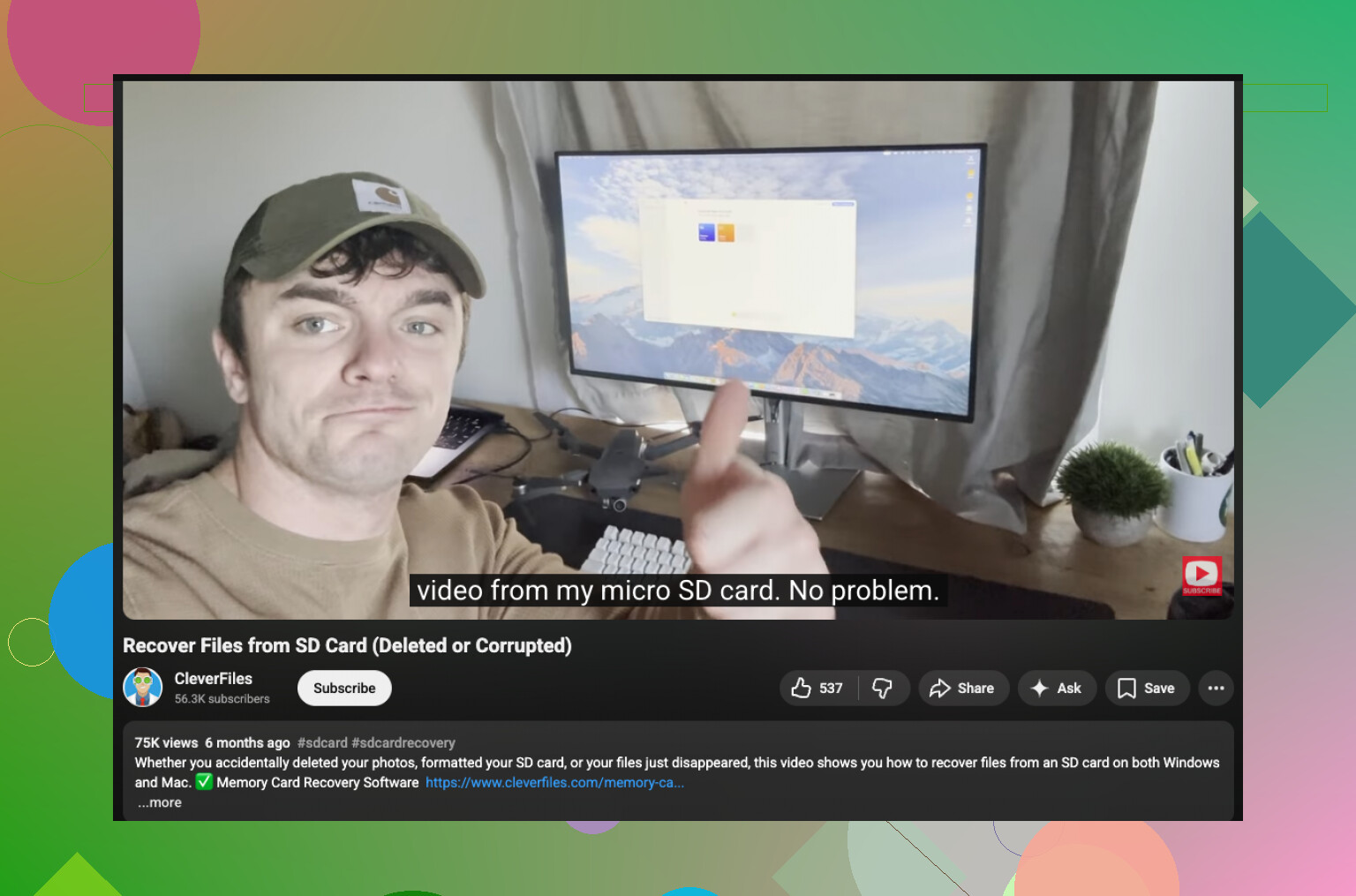
I’d add one thing neither @mikeappsreviewer nor @nachtdromer really stressed enough: check whether the files were ever actually moved off the card in the first place. A lot of “deleted while moving” on Mac is really Finder choking on a copy, then clearing the source anyway. Super annoyng.
Open Finder and look in your usual import folders, then use Spotlight with kinds like kind:image and kind:movie, plus the camera’s filename pattern if you know it, like IMG_, DSC_, MVI_, GH, etc. Also check the Photos library package size if you imported there. Sometimes the files are inside the library even when the app view is messy.
If the card is still the only place they existed, then yeah, recovery is the move. I slightly disagree with doing too much in Photos/Finder first if the card is unstable. If it keeps disconnecting, skip the poking around and image it ASAP. Disk Drill is the practical Mac choice here because it can recover deleted files from SD cards on macOS and is easier to verify with previews than a lot of freeware.
One more thing: if your SD card is microSD in an adapter, swap adapters/readers before assuming corruption. Those cheap adapters fail allll the time.
Also worth reading: Mac SD card file recovery discussion and troubleshooting steps
Main rule is simple: recover to a different drive, not back onto the card. If Disk Utility says the card has errors, do not run First Aid before recovery. That “fix” can make deleted-file recovery worse on exFAT/FAT cards.

Big +1 to @nachtdromer, @caminantenocturno, and @mikeappsreviewer on the “stop using the card” part, but I’d push one extra angle first: if you were moving files in Finder, check the destination folder’s **View Options** and sort by **Date Modified** and **Date Added**. Finder sometimes leaves you thinking the transfer failed when the files actually landed under odd names like `IMG_1234 2.JPG` or inside a nested folder created during import.
A couple things I would **not** do yet:
- Don’t run First Aid before recovery
- Don’t reinsert the card repeatedly if it’s acting flaky
- Don’t trust Photos alone if these were copied manually
If the files are truly gone from both card view and Mac storage, then yeah, **Disk Drill** is the practical Mac route.
**Pros of Disk Drill**
- Good with SD cards, exFAT, FAT32, microSD
- Preview helps separate usable files from junk
- Easier than command-line tools
- Can scan by signatures when file system records are damaged
**Cons**
- Deep scans can take a while
- Free use is limited on Mac
- Recovered filenames/folders are not always perfect
- Not magic if the card has been overwritten
My take: if the card is physically healthy, deleted-photo recovery odds are usually decent. If the card disconnects, errors out, or mounts inconsistently, stop troubleshooting and clone/image it before anything else. That’s where most recoveries go sideways.