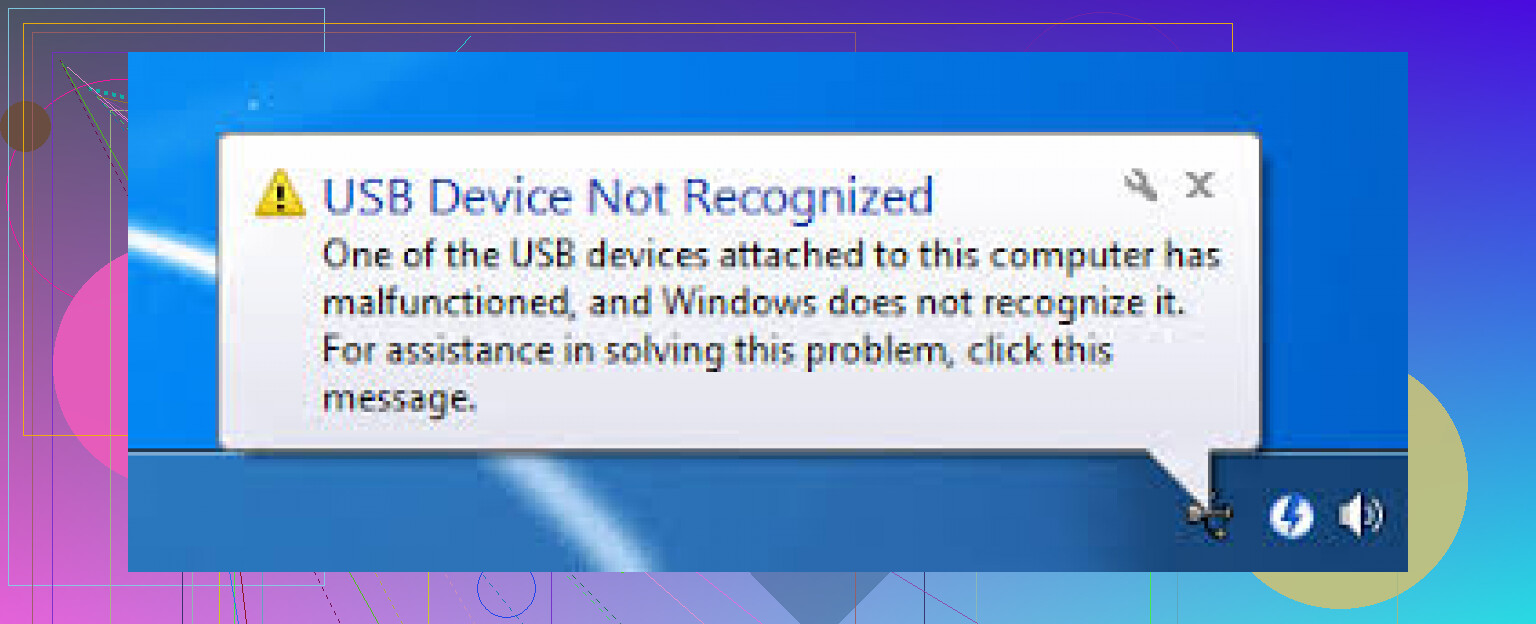
If ports and a reboot did nothing, I’d look past the usual fixes @mikeappsreviewer listed and check two things first.
Open Disk Management. If the USB shows there with no drive letter, assign one. Windows sometimes sees the device but fails to mount it. This is common after updates or dirty removal. If it shows as RAW or Unallocated, the file system is damaged, not the USB stack.
Next, check Event Viewer, Windows Logs, System. Look for Kernel-PnP or USBHUB errors right when you plug it in. This helps split driver issues from failing hardware. A lot of guides skip this, but it saves time.
I slightly disagree with uninstalling USB entries first. If the device was fine yesterday and now throws errors on every port, file system corruption or low power from the device itself is often the faster lead.
If the USB device shows up but no files appear, try this guide for fixing a USB drive detected but empty, watch how to fix a USB drive that shows no files.
If your files matter, stop plugging it in over and over. Use Disk Drill to scan it. It’s solid for USB recovery when Windows detects the drive but won’t open it. If Disk Management does not see it at all on multiple PCs, the device is likley failing at the hardware level.