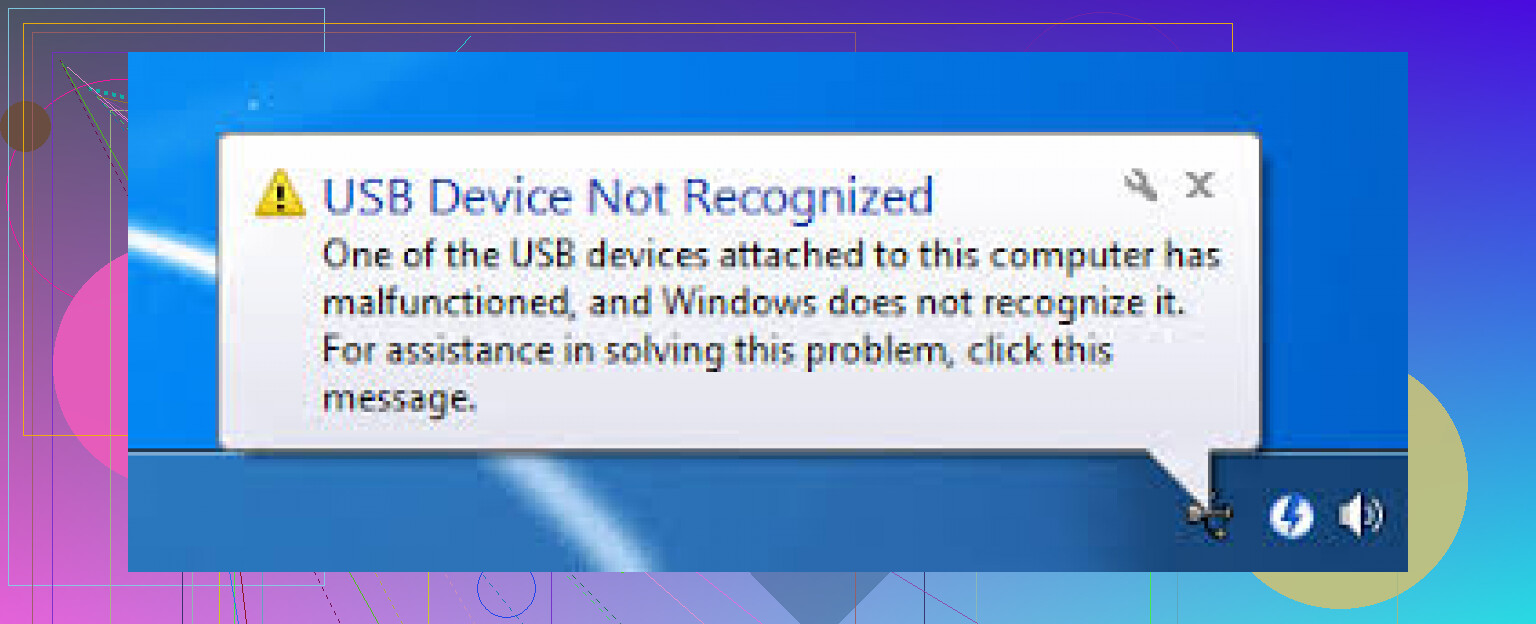
My USB device was working fine, but now my PC suddenly says USB device not recognized every time I plug it in. I’ve tried different ports and restarted my computer, but it still won’t connect. I need help figuring out whether this is a driver problem, a Windows issue, or if the USB device itself is failing.
i ran into this on windows 11 a few days ago, same exact 'usb device not recognized' popup, and it showed up out of nowhere.
my flash drive had been fine before. then one plug-in later, windows acted like it had never seen a usb drive in its life. i tried the usual stuff first. different ports, reboot, swapped the cable, unplugged other usb gear. no luck. same error.
i found this thread while digging around and it was more useful than most of the copy-paste fixes people throw around: https://discussion.7datarecovery.com/forum/topic/usb-device-not-recognized-on-my-windows-11/
the device manager part helped me more than i expected. i checked the usb controllers section, removed the problem entry, then restarted so windows would load it again. worth trying if you haven't already.
mine still isn't fully stable, though. sometimes the drive appears for a second, then drops off again like the connection died mid-read. when i saw that, i started suspecting the drive itself, or the connector, not only windows.
if you're dealing with the same mess, here's what i'd check in order:
1. test the drive on another computer
2. check device manager for error-marked usb entries
3. uninstall the failed usb device and reboot
4. turn off usb selective suspend in power settings
5. see if the drive disconnects when touched or moved, which usually points to physical wear
if it works fine on another machine, windows is the problem. if it keeps dropping everywhere, the usb drive is probly on its way out.
i'm still fighting with mine a bit, so yeah, you're not the only one. if yours pops in and vanishes again, i'd back up anything important fast if you still get access to it.
If ports and a reboot did nothing, I’d look past the usual fixes @mikeappsreviewer listed and check two things first.
Open Disk Management. If the USB shows there with no drive letter, assign one. Windows sometimes sees the device but fails to mount it. This is common after updates or dirty removal. If it shows as RAW or Unallocated, the file system is damaged, not the USB stack.
Next, check Event Viewer, Windows Logs, System. Look for Kernel-PnP or USBHUB errors right when you plug it in. This helps split driver issues from failing hardware. A lot of guides skip this, but it saves time.
I slightly disagree with uninstalling USB entries first. If the device was fine yesterday and now throws errors on every port, file system corruption or low power from the device itself is often the faster lead.
If the USB device shows up but no files appear, try this guide for fixing a USB drive detected but empty, watch how to fix a USB drive that shows no files.
If your files matter, stop plugging it in over and over. Use Disk Drill to scan it. It’s solid for USB recovery when Windows detects the drive but won’t open it. If Disk Management does not see it at all on multiple PCs, the device is likley failing at the hardware level.
If different ports and a reboot already failed, I’d check something a little diff than what @mikeappsreviewer and @codecrafter focused on.
Boot into BIOS/UEFI first and plug the device in there if your system lets you. If the USB keyboard/mouse still works but this device never gets detected anywhere outside Windows, that points more toward the device itself than a simple Windows hiccup. Safe Mode is worth trying too. If it works in Safe Mode, some background driver, security tool, or motherboard utility is probly interfering.
Also, look at Device Manager under View > Devices by connection. That layout can show whether the USB controller is seeing anything when you plug it in, even if the storage layer never loads. I find that more useful than just staring at the generic USB Controllers list.
One thing I slightly disagree on: power settings can matter, sure, but when the error appears instantly on every port, I start suspecting either a bad enclosure, bad cable, or a failing controller on the device. Especially if it was removed without ejecting a few times before.
If this is a storage device and the files matter, stop testing it over and over. Repeated reconnects can make a dying flash storage device worse. If Windows detects it even briefly, Disk Drill is a decent option to scan and recover data before you mess with formatting or repairs.
Also worth checking:
- USB port debris or looseness
- front panel ports vs direct rear motherboard ports
- powered USB hub for underpowered externals
- firmware/chipset updates from your PC maker
If you want a quick reference on what this kind of device actually is, this page explains a portable USB flash storage device pretty clearly.
If the same device fails on another PC too, yeah, at that point it’s not your computer. It’s the device going bad, plain and simple.