Getting Your Samsung S20 Into MTP Mode: An Everyday Guide
Alright, so you just plugged your phone into your computer, and nothing’s happening except maybe a hum of disappointment? Same! Here’s the lowdown on making your Samsung S20 and your computer talk to each other via MTP—without all the nerd jargon.
Real Talk: Turning on MTP on a Samsung S20
Step 1: Plug your S20 into your computer with a USB cable. (Don’t trust that bent old cable from the junk drawer—get a good one!)
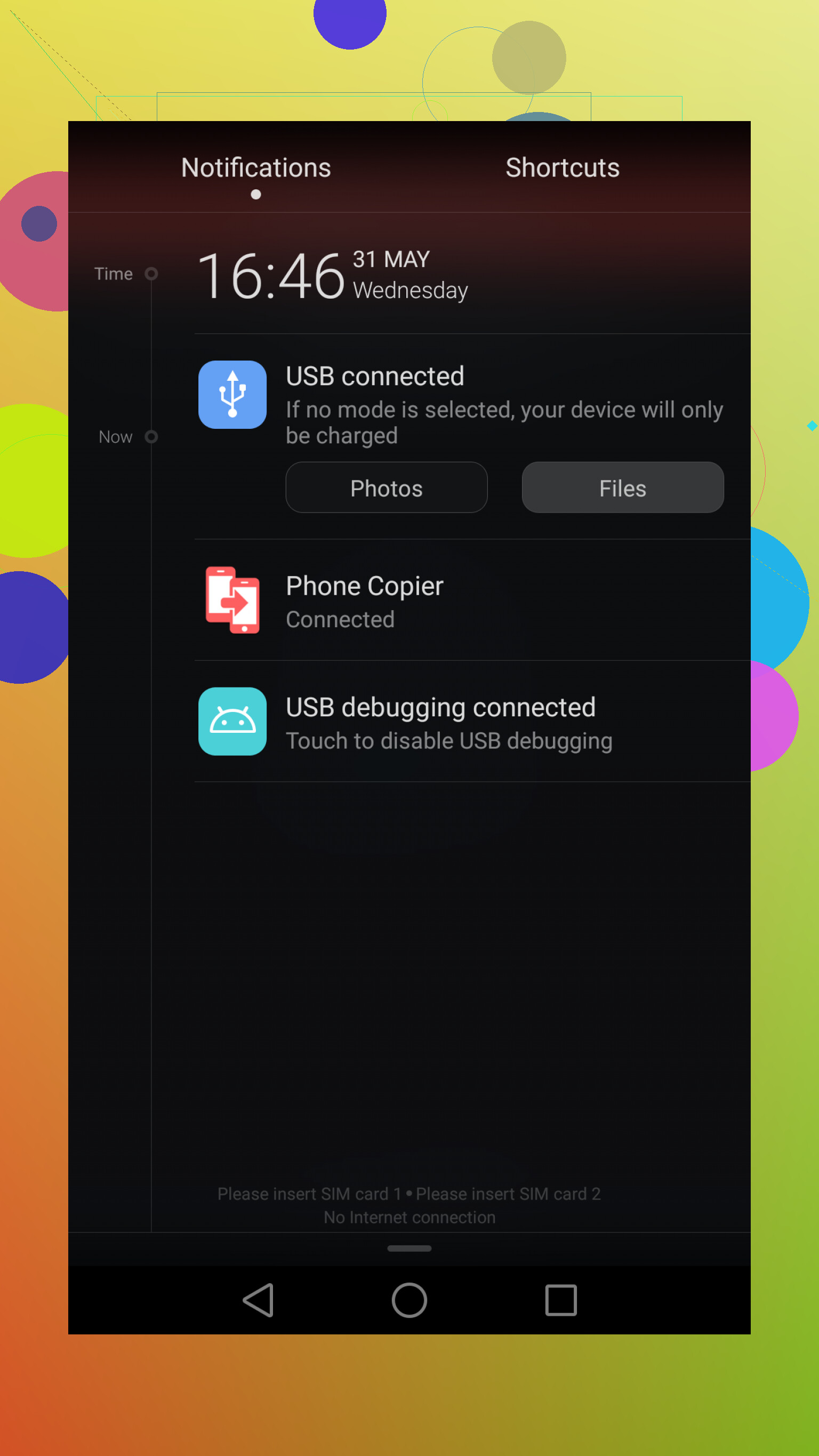
Step 2: Your phone might just start charging. Don’t panic. Swipe down from the top of your S20 screen to pull down those notifications.
Step 3: Look for a notification about USB options—usually says something like “Charging this device via USB.” Tap that.
Step 4: Now, pick “File Transfer” or “MTP.” Boom. Your phone should now show up on your computer like an extra drive, and you can move files around.
This is about as basic as it gets, but if your PC and phone are still giving you the silent treatment, try switching cables, USB ports, or restarting both devices. Tech is drama sometimes.
Quick Heads-Up: Backing Up Your Android to Mac
If you’re trying to do more than just swap a few photos—like grabbing a full backup of your S20 to your Mac (and trust me, that’s a whole other project)—check out this thread where people are swapping battle stories and tips: backup android to mac