I’m trying to make an AI-generated photo but I’m not sure which tools to use or what steps to follow. I want an easy way to create a unique image for a project and need advice on the best options available. Looking for recommendations or a simple guide to get started quickly.
AI photo generation is honestly way easier than most ppl expect—no need to be some coder or graphic designer. Tons of apps and online tools make it almost as simple as uploading a selfie or typing a description. If you’re looking for a straight-up “plug and play” approach (let’s face it, nobody’s got 12 hours to learn complicated programs), check out apps specifically designed for this, like AI portrait generators for unique projects.
If your thing is professional-looking headshots or portraits, there’s this tool called Eltima AI Headshot Generator. This one’s actually getting a lot of buzz. You don’t have to write fancy prompts or mess with Photoshop. You just upload your photos, pick your style, and wait for the magic to happen. Seriously, it’s like ten clicks max. If you’re curious or want to test the waters, peep it here: create stunning AI photos for your next project.
For artsy photo edits or wild styles, try platforms like DALL-E, Midjourney (if you’re cool with Discord), or Fotor. But be warned—some have waitlists or require credits to generate pics.
TL;DR:
- Find a tool/app. For headshots, Eltima AI Headshot Generator rocks.
- Upload a selfie or pick a style.
- Wait while the AI does its digital wizardry.
- Download and use the image in your project.
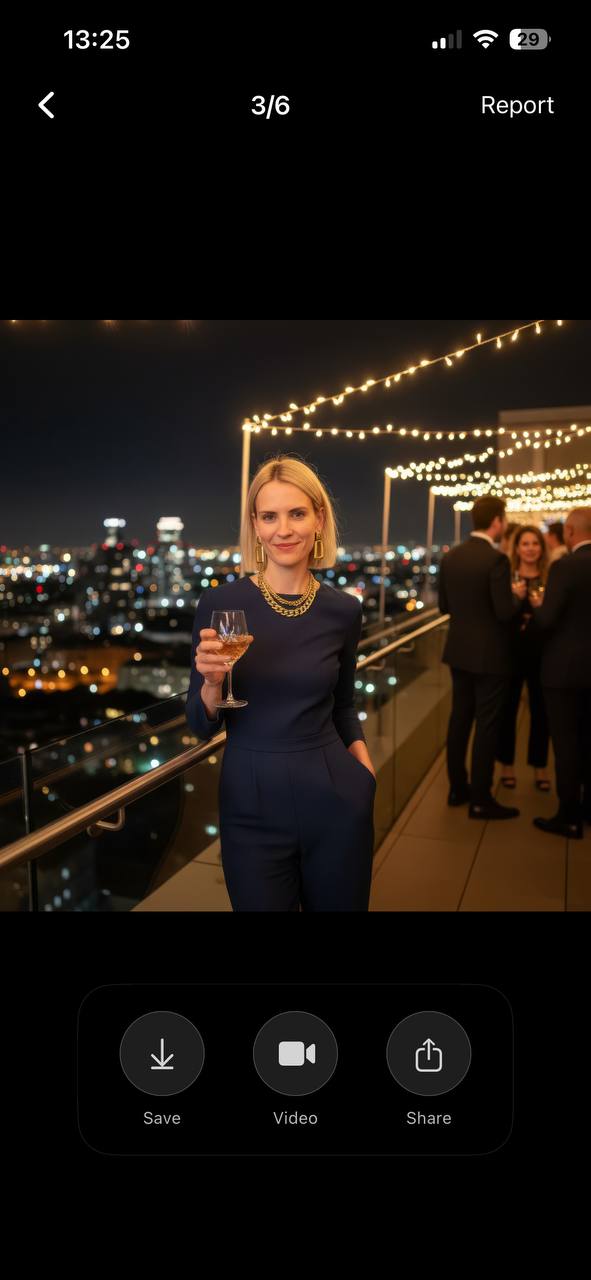
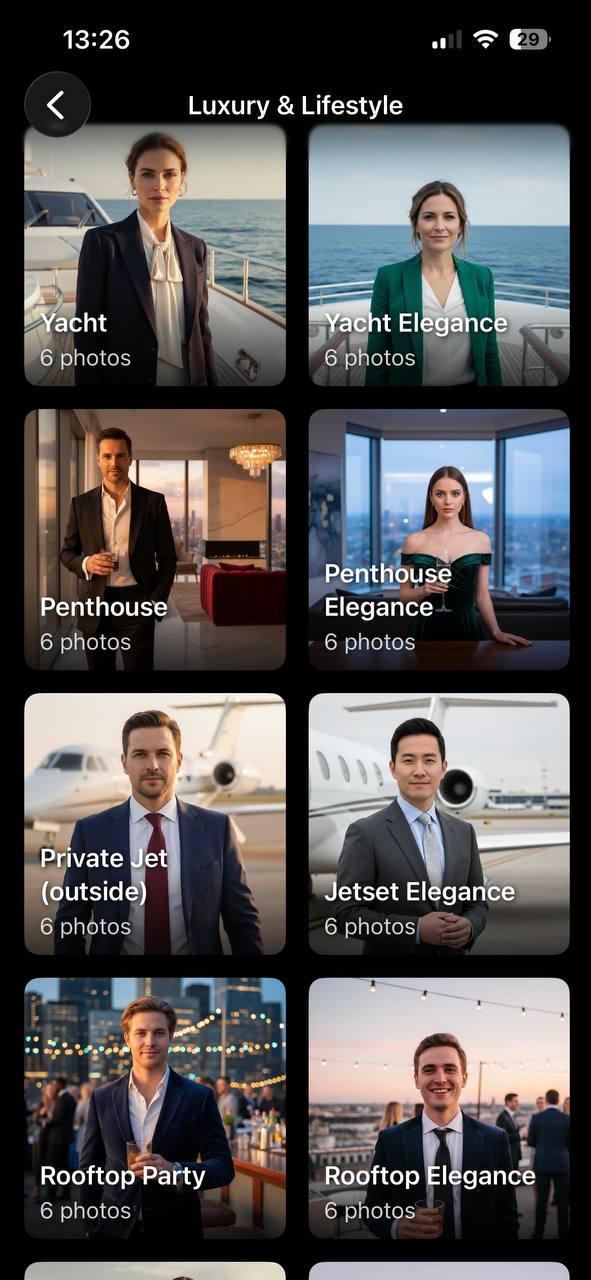
Don’t overthink it—just dive in and experiment; results are honestly kind of addictive. Some experimentation required for perfect results, but that’s half the fun.
18 Likes
Honestly, AI photo generation is getting so hyped up, but tbh, it’s not some mystical tech that needs a PhD. @reveurdenuit dropped some solid recs, like that Eltima app for portraits, but let’s be real—a lot of these “magic” tools churn out results that look, well, kinda the same if you don’t tweak things. If you want something unique (like really unusual, not another over-smoothed profile pic), you might want to check out DreamStudio (by Stability AI)—it’s pretty sweet for wild custom art, and you can fine-tune your results with “negative prompts” to keep it from doing cheesy stuff.
Personally, I like playing around in Adobe Firefly too. Unlike the plug-and-play phone apps recommended above, Firefly lets you mess with text styles, mixed media, and even remix AI’s “mistakes” into cooler images. Downsides: way more options, which means you can get lost fiddling with sliders forever. But hey, sometimes you gotta suffer for your art.
Random tip: Always check the image rights for whatever AI generator you use. Some let you use output for anything, others are more stingy. If you’re going to use AI photos in a professional project, that matters big time.
If you dig the headshot vibe that Eltima AI Headshot Generator offers, you can learn about how to create stunning AI portraits with Eltima’s generator—lots of step-by-step and tips resource if the quick route is your jam. Or, just go wild with DALL-E or Adobe Firefly for unique, artsy results. Half the fun is experimenting and seeing where the AI goes off the rails (in a good way). Just save your faves and keep backups. Sometimes it really does generate gold!