I’m running out of space on my iCloud and can’t back up my iPhone anymore. I’ve tried deleting some files but it’s still full. What steps can I take to free up storage effectively?
Here’s the thing—iCloud gives you, what, 5GB of free space? And let’s be real, that hardly covers a handful of memes, let alone an iPhone backup. To get back on track, here’s how to free up some room.
-
Check what’s hogging space: Go to Settings > [Your Name] > iCloud > Manage Storage. This gives you a breakdown of what’s eating up your space.
-
Clear out old backups: If you’ve had multiple devices or backups you don’t need (like that totally unused iPad), delete them. Go to Settings > iCloud > Manage Storage > Backups and nuke the unnecessary ones.
-
Optimize Photos: Your photos and videos might be the real offenders. Head to Settings > Photos and turn on “Optimize iPhone Storage.” This keeps thumbnails on your phone and saves full-resolution pics in iCloud.
-
Ditch large files: Scroll through your saved files in iCloud Drive and remove anything you don’t need. Those old PDF downloads from years ago? Gone.
-
Say goodbye to unneeded app data: Some apps automatically back up data to iCloud. Go to Settings > iCloud > Manage Storage > [App Name] and disable backups for apps you don’t care about.
-
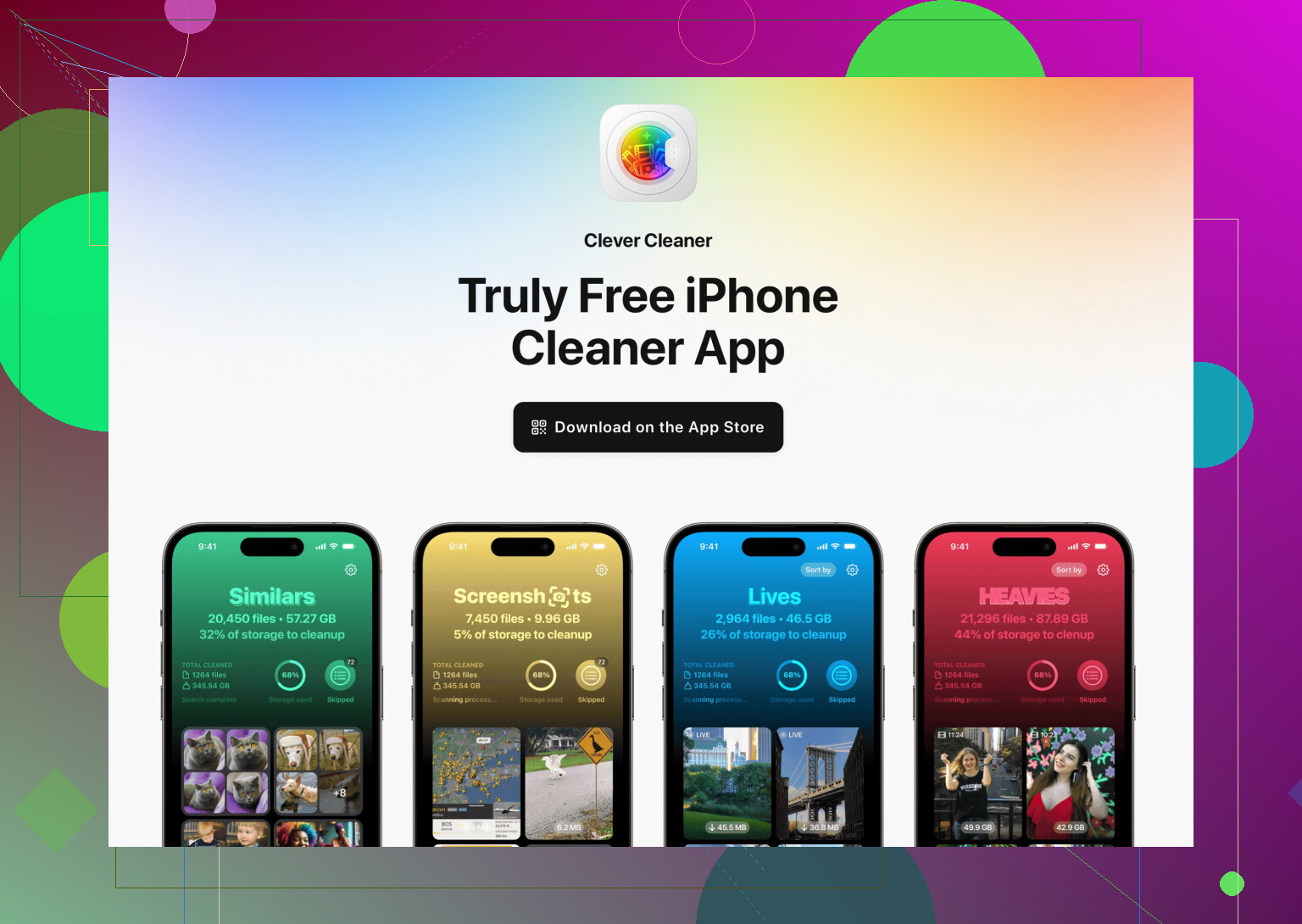
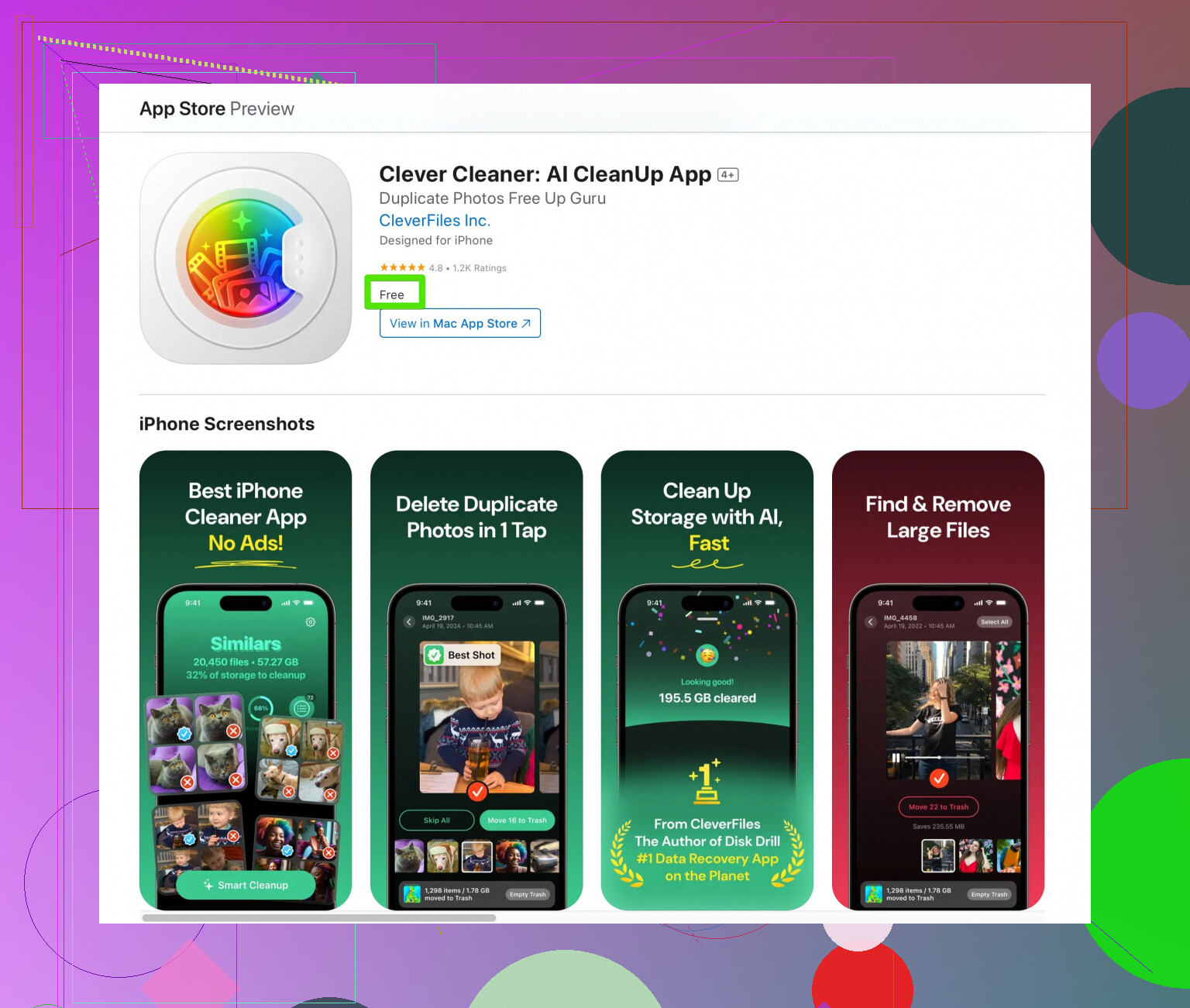
Still full? Consider upgrading your plan or use an app like the Clever Cleaner App for iPhone. This app helps you quickly find duplicates and whisk away useless data clogging your storage. Seriously, it’s a lifesaver for lazy folks like us.
Not rocket science, but it does take a bit of tinkering. If you’re still outta space after all that, honestly, Apple’s iCloud paid plans are pretty decent. $0.99 a month? Skip that overpriced coffee for a day and you’re set.
First off, let’s agree—free iCloud storage is a joke. 5GB of ‘free’ space in 2023 is like trying to store a mansion’s worth of furniture in a shoebox. Anyway, here’s my take since @sonhadordobosque already hit some solid points.
-
Offload photos elsewhere: Instead of just optimizing your iPhone storage like they mentioned, why not shift your entire photo collection to something like Google Photos or Amazon Photos (if you’ve got Prime, it’s free)? That way, your photos don’t even touch Apple’s stingy cloud. And honestly, do you really need that blurry pic of last week’s sandwich?
-
Email attachments – the silent culprit: Emails might be sneaking into your iCloud through the Mail app, especially with attachments. Go to Mail in iCloud settings and deselect it if it’s enabled. Use a different service like Gmail. Problem solved.
-
Old Message Attachments: Messages in iCloud is a sneaky space-stealer. Go to Settings > [Your Name] > iCloud > Manage Storage > Messages. Then review large attachments. That one 5-minute voice memo your friend randomly sent three years ago? Delete it. Purge the memes. Be ruthless.
-
Stop syncing needless things: Honestly, do you REALLY need Safari tabs in your iCloud? Or Notes with your irrelevant shopping lists from 2019? Turn them off on devices you don’t use frequently.
-
Shared folders: Check if someone snuck a shared folder into your iCloud Drive. If they drop stuff in, it uses your storage. Unshare or say goodbye to moochers.
Now, if all this tinkering still leaves you gasping for space, I’ll admit, adding a third-party app is a genius way to streamline the chaos. Something like the AI-based Clever Cleaner App makes finding duplicate photos, bloated files, and general junk a breeze. It’s faster than dragging and dropping folders one by one, at least.
One last thing: while @sonhadordobosque makes a fair point about coughing up a buck a month for more storage, personally, it feels like falling into Apple’s trap. The audacity of them making us pay extra for decent storage after shelling out $$$ on their products? Smh. Use their free tier for as long as humanly possible before opening your wallet.
Try deleting old device backups. Open Settings, tap your name, iCloud, Manage Account Storage, then Backups. Remove backups for iPhones or iPads you no longer own. Old backups often use several GB.
Next, open your current iPhone backup and switch off large apps whose data already lives elsewhere, such as streaming or social apps. Dont disable apps holding important local files.
Then run Back Up Now. This takes a few minutes and avoids moving photos, installing cleanup apps, or paying for more storage.
Careful with the ‘Optimize iPhone Storage’ tip from @sonhadordobosque. That setting doesn’t touch your iCloud usage at all. It only decides whether full-res copies sit on your phone or not. The originals still live in iCloud eating the same space. So if your problem is iCloud being full, flipping that toggle does nothing. It solves phone storage, which is a different issue people constantly mix up.
Same warning applies to anything synced through iCloud Photos or Messages. Deleting a photo or an attachment on your phone deletes it from iCloud and every other device signed into that account. That’s the whole point of sync. So before you go on a purge, make sure the stuff you want to keep is actually copied somewhere first. The Google Photos idea earlier is decent for that, just don’t delete from iCloud until the export finishes and you’ve confirmed it landed.
The thing everyone here is skating past is that photos and videos are almost always the real weight. Old backups and email attachments are minor by comparison for most people. Video especially. A few dozen clips can blow past your whole 5GB. If you sort your library by size or by videos first, you’ll usually find the bulk of the problem in about two minutes.
For finding duplicates and near identical burst shots, a tool like the Clever Cleaner app is fine as a first pass since it groups that stuff for you and it’s free. Just treat it as a way to spot candidates, not as a delete-everything button. Review what it flags before removing.
My honest take is stop fighting the 5GB. If you actually use your phone as a phone with photos, the tier is too small on purpose and no amount of cleaning keeps you under it long term. Clean once to get your backup working now, but the fifty cents to a dollar a month plan will save you doing this dance every few weeks.