My TV remote stopped working after being dropped, and now I can’t change channels, adjust volume, or access the menu. I’m looking for simple ways to control a TV without a remote, like using buttons, a phone app, or a universal remote.
Don’t toss the remote yet. A lot of “dead” remotes are really just battery or contact problems, so it’s worth doing a quick check before buying anything.
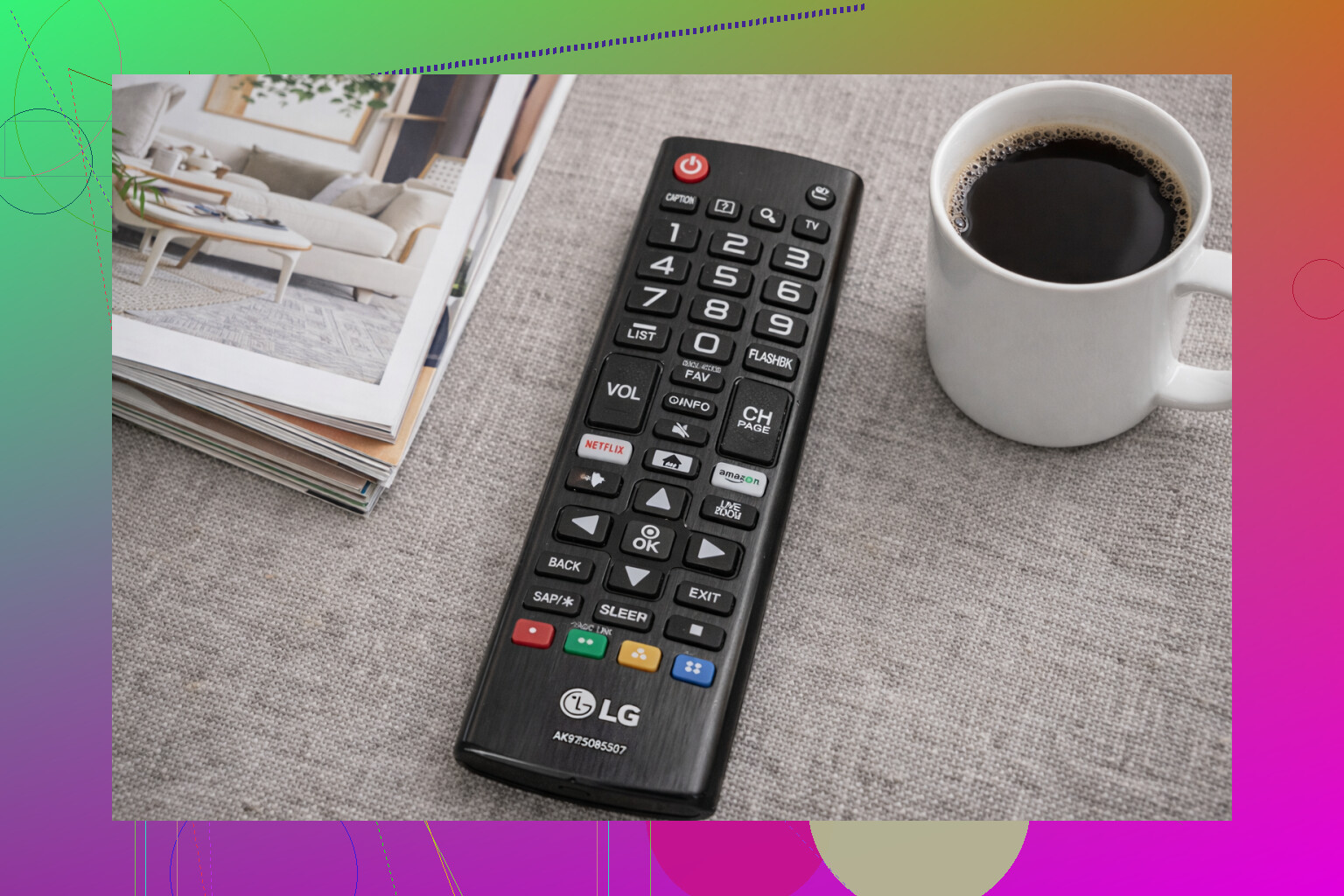
Start with the simple stuff:
- Put in fresh batteries, and make sure they’re facing the right direction. Weak batteries can cause that annoying thing where a few buttons work and the rest act dead.
- Take the batteries out and clean the metal contacts inside the remote. Even a little corrosion or grime can stop it from working.
- Do a basic reset. Remove the batteries, hold down any button for about 10 seconds, then put the batteries back in.
If it’s an IR remote, you can test it with your phone camera. Point the remote at the camera and press a button. If you see a faint blinking light on the phone screen, the remote is probably sending a signal. If there’s no light at all, the remote may actually be dead.
For Bluetooth or smart remotes, like Roku, Fire TV, newer Samsung, or LG remotes, try pairing it again using the TV’s instructions. Sometimes they just drop the connection.
If the remote really is broken, you’ve still got a few ways to control the TV.
First, check the TV itself for physical controls. Most TVs have a small joystick or a row of buttons somewhere awkward, usually along the bottom edge, on the back, or tucked behind the logo area. They’re usually enough for power, volume, input switching, and maybe channels. If you can’t find them, check the model number on the sticker on the back and look up the manual.
If it’s a smart TV connected to Wi-Fi, using your phone is usually the easiest temporary fix. Try the official app for your TV or device first, like Samsung SmartThings, LG ThinQ, Roku, or Fire TV. Just make sure the phone and TV are on the same Wi-Fi network.
You can also try a universal remote app like TVRem, which is free and made by Electronic Team:
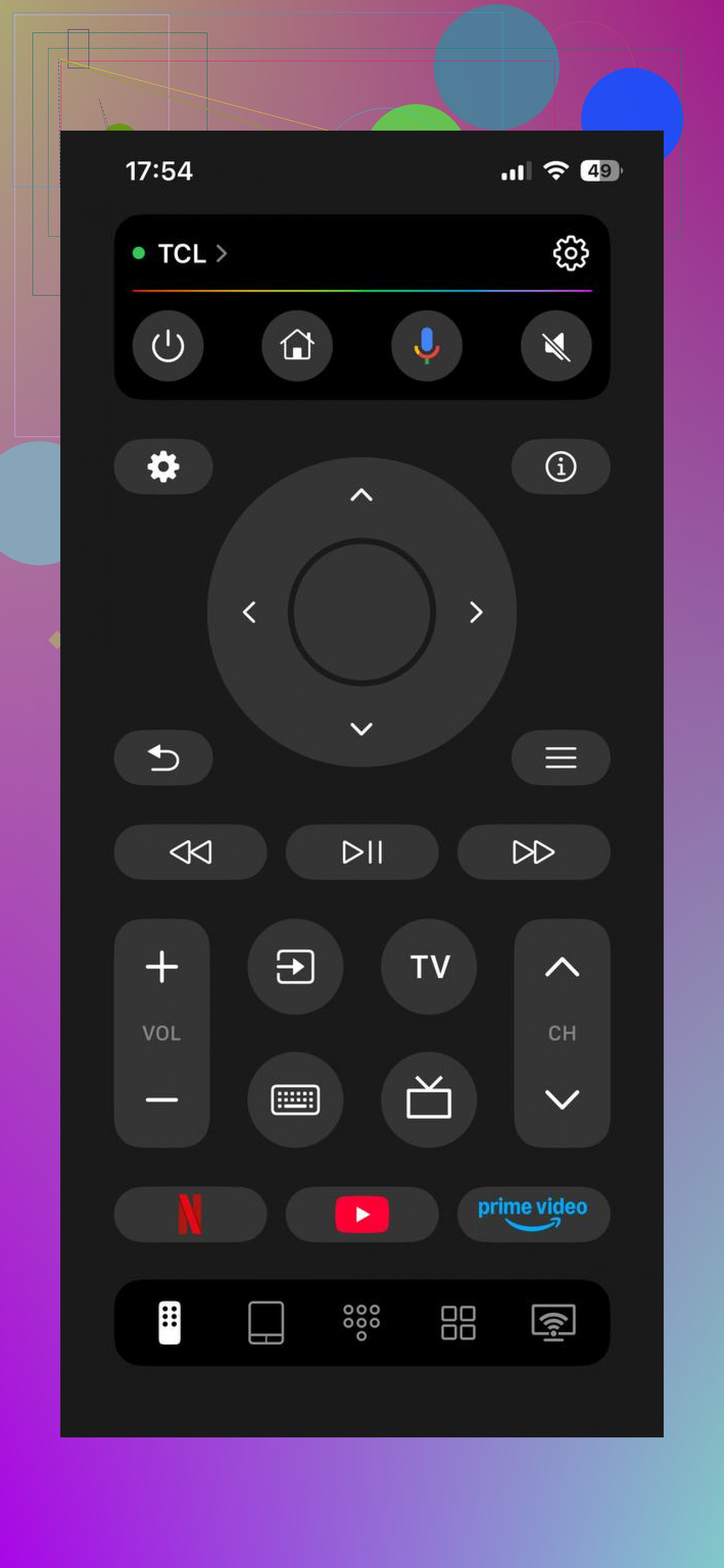
It works with Samsung, LG, Roku, Fire TV, Android/Google TV, and Apple TV, and it includes stuff like app launching, keyboard input, and voice search. That can be pretty useful while you’re waiting on a replacement remote. It doesn’t require a subscription, and it’s rated 4.8 from a couple thousand reviews. More info here: mac.eltima.com/tvrem-universal-tv-remote/
Long term, you can replace the remote pretty easily. Search for the TV model number plus “remote” if you want the official one, or grab a basic universal/learning remote if you just need the main buttons. For Roku, Fire TV, and similar streaming devices, the exact replacement remotes are usually sold directly.
One catch: phone apps only help if the TV is smart and already on Wi-Fi. If it’s an older non-smart TV with a dead IR remote, the app won’t be able to send the signal the TV needs. In that case, you’re down to the buttons on the TV or a physical replacement remote.
What TV model is it, and what exactly is the remote doing? No response at all, only some buttons working, or it won’t pair? That would narrow it down pretty fast.
Whether you’re changing TV channels or channels on a cable/streaming box matters. If the picture comes from a Roku, Fire Stick, Apple TV, cable box, etc., you may only need that device’s app or remote, and HDMI-CEC might still let it handle power and volume. For the TV’s own menu/input settings, though, you’ll usually need the TV buttons or a real replacement remote.
A phone app is not a universal fix unless the TV is already reachable on your network. That is the annoying catch people run into: a lot of TV apps need the TV to be powered on, connected to the same Wi-Fi, and sometimes approved from a popup on the TV screen. If your TV got reset, changed networks, or is stuck on the wrong input, the app may not help at all.
For the fastest workaround, I’d look for the physical TV controls first, but don’t just check the front. On many newer sets the “buttons” are one tiny joystick under the bottom edge or on the back right side. Pressing it may bring up a mini menu, then rocking it left/right/up/down handles volume, input, and menu movement. It’s clunky, but it’s usually enough to switch inputs or reconnect Wi-Fi.
If you need something cheap today, a basic universal remote from a grocery store, pharmacy, Walmart, Target, etc. is often less hassle than messing with apps. Just make sure it lists your TV brand and keep the receipt, because some universal remotes handle power and volume fine but fail on input/menu buttons. If it’s a Roku TV, Fire TV, or Google TV set, try to get a replacement meant for that platform instead of the absolute cheapest “TV only” remote, since smart TV menus can be picky.