I’m trying to pick the best video conferencing platform for work after dealing with dropped calls, confusing features, and meeting limits across Zoom, Microsoft Teams, and Google Meet. I need help figuring out which one is most reliable, easiest to use, and best for remote meetings without wasting more time testing all three.
Zoom vs Teams vs Google Meet, after 4 years of bouncing between all three
I’ve had to use all of them for different jobs, clients, and internal team setups. After a while, the pattern got pretty obvious. Most comparison posts flatten them into the same category, and I don’t think that’s accurate. They overlap, sure, but they’re built for different habits.
My short take is simple. There isn’t one best option across the board. The one you’ll like most usually matches the system your work already lives in.
I ran into a decent Reddit thread discussing the same thing, plus this sysadmin search if you want opinions from people who deal with this stuff all week.
Zoom
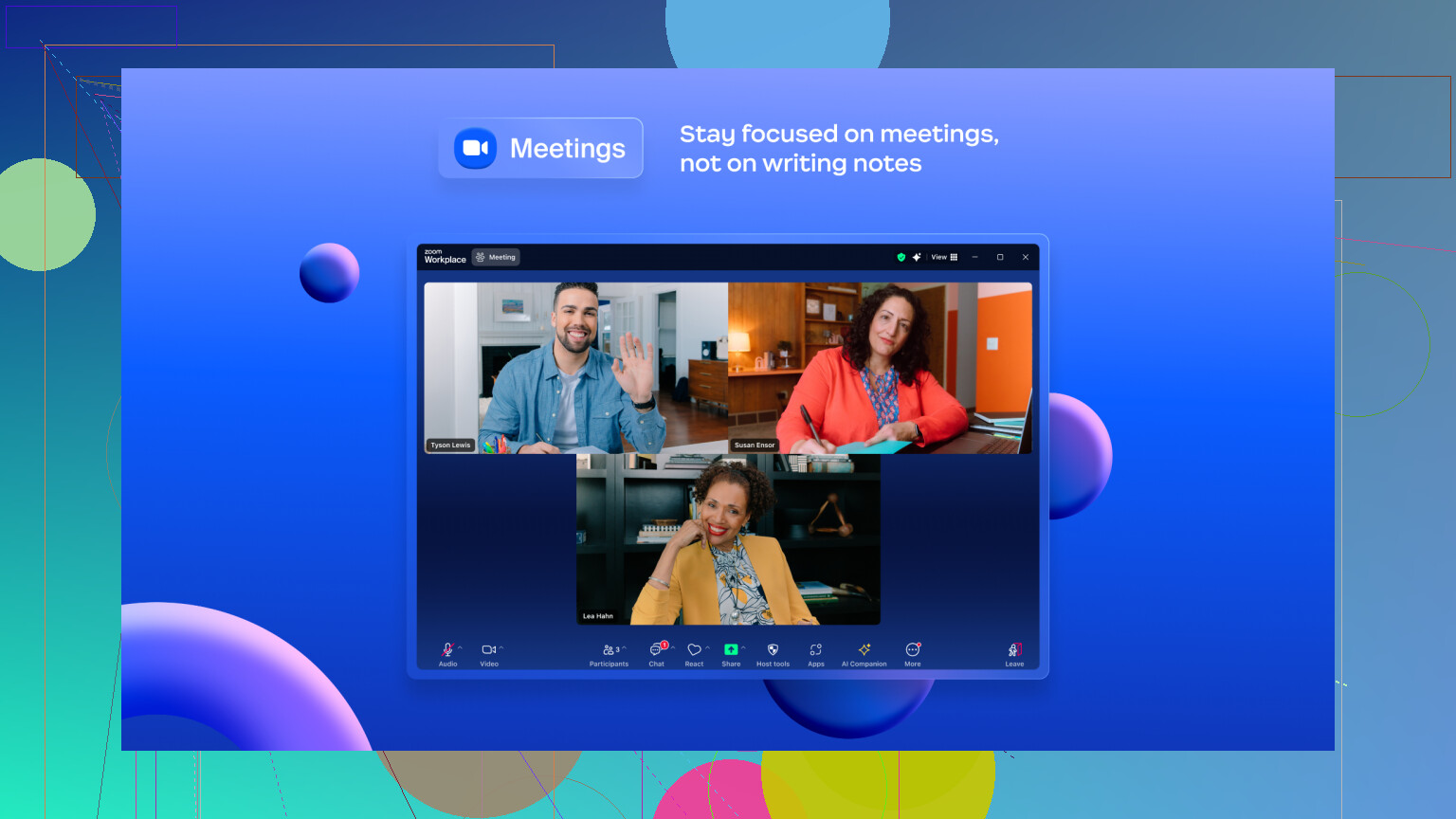
Zoom is still the one I pick when the call itself matters more than the surrounding workflow. Client meetings. Interviews. Training sessions. Anything where a glitchy feed makes you look unprepared. In my use, Zoom keeps audio and video steadier when someone’s Wi-Fi is acting up. It drops quality in a smoother way instead of turning the whole call into a mess.
It also has the deeper meeting toolkit. Breakout rooms, polling, whiteboard, annotation, webinar-style controls. If you run structured meetings often, you feel the difference fast.
The bad part is the cost. Paid plans start around $15.99 per user each month, which feels steep if meetings are only one slice of your day. The free plan is also stricter than the other two, with 40 minutes for group calls, while Meet and Teams both give 60. And yeah, Zoom still has some reputation damage from the old Zoombombing days, even if they cleaned up a lot of it since then.
Microsoft Teams
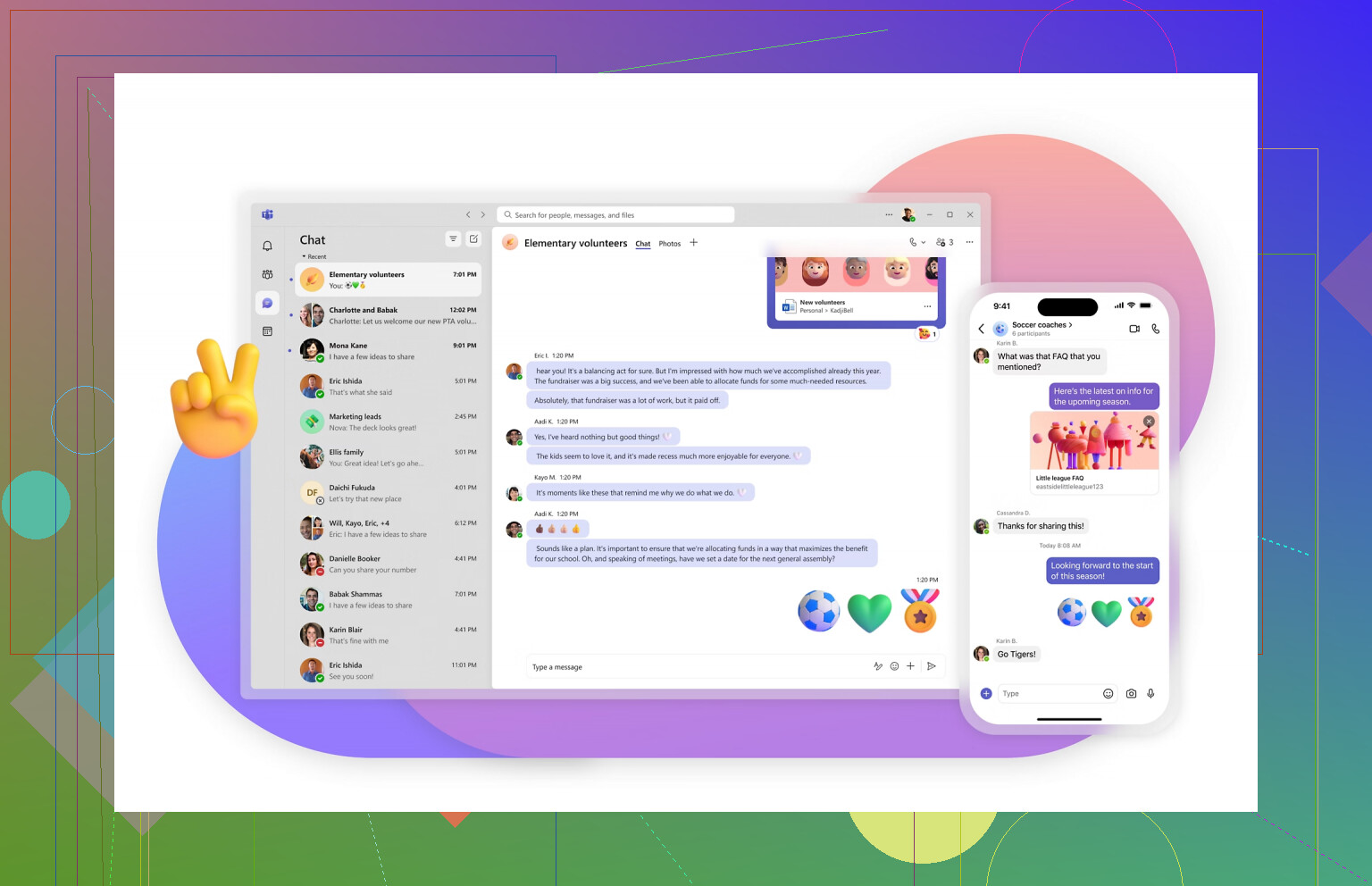
Microsoft Teams feels less like a meeting app and more like something your company adopts, then you adapt to it. Once I stopped treating it like a Zoom rival and started treating it like a Microsoft 365 control room, it made more sense.
If your office runs on Outlook, SharePoint, Word, Excel, and all the rest, Teams fits into that setup with less friction than people admit. Chat is there. Files are there. Calendar is there. Project stuff is half there, depending on how your org glued it together. For internal work, it’s convenient in a slightly annoying way.
Still, it’s heavy. I’ve had it sign me out at the worst time, then throw me into MFA loops while people wait. That part never stops being irritating. Presenting in Teams also feels cramped to me, since screen sharing and keeping track of faces at the same time isn’t handled as cleanly as Zoom. For pure meeting quality, I’d still rank it lower.
Google Meet
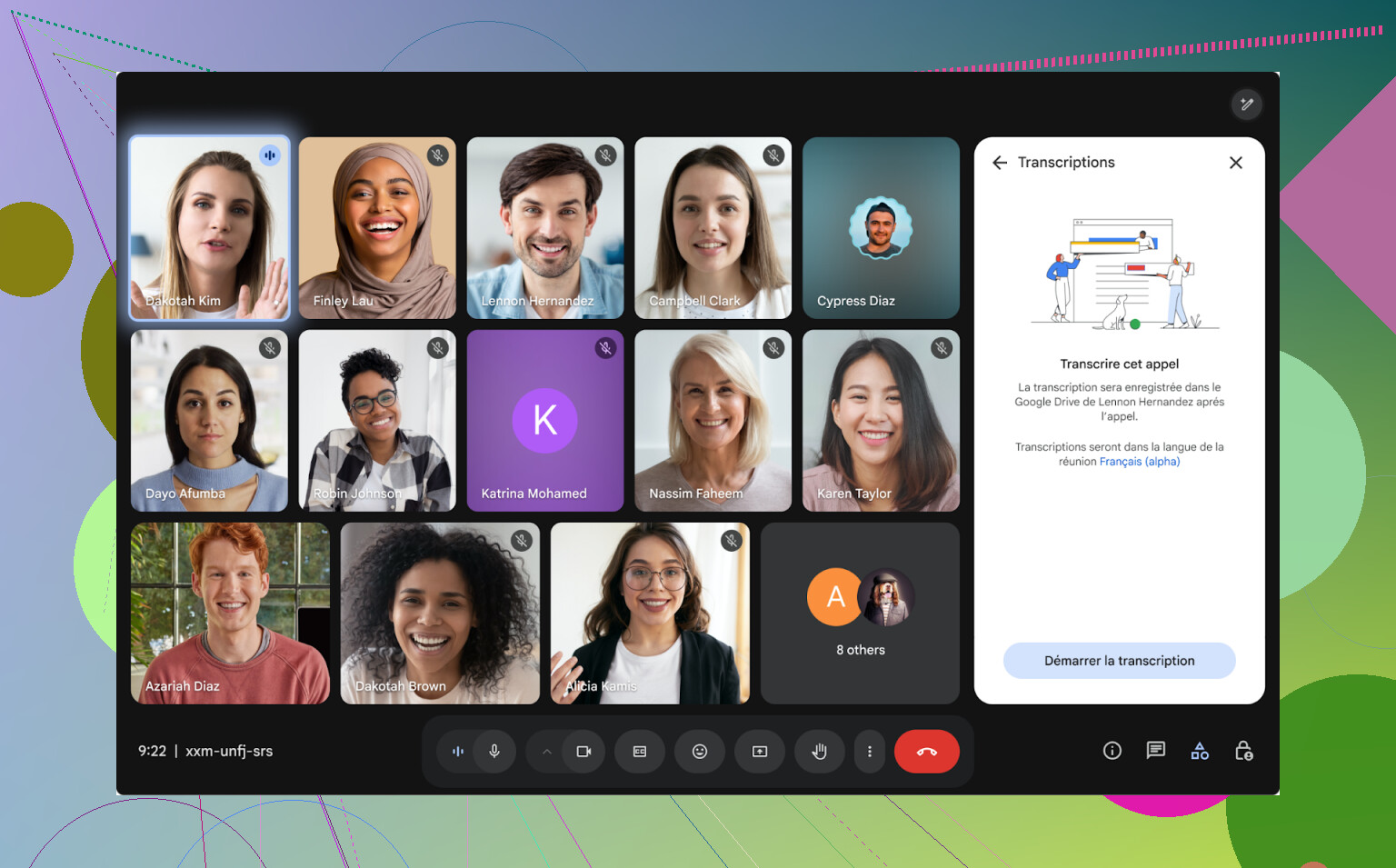
Google Meet is the one I send when I need the fewest excuses from other people. No install. No “which version are you on?” mess. You open the browser, click the link, and you’re in. For quick calls, freelance check-ins, school stuff, or a meeting with people who aren’t technical, it’s the easiest start by far.
If everyone already uses Gmail or Google Calendar, Meet slips into the day with almost no setup. I’ve had plenty of calls where that alone mattered more than feature depth.
Its weak spot is depth. The free and lower tiers feel stripped back once you need anything beyond basic meetings. Breakout rooms and polling sit behind paid plans, and Jamboard being shut down at the end of 2024 left a hole for teams who used Google’s whiteboard flow. So while Meet is smooth, it starts feeling thin once your meetings need structure.
Where I landed
- If your company already pays for Google Workspace, Meet is the easy default. Low friction, good enough for most calls, less setup pain.
- If you’re buried in Microsoft 365 all day, Teams is the practical choice. I wouldn’t pick it for video quality alone, but as part of the whole Microsoft stack, it fits.
- If you host outside meetings, sales calls, workshops, webinars, or anything client-facing where the meeting experience matters, Zoom still earns its price.
I think the usual mistake is comparing them like they were cloned from the same template. They weren’t. Zoom is centered on meetings first. Teams leans into workplace coordination and internal collaboration. Meet is the fast, low-friction option for people already sitting inside Google’s ecosystem. Once I looked at them like that, the choice got easier, and a lot less abstract.
1 Like
I’d split your question in two, because Drive vs OneDrive is a different fight than Zoom vs Teams vs Meet.
For video calls, I disagree a bit with @mikeappsreviewer on Teams being the practical default for most office setups. If your pain is dropped calls and clunky meetings, I would not pick Teams first, even inside Microsoft 365. It fits the stack, sure. The meeting experience still feels bloated to me.
My rough ranking for work calls:
-
Zoom
Best if the meeting itself matters. Fewer weird hiccups in my experience. Better host controls. Better for training, client demos, webinars, breakout rooms. The 40 minute free cap is annoyng, though. -
Google Meet
Best if you want the least friction. Browser join is smoother. Guests mess up less. Good for small teams and fast meetings. Weak once you need more structure. -
Teams
Best if your company wants one app for chat, files, calendar, and meetings. Worst if you care most about clean video calls and fast onboarding. Too much stuff stuffed into one place.
For cloud storage:
Google Drive wins for easy sharing and browser use.
OneDrive wins if your files live in Word, Excel, PowerPoint all day.
Simple pick:
Use Zoom if meetings are your job.
Use Meet if simplicity matters more.
Use Teams if IT already chose for you, lol.
For storage, pick the ecosystem you already pay for. Mixing Google Workspace with OneDrive, or Microsoft 365 with Drive, gets old fast.
I’d actually push back a little on both @mikeappsreviewer and @reveurdenuit on one thing: people overrate “ecosystem fit” when the calls themselves are bad.
If your actual problem is dropped calls, awkward guest joins, and meeting friction, Zoom is still the safest pick. Not because it’s magical, just because it’s the most meeting-first product. Teams tries to be your office in one window, which sounds great until you’re hunting for the actual call controls while someone says “can you hear me?” for the fifth time. Meet is cleaner, but also kinda barebones once your meetings get even slightly more organized.
My take:
- Zoom: best overall for work meetings, client calls, training, anything important
- Meet: best for simple browser-based calls with low drama
- Teams: best only if your company is fully committed to Microsoft and you need the integration more than the meeting quality
On the storage side, this is way easier:
- Google Drive feels better in browser, sharing is less annoying, collaboration is super smooth
- OneDrive is better if you live in Excel, Word, Outlook, and Windows all day
So IMO:
- Pick Zoom for conferencing
- Pick Drive if your team collaborates fast and externally
- Pick OneDrive if your workplace is basically Microsoft with a pulse
If you want one boring but honest rule: choose the tool that causes the fewest support questions from the least technical person on your team. That usually tells you what “actually works better” way faster than feature charts do. Teams loses that test for me, tbh.