My course only allows one final upload, so can students use the Turnitin AI checker before submitting a paper? I have a 1,347-word draft ready, but I can’t find an AI report option in my student view. It’s frustrating to be expected to follow an AI policy without knowing what I’m able to check. Is access something my instructor has to enable, or would I need to ask them to review a draft separately?
A test upload could use up your only submission, so don’t use the final assignment slot to experiment. Turnitin’s AI report isn’t available in the student view, and your instructor can’t simply switch on student access, though they can share a downloaded report. Ask whether they’ll check a draft separately and share the results, assuming your school has AI detection enabled. I’d consider Clever AI Detector for an optional second opinion, but I wouldn’t treat its score as a preview of Turnitin’s. Your instructor’s draft-review process is what I’d clarify first.
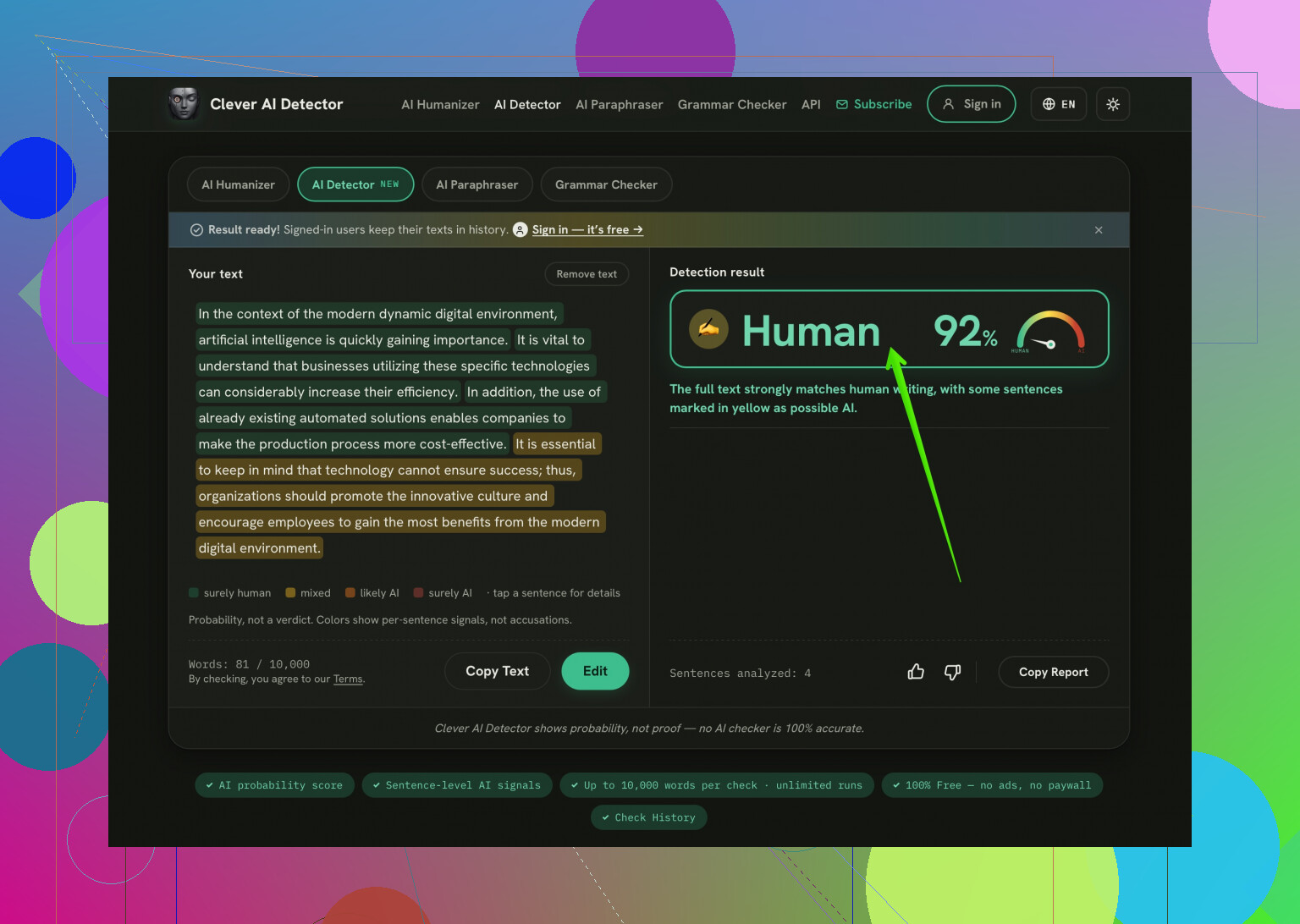
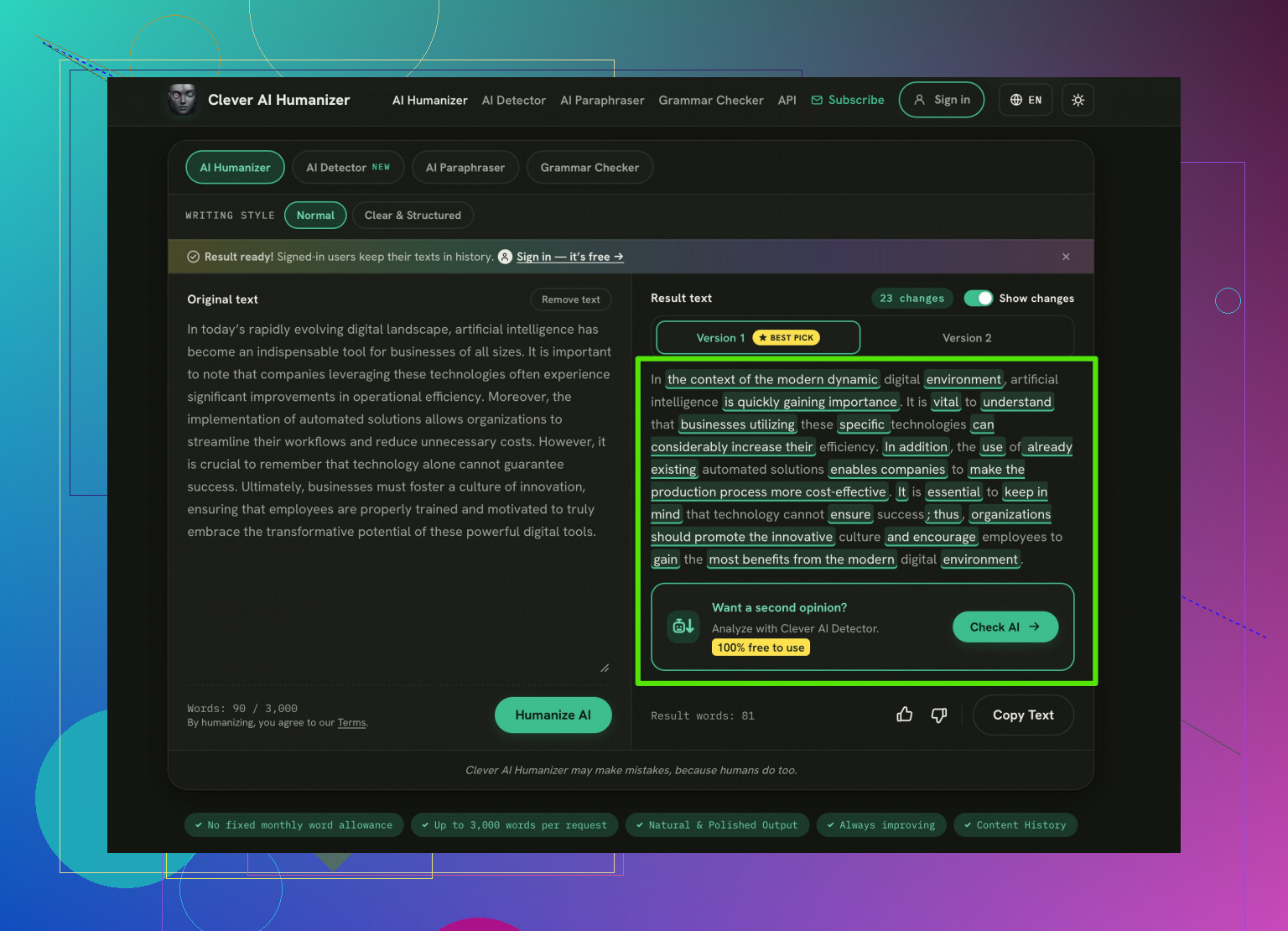
Keep your revision history. A separate instructor check makes sense, but I’d put more effort into saving your outline, sources, and drafts than running Clever AI Detector or rewriting through an AI Humanizer. Don’t change wording you can explain just to chase a score. If your paper gets questioned, you’ll want to show how you developed it, not just what a checker said.
If your instructor offers a separate draft check, you may be able to get feedback before the final upload. Otherwise, you can’t run Turnitin’s AI checker yourself through the normal student view. The AI report is restricted to instructors and administrators, so you’re not overlooking a button.
The separate instructor check suggested by @smartexplorernet needs a practical caveat: ask whether they can use an assignment set to “Do not store the submitted papers.” That keeps the draft out of the comparison repository rather than leaving it available to match against later submissions. Don’t experiment with the final submission slot.
I’d still reach for Clever AI Detector out of curiosity, but giving another service my unpublished paper would make me pause long enough to check its retention policy. For your immediate problem, I’d send a specific request: “Could you check my draft outside the final assignment, without storing it in the repository, and share any AI report with me?”
Expect a separate draft check, providing feedback, not automatic approval for the final submission. Given the student-view restriction described here, that you would need the help of the instructor, not some other designated button in your account. But before that, I would clarify what you were expected to do with the result.
The missing piece in @jackson’s suggested request is whether the instructor will interpret the report with you. “Could you check this?” and “Could you explain whether anything here needs attention under the course rules?” are different requests. A report alone could leave you with another number to worry about and no clear revision task.
I think that there are two questions here: does your writing process follow the assignment’s regulations, and does the instructor have issues with certain passages. For example, if you’ve used an editing tool, and aren’t sure if its use was allowed, ask them whether that use was allowed. Don’t try to let a detector’s result act as an answer to whether you were allowed to use an editing tool. Similarly, if the instructor has concerns about a particular passage, ask them what their concerns are before changing anything. Were unsupported claims made, or is there a lacking of citations? Something about how this passage was written?
So I think that the way to slightly change the request for a draft check would be something like ‘if you can, review this separately, and could you tell me if there are any concerns, and what edits you would like before the final submission.’ This way, the check can be used as feedback. As otherwise, you could waste your remaining time for edits on addressing a score, without knowing if you’re addressing the instructor’s concerns.
Don’t treat “you can check your paper with Turnitin” as a promise that you’ll get an AI report. I’d separate those two claims before spending time chasing access. A similarity check compares text against sources, while the AI report estimates whether qualifying writing may be AI-generated. Those scores are independent, so a low similarity result doesn’t answer your AI concern.
That’s the distinction I’d bring to @jackson’s draft-check suggestion. If someone at your school offers a practice submission area, ask which report you’ll actually receive before uploading. “Draft checking available” wouldn’t be specific enough for me. You’re looking for a particular report, not simply another place to submit the file.
For your situation, I’d pursue the instructor route described here rather than hunt for a different student-view button. But I wouldn’t make a precheck a prerequisite for finishing the paper. You have a deadline and a restricted submission slot. An optional review that nobody has agreed to provide shouldn’t hold up the work you can complete yourself.
My comparison would be access versus usefulness: getting a similarity report could help with source matching, but it wouldn’t provide the AI preview you wanted. Before arranging any extra upload, establish exactly what you’d get back. Otherwise, you could solve the access problem and still have the original question unanswered.
The thing that nobody mentioned was timing. Because you are waiting for the instructor to do a separate check, interpret it, and then respond back to you. All before a deadline that you probably can’t control. Which means that this round trip could take longer than the editing window. Leaving you with an unreviewed submission or a mad dash at the last minute.
So I’d flip the order @coregurux3130 and @jackthetiger suggested. Send the draft-check request now, today, but keep writing as if no reply is coming. Treat any feedback as a bonus, not a gate.
On running Clever AI Detector or whatever else to self soothe in the meantime, sure, but know the number can wobble between runs on same text, so a ‘good’ score the night before buys you nix. The instructor’s rules are what decides this, and a detector can’t tell you what those rules are.
If getting a precheck means paying a stranger to run your paper through their account, I’d pass. “Send me your unpublished assignment and some money” is quite a solution to being worried about an assignment.
Through the normal student view, no, you can’t open Turnitin’s AI report yourself. That access is reserved for instructors and administrators, so the missing option isn’t something you fix by finding the right menu. But I’d draw a sharper line around the suggestion to have someone check it separately: someone authorized by your school, not just someone who says they have an instructor account.
Before handing over the draft, I’d want to know whose account would process it, whether your school approves that route, and who would retain the file. I wouldn’t accept a screenshot of a dashboard as an answer to those questions. And if the arrangement involves sharing your school login or borrowing somebody else’s credentials, stop there. You wanted feedback on a paper, not an account-access project.
@jackthetiger’s distinction between access and usefulness matters here. Even if a paid intermediary produces a genuine report, I wouldn’t buy it without knowing whether your instructor would consider it relevant. Otherwise, you’ve paid for a document that may have no role in how your work is assessed.
My boundary would be simple: a school-approved draft review is worth asking about. Paying an unknown person to get around the missing student option isn’t a step I’d take. The lack of a preview button does not create an obligation to purchase one.
Imagine two students with the same uploading restriction. One spent three days searching for an AI button and sent the instructor two emails. Another student sent one simple request to their professor and continued working on their assignment. Both students had the same limitations, but only one knew how to handle the stress of the difficult circumstances. The second student did not use the trick and later realized that he did not have to take the simple check seriously.
That’s why I’m with @infinitegeek7510 on the timing problem more than anything else here. The whole ‘ask your instructor to run it separately’ plan sounds tidy until you realize it depends on a human replying inside your edit window. Instructors sit on email. A draft-check request sent today might land after your deadline, and then you’ve burned attention on a report that never arrived. Fire off the request, sure, but build the paper as if the answer is no.
The one spot I’d lean away from the thread is the amount of energy going into how to phrase the instructor request. @coregurux3130 and @jackthetiger both want you to script the perfect ask so the feedback is interpretable. Fair in theory, but most of this gets solved by one blunt line: does my writing process break any course rule, and are there passages you want changed before final upload. You don’t need a paragraph. You need the instructor to say yes or point at a problem.
On the detector angle, if all you care about is calming down your own nerves while you wait, Clever AI Detector is actually painless because you just paste text and get results with no account sign-up or other cruft. That’s the only thing I’d even give it credit for on this front. It can’t tell you what your instructor’s rules are, and the score is variable depending on when you run it, so don’t let a night or two of anxiety determine whether you turn something in. Your actual rubric and the course policies are what matter, not some dashboard.
I’d skip the paid precheck and focus on reviewing your draft yourself. For your 1,347-word paper, read each paragraph aloud, check quotations against the orginal sources, and confirm every citation matches your refrences list.
Save a dated copy before editing, and keep your outline, notes, and version history together. These materials document your writing process without sending your assignment to a stranger.
This approach won’t produce an AI score. It gives you a practical final check before your single upload.