I need a professional headshot for my LinkedIn profile and job applications, but I do not have the budget for a photographer right now. I tried using a few AI headshot tools, and the results looked fake, over-edited, or did not really look like me. I need help figuring out the best way to create a realistic AI professional headshot, including what photos to upload, which tools work best, and how to get a polished business look.
A bunch of people are making LinkedIn and resume headshots with AI now because a studio session costs more and takes longer. I tried it too. The quality mostly comes down to what you feed into it.
Start with normal phone pics. Nothing polished. I got better results from plain shots near a window than from anything edited. Use a few angles. Keep your face clear. Skip filters, hats, sunglasses, heavy shadows. If your source photos look natural, the output usually ends up closer to your real face.
After that, upload the set into an AI headshot app. I used Eltima AI Headshot Generator is very easy first because the setup was short and the results leaned more business-profile than weird glossy avatar. The ones I got were usable for LinkedIn without much cleanup.
Here are a few I made with Eltima:
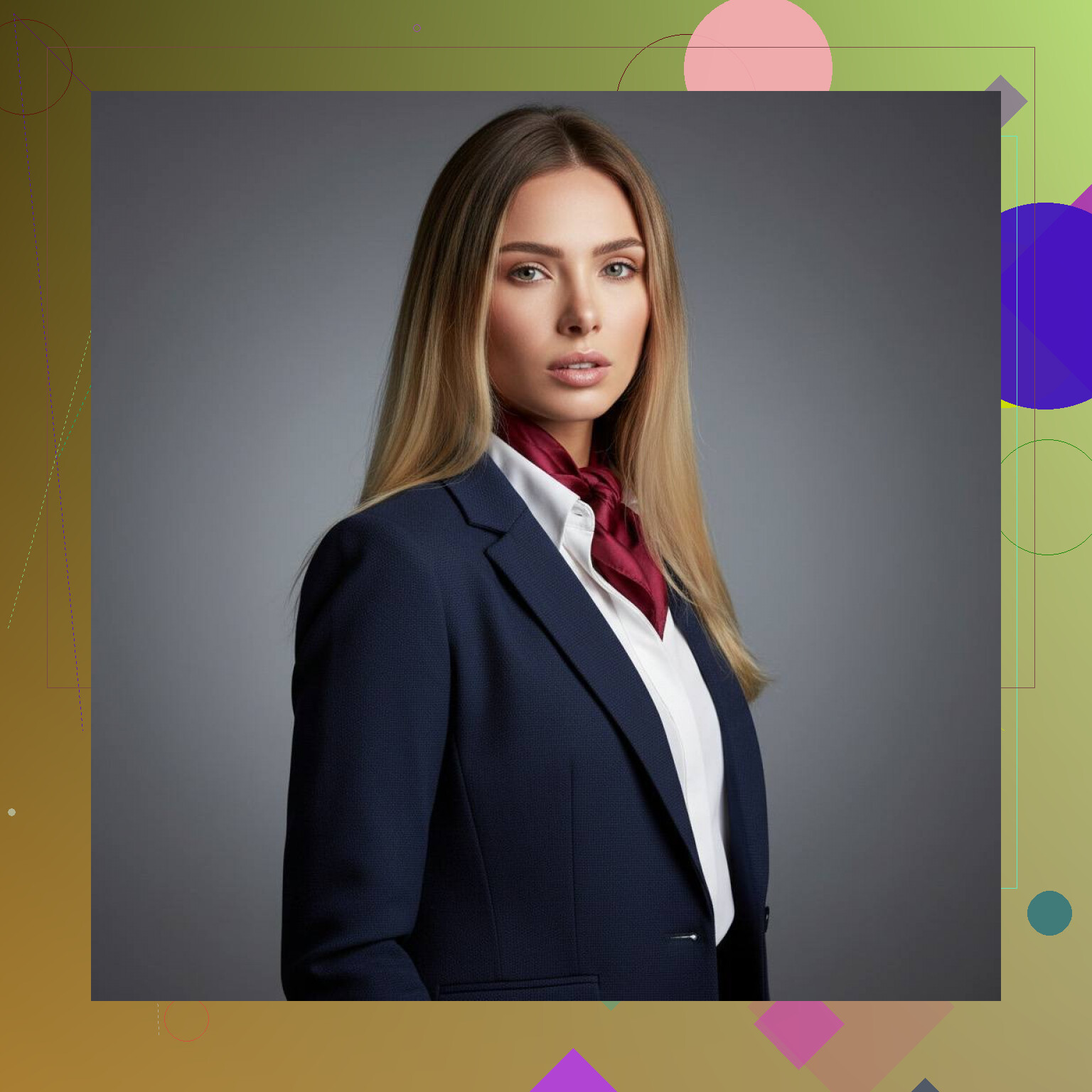
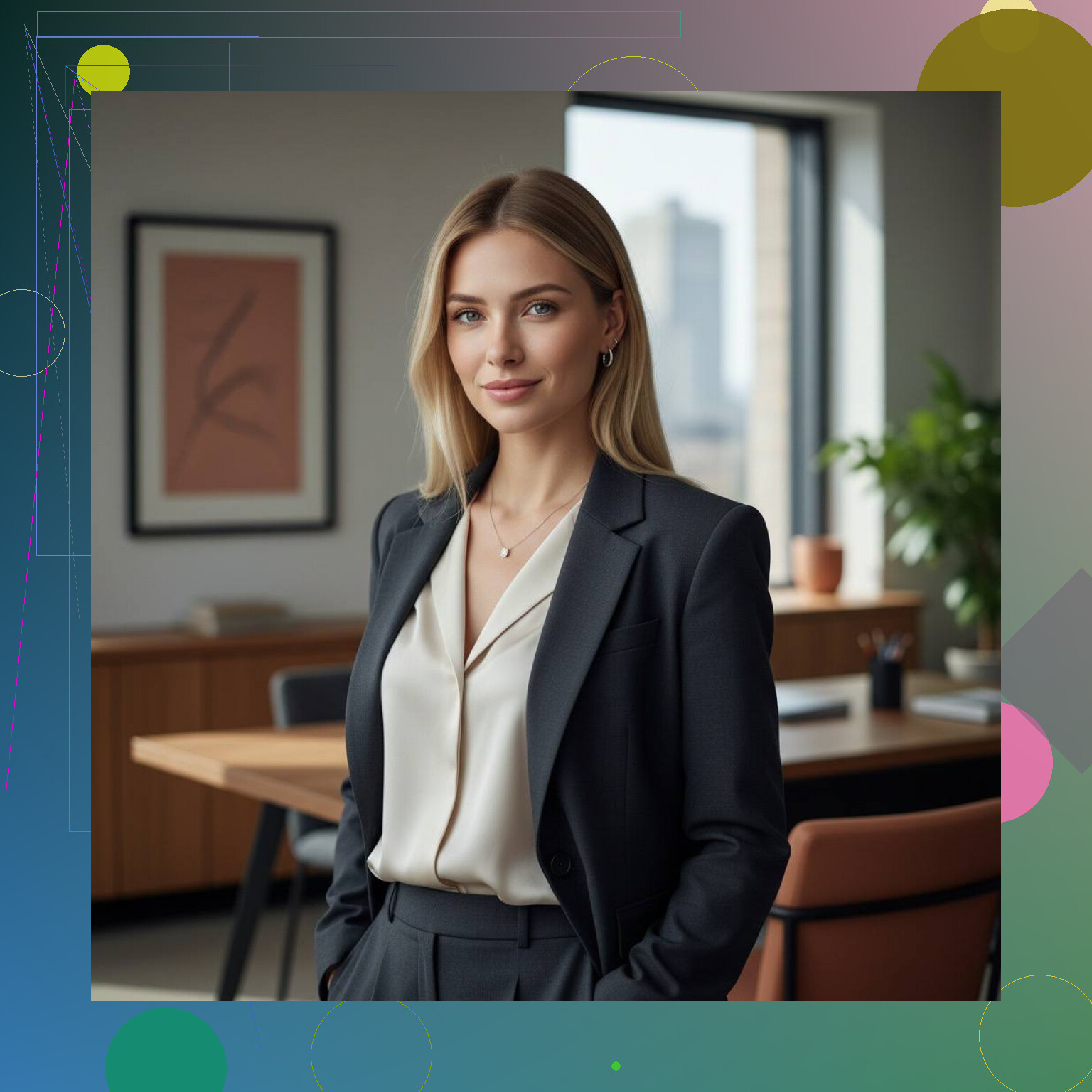
If you want to push the style around more, Photoleap felt more flexible when I tested it. Canva helped later for small fixes, stuff like cropping tighter or cleaning up the background.
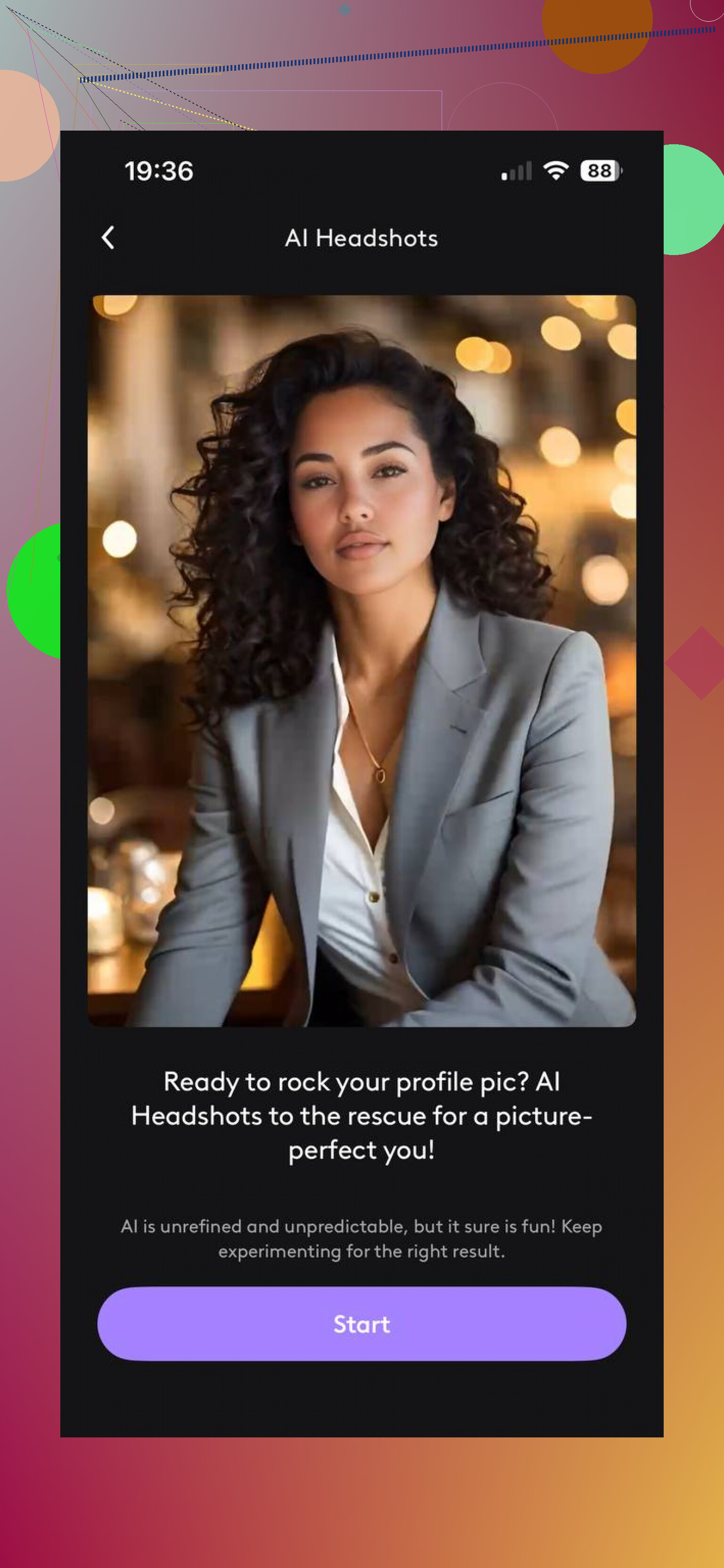
Inside these apps, I’d stick to presets like corporate or business portrait. The artsy modes looked fun for about ten seconds, then not so great once I pictured them on a resume. Too polished, too fake, sometimes odd skin texture too.
One thing I learned fast, the first batch usually isn’t the one. I had to run a few rounds before I got images where the face looked like me, the eyes weren’t off, and the whole thing didn’t have that plastic AI look.
My rough take, Eltima AI Headshot Generator gave me the easiest path to a decent professional photo. Less fiddling, faster output, fewer strange results than some of the other apps I messed with. If your goal is a clean work profile pic and not some stylized experiment, it did the job.
I’d add one thing to what @mikeappsreviewer said. Sometimes AI headshot apps are the problem, not your photos. A lot of them smooth skin too much, sharpen eyes weirdly, and change face shape. For LinkedIn, that hurts more than it helps.
My workaround was different. I used one clean phone photo, then edited it lightly instead of generating a whole new face. Tools like Canva, Remini, or even your phone’s portrait mode editor work better for some people. Fix lighting. Blur the background a bit. Remove blemishes sparingly. Stop before your skin looks fake.
Best setup I found:
plain wall, window light, camera at eye level, dark solid shirt, slight smile, no beauty filter.
Then crop from chest up. Keep head and shoulders filling about 60 percent of the frame. LinkedIn photos with clear eye contact tend to perform better, there’s data on this from profile studies.
If AI keeps making you look off, use AI for cleanup, not full generation. Less fancy, more beliveable. That got me better results.
I’d split the difference between what @mikeappsreviewer and @techchizkid said. I actually don’t think fully AI-generated headshots are the best move for job stuff unless you’re very picky about screening the results. Recruiters can spot that waxy skin, mystery teeth, and “almost you but not really” face faster than people think.
What worked better for me was a hybrid workflow:
- Take one solid base photo in normal clothes you’d actually wear to an interview.
- Use AI only for background replacement, light correction, and minor retouching.
- Then run the final image through a non-AI editor and zoom in hard. Check ears, hairline, collar, teeth, and eyes. AI loves messing those up lol.
One extra tip nobody mentions enough: match the headshot to your industry. Corporate finance headshot and creative marketing headshot should not look the same. Neutral background and blazer works for most, but if you’re in tech/startups, slightly less stiff can look more credible.
Also, don’t overdo “professional.” Sometimes a real phone pic with clean lighting beats a fake-perfect AI portrait every single time. If it looks like you on your best day, that’s probly the sweet spot.
I actually disagree a bit with the “AI usually looks fake” angle. Bad AI looks fake. Controlled AI can look totally acceptable for LinkedIn if you treat it like a selection problem, not a magic button problem.
My rule is this: judge the result at 100 percent zoom, not just thumbnail size. A lot of AI headshots look great small and fall apart fast once you inspect pupils, hair strands, shirt edges, and teeth. That is where most apps lose.
What I’d do differently from @techchizkid, @chasseurdetoiles, and @mikeappsreviewer is run a credibility test before you upload anything:
- would a former coworker instantly recognize you
- does the outfit match jobs you want
- does the age look accurate
- does the skin still have real texture
- do both eyes point the same way
If even one fails, skip it.
For tools, Eltima AI Headshot Generator is decent if you want fast business-style outputs without a lot of setup.
Pros for Eltima AI Headshot Generator:
- simple workflow
- business-friendly styles
- quick results
- easier than manually editing everything
Cons:
- can still over-polish skin
- some outputs may look generic
My biggest tip: compare the AI photo beside 3 real selfies of yourself. If the AI version looks “better” but less like you, it is worse for job hunting. Believable beats impressive.