My iPhone found a lot of duplicate photos after I synced everything, and now my library is a mess. I’m trying to free up storage without deleting the wrong pictures. Can someone explain the safest way to merge duplicate photos on an iPhone and what happens to the photo info after merging?
I hit this too, and the wording in Photos threw me off at first.
On iPhone, ‘Merge’ does not mash similar pictures into one file. It removes duplicate copies and leaves one version behind, usually the one with the better metadata attached.
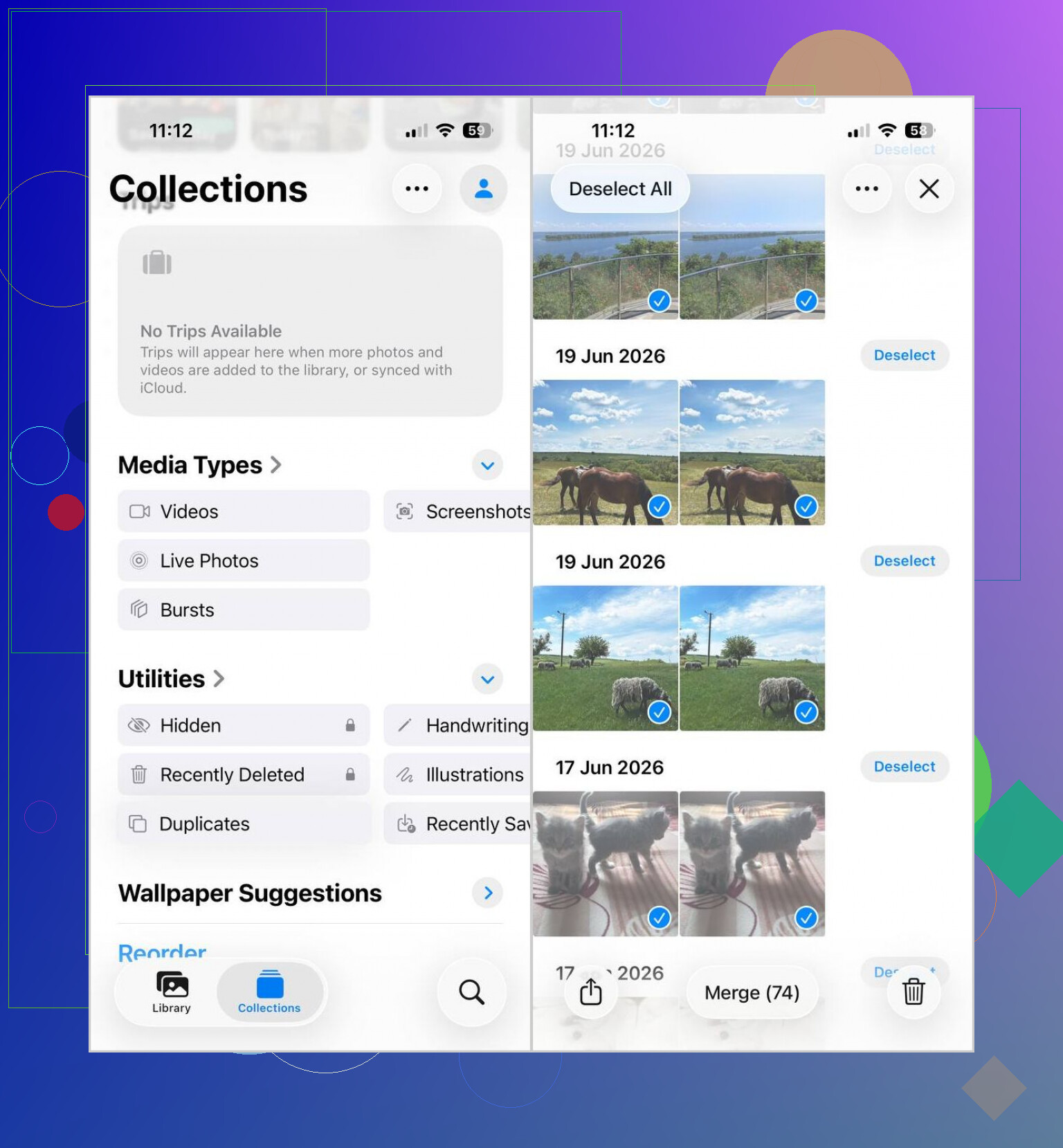
If you want to do it with the built-in Apple tool, this is the path I used:
- Open Photos.
- Scroll to Utilities.
- Tap Duplicates.
- Hit Select, then Select All, or pick groups one by one.
- Tap Merge and approve it.
Small gotcha, the Duplicates album does not always show up right away. After a big import, my phone took a while to index the library. I think it was a few hours for me, though I’ve seen it drag on longer.
The other catch is what Apple counts as a duplicate. It only finds true copies. So if your camera roll has five near-matching dog pics, a burst set, or selfies with tiny angle changes, those usually stay out of the Duplicates section.
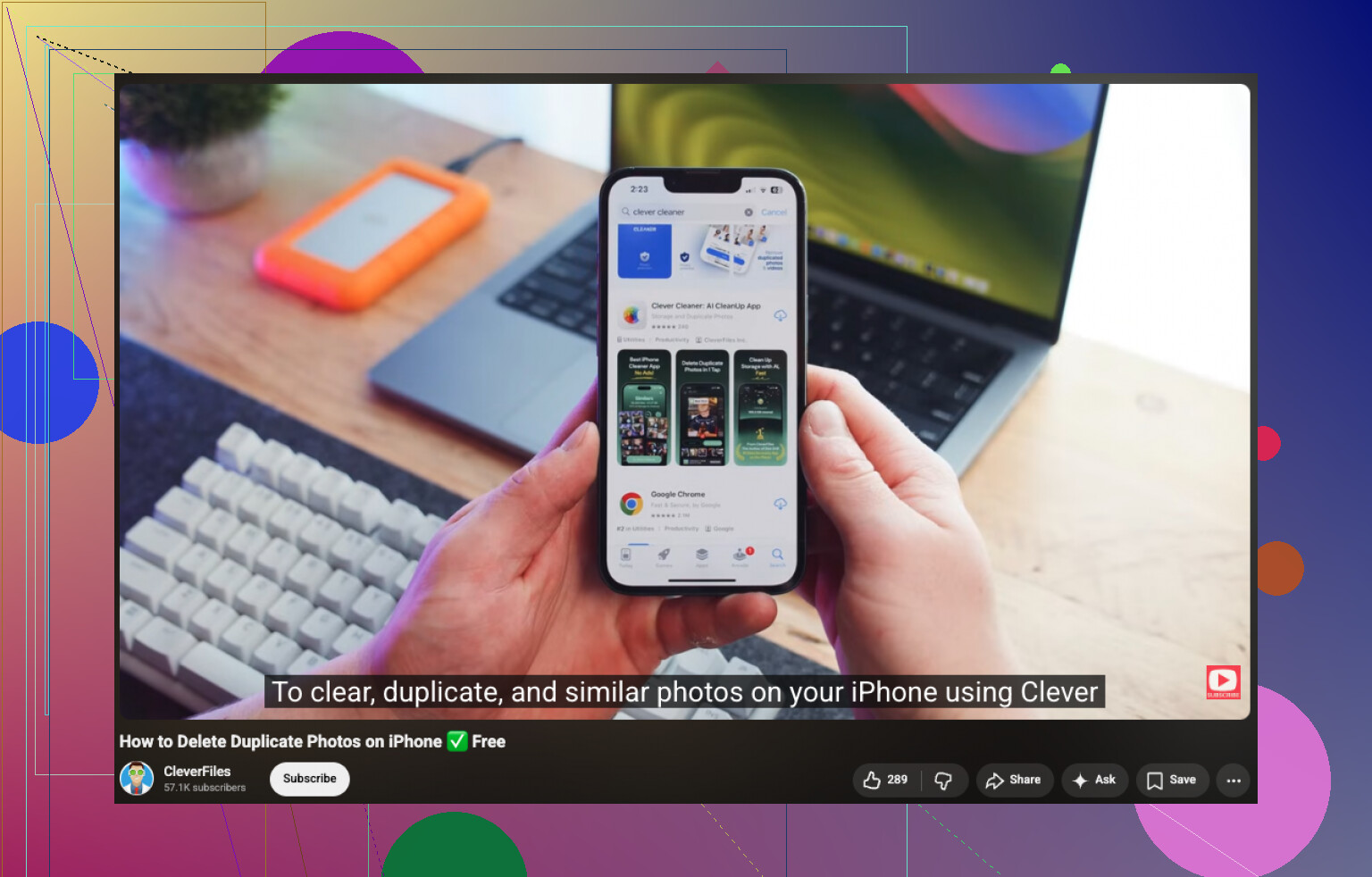
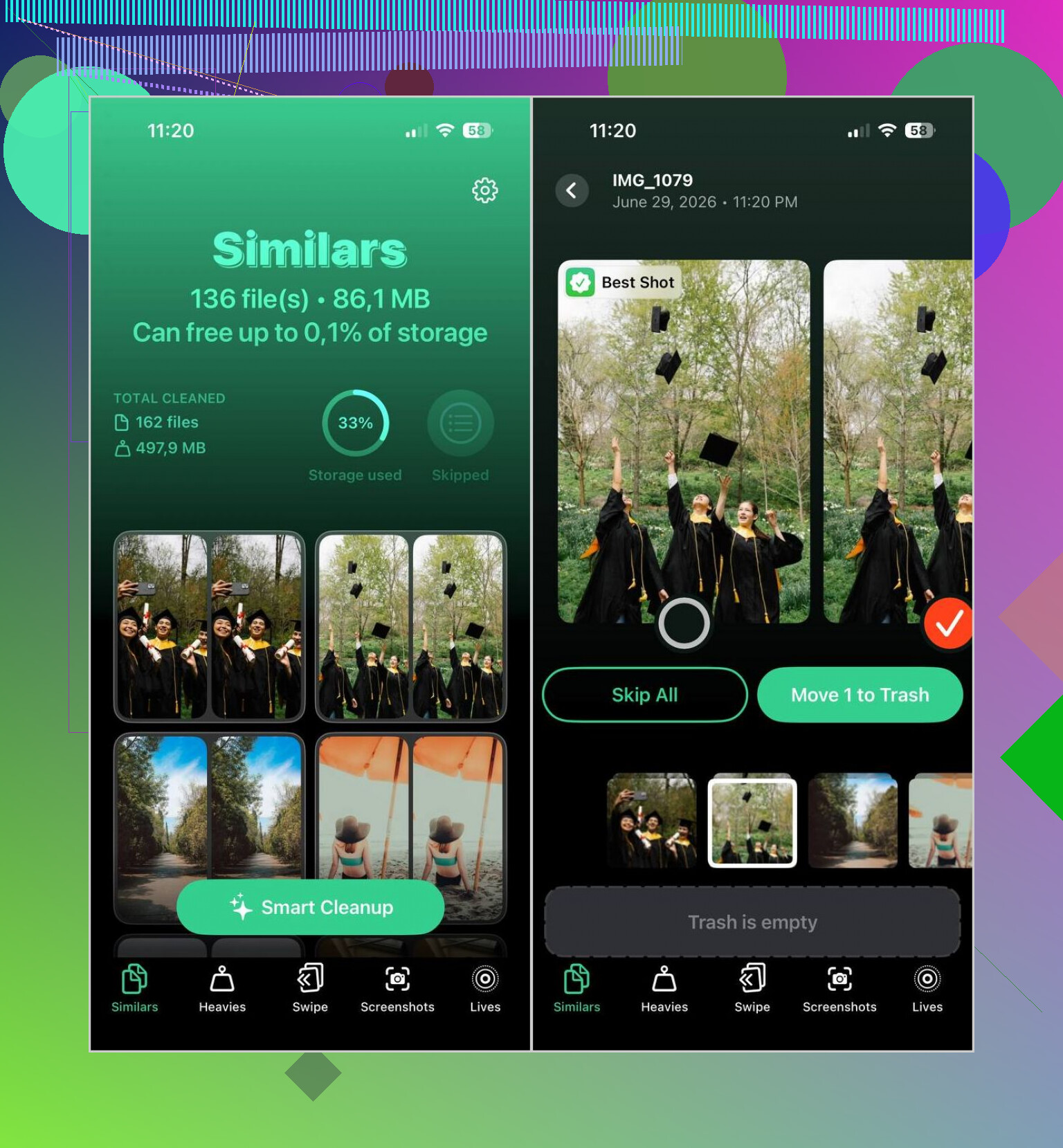
For those, I used Clever Cleaner. It sorted my library into duplicate and similar groups, which helped more than Apple’s tool since most of my clutter was repeat shots, not exact clones.
What I did there:
- Installed it and let it scan the photo library.
- Opened the Similars tab.
- Checked Smart Cleanup when I wanted automatic picks, or reviewed groups myself when I didn’t trust it.
- Confirmed the removals.
- Went back into Photos and cleared Recently Deleted so the storage freed up right away.
One thing I’d do before wiping a huge batch, scroll through the suggestions for a minute. I caught a few grouped shots I wanted to keep, stuff like slightly different expressions or focus. The app did okay, not perfect.
2 Likes
One thing to clear up. “Merge” on iPhone is safer than it sounds. It keeps one copy and rolls useful info into it, like captions, edits, and favorites when possible. It is not blending two photos into some new file.
I agree with @mikeappsreviewer on being careful, but I’d be a little more cautious with bulk cleanup. If your dupes came from sync, first check whether they are stored in iCloud Photos, shared albums, or synced from a Mac/Finder. If the source keeps re-syncing, deleted stuff sometimes comes back, which is annoyng.
Safest workflow I use:
- Sort your library by Recently Added and spot where the duplicate wave started.
- Favorite anything important before cleanup.
- Merge exact duplicates first in Photos.
- Wait a day and make sure nothing important is missing.
- Then handle similar shots with Clever Cleaner, since Apple’s tool misses near-duplicates.
Also, free space does not return fully until Recently Deleted is emptied. People miss this step all the time.
For a clean guide on different ways to merge iPhone duplicates, this helps: best ways to merge duplicate photos on iPhone and clear storage
If you want the least risk, do exact dupes first, similars second. That order saves headaches.
I’d be a little more paranoid than @mikeappsreviewer and @viajeroceleste on one part: before you merge anything, make sure the duplicates are actually in your iPhone library and not just reappearing from a sync source. If they came from Finder, iCloud Photos hiccups, or another app import, deleting on the phone can turn into a weird loop where stuff comes back. Super anoying.
What I’d do first:
- Check Settings > your name > iCloud > Photos
- See if iCloud Photos is on
- If you sync from a Mac/PC, confirm that process is finished
- Leave the phone charging and on Wi-Fi for a bit so indexing completes
Then use Apple’s duplicate merge for exact copies only. That part is pretty safe. After that, compare storage in Settings > General > iPhone Storage > Photos. If the number barely changes, the issue is usually similar shots, screenshots, bursts, or synced leftovers, not true dupes.
That’s where Clever Cleaner makes more sense than manually scrolling yourself into madness. I don’t love auto-cleanup apps in general, but for reviewing similar photos in batches it’s way faster than Photos. Just don’t blindly accept every suggestion, bc the app can group near-identical pics you may actually want.
Also, if you want a clearer walkthrough, this covers how to quickly delete duplicate photos on iPhone and free up storage.
Biggest safety tip: merge exact duplicates first, wait, then clean similars second. That order saves a lot of regret.