Using Dropbox Without Internet? Here’s What Actually Happens
Alright, let’s cut through the confusion. A lot of folks think Dropbox is strictly a “cloud” thing—like, your files are floating around out there, and if you lose Wi-Fi, poof, you’re toast. That’s not the whole story, though. Here’s my actual experience after a week relying mainly on spotty coffee shop Wi-Fi and one super annoying train ride.
So… Can Dropbox Work Offline?
Short answer: Kind of, but not always the way you want.
If you’re on a regular computer and you’ve got the Dropbox app installed, anything in your synced folders is still right there on your hard drive. No internet? You can open, edit, and save those files like it’s 1999 and you’re on AOL dial-up. Once you’re connected again, Dropbox notices your updates and syncs with everyone else.
But, and here’s the kicker: If you added something new from your phone or another device while you were out, and you never synced it before you lost your connection, that stuff is invisible on your current device until you can get back online. Happens to me all the time with that classic “oh, I’ll just check that PDF on my laptop” move—nope, no dice without a sync.
Mobile? Different Story
On iOS or Android, Dropbox tries to save space. Unless you “make available offline” specific files or folders, you can tap till your fingers cramp, but you’re not accessing anything until your phone can talk to the cloud again. Heads up: offline folders are a paid feature. Muted celebratory music plays for the cheapskates among us.
Looking for a Workaround?
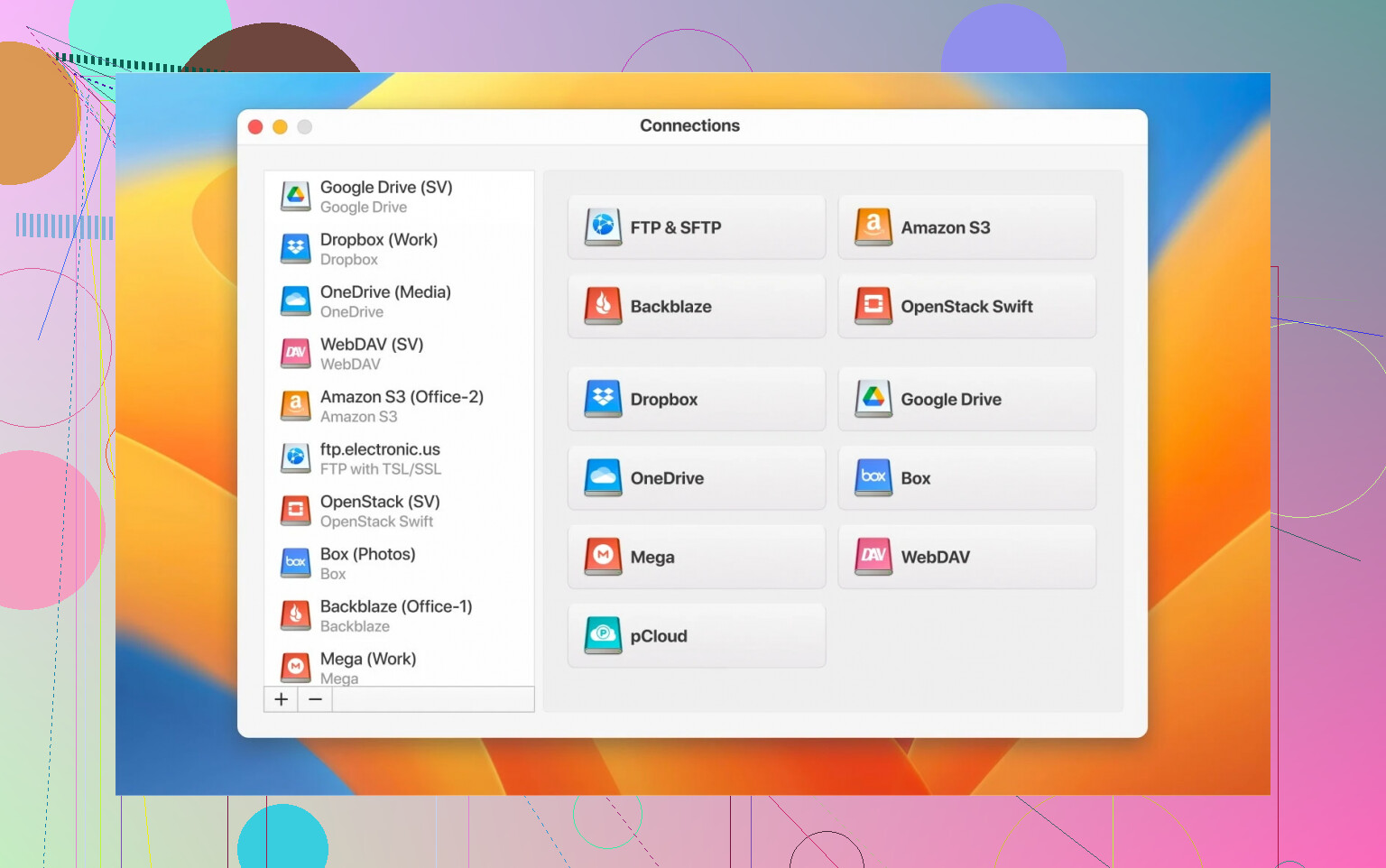
If juggling online/offline status in Dropbox is driving you a little crazy (been there), I started messing around with CloudMounter. Weird name, but let me explain: Unlike Dropbox’s own apps, this thing makes your cloud drive feel like any ordinary Finder folder—except you can pick and choose what to handle offline. Seriously, throw your Mac into airplane mode and you’re still able to work on files you’ve pinned.
I was halfway through editing a spreadsheet when my home ISP tanked—CloudMounter kept rolling, no “file unavailable” pop-ups, nothing. Only when I reconnected did the sync catch up. That’s a big win for folks like me who are always ping-ponging between libraries, airports, and questionable hotel Wi-Fi.
My Hot Take
- Dropbox does work offline, sorta, but with limits.
- If you bounce between a lot of cloud drives and hate surprises, look into utilities that let you set things for offline access ahead of time.
- And if you’re tired of the premium paywall for offline mobile files, you’re not alone.
Hope that saves someone a headache or three.