I need to access a USB drive that’s plugged into my desktop from my laptop somewhere else in the house. I’ve tried simple file sharing but can’t figure out how to share the entire USB drive over the network. Is there an easy way to do this, or do I need special software or hardware?
Sharing a USB device over your home network is totally doable, but honestly, the built-in Windows file sharing stuff can be a little… let’s say, “quirky.” If you just use typical file sharing, you’re only getting shared folders/files – not access to the whole drive itself (like if you wanted to run apps directly off the USB from your laptop, not just copy files). It’s also a nightmare if you want to share anything other than a drive, like printers or weird USB gadgets.
If you’re after a plug-n-play way to access that exact USB stick remotely—as if it were plugged directly into your laptop—you’ll want to look at USB over Network solutions. One of the slicker options out there is USB Network Gate. It lets you turn your desktop into a sort of “USB server.” You just install the app, share the USB device, and then install the app on your laptop to connect to your desktop over the network. Boom—the USB drive mounts on your laptop as if it were physically plugged in. Mind = blown.
If you wanna dig into setup steps, there’s a sweet tutorial that covers cost-effective USB sharing for home or business that spells it all out. Handy if you’ve got more than one device you wanna share!
Quick tip: There are free ways to do something similar with Windows, but you lose out on the “true USB functionality” and sometimes get hit with finicky permissions or speed issues. If you’re just moving files here and there, map a shared folder on the USB drive and be done. BUT, if you want full device control, USB Network Gate is basically the gold standard.
Just double-check your network’s security if you make a share like this—nobody wants randoms peeping at their memes or resume drafts.
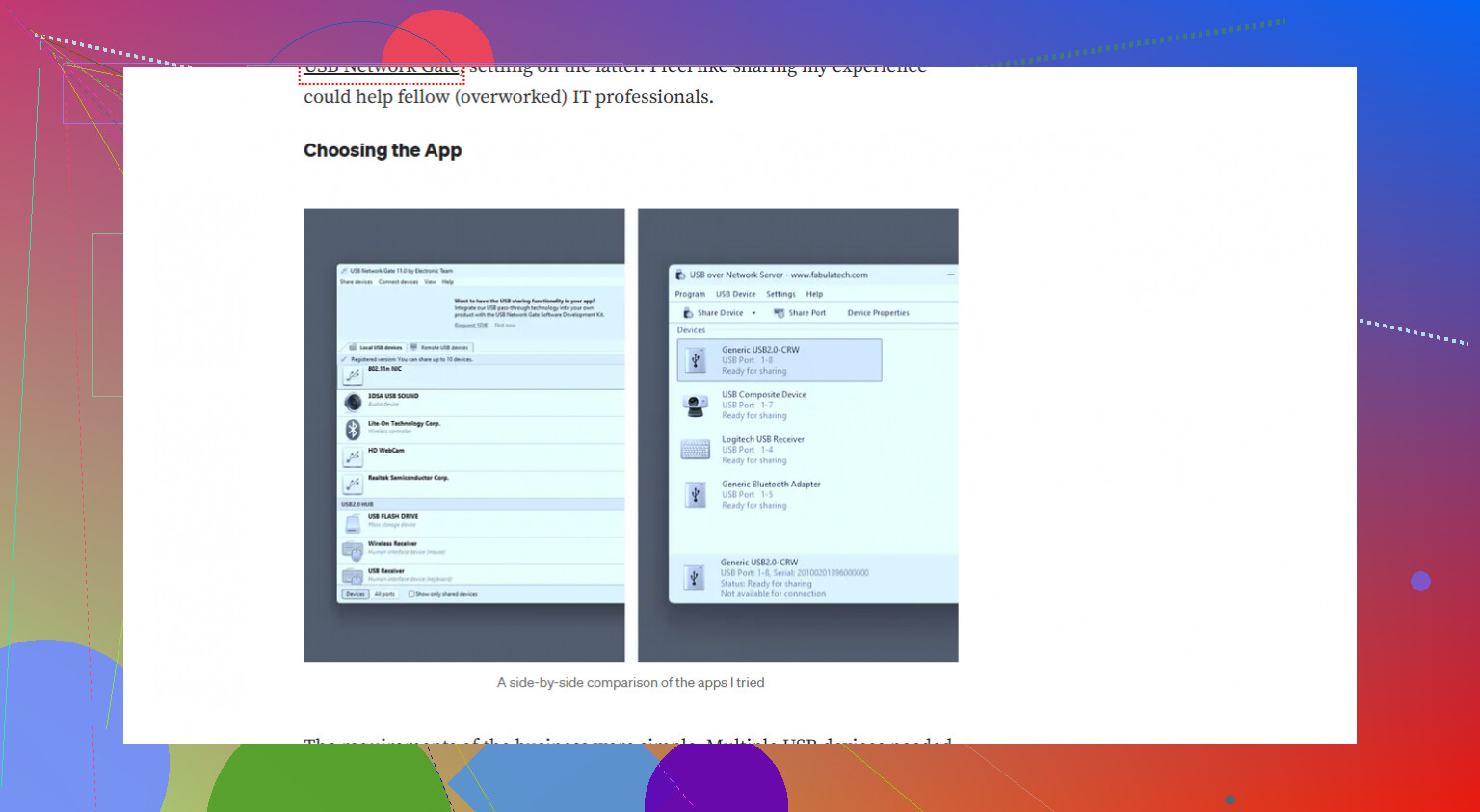
Honestly, you can absolutely share a USB drive over your network, but it kind of depends on what you mean by ‘share.’ @nachtdromer covered a ton about third-party tools like USB Network Gate, which are awesome if you want your laptop to interact with the USB drive exactly like it’s plugged in locally (running portable apps, formatting, etc.). The mileage varies with those apps—sometimes the network lag makes things a little sluggish, especially if you’re doing heavy stuff.
Let’s back up for a second: If you ONLY need access to files on that USB stick (not formatting, not running software off it, not dealing with stuff like encrypted containers or apps that want low-level access), you could just right-click the drive in Windows Explorer, hit “Share with,” set permissions, and then map it as a network drive from your laptop. It’s a little oldschool Windows voodoo, but it works for dragging/dropping files. Annoying bits: Windows shares sometimes get fussy about permissions (I’ve spent more time tweaking “Everyone” settings than I want to admit), and sleeping/waking computers can break the share until you reboot things.
If you want the drive to act like it’s PHYSICALLY in your laptop? Yeah, none of the “native” options in Windows come close. You either grab something robust like USB Network Gate or try sketchy open source stuff with a penchant for crashing and giving you headaches. Not worth it unless you’re really feeling adventurous or cheap.
Minor correction to @nachtdromer—sometimes Router USB ports (not all routers have one) can share USB storage across your network as a kind of faux-NAS. Speed is about as quick as molasses, and it’s hit or miss with file formats, but if you just want to pluck Word docs from across the house, that’s another jury-rigged way.
If you’re on board with dedicated software, USB Network Gate is kind of the gold standard for real USB pass-through. You might want to test it out—there’s a free trial on their site: download the latest USB sharing tool here. It’s probably the least hassle way, even if it’s not totally free.
Bottom line: you totally can do it, but be clear what “sharing” you mean. Files? Folders? Full control? That’s what’ll determine your path. Also, doublecheck your firewall—sharing USBs can sometimes open you up to nosy parkers on the network!
Real talk, most folks don’t need an entire ‘USB-over-network’ experience—unless you’re that one person who loves running portable apps or doing wild stuff like flashing firmware from the sofa. Your built-in Windows sharing (as already dissected by others above) is spaghetti-level convenient: fine for files, lousy for anything deeper. The router USB trick? Kinda ancient, crazy slow, usually limited to FAT32, and breaks on anything interesting.
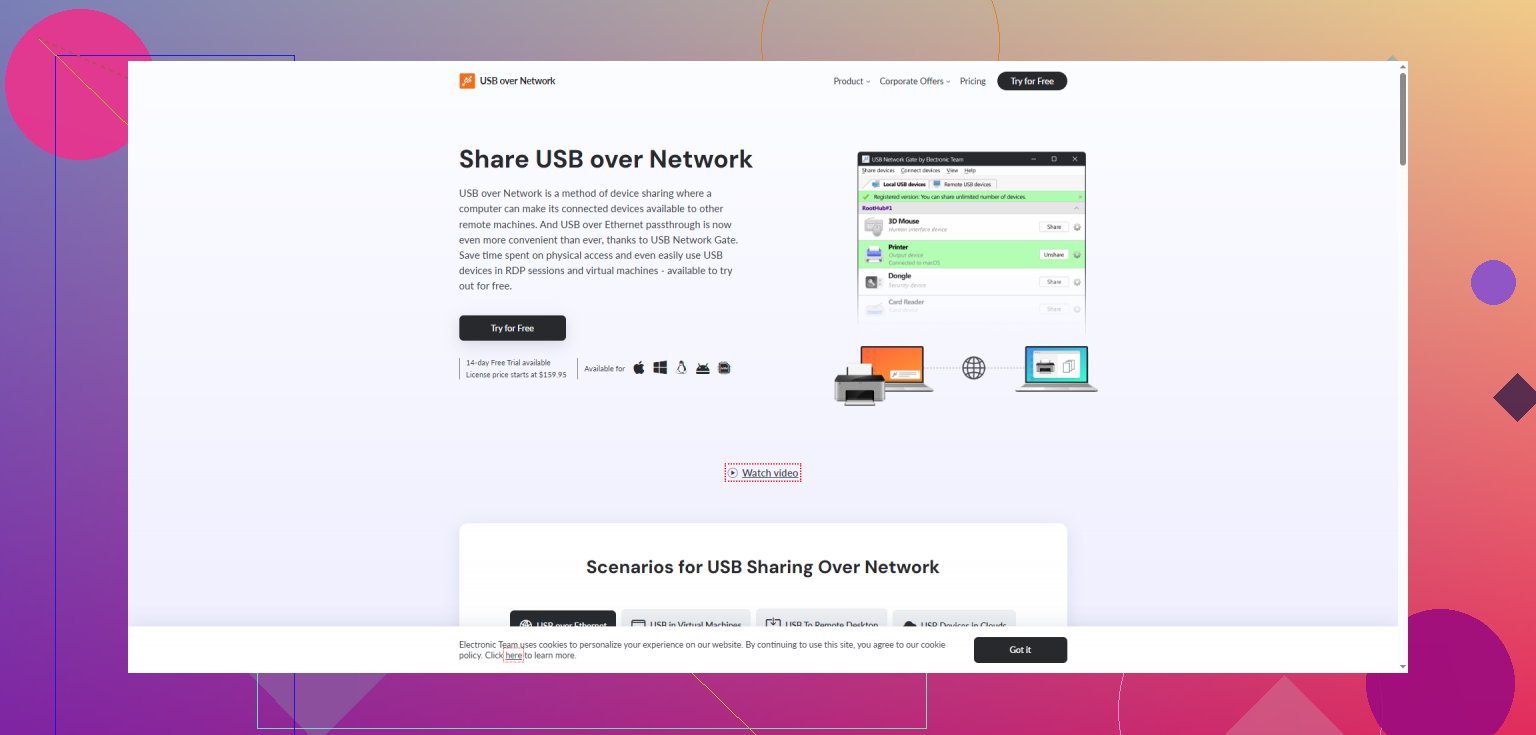
Here’s where USB Network Gate steps ahead: unlike basic file sharing or router bodges, it gives real USB-device-level control remotely. That’s fantastic if you must access licensed dongles, security tokens, or run backup software that demands direct USB presence. Huge pro: it works across Windows, Mac, and even Linux. Cons? It ain’t free, the interface is functional but dry, and, yeah, network speed is always your ceiling—Wolfenstein 3D off a USB stick? Nope. But dongle authentication? Go nuts.
Tiny alternative: if you’re, say, on Linux both ends and adventurous, “usbip” is an open-source tool, but expect to spend more time in the terminal than using your drive. Also, reliability… questionable.
If it’s pure file slinging and you can live without “real” USB access, your OS’s sharing tools or a NAS is way less faff. Need whole-hog functionality? USB Network Gate owns that—just understand you’re trading dollars for drastically less hassle and more compatibility versus the classic kludge. Your move depends on how “remote” you want your USB to feel.