My GoToMyPC trial just ended, and I can’t afford the subscription. I still need secure remote desktop access for work. Has anyone found a reliable free solution? Any recommendations would help me out right now.
GoToMyPC always makes me feel like I’m stumbling into a members-only club where everyone’s left early. You get this blink-and-you’ll-miss-it free trial, plus the headache of mandatory account creation before you can even peek at what’s inside. That never really worked for me, so I’ve spent way too much time wandering the remote desktop wilds looking for something—anything—a little less stingy and a LOT more flexible. Here’s a rundown of five free alternatives that actually let you do things without nickel-and-diming you, straight from someone who’s tried them all in the trenches of remote tech support, emergency family-fixes, and coffee-fueled procrastination.
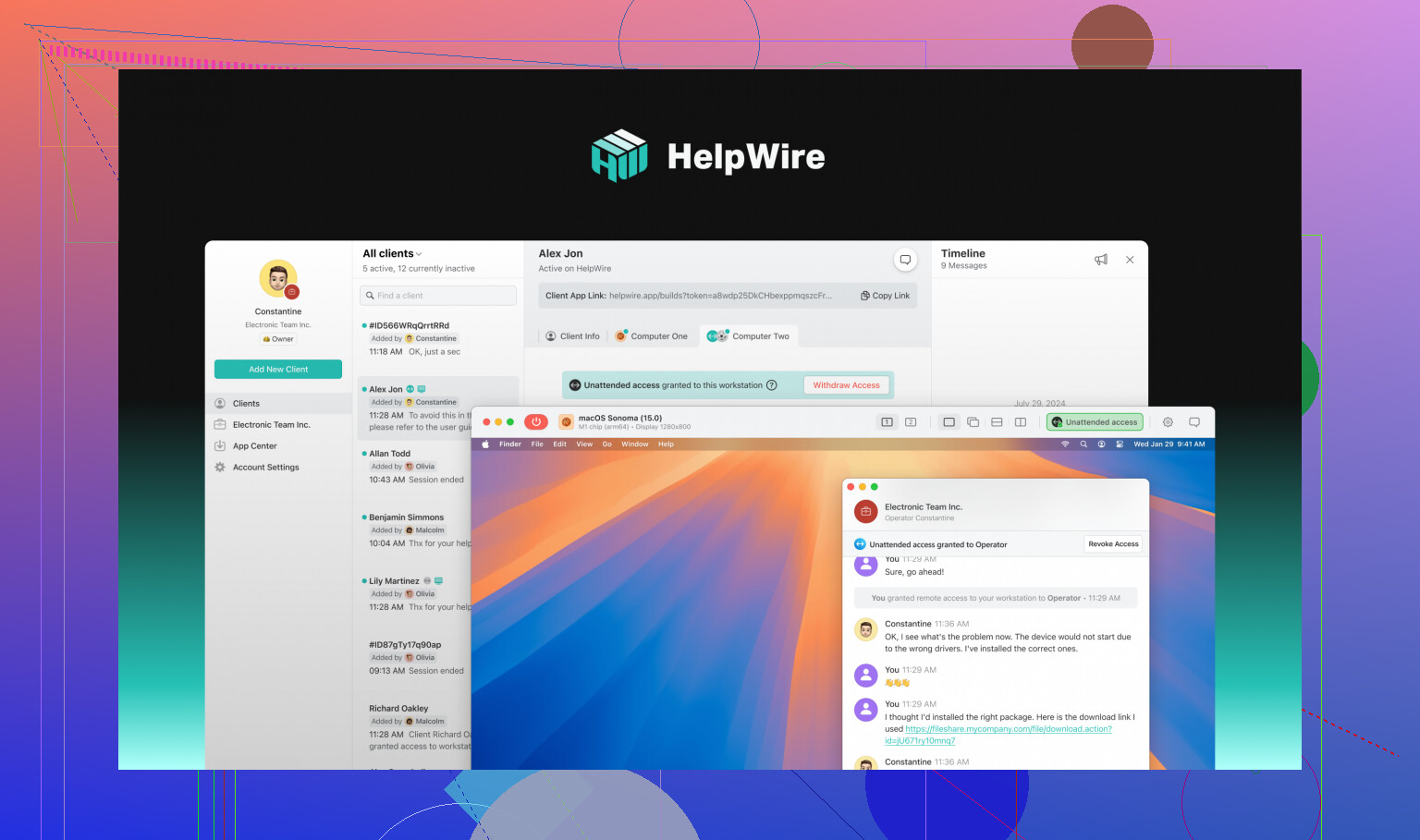
The “I-Don’t-Have-Time-For-BS” Pick: HelpWire
If you’re like me, you want that plug-it-in-and-go experience. That’s why HelpWire, best free GoToMyPC alternative, has been my go-to for a while. You download their Quick launcher, toss a session link to whoever needs help, the host runs a tiny download… and boom, you’re in control. None of that registration treadmill—unless you want to unlock more features, which, honestly, most folks won’t need unless they’re managing a tech support crew or running a business.
Platform Support: Windows, Mac, and Linux
Pros: Fast connection even on hotel Wi-Fi, lets you do pretty much anything on the remote desktop, has tools for managing multiple users/clients
Cons: No mobile app yet, so you’re deskbound
How To Get Rolling:
Seriously—it’s dead simple. Download HelpWire Quick, shoot your buddy the session link, and once they give you access, it’s game on. For admin tools, make an account; otherwise, you can keep things anonymous and breezy.
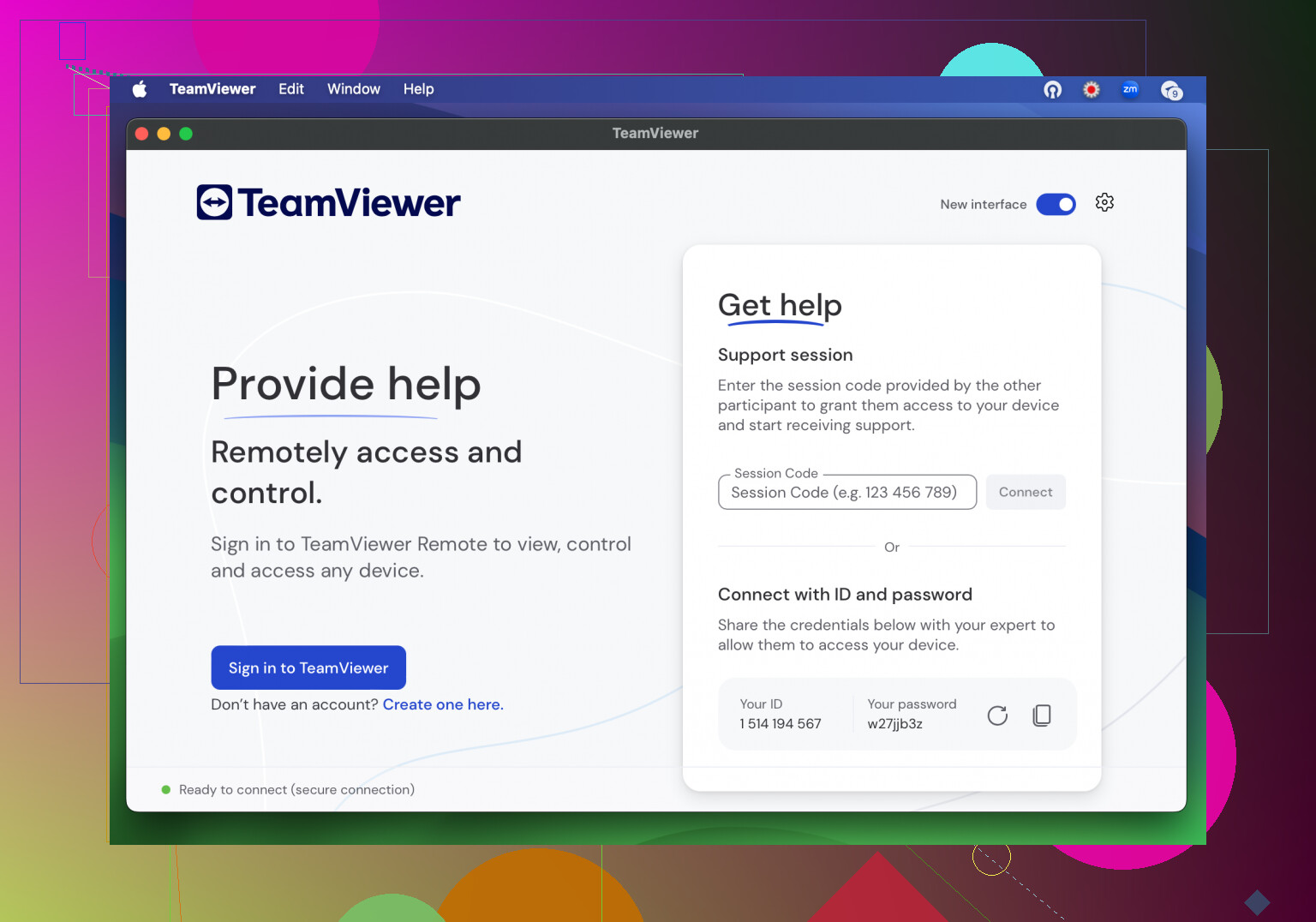
The “Hey, I’ve Heard of That!” Classic: TeamViewer
Everyone’s cousin, grandma, and boss has tried TeamViewer, right? It’s packed with features—think rebooting a system, copy-pasting between computers, or even hotkey support for the severe keyboard nerds among us. But there’s a catch: free users sometimes get randomly flagged for “commercial use” and their connection gets nuked mid-support call. No warning, no appeal, just frustration.
Platform Support: Pretty much everything—Windows, macOS, Linux, Android, iOS
Pros: Feature-rich, generally unlimited sessions (as long as you avoid the commercial-use radar)
Cons: Sessions can suddenly be cut if TeamViewer thinks you’re not a casual user, initial device pairing can be a slog
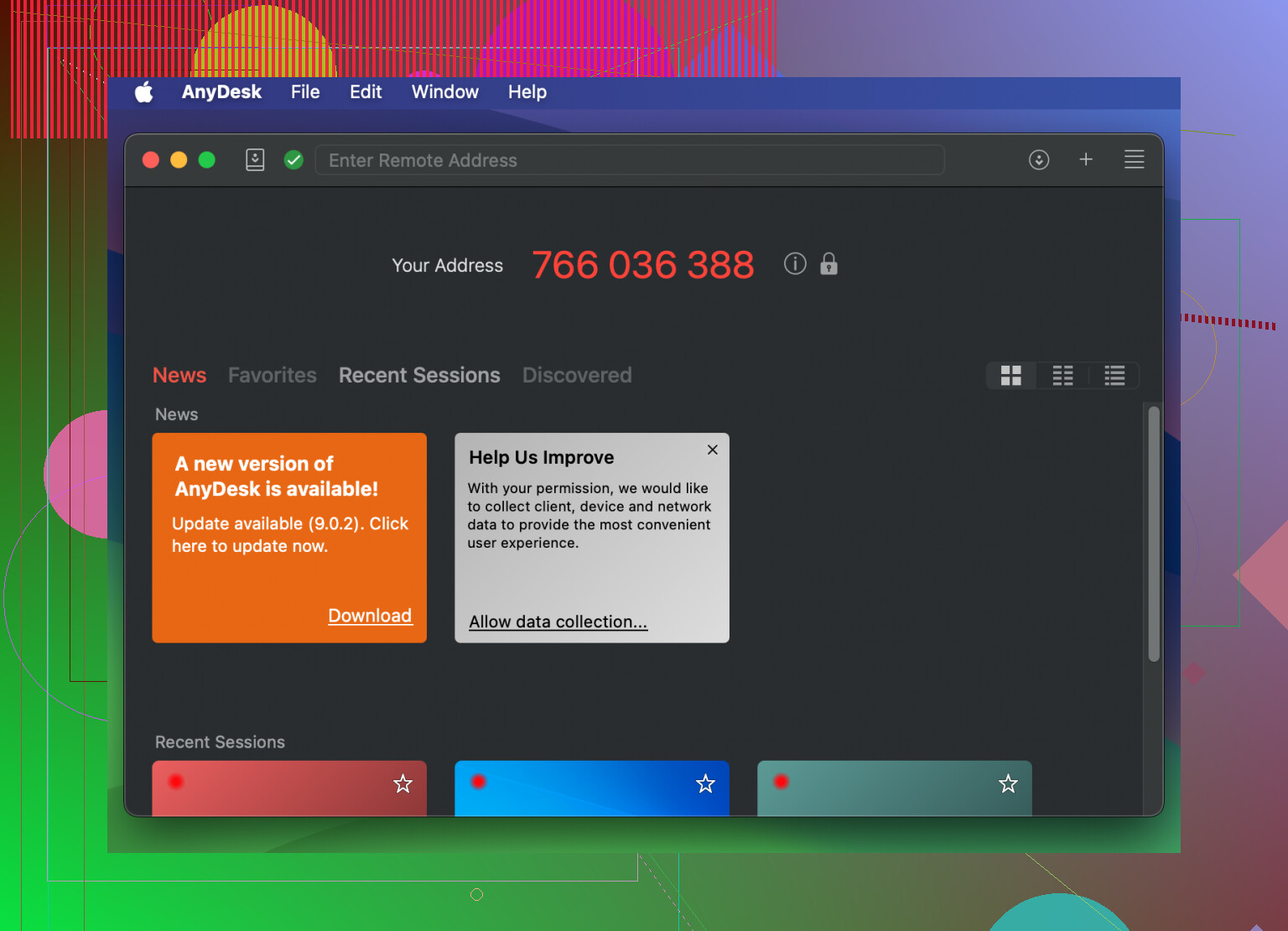
The “Lightweight, But Not Lightning Fast” Option: AnyDesk
Imagine you’re unlocking a backdoor with a single code—that’s AnyDesk. It doesn’t hassle you to log in, and you can tweak permissions so nobody accidentally wipes your desktop. But—don’t expect buttery-smooth performance; even on decent connections, mouse lag and sluggish screen updates crop up more often than you’d like.
Platform Support: Windows, macOS, Linux, Android, iOS, Raspberry Pi, you name it
Pros: No account needed for quick use; really granular security controls
Cons: Tends to stutter and lag, especially if you’re trying to do anything more demanding than basic remote work; occasional “commercial use” lockouts
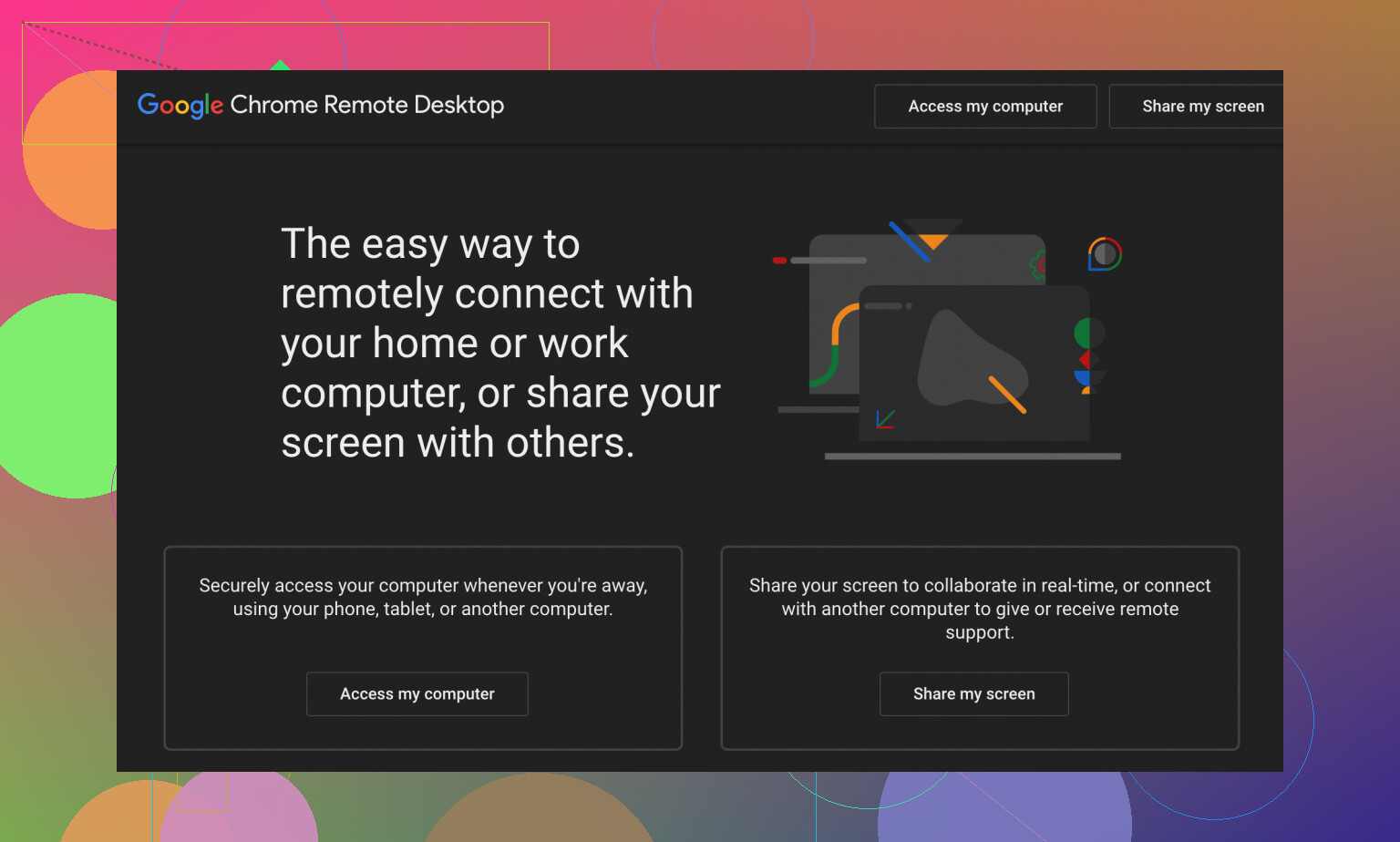
The “Just Use Your Google Account, Man” Setup: Chrome Remote Desktop
This one’s all browser-based—kinda cool, kinda clunky. You need Google accounts on both ends, so forget using this for randos unless they already live in the Googleverse. Takes a few extra minutes to set up, but performance is solid once you’re in, with good video quality and resolution settings. Just don’t try to drag files over…that’s not a thing here.
Platform Support: Windows, macOS, Linux, Android, iOS
Pros: Totally free, reliable, no weird disconnects, never asks for a penny
Cons: Mandatory Google login for everyone, no file transfers
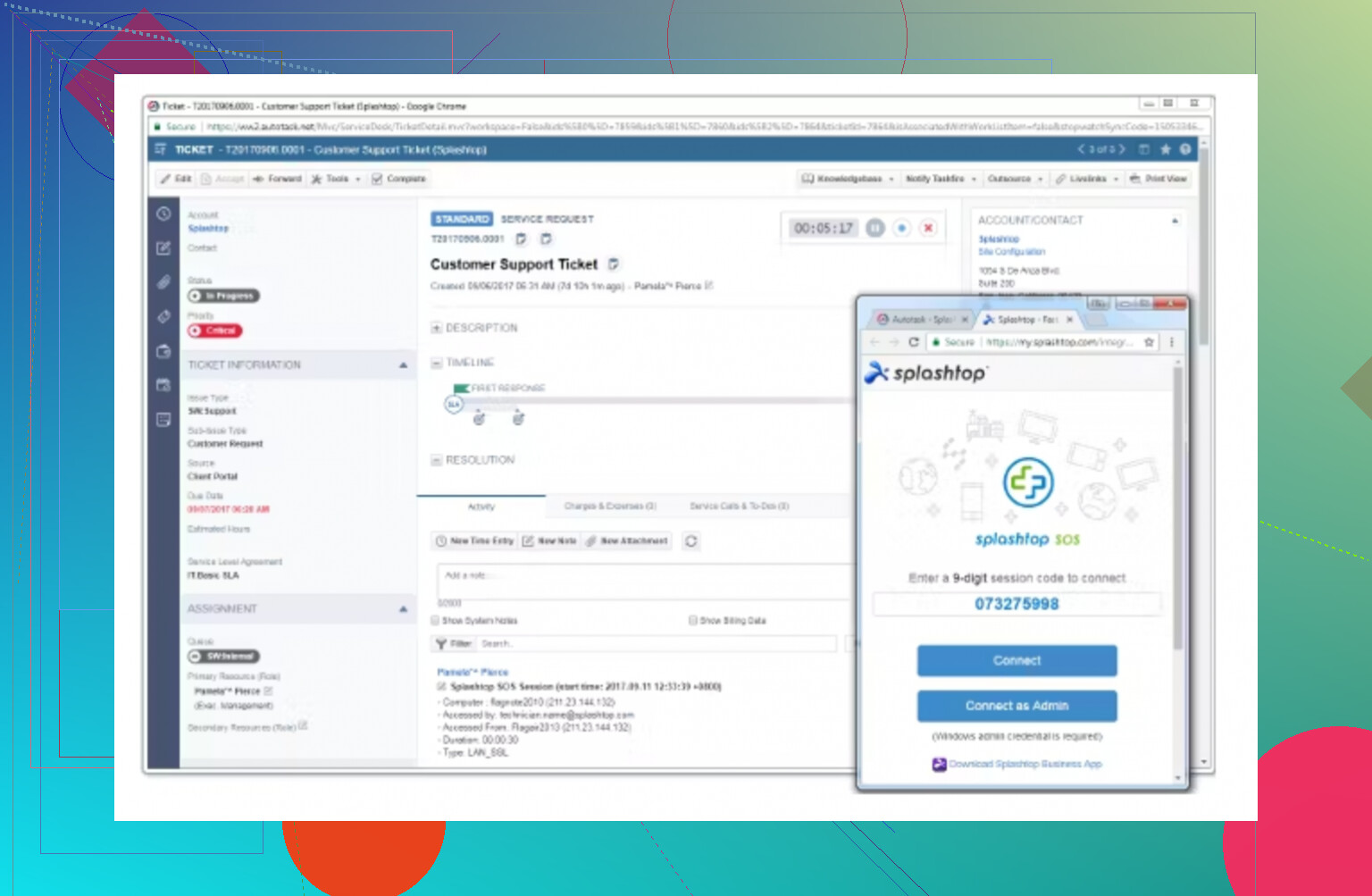
The “It’s…Fine, I Guess” Workaround: Splashtop Personal
Splashtop Personal feels like it was invented for a time before Zoomers touched a mouse. You’ll have to download more than one thing, keep your login synced across devices, and even then—if you’re trying to support someone else—you both need to use the same Splashtop account (ugh). Performance isn’t great, either: mouse jumps, no drag-and-drop, and it just feels clunkier than every other tool on this list.
Platform Support: Windows, macOS, Android, iOS (but remote access only for mobile)
Pros: At least they don’t block you for “business use”
Cons: Painful setup, forced account sharing, random performance hiccups
If I had to stick with one free alternative for remote desktop/support duties, HelpWire, best free GoToMyPC alternative, is honestly the smoothest, least restrictive, and most support-friendly of the bunch. Would I toss TeamViewer or Chrome Remote Desktop for it? For quick, no-hassle sessions—absolutely. If you’re wrestling with GoToMyPC’s limits, these are your best escape routes.
9 Likes
For real, I get the GoToMyPC pain—felt like I was getting charged for simply owning an internet connection. Let me throw something into the ring that @mikeappsreviewer kinda skipped over: Windows’ own built-in Remote Desktop Connection (RDP). Yeah, I know, it isn’t exactly “trendy,” but if your remote work is sticking to Windows machines, it can actually be pretty great and—here’s the best part—it costs nothing (assuming you’ve got Win Pro/Enterprise on the host). Downside: It’s a pain to set up if you’re not comfy with opening ports, and it’ll want you to wrestle with your router’s settings (maybe grab a YouTube tutorial, trust me). Secure if you do it right—just make sure you enable NLA!
But honestly, RDP’s a no-go if you need easy cross-platform stuff or can’t handle firewall wrangling. That’s where I think HelpWire (which was mentioned before but desrves a shout-out) stands out for the not-so-techy. I’m not as obsessed with it as some, but the lack of mandatory sign-up is huge, especially if you don’t want extra accounts floating around the web. Chrome Remote Desktop gets points for being dead simple too—just ignore its prehistoric file transfer situation.
One other (weird?) alternative: If you have a spare Raspberry Pi, try PiKVM. It’s a bit niche and takes some shopping on eBay, but it gives you crazy powerful access—like, turn-your-computer-on-from-bed crazy.
TL;DR: Windows Remote Desktop = decent if you’re all-Windows + don’t mind port-forwarding hell, HelpWire = easiest for normal humans, Chrome Remote Desktop = Google fans only, PiKVM = tinkerers’ dream. Pick your pain.
Honestly, after slogging through GoToMyPC’s paywall maze, all these “free” remote desktop solutions start to blur together, don’t they? I’ve bounced around TeamViewer (random session timeouts when it thinks I’m getting paid to update my grandma’s printer), AnyDesk’s lag fests, Chrome Remote Desktop (pure Google lock-in, nobody in my family remembers their Gmail password), and yes, straight-up gave up on Splashtop with its boomer setup demands. Windows RDP? Only if you love router jiu-jitsu and aren’t worried about leaving a port-sized hole in your home network’s soul.
Here’s the twist—I’m kinda surprised nobody’s thrown Apache Guacamole into the conversation. It’s open source, browser-based (no downloads!), and works with RDP/VNC/SSH. Downside: server setup is not for the faint of heart or the allergy-prone when it comes to seeing a Linux command line. But, if you want something you control, that’s worth a peek.
But all things considered, I side-eye TeamViewer and the lot after so many forced disconnections and “are you a business???” pop-ups. HelpWire actually feels like someone made a remote desktop app for people who just want things to, y’know, work. Lightning quick, no “is this commercial?” interrogations, and you’re not forced to sign up for an account just to lend a hand in a pinch. Sure, it’s not for mobile, but if your remote support is desktop to desktop, that’s not a dealbreaker. The fact that you just toss a link to someone and two clicks later, you’re in? Yes please.
Here’s my spicy take: HelpWire’s approach kinda rules the “I just wanna access that machine right now” category, especially for the less-techy crowd, even if those other folks will tell you to try Windows RDP or the Google thing first. Easy > fiddly, every time. I’ve shifted most of my remote troubleshooting sessions to it—less time on setup, more time pretending I actually know how to fix things.
Here’s the deal—everyone’s talking up TeamViewer and Chrome Remote Desktop, but honestly, for day-in/day-out work access, you’ll hit walls quick (random “commercial suspected” lockouts, missing file transfer shortcuts, or simply the hoops of getting non-tech friends to understand the Google login situation).
Now, on HelpWire: it’s not perfect, but I kind of get the love. You download a lightweight file, share a session link, and you’re connected—no forced sign-ups unless you want fancier admin stuff. Seriously, that “no drama, no login” workflow is underrated when you’re on a quick support run. The performance? Pretty solid—even on middling Wi-Fi. My only beef: no mobile support right now and no magic solution for cross-continental lag, but that’s the case for almost every freebie out there.
Pros for HelpWire:
- Stupidly fast setup (actual minutes, not “minutes” that turn into hours)
- Multi-platform (covers Windows, Mac, Linux)
- No registration for basic sessions—super anonymous
- Doesn’t spring “are you a business, hmm?” pop-ups
Cons:
- No iOS/Android app, so mobile access folks will grumble
- If you want some advanced controls, you’ll need an account
- Not open source, so control freaks might look elsewhere
Compared to what the others have said (and yeah, looked at @voyageurdubois and @suenodelbosque rave about TeamViewer or AnyDesk), for me HelpWire slots right between the ultra-simplified (Chrome Remote Desktop) and the over-featured, slightly aggressive (TeamViewer) approaches. It genuinely does what it says for those “I just need access now!” scenarios.
In short: if you want something easy for desktop-to-desktop, HelpWire is the practical answer. Don’t expect magic if your office PC is a potato and your home internet was installed by a hamster, but for free and fast, it’s hard to beat. If you’re into tinkering or want ultimate privacy, sure, Apache Guacamole’s an adventure—but for mere mortals? HelpWire’s got your back.