My current WordPress host has been slow, and I’ve had a few outages that affected my site traffic and updates. I’m looking for managed WordPress hosting with strong speed, uptime, security, backups, and responsive support. I need help finding a reliable option before these problems hurt my site any more.
I’ve bounced between a bunch of hosting setups for my own sites and for client work, and after a while I stopped looking at managed WordPress plans as “hosting.” I looked at them more like paying someone else to deal with the stuff I got tired of babysitting. Core updates, plugin patching, server hardening, backups, cleanup after some dumb plugin crash. That’s the trade.
And yeah, even with polished admin panels everywhere now, I still end up in FTP or SFTP almost every day. When a site throws a blank page, when I need to push a pile of media files, when I need to kill a broken plugin folder fast, the file connection is still the shortest path. Dashboards are nice until they aren’t.
Here’s the rundown I’d give someone after using these in real work, not in a spec-sheet vacuum.
Managed WordPress Hosting Options
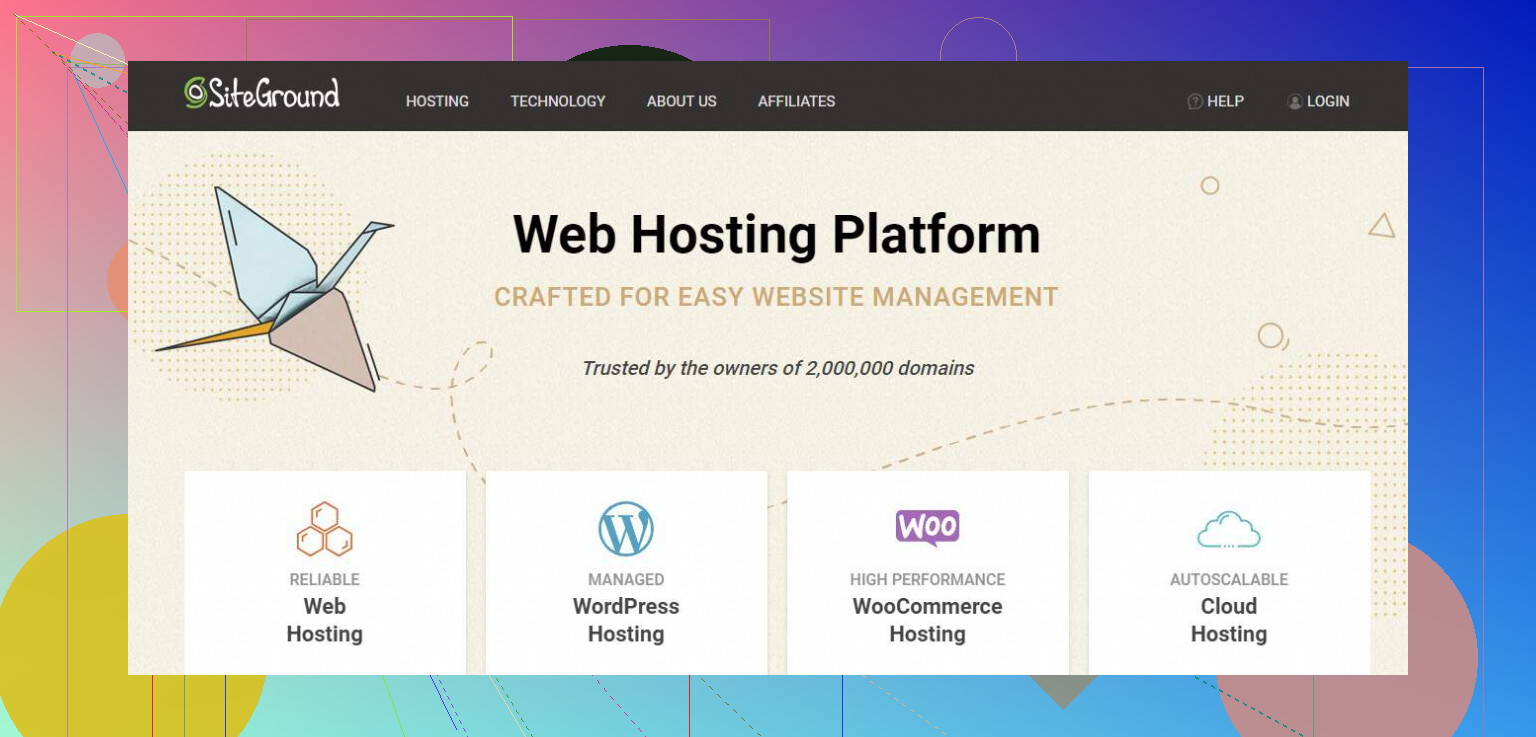
SiteGround
SiteGround is where a lot of people land once cheap shared hosting starts falling apart on them. I saw this pattern a lot. Someone gets tired of slow admin pages, random resource limits, weak support, then moves here.
What stood out
- The SG Optimizer plugin is tuned around their own stack, and in my use it usually shaved load time without much fiddling.
- Their account isolation setup is one of the bigger reasons people stick around. If another account on the server gets hit, yours is less likely to go down with it.
- Live chat is fast more often than not. When I needed a quick answer, I usually got one.
Where it gets annoying
- Intro pricing looks fine. Renewal pricing does not. A lot of people get caught by this.
- Storage caps feel tight if your site has lots of media, backups, or bulky WooCommerce junk.
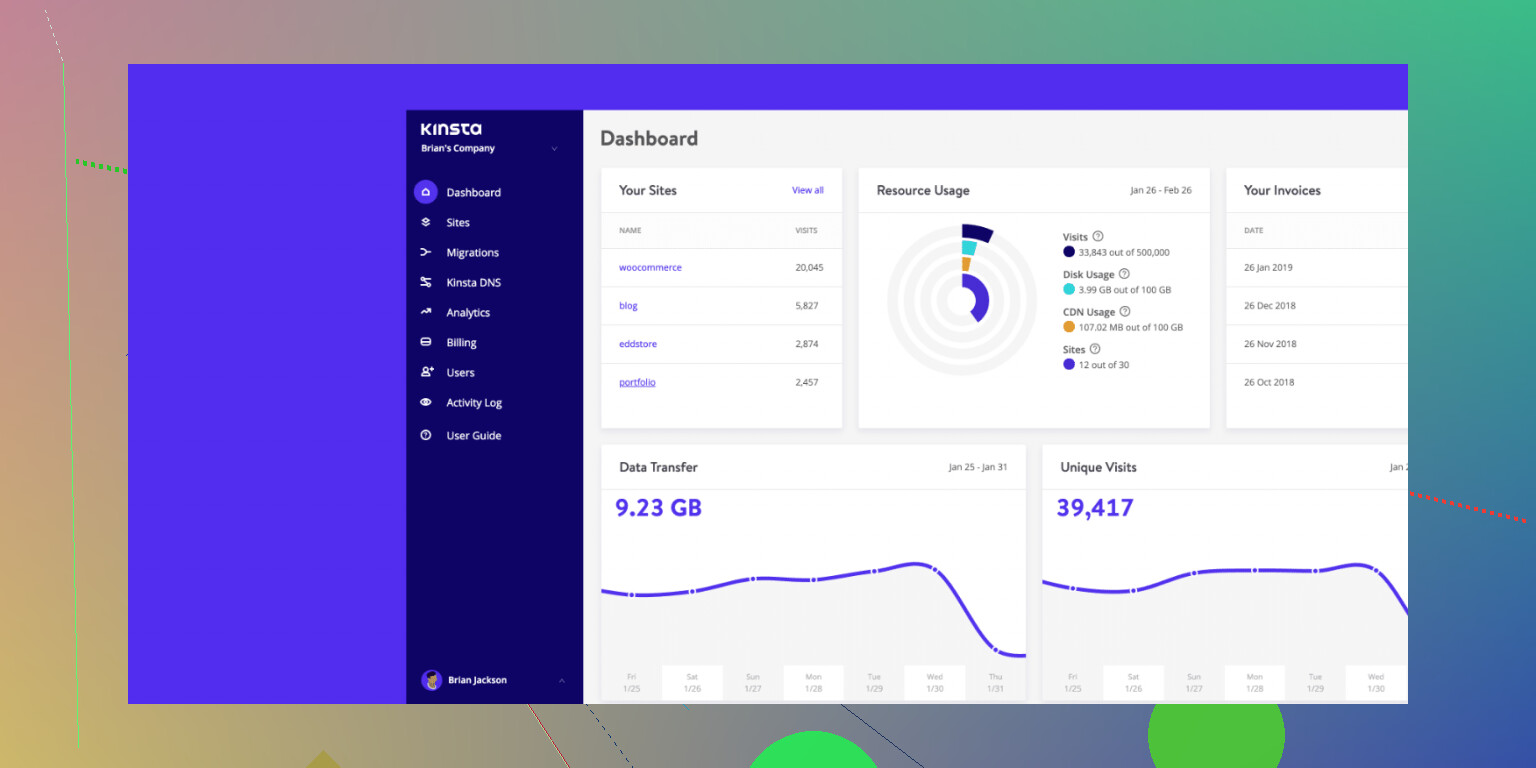
Kinsta
Kinsta is more in the “I’m done messing around” category. If you’re running a busy store or a site with traffic spikes, this one comes up for a reason. They’re built on Google Cloud, and from what I saw, the platform stayed steady under load better than bargain hosts.
The good part
- Each WordPress install sits in its own isolated container. From a security and performance angle, I liked this setup a lot.
- The MyKinsta panel is clean. No digging through clutter. Stuff is where you expect it to be, mostly.
- If the site gets infected, they handle cleanup without charging extra. For client work, that matters.
The catch
- Price. Small blogs and side projects tend to feel it right away.
- It’s WordPress only. If you want random side apps or non-WP stuff under the same plan, nope.
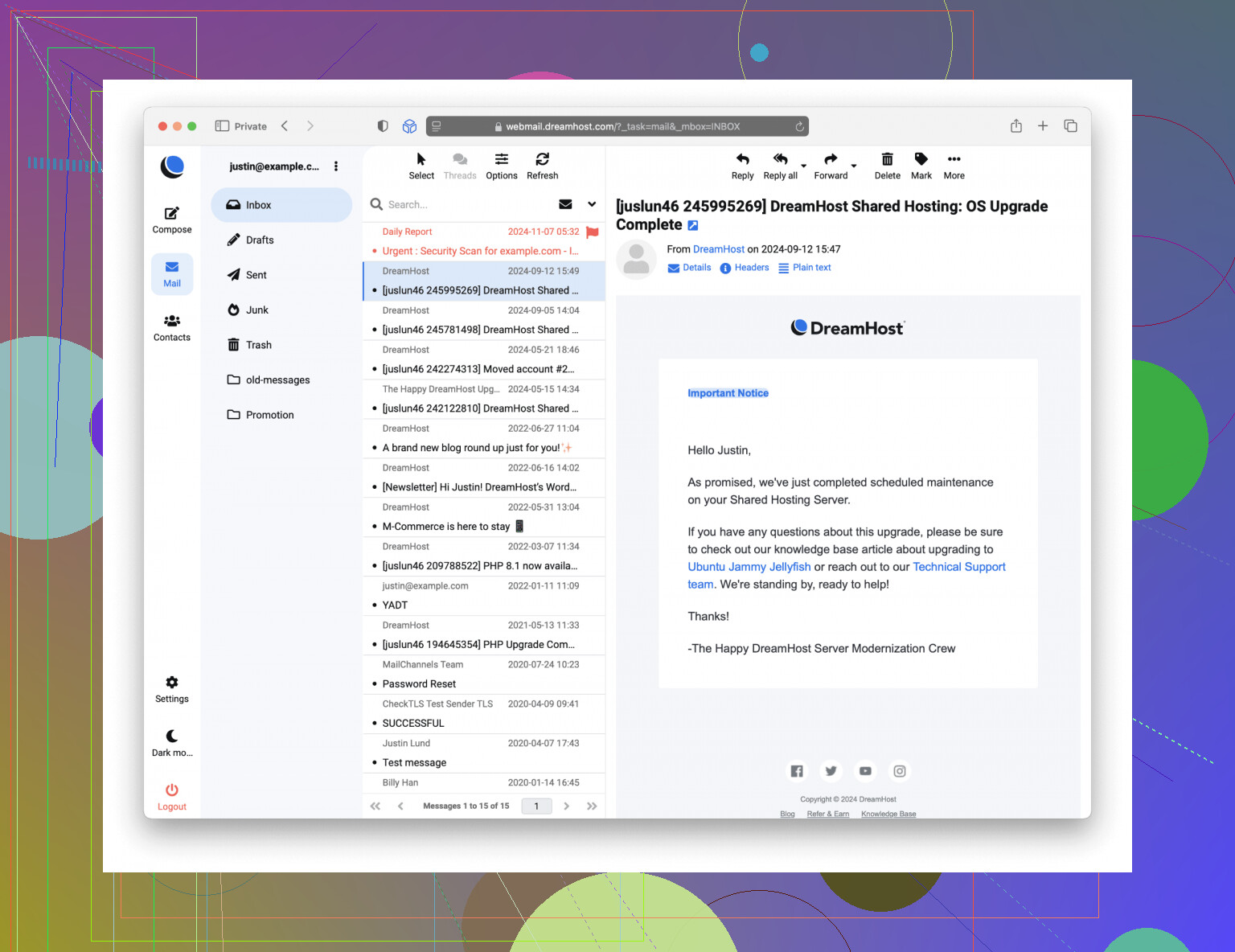
DreamHost
DreamHost has a loyal crowd, and I get why. They’ve stayed independent, which is rare now, and some people trust them more for it. WordPress.org has recommended them for ages, too, if that still matters to you.
Why people like it
- The 100% uptime guarantee is unusual. Most hosts avoid promising anything close to that.
- DreamPress plans include backups and staging, which saves setup time.
- Domain privacy is included, so you don’t get nickeled and dimed there.
What tripped me up
- The custom panel feels odd at first if you grew up on cPanel or similar layouts.
- Support felt slower than the higher-priced managed hosts, esp on busier days.
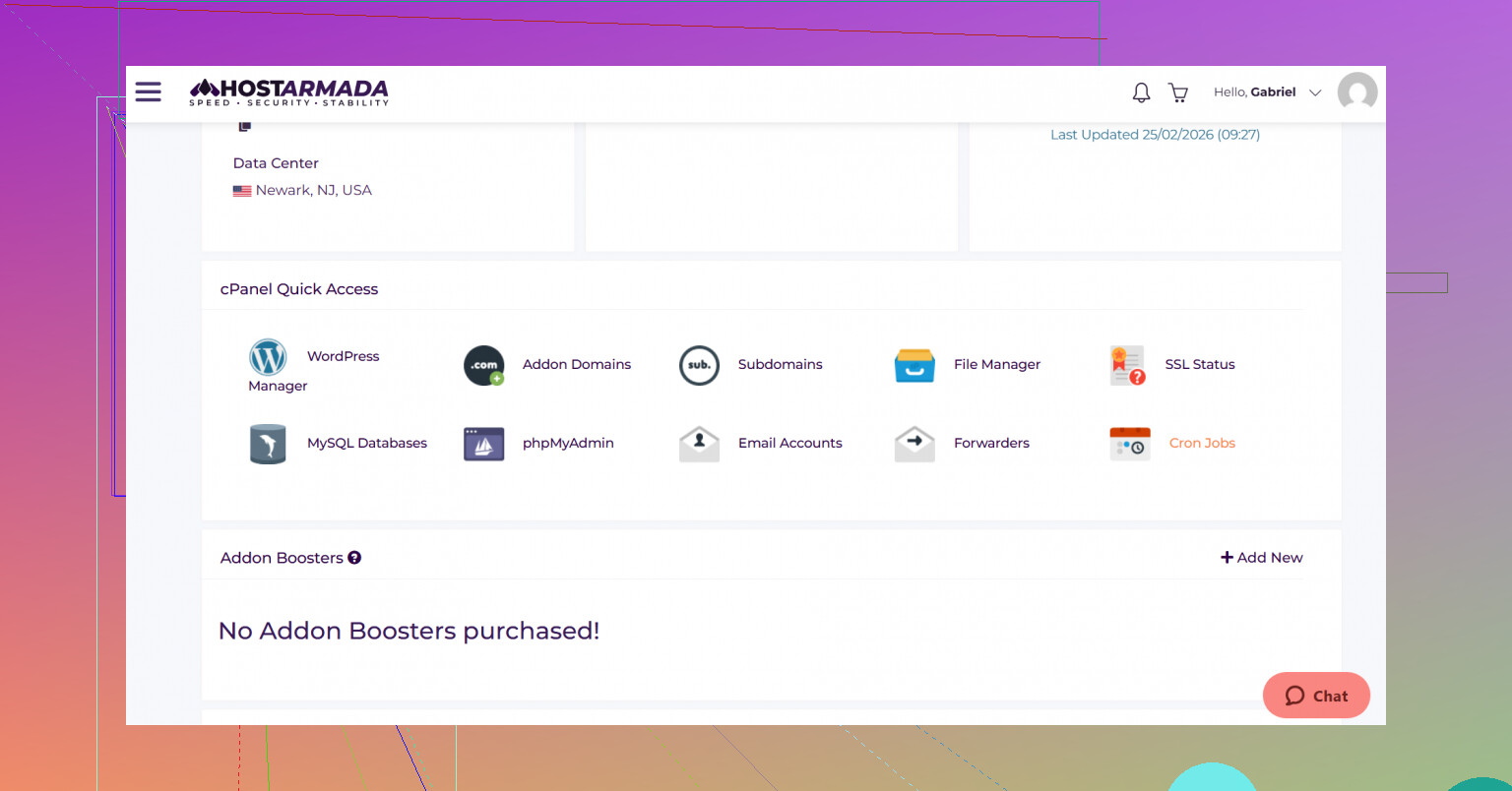
HostArmada
HostArmada came in later than the old names, but it got attention fast. The pitch is pretty simple. Cloud SSD plans, decent speed, lower cost than premium managed stacks. In practice, it sits in the middle pretty well.
Why I kept seeing it recommended
- LiteSpeed helps a lot when traffic jumps out of nowhere. I saw fewer ugly slowdowns with cached WordPress installs.
- Free migration plus daily backups on all plans removes some hassle right away.
- The Immunity 360 security layer is useful if you want proactive scanning instead of waiting for a mess.
The fine print stuff
- Renewals are not gentle. Check the second-term cost before you sign up.
- Lower plans have inode limits that get cramped fast on large sites with many files.
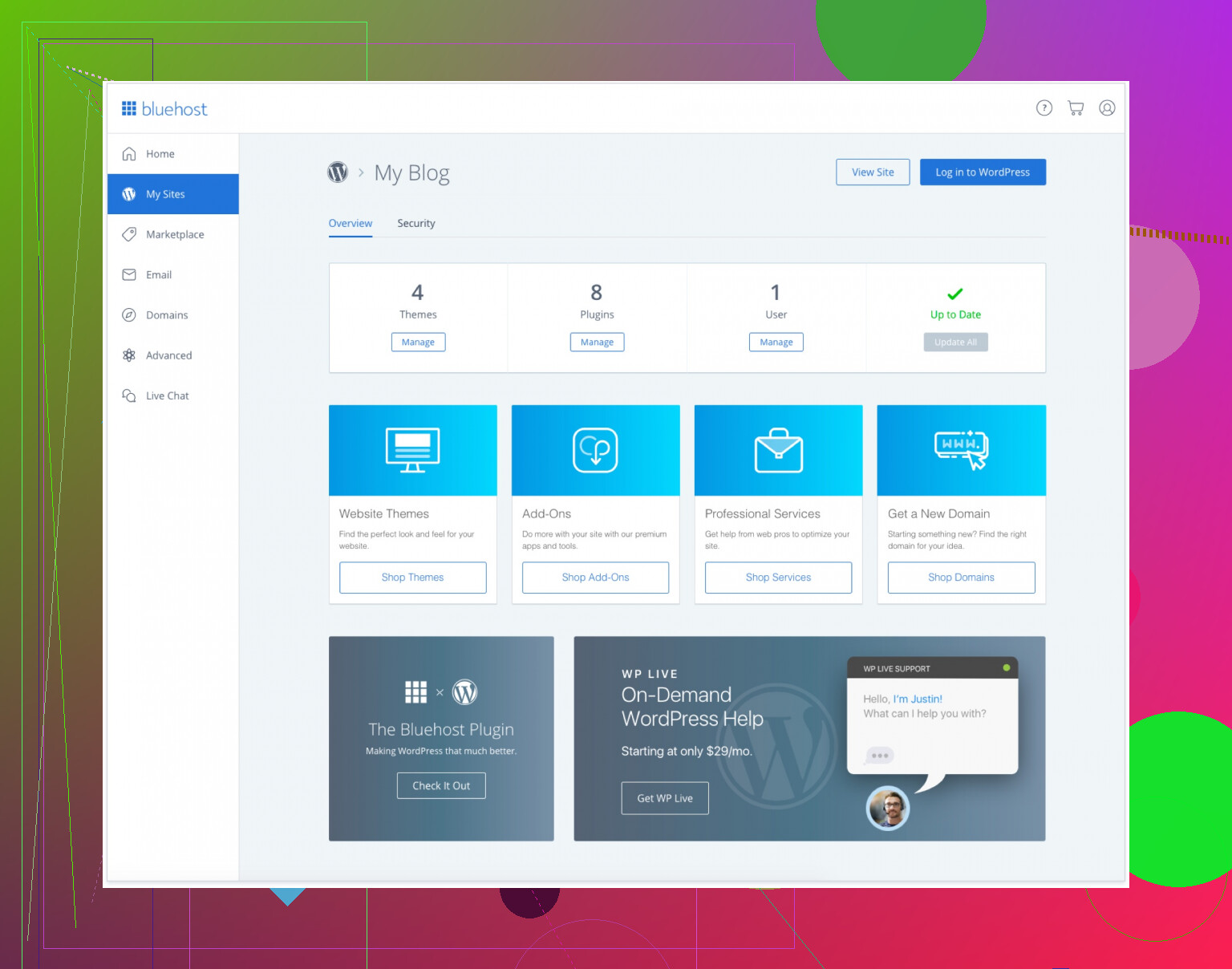
Bluehost
Bluehost is one of those names everybody sees early. For first-time WordPress users, it’s easy to start with. I’ve set up sites there for people who needed something running fast and didn’t want to stare at technical settings for an hour.
Where it helps
- Setup is simple. Install WordPress, follow prompts, done.
- The free domain for year one still appeals to beginners trying to keep costs low.
- Phone support is there 24/7, and some people still prefer talking it out.
What wore me down
- Checkout pushes extras all over the place. You need to slow down and uncheck stuff.
- Performance gets uneven during busy periods, especially next to stronger cloud-based hosts.
Moving Files: FTP Clients
If you manage WordPress long enough, file access stops being optional. Theme uploads, manual backups, plugin removal, emergency edits, log grabs. Sooner or later, you need a client that doesn’t fight you.
FileZilla
FileZilla is still the default tool for a lot of people because it’s free, cross-platform, and easy to get running. It supports FTP over TLS and SFTP, so your login details aren’t flying around in plain text.
My issue with it was scale. Small jobs, fine. Huge batches with thousands of tiny files, less fine. I’ve seen transfers bog down or hang when the workload got messy.
Commander One (Mac)
If you’re on macOS and move files all day, Commander One feels quicker than the usual single-window apps. The dual-pane layout saves time. Drag from local on one side, server on the other, move on. It also handles archive work well, which helped me when I needed to pack files before upload.
The downside is simple. The good stuff sits behind the Pro license. The free version exists, but if you want the parts developers tend to care about, you pay.
Cyberduck
Cyberduck is clean and doesn’t look like it got stuck in 2009, which I appreciate. It also works with cloud storage services like S3 and Google Drive, not only standard FTP connections.
I’ve had mixed luck with it, tbh. Some people love it. I hit weird errors during routine tasks like moving or renaming folders on the server. If you’re fixing a broken site in a hurry, those little hiccups get old fast.
CloudMounter
This tool fits people who don’t want another file manager interface in their life. It mounts the remote server like a local drive, so you use Finder on Mac or File Explorer on Windows and work from there.
That simplicity is nice until you need detail. For troubleshooting, logs, and tighter transfer control, it feels thin. Good for drag-and-drop work. Less good when stuff breaks in a weird way and you need to see what happend.
If you want managed WordPress hosting for speed and uptime, I’d narrow it fast.
Kinsta is the easy premium pick. Fast stack, solid isolation, clean backups, strong support. If outages already hurt your traffic, this is the type of host worth paying for. Expensive, yes. Still one of the few where the bill often matches the service.
WP Engine is worth a look too, even though @mikeappsreviewer didn’t mention it. I know some people complain about limits and banned plugins. Fair. But their staging, backup points, update flow, and support are strong for business sites. I’d take WP Engine over cheaper “managed” plans that feel like dressed-up shared hosting.
Rocket.net is another one I’d put on your shortlist. Strong CDN setup out of the box, good security layer, fast first-load performance. Good fit if your audience is spread out.
I’m less sold on Bluehost for this use case. Fine for starter sites. Not where I’d move after outages.
My short list:
- Kinsta, best all-around if budget is fine
- WP Engine, best for workflow and support
- Rocket.net, best if global speed matters
Before moving, ask support 3 things:
- Restore time from backup
- Malware cleanup policy
- Real response time for urgent tickets
Also, keep SFTP access. Managed hosting does not remove the need. For Mac, Commander One is handy for fast WordPress file work, esp if you need to swap plugins or inspect uploads when wp-admin breaks. I use it more than browser file tools tbh.
If you share your traffic level and budget, people here can narrow it down more cleanly.
If you want managed WordPress hosting because your current host is slow and flaky, I’d split the market into two buckets.
For premium managed WP, I’d look at Kinsta, WP Engine, and Rocket.net first. Those are the ones I’d trust for business sites where downtime actually costs money. Between them, I probly lean Rocket.net a little more than @byteguru did if you care about global performance out of the box, because their CDN and edge setup can hide a lot of latency pain. Kinsta is still excellent, just pricier once you start scaling.
Where I kinda disagree with @mikeappsreviewer is on SiteGround as a long term answer. It’s decent, sure, but I think it sits in that awkward middle area where it’s better than bargain shared hosting, but not always enough of a jump if outages are already hurting traffic. Fine for medium sites, not my first “escape hatch” host.
What I’d personally check before signing:
- backup frequency and one-click restore speed
- whether malware cleanup is included
- staging quality
- actual support response times, not marketing copy
- visit limits / overage fees
If you migrate, keep SFTP access available. Managed hosting doesn’t magically remove break/fix work. On Mac, Commander One is honestly one of the better tools for WordPress file management and fast SFTP access when wp-admin dies or a plugin update goes sideways.
My shortlist:
- Rocket.net
- Kinsta
- WP Engine
Skip Bluehost for this use case tbh.
I’d actually add Pressable to the mix, since @byteguru and @suenodelbosque leaned hard toward Kinsta, WP Engine, and Rocket.net, and @mikeappsreviewer spent more time in the mid-tier lane. Pressable is worth a look if you want managed WordPress without some of the fussier plan rules.
My take:
- Kinsta if you want premium and predictable
- Rocket.net if edge/CDN performance matters most
- Pressable if you want a strong WordPress-focused platform with solid support
- WP Engine if you care a lot about staging/dev workflow
I slightly disagree with the automatic “just buy the most premium host” advice. Sometimes the real issue is a bloated site, bad caching, or awful plugins. A better host helps, but it won’t fix sloppy WordPress.
Also, before moving, test support with a pre-sales question that is mildly technical. You can tell a lot from that.
For file access, keep SFTP available no matter which host you pick. Commander One is good on Mac for that.
Commander One pros
- fast dual-pane file handling
- convenient SFTP access
- easier bulk uploads than browser tools
Commander One cons
- best features require Pro
- Mac-focused, so not ideal for mixed-device teams
- not a replacement for proper server monitoring
So yeah, my shortlist would be Kinsta, Rocket.net, Pressable, with WP Engine close behind. Skip bargain “managed” plans dressed up as premium.