I accidentally deleted important photos from my Canon camera before backing them up, and I really need help getting them back. The pictures are from a special event, and I’m worried they may be gone for good. What’s the best way to recover deleted Canon camera photos safely?
I’ve been in this exact mess with a Canon body, and the first move is boring but urgent. Stop using the camera now. No test shot, no quick clip, nothing. Pull the SD card out. If the card has a lock tab, slide it to the read-only position.
The reason is simple. When you delete photos or do a quick format in-camera, the files usually are not erased right away. The card’s file table gets updated so the camera treats the space like it’s free. The image data often still sits there until new shots land on top of it. Canon does not give you a trash folder on the camera, so once new data overwrites those sectors, recovery gets a lot uglier, sometimes impossible.
Before you install anything, check the easy stuff.
If you used Canon’s cloud sync, look in image.canon. Some files stay there for up to 30 days.
If the photos were removed on your computer after import, check Recycle Bin on Windows or Trash on Mac.
If no backup turns up, use recovery software from a computer with an SD card reader. I would avoid connecting the camera by USB for this. In my tests, direct card access through a reader works better because the software gets cleaner access to the card itself.
I’ve tried a few tools after screwing up my own cards, and Disk Drill gave me the least trouble. It picked up Canon RAW files like CR2 and CR3, along with JPEGs and video, and the preview helped me sort out what was still intact before saving anything. On Windows, you also get a small free recovery allowance, which helps for a quick check before paying.
If you want a free route and you don’t mind rough edges, PhotoRec is worth a look. It’s open-source and good at pulling image data off damaged or formatted cards. The catch is the interface. It runs in a text window, so it feels old-school, and it usually does not bring back original names or folder layout. You end up with a pile of recovered files to sort by hand. Recuva is easier to use on Windows, but I saw weaker results with RAW files during deeper scans.
The process stays about the same no matter which tool you pick.
Install the recovery app on your computer, not on the SD card.
Insert the card through a card reader, pick the card in the app, and run a deep scan. Bigger cards take longer. Go get coffee.
Save recovered files to your computer or another drive. Do not write them back to the same SD card.
If the scan finds your files, recover them first, sort them later. After you’ve copied everything safely and backed it up, format the card in the camera before using it again. I stopped deleting images one by one on-camera a while ago, and my cards have behaved better since. Hope you get the shots back. I did once, barely, and it felt like stealing my own pics back from the void tbh.
Deleted on a Canon body does not always mean gone forever. Your odds are best if you treat the card like evidence. Keep it out of the camera and out of your laptop until you are ready to scan it.
I agree with most of what @mikeappsreviewer said, but I’m less sold on Recuva for camera cards. It does fine with office files and simple deletes. For Canon RAW, mixed JPEG + video, and cards touched by in-camera format, I’ve seen better hit rates from Disk Drill and PhotoRec.
What I’d do:
-
Make a byte-for-byte image of the SD card first.
This part gets skipped too often. Use a tool like USB Image Tool on Windows or dd on Mac/Linux. Work from the image, not the live card. If recovery software crashes or writes temp data in the wrong place, your original card stays untouched. -
Scan for Canon-specific file types.
You want CR2, CR3, JPG, MOV, MP4. Disk Drill is solid here because it sorts by file type and previews a lot of files before recovery. That saves time if you have hundreds of event shots. -
Check file integrity after recovery.
Recovered thumbnails are not enough. Open a batch of full-size images. Corruption often shows up as gray bands, half images, or broken RAW headers. Don’t asume a preview means the whole file is clean. -
Save recovered files to another drive.
Internal SSD, external HDD, cloud, whatever. Not back to the SD card. Yeah, obvious, but people still do it in a panic.
If the card was formatted in-camera after deletion, recovery still works often. Quick format usually wipes the index, not the image data. Full overwrite is the bad one.
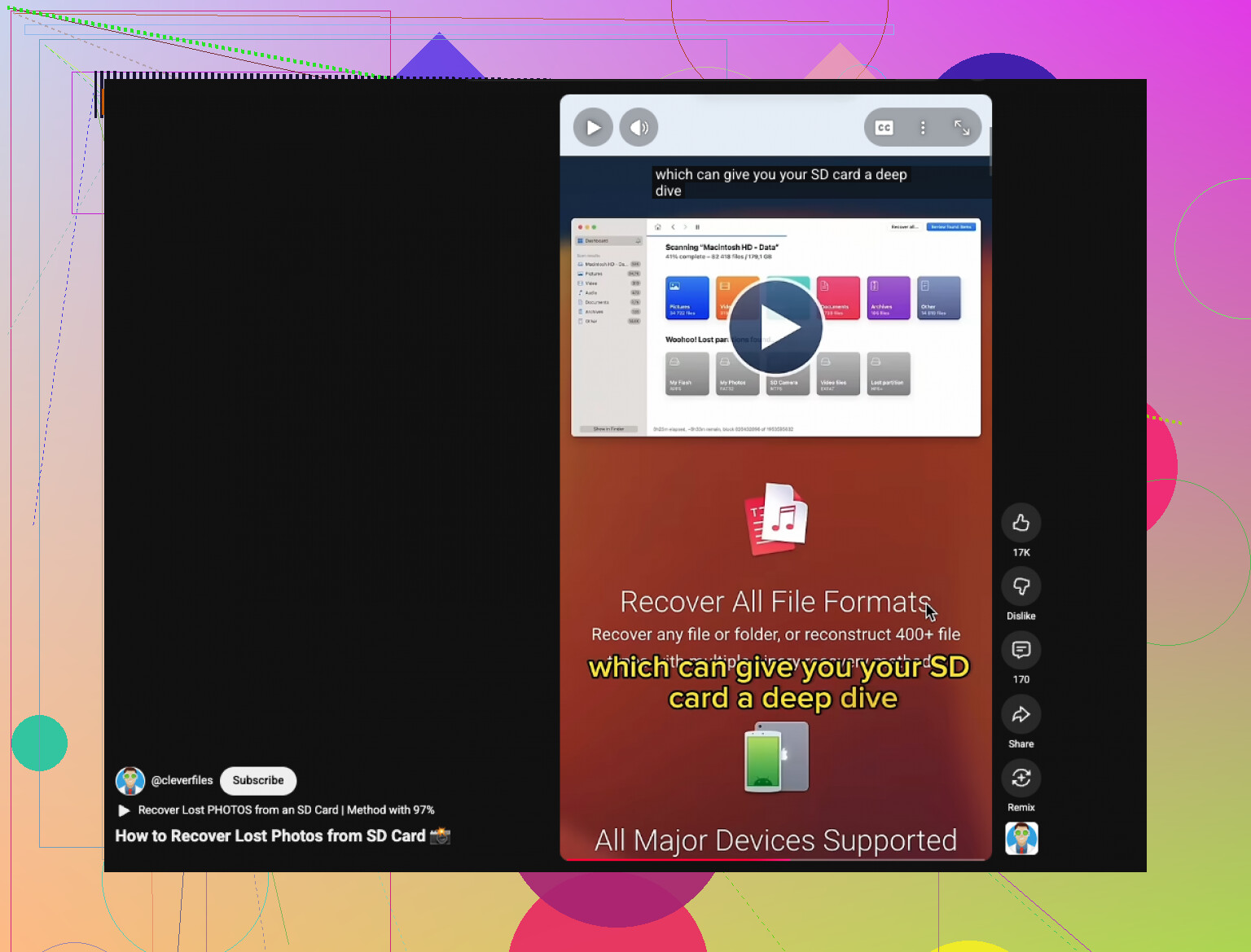
If you want a visual walk-through, this short guide is usefull:
how to recover deleted photos from an SD card
One more thing people miss. If your Canon used dual cards and backup recording was enabled, check the second card first. I’ve seen peope spend an hour recovering files that were sitting there the whole time.
I’d add one thing that both @mikeappsreviewer and @viajantedoceu only touched on indirectly: check whether the “deleted” images are actually just hidden by a corrupted DCIM index rather than truly deleted. Canon cards sometimes go weird after being pulled too fast or after a battery drop. In that case, recovery software is still useful, but sometimes the files are sitting there and your camera just won’t show them.
A couple things I’d try that are a bit diff from the usual advice:
- Put the SD card in a reader and look for hidden files/folders on your computer.
- If you shoot RAW+JPEG, search by file extension manually. Sometimes one version survives even if the other looks gone.
- If you have Lightroom, Canon EOS Utility, or any importer you’ve used before, check their last import folder and catalog previews. I’ve found “lost” event shots there more than once.
- On Windows, run read-only error checking on the card image, not the card itself, if the filesystem looks broken.
I slightly disagree with the “deep scan first no matter what” approach. If the card is healthy, a quick scan can recover the original folder structure and filenames better than carving everything immediately. If quick scan misses stuff, then go nuclear with deep scan.
For software, yeah, Disk Drill is a solid pick because it handles Canon RAW pretty well and is easy to sort through. Also worth checking this Canon photo recovery success story from a Facebook photography group since it shows this is pretty common and not always a total disaster.
If the card starts disconnecting, asking to be formatted, or gets super hot, stop messing with it. That’s when DIY can make it worse, and a pro lab is the safer move. Sometimes boring advice saves the pics, lol.