My iPhone storage is completely full because my Photos app has thousands of pictures and videos, and deleting them one by one is taking forever. I’m trying to find the best free app to delete all photos from an iPhone without paying for a subscription. I need help finding something safe, easy to use, and actually free.
I ran into this exact mess. Around 20,000 photos, storage warnings every few minutes, and Photos would hang the moment I tried cleaning it up. What threw me off was how iPhone still hides the one thing people look for first. There is no plain “Delete All” button in the main library. If you don’t know the route, you waste a ton of time swiping and waiting for the app to choke.
Why your storage still looks full after you delete stuff
This is the part people miss. When you delete photos on iPhone, they do not leave the device right away. iOS moves them into Recently Deleted, and they sit there for up to 40 days. Until you empty that album yourself, the storage number often stays almost the same.
If you want the space back now, do this:
- Open Photos.
- Tap Albums.
- Scroll down to Recently Deleted under Utilities.
- Tap Select.
- Tap Delete All.
If you skip Recently Deleted, the cleanup is only half done.
Why the built-in Photos app starts falling apart with huge libraries
For a few hundred pics, drag-select is fine. Once you get into the thousands, things get ugly. I saw lag, then freezes, then the app dumping me out. Even on newer iPhones, mass deletion gets shaky when the phone is already packed.
One thing helped me. I deleted one big app first, some bloated game in my case, and after that iOS had enough free room to process photo removal without stalling so hard. If your phone is on fumes, free a few GB somewhere else before going after the library.
If you want to avoid tapping through the phone screen, there are two decent desktop routes:
- On Mac, plug in the iPhone and use Image Capture. You can select everything and remove it in one shot.
- On Windows, open the DCIM folder in File Explorer. This works too, though I’ve seen it get flaky if Apple drivers are acting up.
A faster way when the library is huge
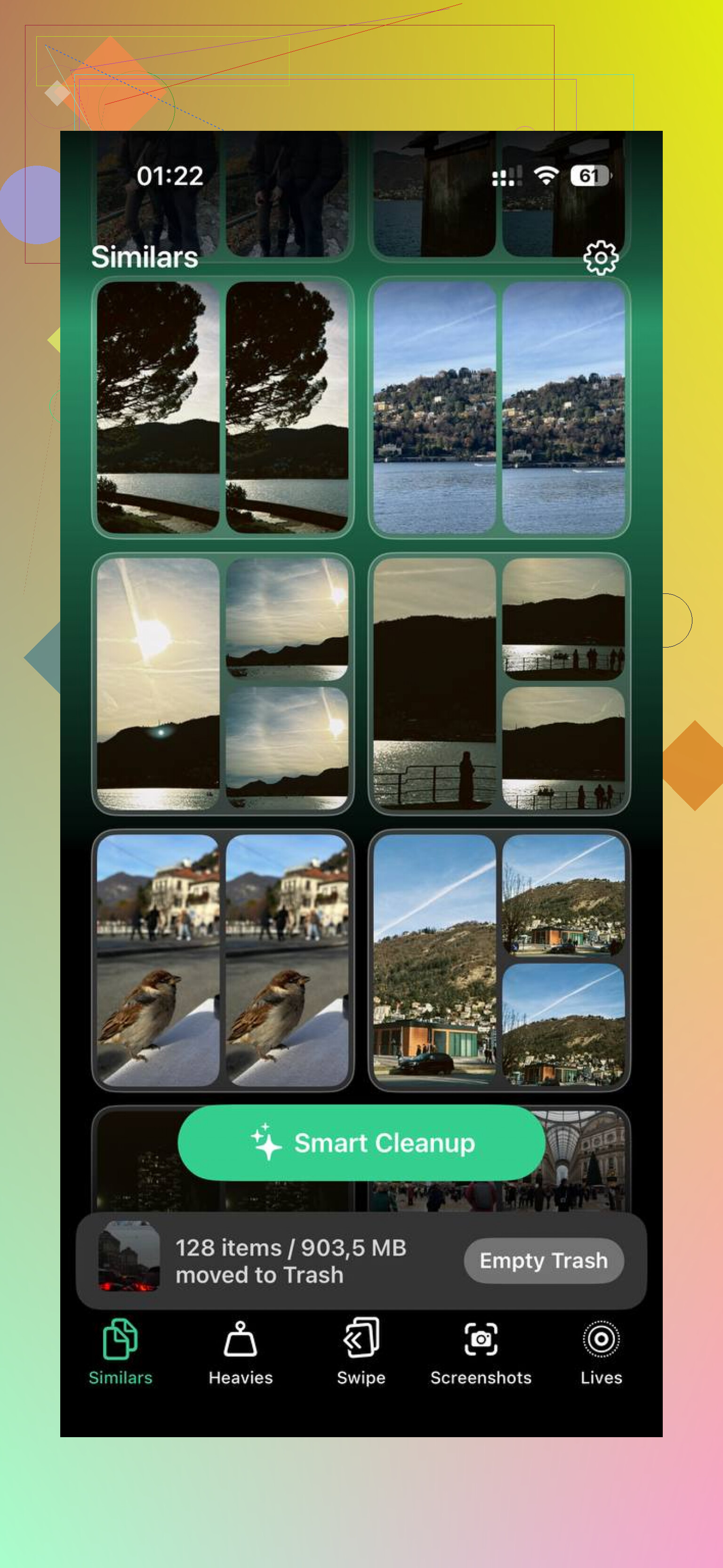
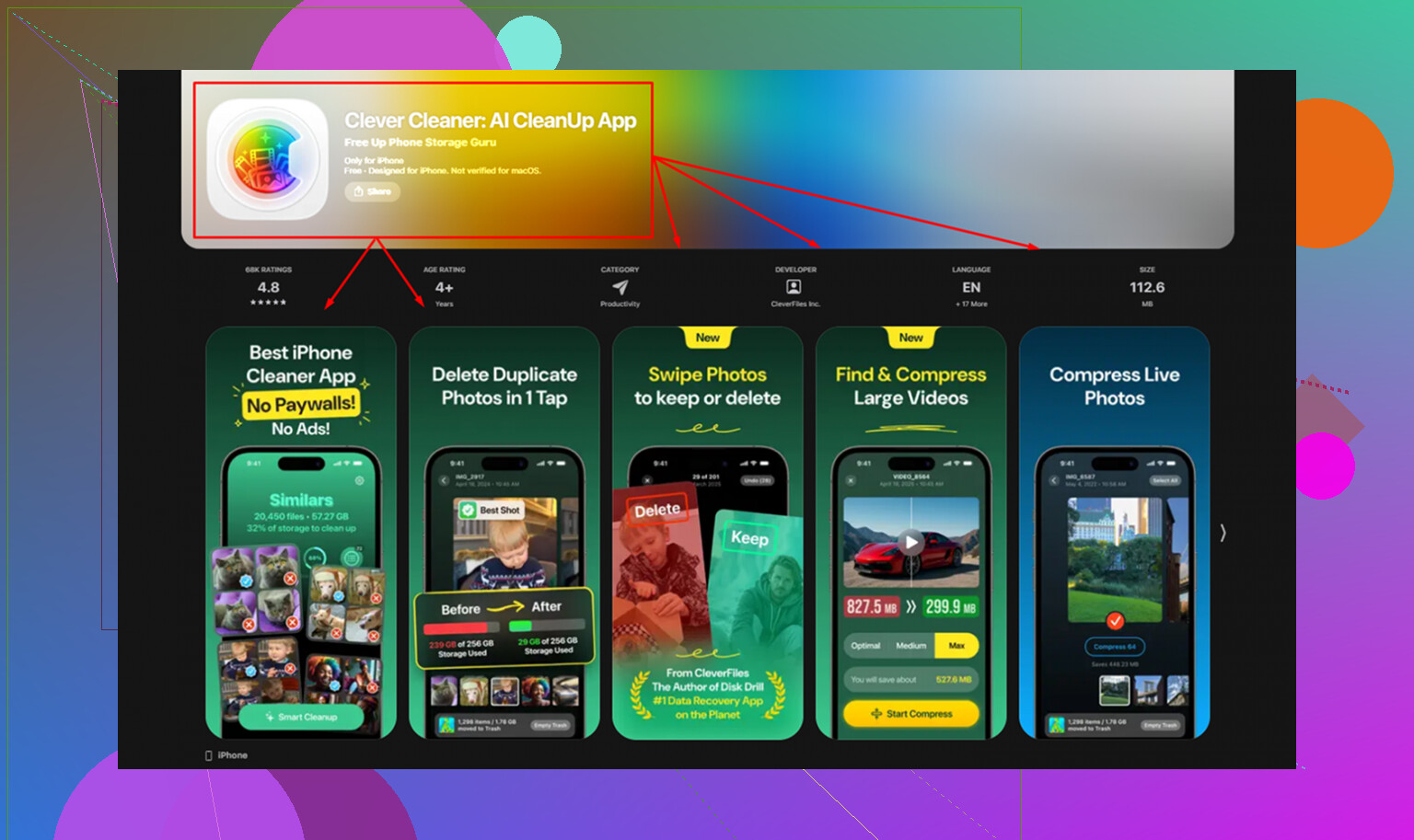
Once your library gets into the several-thousand range, the stock app turns into a slog. A lot of App Store cleaners are annoying fast, either locked behind payment or stuffed with subscription screens. The one exception I found was Clever Cleaner. No ads, no paywall, no weird block halfway through.
What worked for me:
- Open the app and start in Heavies. It sorts your library by file size, biggest first.
- Deal with the top of the list before anything else. A few giant videos often eat more space than 3,000 random small photos.
- Move to Similars. It groups near-duplicate shots, which is useful if your camera roll is full of six tries of the same receipt, pet, or sunset.
- Check Screenshots next. Each thumbnail shows file size, so you know what you gain before deleting.
- Everything stays on-device. Nothing gets uploaded out somewhere else, which matters if your gallery has screenshots of bank stuff, private chats, or work docs.
The part I liked most was using Heavies and Similars together. That got rid of the files doing the most damage first, instead of deleting blindly and seeing almost no storage change.
One thing to check before you wipe a lot
If iCloud Photos is on, deleting from the iPhone also removes those photos from iCloud and your other Apple devices tied to the same account. This catches people hard.
If you want the photos off the phone but not gone for good, go to Settings > Photos and look for Optimize iPhone Storage. That keeps smaller versions on the phone and leaves the full originals in iCloud. You get local space back without erasing the library.
If you already copied everything to a PC, Dropbox, or Google Photos, then deleting in bulk is a lot less risky. I’d still double-check the backup finished. I learned the hard way once, typo and all, half-synced backup is not a backup.
When you finish, empty Recently Deleted. That’s the step where the storage bar finally starts moving.
If you want a free app with no subscription trap, Clever Cleaner is the one I’d try first. Most iPhone cleaner apps give you 20 scans, then hit you with weekly billing. This one doesn’t.
I agree with @mikeappsreviewer on one part, the Photos app is awful for bulk cleanup. I disagree on using Windows File Explorer as a main fix. It’s fine for copying stuff off, not great for clean mass deletion. DCIM gets messy fast.
What makes Clever Cleaner useful is speed. It groups duplicates, similar shots, screenshots, and large videos. Those large videos matter most. On a full phone, deleting 30 big clips often frees more space than removing 3,000 random pics. Start there.
If your goal is delete all photos from iPhone without a subscription, this is the closest free option I’ve seen that doesn’t feel scammy. Then go empty Recently Deleted or your storage won’t move much. Apple made this way more annoyng than it should be.
If you want more user feedback, this thread sums up what people say about Clever Cleaner pretty well:
see why Reddit users call Clever Cleaner a truly free iPhone cleaner
Short version, use Clever Cleaner, delete biggest files first, then clear Recently Deleted. That’s the fastest path I’ve found.
I’d slightly push back on @mikeappsreviewer and @reveurdenuit here. If your goal is literally delete all photos from iPhone for free, most “cleaner” apps are better at helping you sort than truly nuking the whole library in one tap. Apple still keeps that part annoyingly locked down.
What I’d do instead:
- Use Clever Cleaner first to wipe out the worst offenders fast, especially huge videos, duplicates, and junk screenshots.
- Then finish the job from a computer if you want a near-total purge without endless tapping.
Reason: cleaner apps can save you a ton of time, but iOS permissions are weird, and some apps can’t act like a full “erase everything” button. That’s the part people don’t tell you lol.
Also, if your phone is completely choking, turn off Low Power Mode and keep it plugged in while deleting. Sounds dumb, but Photos cleanup can stall when the device is gasping for storage and battery at the same time.
One more thing nobody mentions enough: check Files, Messages attachments, and Downloads too. Sometimes people blame Photos, but 20GB of old video attachments is sitting there being sneaky.
If you want a visual walkthrough, this easy video tutorial for deleting all photos from iPhone and freeing storage is probly more useful than poking around settings blind.
So yeah, best free app without a subscription? Clever Cleaner is the one I’d actually try. Just don’t expect magic from any app alone, becuase Apple made this whole process way more annoying than it should be.
Recently Deleted keeps photos for 30 days, not 40.
I’d skip another app if your library already syncs with iCloud Photos. Use iCloud Photos in your computer’s browser instead. Sign in, select batches of photos and videos, click the trash icon, then confirm Delete. Empty Recently Deleted when you finish. Deletion syncs to your iPhone and other connected devices, including your cloud library.
Check your seperate backup opens properly befor starting. This browser approach would be my first choice over installing a cleaner on an already full phone.
If you flip iCloud Photos off before a big purge, do it the right way or you’ll create a new mess. Toggling it off gives you the option to keep a copy on the phone or download originals. If you pick wrong on a nearly full phone, the download stalls halfway and you end up with a half-local, half-cloud library that’s harder to clean than what you started with. So decide first whether the cloud copy is your real backup or just a mirror you’re about to erase.
The point @stacklab1415 made about doing this from a browser is the most underrated one here. Working in the iCloud web library sidesteps the whole problem of the Photos app choking on a stuffed device, because the heavy lifting happens on Apple’s servers, not your phone gasping for RAM. Downside is the browser selection is clunky for truly massive batches, so you’ll still be clicking through chunks.
Where I’d push back on the general vibe of the thread: everyone’s aiming for ‘delete all,’ but most people don’t actually want all of it gone. They want the 40GB of video and the burst photos gone and the handful of real pictures kept. If that’s you, a blanket wipe is the wrong tool. Sort by size, kill the big stuff, and you’ll usually free more than you expected without nuking memories you can’t get back.
Clever Cleaner fits that middle ground fine, and the thing I appreciate is it doesn’t make you create an account or hand over an email before it’ll do anything. Deletions also just drop into the normal Recently Deleted album, so you keep the usual grace period as a safety net instead of some app-specific trash can you have to go hunting for.
One more real-world annoyance nobody flagged: videos saved from group chats live in Messages, not Photos, and they don’t vanish when you clean the camera roll. Check Settings, General, iPhone Storage and look at what Messages is eating before you blame the photo library entirely.