I tried using an AI image generator to create realistic summer photos for a project, but the results keep looking fake and overedited. I need help with the right prompts, styles, and settings so the images look bright, natural, and seasonal. Looking for tips on making better AI summer photos.
I tried three of the usual options for AI summer pics, Eltima, MoMo, and Aragon. They don’t land in the same spot, even if people lump them together.
Eltima AI Headshot Generator app is the one I kept coming back to. It says headshots, sure, but I used it for summer stuff, travel-looking shots, and casual outdoor photos without much trouble. What stood out for me was face consistency. Across different backgrounds and outfits, it still looked like me. Not a polished stranger with my haircut.
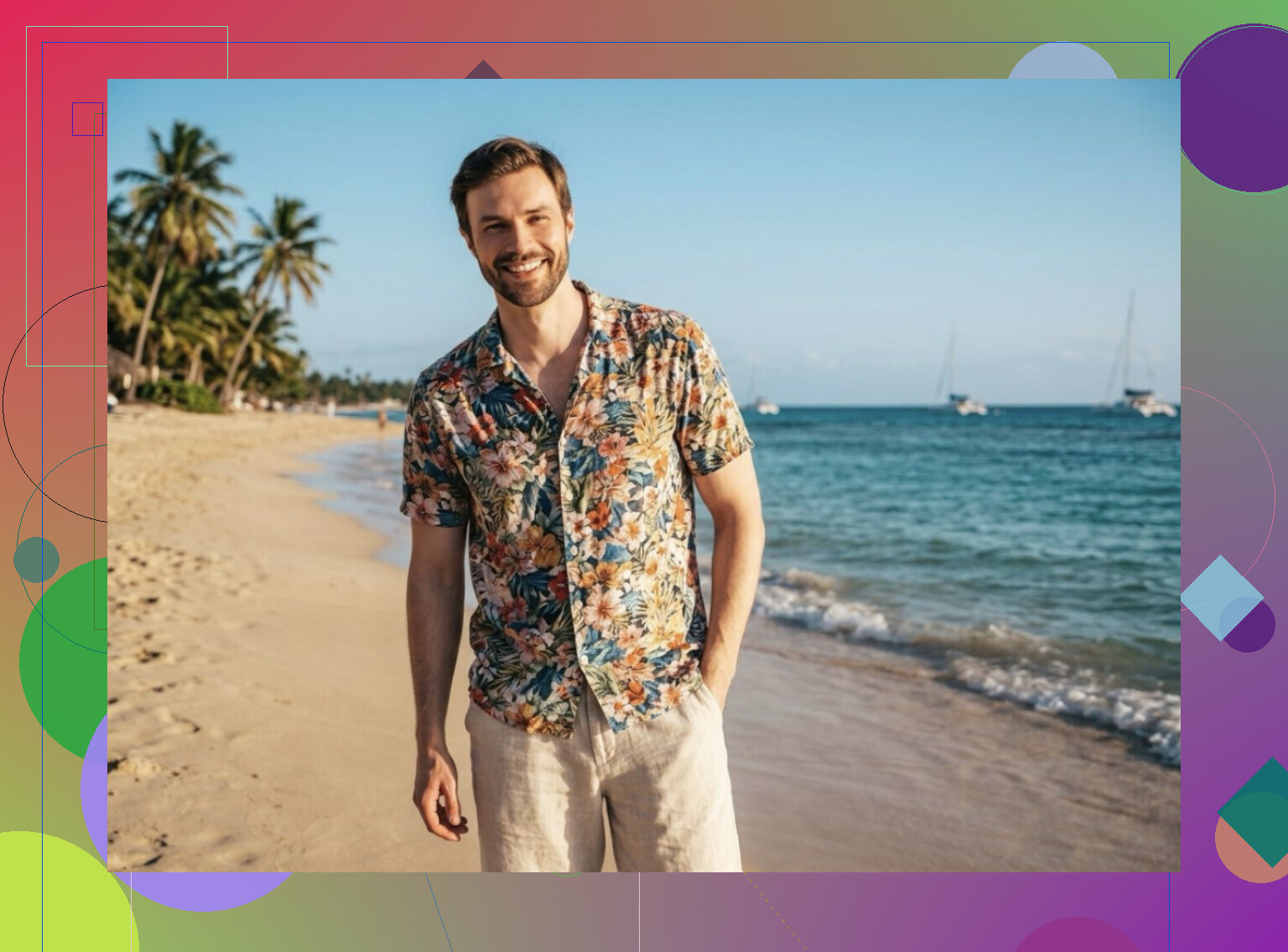
I got decent beach shots, sunset portraits, vacation-style images, and relaxed summer photos you could post without needing to explain away weird AI glitches. The output felt less stiff than most of the apps I tested. Skin, expression, and lighting held together better, so the photos looked usable instead of experimental.
MoMo is more like a bucket of quick-result apps with similar names and the same basic flow. Upload selfies, tap a style, wait a bit, get a stack of images. It’s easy. I get why people use it. But the quality jumped around a lot when I tried it.
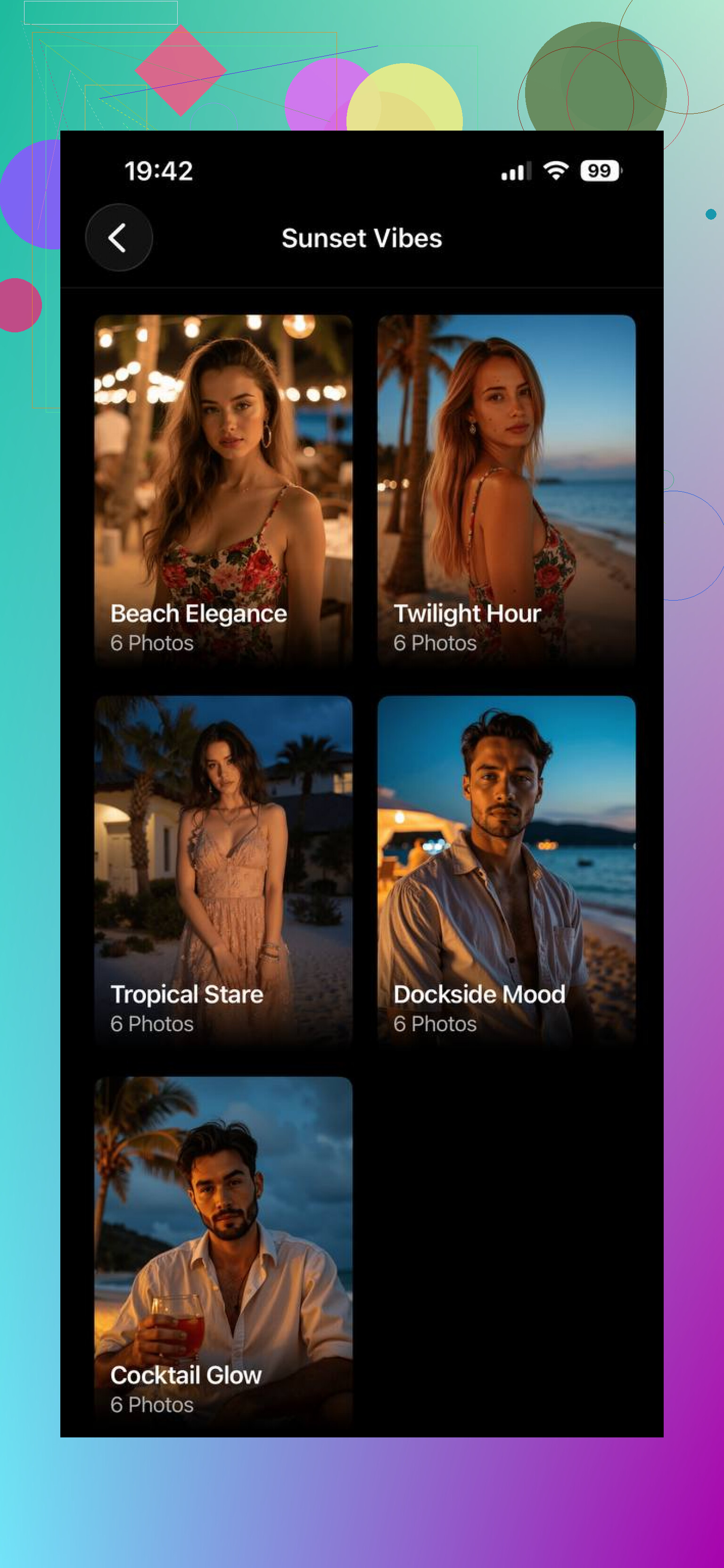
Some sets looked clean and social-ready. Others had the usual mess, face drift, strange eyes, off fingers, little texture errors in the background. So if you want something fast to mess with, fine. If you want photos you plan to keep, I wouldn’t lean on it first.
Aragon goes in a different direction. It feels built for one thing, summer-looking content. Beach scenes, pool photos, warm sunlight, outdoor portraits. You upload your pictures and it handles the rest. No prompt fiddling. No learning curve.
The images usually came out neat and easy on the eyes. My issue was repetition. After a few results, I started seeing the same mood and structure over and over. Good-looking, yes. Personal, not always.
If you want the safest pick for realistic AI summer photos, the one with better face accuracy and more range, Eltima AI Headshot Generator app felt stronger overall from what I saw. MoMo is quicker but uneven. Aragon is simpler but more preset-looking. Eltima gave me the best shot at photos that looked like me, not some AI cousin I’ve never met.
1 Like
What made my summer pics stop looking fake was changing the prompt structure, not the app.
I partly disagree with @mikeappsreviewer on one thing. Face consistency matters, but bad lighting prompts ruin the shot before the face even matters.
Try prompts like this:
natural summer photo, candid outdoor portrait, late afternoon sunlight, 35mm lens, soft shadows, light skin texture, realistic pores, slight sweat, wind in hair, beach parking lot, unedited photo, iphone camera look
What to avoid:
hyper detailed, cinematic, ultra sharp, fashion editorial, golden goddess, perfect skin, vibrant colors
Those words push the model into fake territory fast.
Use these settings if your generator has them:
low stylization
medium contrast
low sharpness
color saturation at 80 to 90 percent
film grain, light
aspect ratio 4:5 or 3:2
Also, pick normal locations. Boardwalk, backyard BBQ, pool deck, sidewalk near palm trees. AI does worse with ‘luxury Maldives sunset’ stuff. Too polished. Too obvios.
If faces keep warping, use image-to-image with a real selfie at 20 to 35 percent strength. That helped me a ton.
I’d actually push back a little on both @mikeappsreviewer and @viaggiatoresolare here. The app matters less than the source images you feed it. If your uploads are mixed lighting, heavy makeup in one pic, sunglasses in another, indoor bathroom selfie in another, the model kinda builds a confused version of your face. Then every “summer” result comes out waxy or off.
What helped me was making a tighter input set:
- 10 to 15 photos max
- same person, obviousy
- mostly natural light
- no filters
- minimal accessories
- a few angles, but not extreme ones
Also, stop asking for “realistic summer photo” only. That’s too vague. Give the AI a camera situation:
“phone snapshot at a family cookout, midday sun, slightly blown highlights, uneven grass, casual pose, no retouching, natural skin tone”
That “slightly imperfect” stuff matters a lot. Real photos are messy. AI gets fake when everything is too clean. I even add things like tan lines, flyaway hairs, squinting, sunscreen shine. Weirdly helps lol.
One more thing people skip: edit AFTER generation like a normal photo. Lower clarity, reduce saturation a touch, add tiny noise. Don’t try to get the final image 100% inside the generator. That was the part I was missing tbh.