I accidentally formatted the wrong hard drive and now I’m trying to figure out if my files can still be recovered. It had important photos, work documents, and personal data that I really need back. I haven’t saved anything new to the drive since it happened, and I’m looking for advice on my chances of hard drive data recovery and the safest next steps.
I’ve done this once, and yeah, it hits your stomach fast. If you formatted the wrong drive, stop right there. Don’t copy files to it. Don’t install recovery apps on it. If it’s external, unplug it. If it’s internal, stop using the machine if you’re able to.
The part which ruins recoveries is usually panic. People start “trying stuff,” and every write to the formatted drive eats into what you’re hoping to recover. I saw a friend download a recovery tool onto the same partition he wiped. Bad move. Some of his photos were gone after tht.
Here’s the short version.
A quick format usually removes the file system map. The drive looks empty, but the data blocks often still sit there until new data replaces them.
A full format is worse. On many systems, it writes across the disk and checks for bad sectors. If that happened, recovery odds drop hard.
Drive type matters more than most people think.
On an HDD, I’ve had decent results after a format. On an internal SSD, things get ugly because of TRIM. The OS marks unused blocks for cleanup, and the SSD clears them fast. External SSDs over USB are a mixed bag. TRIM does not always pass through the same way, so sometimes you get lucky.
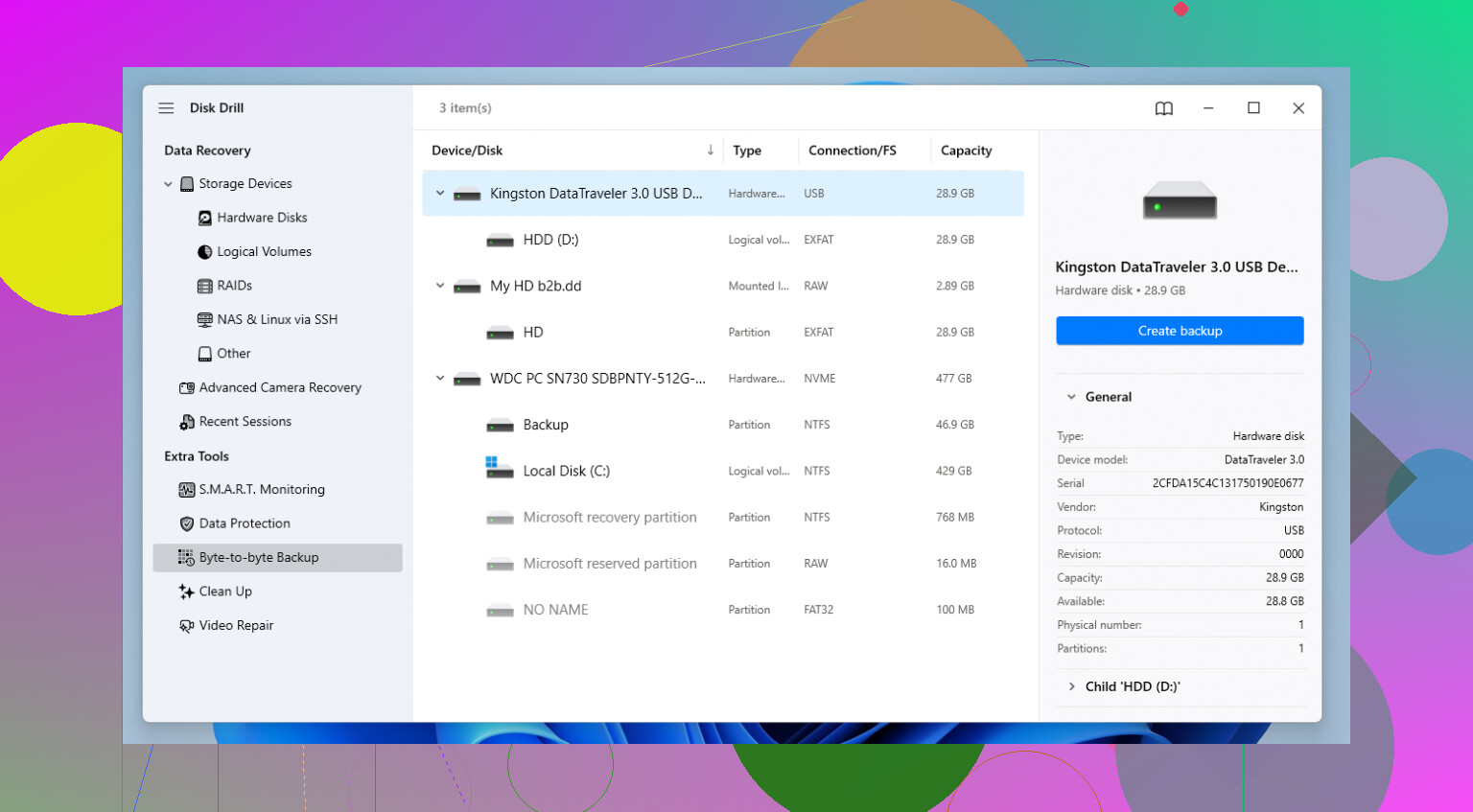
If you’re not sending it to a recovery lab, which gets expensive fast, software is the usual path. I’ve tried a few over time. For formatted drives, Disk Drill did a better job for me than most of the stuff people throw around in old forum threads.
What stood out to me was the workflow. It doesn’t feel built only for people who live in hex editors. It reads common file systems like NTFS, FAT32, APFS, and a bunch of others. More important, it can piece files back together even when the folder tree and names are trashed by the format.
If you use it, do this first if the option shows up. Make a byte-to-byte image of the damaged drive. Scan the image, not the original disk. Less wear, less risk, fewer regrets.
The steps I’d follow:
1. Install the recovery app on a different drive.
2. Attach the formatted drive and start a scan.
3. Sort results by type if filenames are missing.
4. Use preview before recovering anything. If the preview opens cleanly, your odds are good for tht file.
5. Recover everything to another disk, never back onto the formatted one.
If you want a free route and don’t mind rough tools, PhotoRec is worth a look. It works, but it’s not pleasant. I used it once and ended up with a giant pile of renamed files. Stuff like f12345.jpg, f12346.jpg, and so on. Fine if you’re stubborn. Annoying if you value your time.
One more thing people forget. Check cloud sync before you spend hours scanning. I’ve seen “lost” files sitting in OneDrive, Google Drive, or iCloud because Desktop or Documents was syncing in the background and nobody noticed. Five minutes there might save your day.
If you haven’t written new data to the drive yet, your odds are still decent, at least on a quick-formatted HDD. SSDs are less forgiving. Still, I wouldn’t assume it’s over yet.
If you did not write new data to the drive, recovery odds are still decent. The biggest split is this.
HDD, better odds.
SSD, worse odds, because wiped blocks often disappear fast.
I slightly disagree with @mikeappsreviewer on one point. People focus too much on quick vs full format and miss file system changes. If you formatted from NTFS to exFAT, or HFS+ to APFS, recovery gets messier even after a quick format because the new structures overwrite old metadata in key spots.
What I’d do first:
- Check whether the missing files exist in backups you forgot about. Windows File History, Time Machine, NAS snapshots, old email attachments, Adobe or Office temp versions.
- If the drive is making noises, disappearing, or reading slow, stop trying software. That points to hardware trouble, and home scans make it worse.
- If the data has high value, think lab recovery before you run multiple tools. Labs cost more, but every failed DIY pass chews up time and sometimes data.
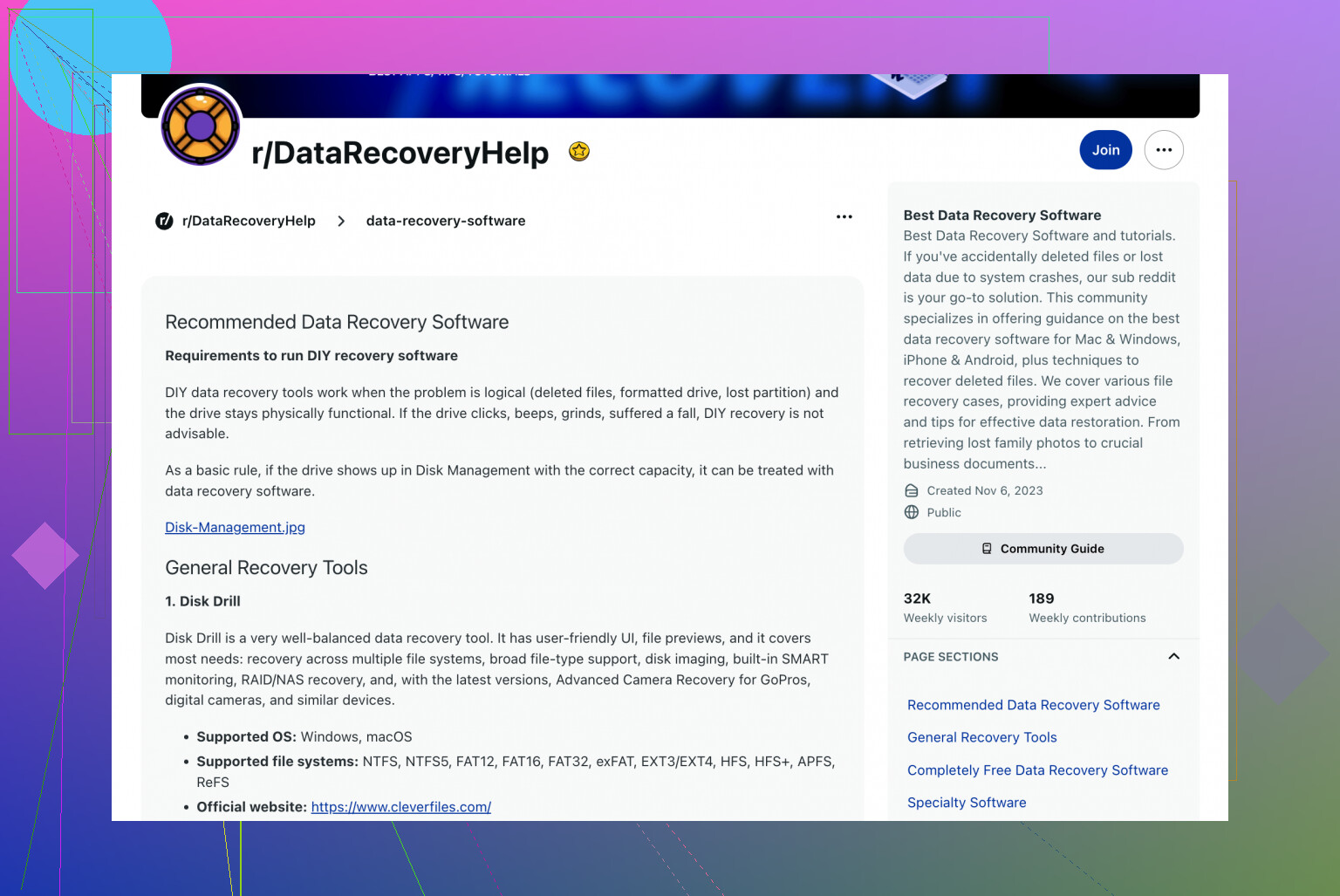
For software recovery, Disk Drill is one of the few tools I’d still put on the short list for a formatted drive. Its deep scan tends to pull more usable results from damaged or reformatted partitions than a lot of the junk people reccomend in forums. Preview matters. If the file previews cleanly, your odds are much better.
One extra trick. Recover your smallest irreplaceable files first. Docs, spreadsheets, tax PDFs. Those often restore cleanly before big video files do.
This video guide for recovering files from a formatted hard drive helps if you want to see the process: watch how to recover data from a formatted hard drive
If you post the drive type, HDD or SSD, plus Windows or Mac, people here can narrow it down fast.
If you really haven’t written anything new to that drive, your chances are still pretty decent, esp if it was a hard drive and not an SSD. I agree with parts of what @mikeappsreviewer and @nachtdromer said, but I’d add one thing people skip a lot: check whether the format actually changed the partition table or just the volume. That matters because sometimes the “lost” partition can be found almost intact, which is way easier than raw file carving.
Also, don’t keep plugging and unplugging it ten times to “see if it shows up different.” People do that and somehow make things worse. If the drive mounts, leave it alone and work from another system if possible.
My take:
- HDD after quick format: often recoverable
- SSD after format: way less promising because TRIM can nuke recoverable blocks fast
- If the files are business-critical or legal/financial stuff, skip DIY and talk to a lab first
One place I kinda differ from @nachtdromer is the “recover smallest files first” idea. Sometimes that helps, sure, but if the file system is mostly intact, I’d prioritize folder structure and metadata first because rebuilding context saves a ton of sorting later.
For software, Disk Drill is a reasonable pick because it handles formatted drives pretty well and lets you preview what’s actually salvageable before wasting hours. That preview part matters more than people think. If previews are broken, don’t expect magic.
If you want to compare the best data recovery software for formatted hard drives, this list is actually useful:
best data recovery tools for formatted HDDs
One more thing, and this is boring but important: if your photos were ever imported into a phone gallery app, Adobe library, OneDrive, iCloud, Google Photos, etc, you may already have copies and not even realize it. Happens more than ppl admit.
One angle not mentioned enough by @nachtdromer, @ombrasilente, and @mikeappsreviewer: the safest first move is to capture evidence of the current state before you try “fixes.” Not just an image if possible, but even basic notes like exact capacity, file system before/after, whether the partition name changed, and whether the drive is seen correctly in Disk Management or Disk Utility. That stuff helps you avoid making the wrong recovery choice.
I’d actually avoid running any repair command right now. No chkdsk, no First Aid, no “initialize disk” prompts. Those tools are for filesystem health, not file recovery, and after a mistaken format they can make the original metadata harder to reconstruct.
My rough take:
- Same file system, quick format, HDD: decent shot
- Different file system after format: nastier than people expect
- SSD: possible, but time matters a lot more
If you go DIY, Disk Drill is a reasonable option, mostly because it can show previews and often separates found partitions from carved files in a way that’s easier to judge.
Pros of Disk Drill:
- good preview support
- easier interface than a lot of recovery tools
- can find lost partitions and raw files in one pass
- solid for photos and common office files
Cons:
- deep scans can take forever
- recovered filenames/folders are not always preserved
- free recovery limits depend on platform
- not magic if TRIM or overwrite already happened
One small disagreement with the usual advice: don’t instantly recover everything you see. First verify a sample from each important file type. A hundred valid previews beat ten thousand junk results.