Chrome Remote Desktop—because what’s more fun than needing to access files for work and suddenly your supposedly “convenient” remote solution goes radio silent? You already did the basics: restarting, reinstalling, probably some quiet cursing. If it still refuses to connect, here’s the drill (brace yourself):
-
Network nonsense: Both computers need to have an unfettered internet connection, and sometimes office or home firewalls decide Chrome Remote Desktop is the enemy. Make sure both networks allow outbound/inbound on the relevant ports (TCP 443, UDP 3478). VPNs can also mess things up.
-
Google Account Gremlins: Both devices gotta be logged in with the same Google account or at least properly authenticated. Sometimes randomly logging out and logging back in fixes it (because, reasons).
-
Stuck in update limbo: Chrome (the browser) or the Remote Desktop app might be behind on updates, or an update broke something. Make sure everything’s current, and maybe even try the desktop web app instead of the extension.
-
Service Schizophrenia: Go to the system services (search for “services” on Windows, “Activity Monitor” on macOS), and make sure the remote desktop host service is actually running. Sometimes it just decides to ghost you.
-
Remote computer asleep/locked: If your remote machine is in deep sleep or logged out, Chrome Remote Desktop still claims it’s available, then fails to connect. Make sure remote connections are allowed when logged out or sleeping, or adjust the power settings to keep it “awake.”
-
Account permissions: Especially on managed device (work laptop with admin overlords), policies or permissions might block remote connections without telling you directly. Sneaky.
-
Has Chrome Remote Desktop become unreliable like every other “free” Google product lately? That’s been a trend. You’re not alone. Some folks are moving elsewhere because of random connection issues that never seem to go away.
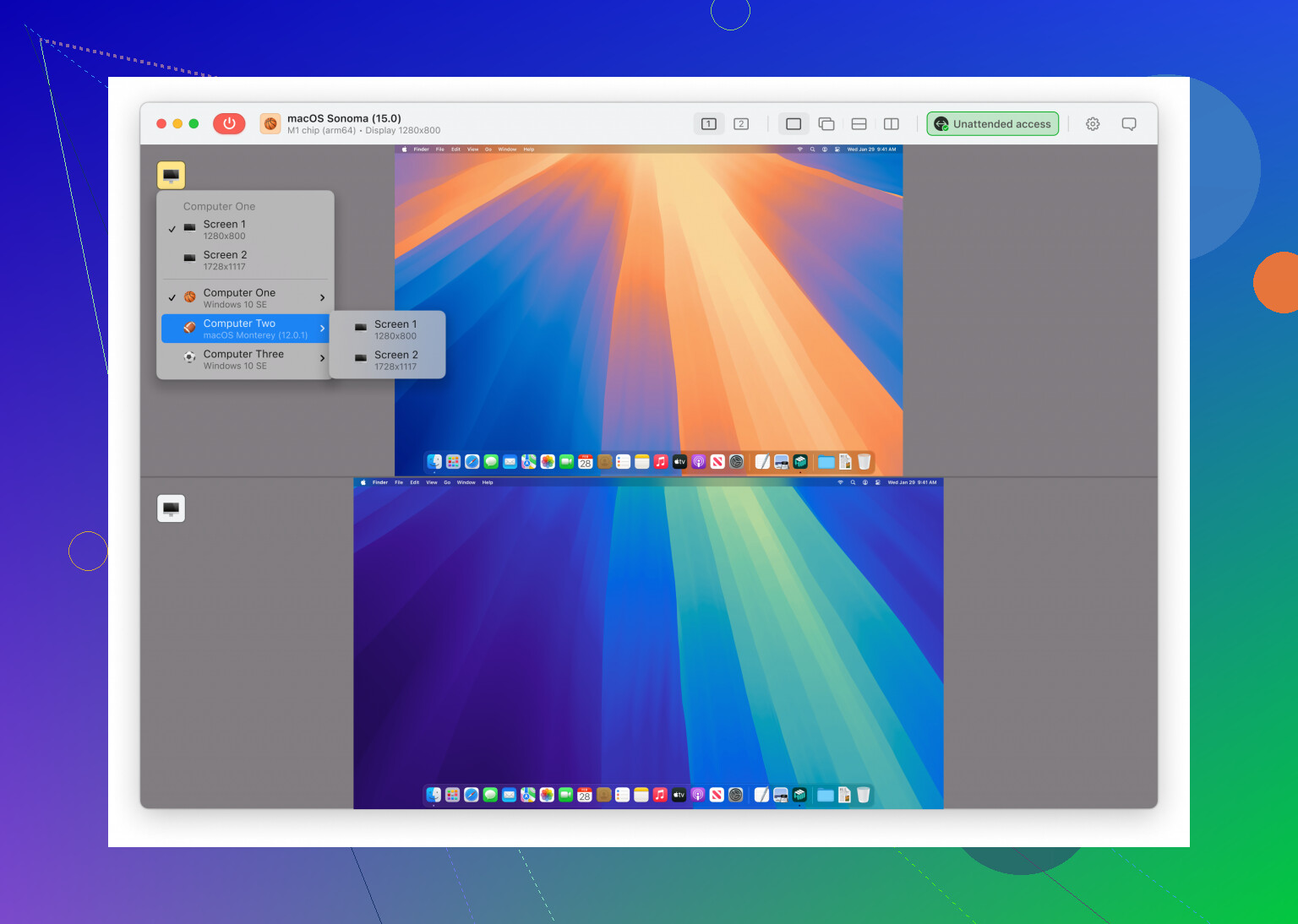
If you’re in a real pinch, consider trying instant remote access with HelpWire as an alternative. It’s especially useful if Chrome Remote Desktop keeps playing hard to get, and it might just be the reliable fix you need for remote work emergencies.
Why does Chrome Remote Desktop keep disconnecting? Because computers. Tech gods laugh at scheduled deadlines, apparently.