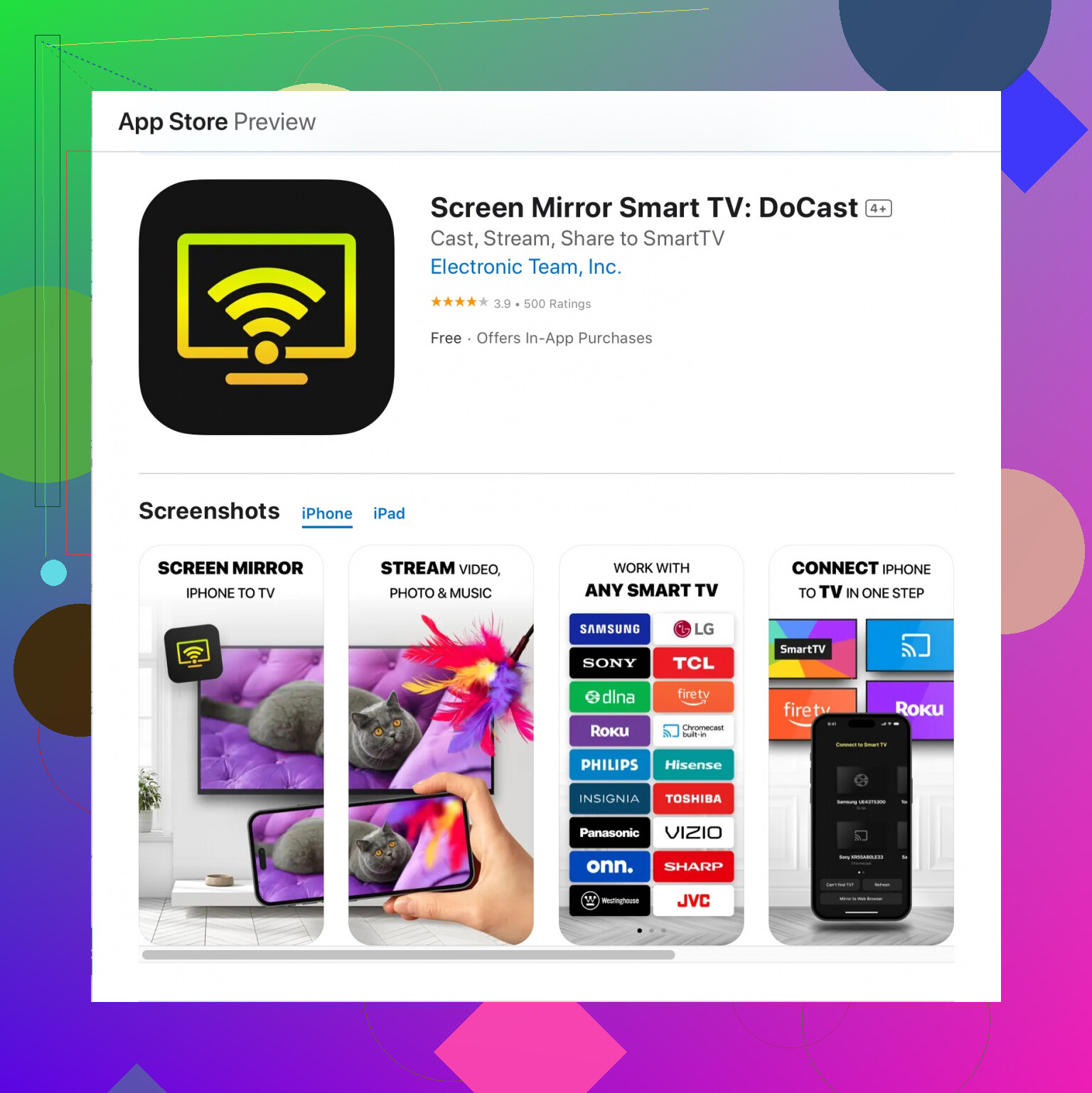
You’re in luck! When it comes to mirroring your iPhone screen to your new TV, there’s one app I’ve found particularly reliable – the DoCast Screen Mirroring app. This one’s been a go-to for me, and it really simplifies the whole process. No need to fumble with cables or complicated setups.
The app works great with various smart TVs, and it’s super straightforward to use. Just download the app from the App Store, connect your iPhone and TV to the same WiFi network, and you’re good to go. The quality of the mirroring is pretty solid too, with minimal lag, which is a huge plus.
You can get it directly from this link: Get DoCast Screen Mirroring on the App Store.
Make sure your TV supports screen mirroring, and you should be set. Happy mirroring!