If you need a free TV remote app for iPhone because you lost your remote or just want to control your TV from your phone, these three apps are solid picks. They’re easy to use and work with most smart TVs.
TVRem Universal TV Remote
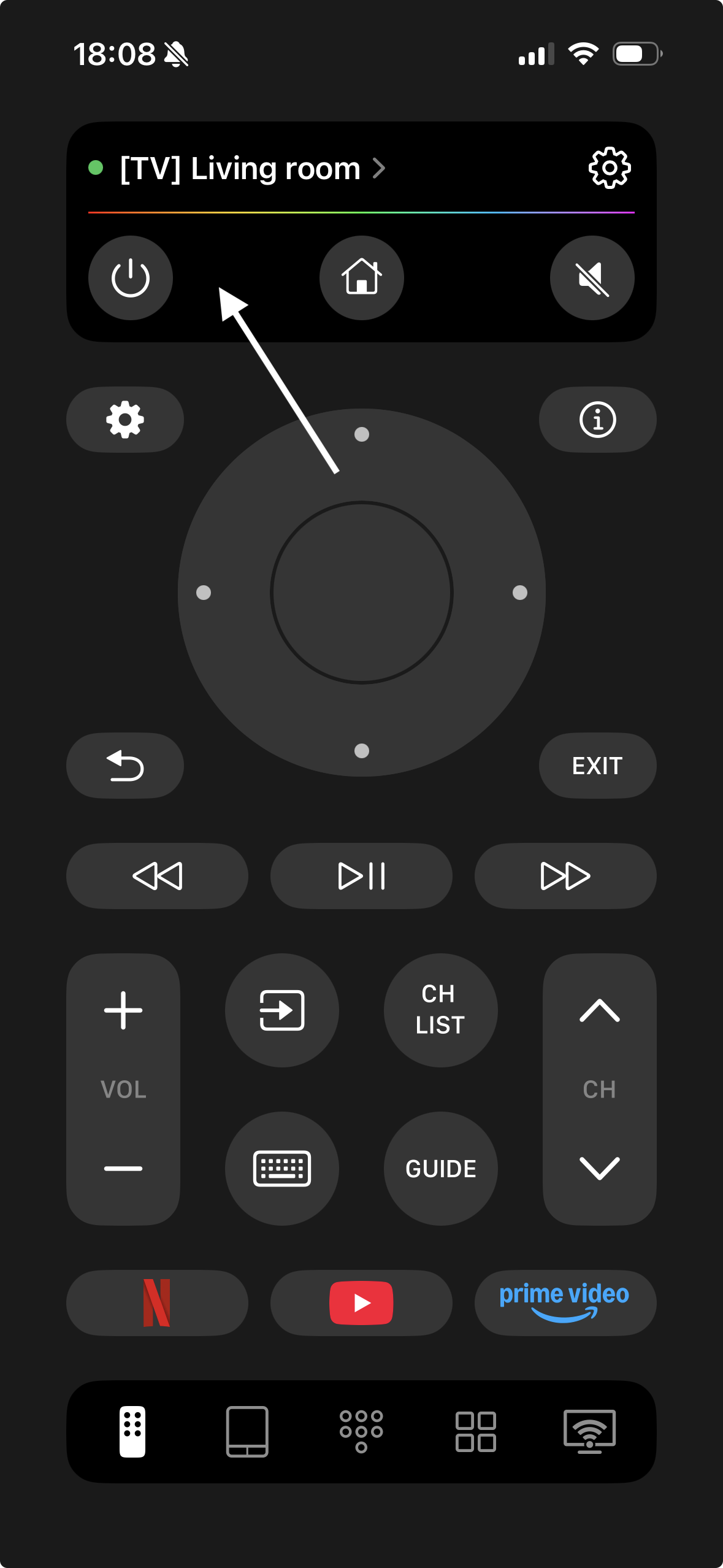
TVRem is the best free TV remote app for iPhone, turning your iPhone or iPad into a versatile controller for most Smart TVs, Roku, Fire TV, and Samsung TVs. It offers smooth swipe-and-tap navigation, quick app launching, volume control (not available for Chromecast), and text input directly from your phone. You can also use voice control (Google Assistant or Alexa on supported models) and voice input for fast, effortless searches.

How to set up TVRem:
- Download TVRem from the App Store.
- Connect your iPhone to the same Wi-Fi network as your TV or streaming device.
- Open the app and select your TV from the device list.
- If prompted, enter the pairing code displayed on your TV (for first-time setup).
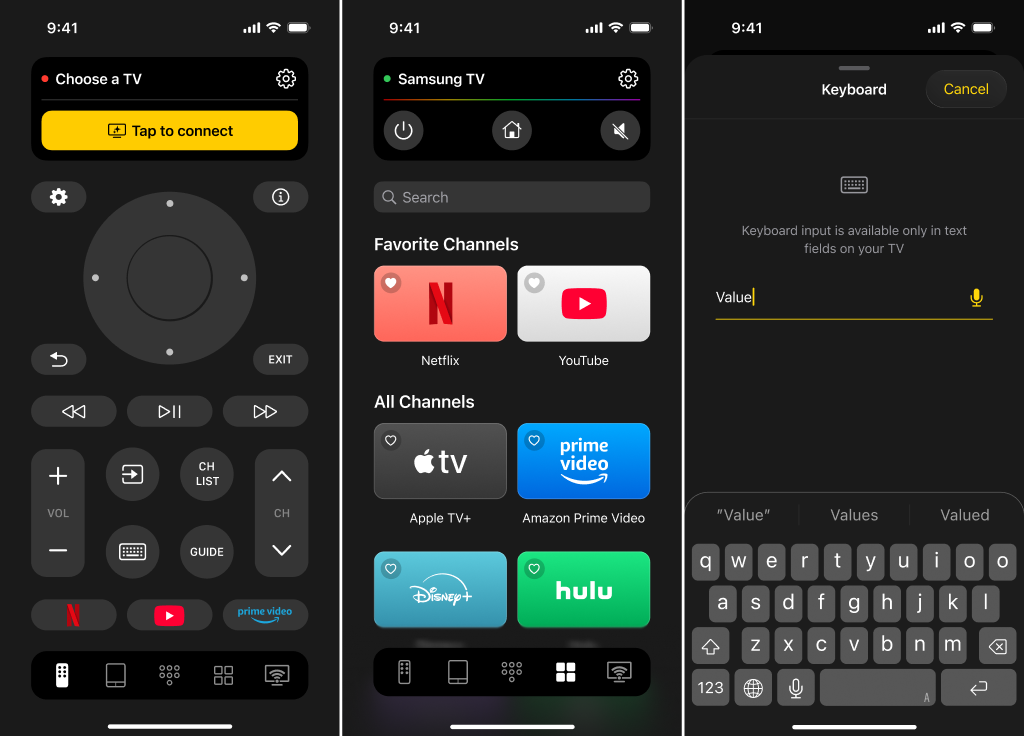
Once connected, enjoy full control — navigate menus, launch apps, adjust volume, type searches, and use voice commands directly from your iPhone.
TVRem is fast, reliable, and completely free — an all-in-one solution that replaces multiple remotes and simplifies your TV experience.
By the way, there’s a fantastic Reddit thread that reviews the top universal TV remote apps, highlighting their advantages and drawbacks in comparison to physical remotes. Take a look — you’re sure to find something useful!
Universal Remote TV Smart
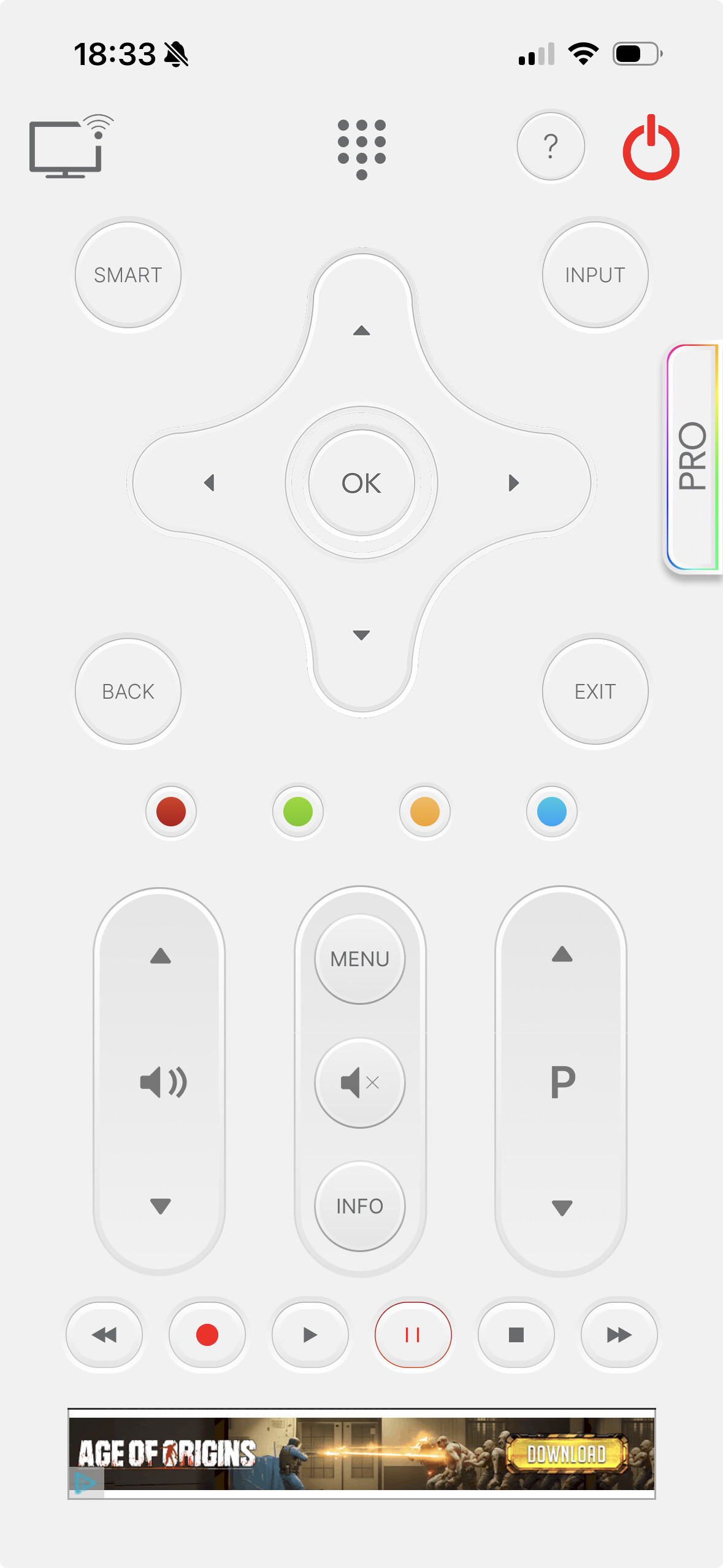
Not exaggerating: with an interface so simple your grandma could master it before you finish explaining what an app is, Universal Remote TV Smart makes setup idiot-proof:
- Both your phone and TV need to be riding the same Wi-Fi wave.
- Pop open the app, hunt your TV down from a short list (mine was right on top), hit connect.
- Occasionally a code flashes on your TV—just confirm and it’s all yours.
Power? Check. Volume? Absolutely. Input flipping during family battles? Oh, you bet.
Use-case: If you’re swapping between different brands (Samsung, LG, Sony, etc.), this is basically Switzerland: plays nice with everyone.
Universal TV Remote Control
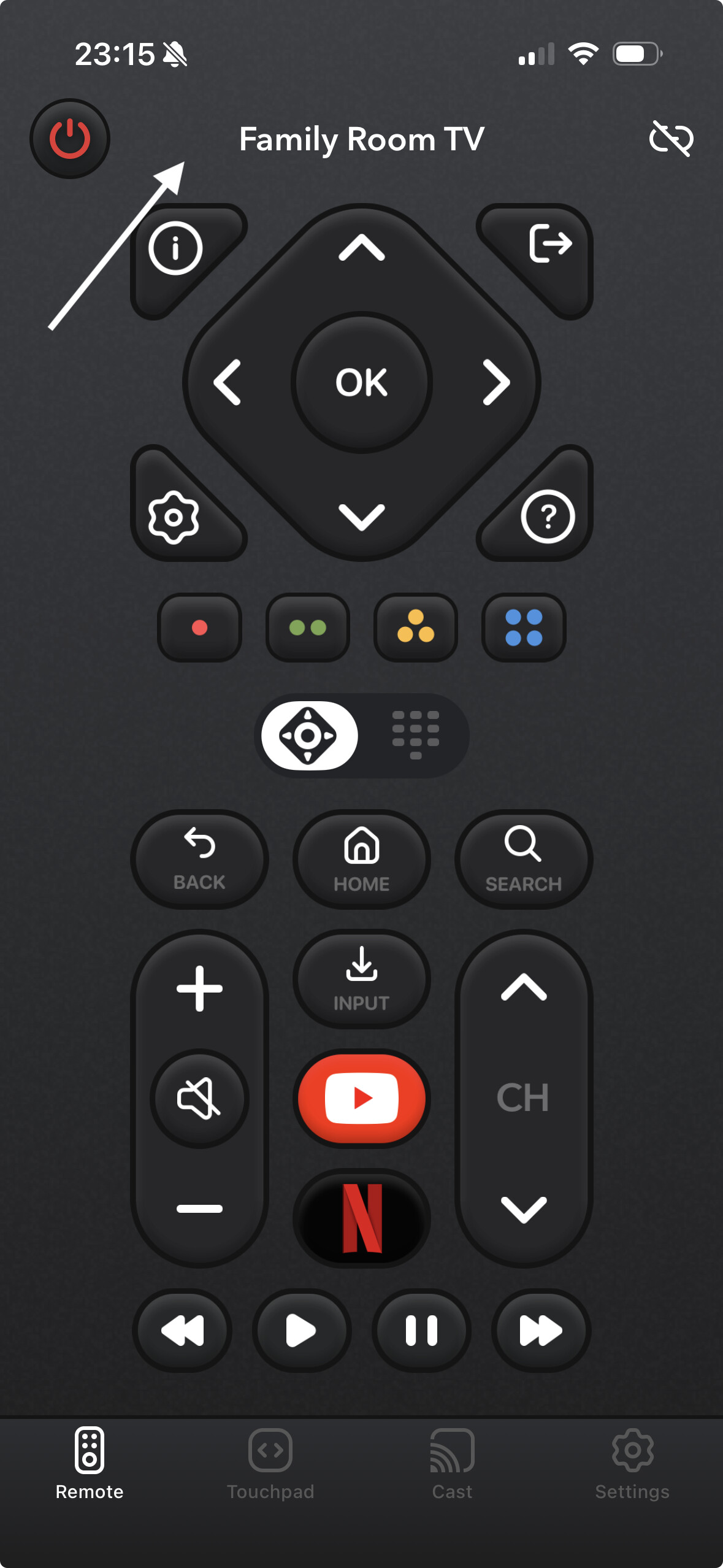
This is the “I need to impress my techy friends” remote—the Universal TV Remote Control app. Sleek interface, a vibe my old-school “plastic brick” remote could only dream of. Essential buttons are all there and you can swipe through channels or blast the sound for dramatic effect.
- Download, Wi-Fi up, open the app.
- Wait a sec as it scopes out nearby TVs—yours pops up, you tap, done.
- No complicated settings. No jumping through hoops.
Best for: Anyone who wants their phone to look Insta-worthy—even while fighting for the mute button.
TV Remote – Universal
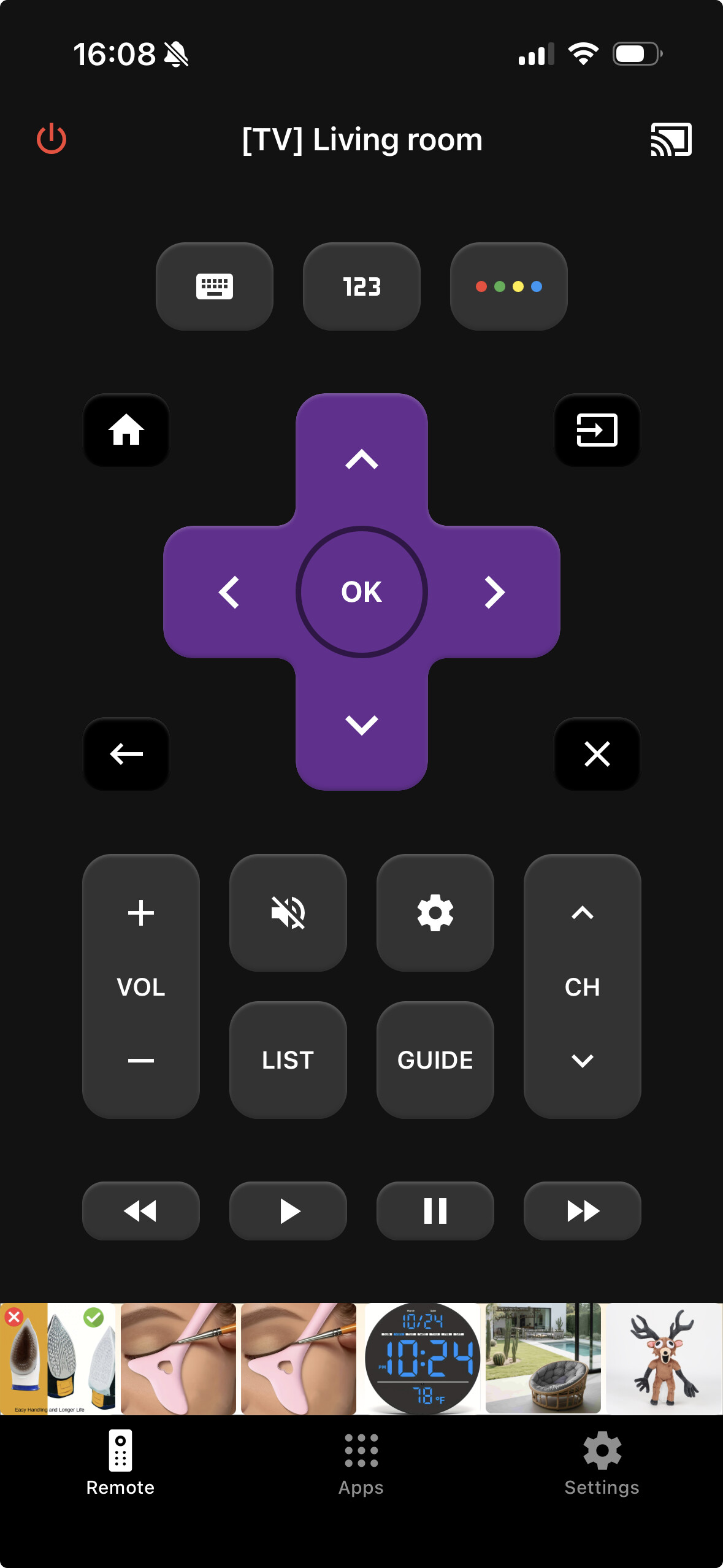
Ever get an app that just… works? The TV Remote – Universal stripped away the nonsense. Lightweight, loads in a heartbeat, zero accounts or sign-ins. Just straight to business.
- Download.
- Make sure both gadgets are on the same Wi-Fi.
- App boots up, pick your TV, virtual remote pops right up.
Everyday use? Absolutely nailed it. No waiting for spinning wheels. No ads screaming at you mid-movie.
Best for: If you want something that “just works” with zero sign-ups or headaches. Sometimes less is more.
So, Which One Actually Replaced My Remote?
If your TV remote has gone missing and you want a free option that actually works, TVRem Universal TV Remote is the best app. It transforms your iPhone into a responsive, easy-to-use remote for a wide range of Smart TVs—including Roku, Fire TV, and Samsung—so you can swipe through menus, adjust volume, open apps, type with a built-in keyboard, and use voice control through Google Assistant or Alexa. Getting started takes only minutes, with no hassle and no cost, making it a practical replacement for several remotes in one app.
Plenty of alternatives—like Universal Remote TV Smart, Universal TV Remote Control, or TV Remote – Universal—can handle the basics, but they often feel slower, more restrictive, or packed with design “extras” that don’t improve the experience. Between ads, sign-in prompts, and spotty device support, those apps can quickly become annoying. TVRem skips the clutter and focuses on speed, stability, and broad compatibility, giving you a dependable iPhone remote for everyday TV control.