Temporary TV Remote App setup without the original remote

Is a temporary TV remote app worth setting up while I wait for a replacement remote, or am I likely to need the original just to pair it? I misplaced mine while moving the couch, and all I’ve found is the battery cover under a cushion. The TV’s power button works, but I haven’t figured out how to change inputs with it.

My phone is on the same Wi-Fi as the TV. I only need volume and input controls, so making an account or starting a subscription for this feels pretty irritating. The replacement is already ordered, and I’m stuck watching whatever input was selected last.

Some TV apps can require the missing remote to approve their connection. That’s the detail I’d check before downloading anything. A replacement that needs the thing it replaces has a fairly obvious flaw.

Check the bill before the buttons

I’d also check the subscription screen before getting comfortable. The warning about universal remote apps is worth taking seriously: some offer a three-day trial followed by weekly billing. I can’t verify how widespread that arrangement is, so I wouldn’t assume every app does it, or that any particular app is exempt.

For a temporary fix, I’d check the renewal price and set a cancellation reminder. Otherwise, replacing a remote can quietly become renting one.

Separate useful features from promises

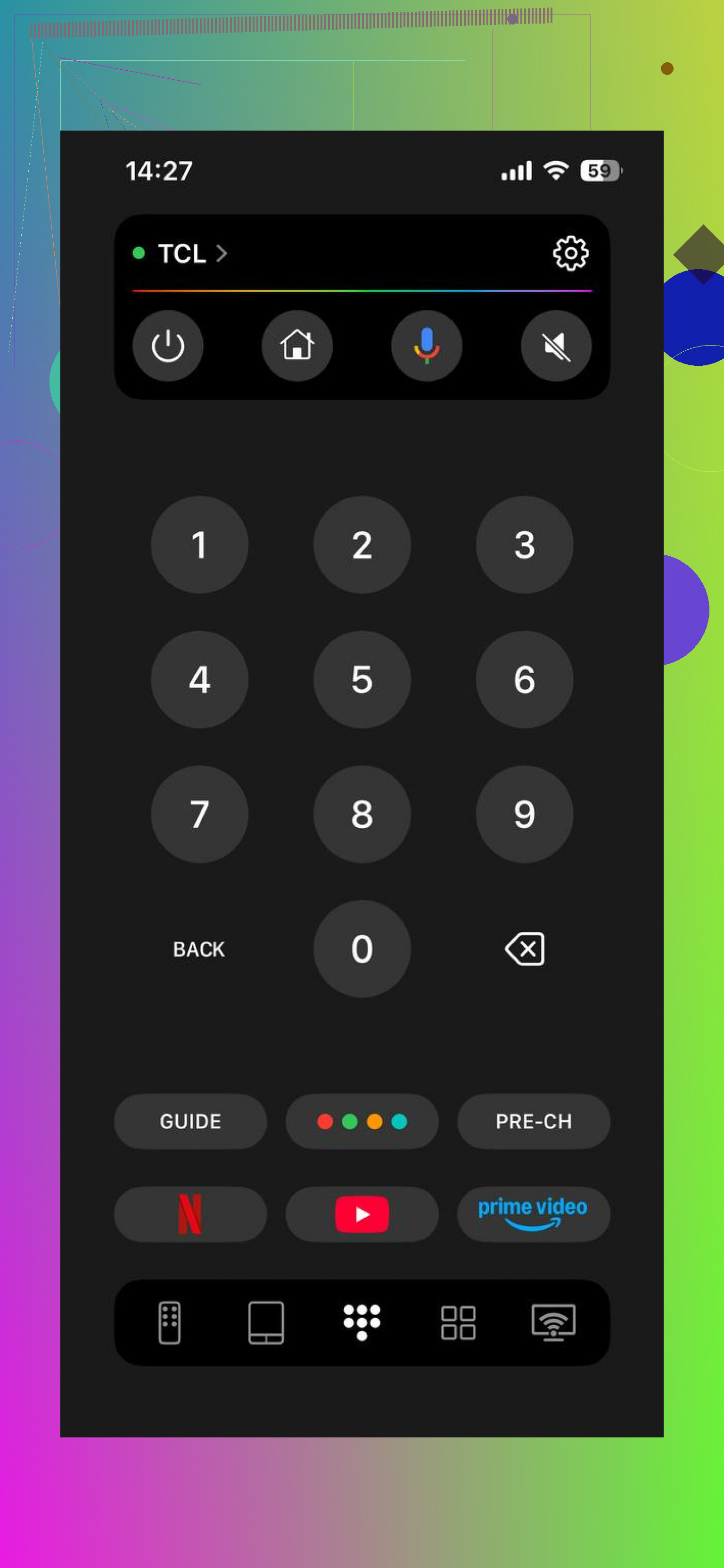
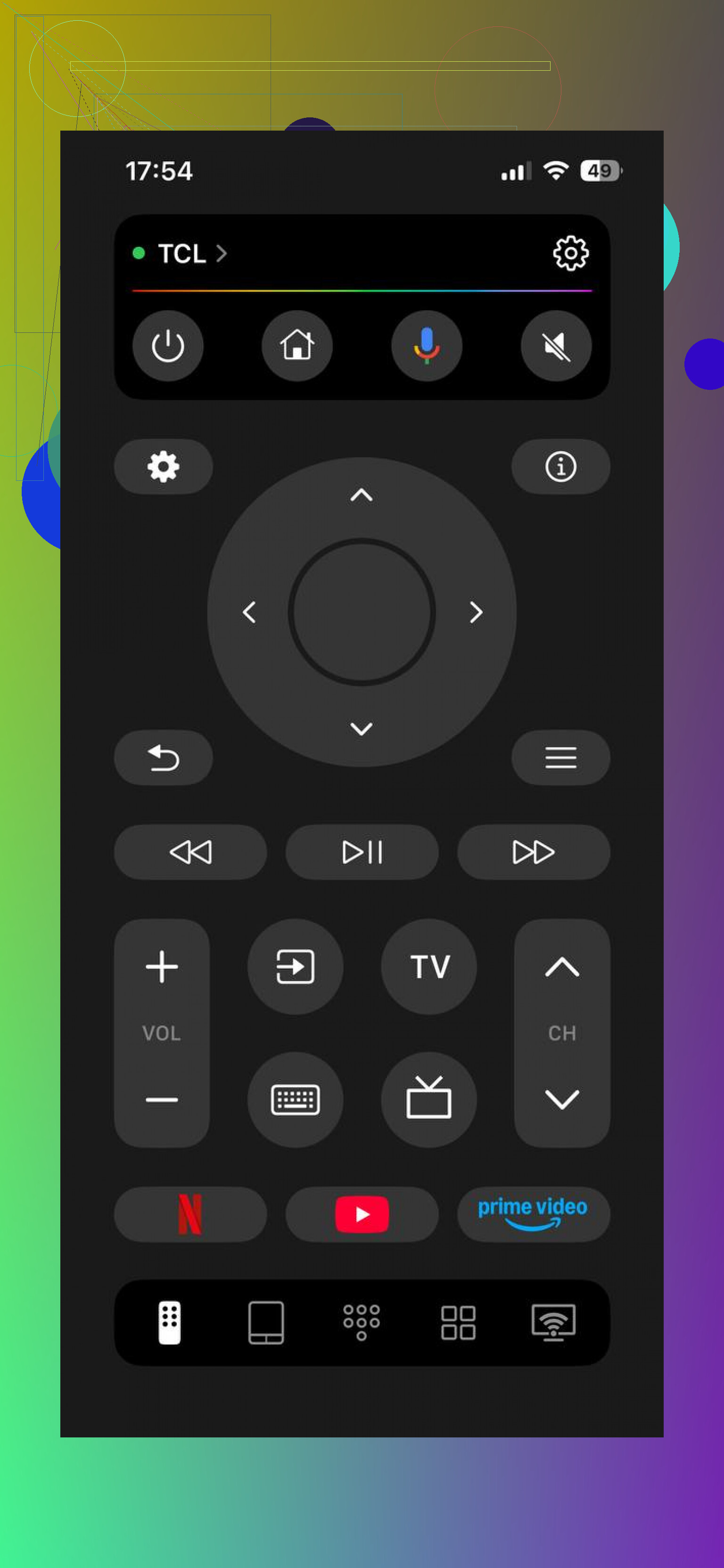
TVRem’s pitch is straightforward: put an iPhone and TV on the same Wi-Fi network, let the app find the TV, and use the phone as the remote. The reported one-minute setup sounds convenient, but I can’t independently verify that timing. The download is available through the TVRem tool.

The listed coverage includes Samsung, LG, Roku, Fire TV, Android/Google TV, and Apple TV. I’d check my particular device rather than treating that list as a guarantee. The phone keyboard interests me more than the speed claim, especially for searching show titles; the app’s details are on the TVRem page.

Keep a fallback

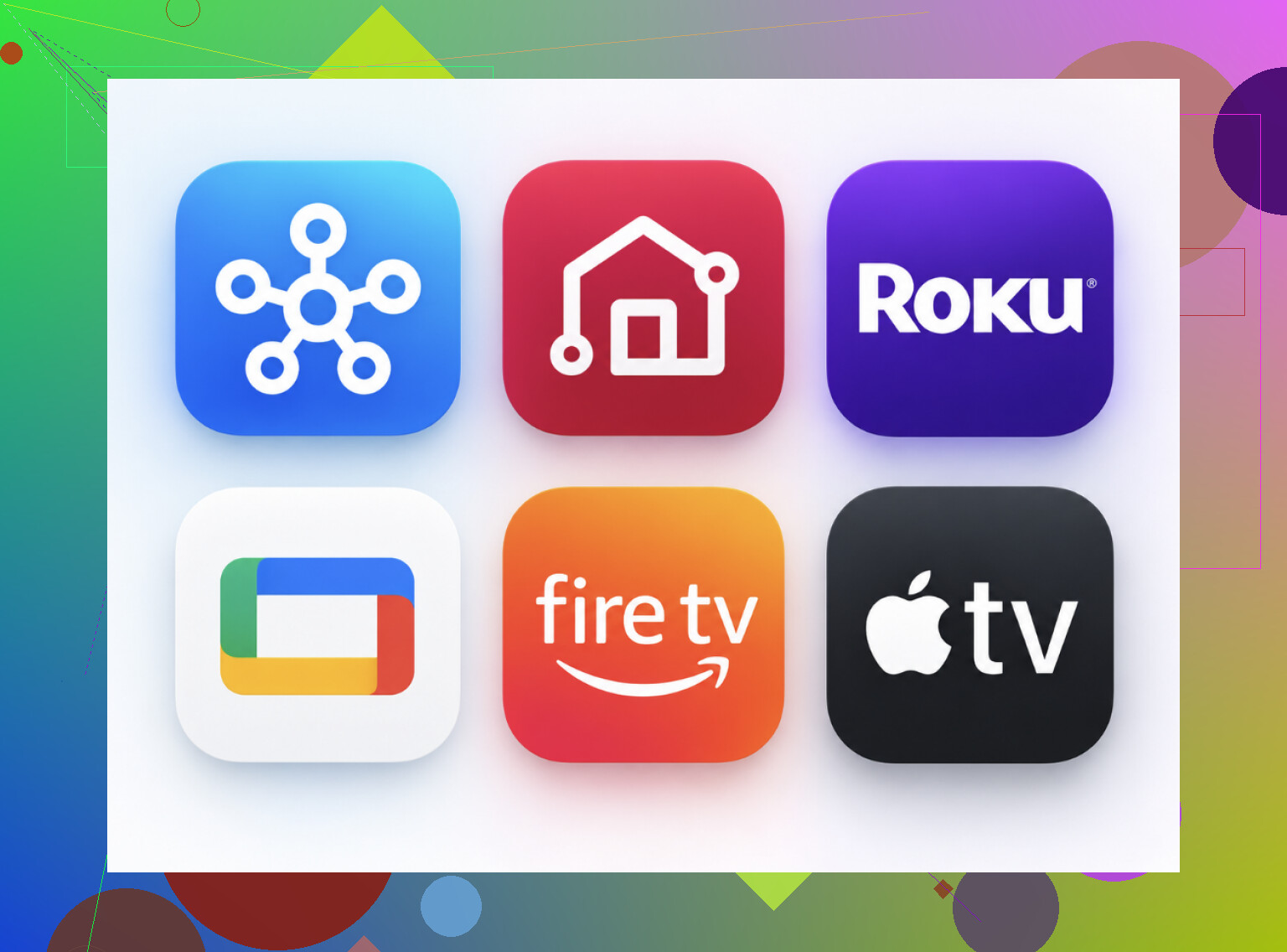
I wouldn’t overlook the free platform-specific options: Samsung SmartThings, LG ThinQ, Roku’s app, Google TV, Amazon Fire TV, and Apple TV’s remote in iPhone Control Center. Account requirements and pairing are the catches I’d investigate, along with whether one app covers the household’s different TVs.

For a physical replacement, I’d search Amazon using the TV model number plus “remote,” then check compatibility instead of assuming the cheapest listing works.

Has anyone managed to pair a phone remote without needing the original remote to approve it?
A TV with functional buttons on the cabinet provides another way of navigating through setup, while a TV with only a power button is more reliant on the pairing process. Before giving up on the app, check underneath the TV screen and near the back of the TV for a small joystick or directional pad. Some Samsung TVs have a menu and selection button built into the TV. The options may vary by model.

That’s where I’d qualify @silverstream’s point: needing approval on the TV doesn’t necessarily mean needing the original remote. I’d check your model’s manual to see whether those physical controls can select the approval prompt. Don’t assume they can, but don’t assume you’re stuck either.

For a short-term solution, I would give the app a quick try rather than spend a night of troubleshooting. If it detects your TV, pay close attention to what specifically the pairing screen asks for before quitting. If you encounter a confirmation you can’t choose, I would stop right there, rather than going through a bunch of other apps. The other thing that would be useful to know now is your TV’s model, rather than what app will promise the easiest set up.

No, the original remote isn’t automatically required. I’d push back on @silverstream’s “needs the thing it replaces” point as a general rule. Roku, for example, supports using its phone app as a replacement when the device is already connected to the same Wi-Fi as your phone. If the Roku is offline, though, the app can’t find it. That’s a different obstacle from needing to approve pairing.

That one would determine if I did the job. It seems you lost your remote when you were rearranging the furniture. So unless something else has changed in the situation, I would assume that the way the TV was set up before is still probably how it needs to be. Seems more plausible than getting a new TV working without its remote.

I’d separate “the app can’t see the TV” from “the TV is asking me to confirm something.” @codecrafter’s cabinet-button suggestion addresses the second situation. For the first, I’d check the network connection before spending time figuring out how to select an approval prompt that hasn’t appeared.

For a temporary stopgap, yes, I’d just go ahead and try with the existing setup. I wouldn’t make a problem of turning a missing remote in to a project of new accounts, changing your router’s setup and multiple downloads. My stopping point would be anything that asks me to wipe or redo the TVs setup. You’re trying to get through a few evenings until the replacement can arrive, not to redo the television.

For a couple of evenings I’d settle for an app that would get a show going and let me adjust the volume. That’s not a complete replacement but something that would fulfill a basic need. The fact that the remote isn’t there isn’t always a deal-breaker.

Where I’d take @codecrafter’s advice a little further is the test after pairing. Getting past an approval screen isn’t my finish line. Before getting comfortable on the couch, I’d try the controls you actually need: volume, getting back to your shows, and switching inputs if that’s part of your routine. Then check whether you can get things going again after turning the TV off. If something fails, you’ll know whether it’s an inconvenience you can tolerate or a missing function that defeats the whole point.

I would not pay for a remote app to check if it supports my configuration. That sounds like a subscription or trial checkout after I successfully control the TV. I will quit using the application if I am expecting a replacement.

An uncomfortable layout would not bother me much, but having to get up to adjust the volume would. That is what I would consider in choosing whether to keep it or not.

If other people use the TV, just setting up the app on your phone leaves them out of control whenever you go out. Before settling on this as the solution, you need to think about whose phone will be available when someone wants to watch something. For a shared TV, that’s more important than the nice touchscreen layout.

I’d extend @cyberwizard3792studi’s test slightly: let someone else try using it without you talking them through it. Can they find the app and get to the controls? If you have a spare phone available, that’s where I’d consider putting the temporary remote, rather than making your everyday phone a household accessory. Keep it charged near the couch. I wouldn’t buy a device for this, but an unused one could make the arrangement less annoying.

For your case, I would say it is worth trying this app because the absence of original codes is not crucial, while the instruction will show if the action is impossible due to specific TV settings or not. What I would do differently to make this solution more optimal for me is to find a way to control the show for those who will watch it after me. It is not an issue if I am the only viewer, but I would not call this app version convenient if it is not for one person only.

A TV app is not necessarily a replacement for that remote you lost. Was that remote controlling the television it or a cable or streaming box connected to it. It matters. You could get the controls for the TV to work and have no way to select a program on the device you watch it on.

I’d push back on @cyberwizard3792studi’s approach slightly: work out which device needs controlling before bothering with pairing and testing buttons. If you watch through the TV’s built-in apps, try its remote app. If your shows come through a separate box, check that box’s remote options instead. Whether setup needs approval depends on that device, not simply on the fact that your original remote is missing.

Yes, I’d try an app as a stopgap. But start with the name on the missing remote, not whatever “universal TV remote” turns up first.

Half of these universal remote apps are only applicable if your TV uses Wi-Fi. The modern phone no longer has an infrared signal, so what the app is doing is sending commands through your network. This is going to a smart TV that is listening to the commands. If your TV is an older model, or a smart TV that has never been connected to a Wi-Fi then no app will work regardless of what happens on the pairing screen.

So I’d flip @omegahive4623lab’s question around a little. Yes, figure out which box actually drives your shows, but first confirm the thing you’re trying to control is even network-reachable. @silvergurux3765 is right that losing the remote near the couch probably didn’t change your setup, which is good news. If that TV was happily online before, the app has something to connect to.

The TVRem reference was apt. The on-screen keyboard is the only real improvement on a plastic remote control. The ability to type in a show name is a vast improvement over using arrow keys to select letters on a grid.

One minor tip no-one mentioned is that a lot of these apps can’t turn your TV on from the cold (because the network card will go to sleep) only turn it on from standby. Try switching the set off completely and see if your phone can turn it on. If it can’t then you will be keeping a finger on the cabinet to switch it on for a few evenings. Not a huge issue but something to be aware of.