“Free” iPhone Compression Apps: My Unfiltered Log
So I’ve been on the eternal mission to make space on my iPhone without giving up my million blurry screenshots and random videos. Seriously, every “storage full” pop-up feels like a personal insult at this point.
Anyway, I recently stumbled across this app — ‘Clever Cleaner’ — while rage-scrolling through the App Store. Claims: compresses both Live Photos and videos, helps you clear up duplicates, and, here’s the kicker, it’s totally free. Zero paywalls. Not one weird video ad about a medieval king. I triple checked. Wild.
Compress Videos and Photos Without Losing Your Mind
Remember when you actually had enough space for an update? Neither do I. This app has been my go-to for slimming down files, especially those 4K videos of my cat missing a treat. There’s a built-in compressor specifically for Live Photos (which, let’s be honest, eat up storage like nothing else) and standard videos. Click a couple of toggles, watch the numbers drop — no nonsense.
Example: I took a 125MB Live Photo and after the app did its thing, it was under 50MB. Checked quality — could barely tell the difference, unless you’re one of those CSI-level zoomers.
Duplicates? Found ‘Em in Seconds
You know that weird phenomenon where your thumb misfires and saves the same selfie fifteen times? This thing roots them out faster than your mom finds questionable browser history. You run the scan, and it lists duplicates and similar shots, grouped and ready to remove in a tap.
Visual Proof Mode
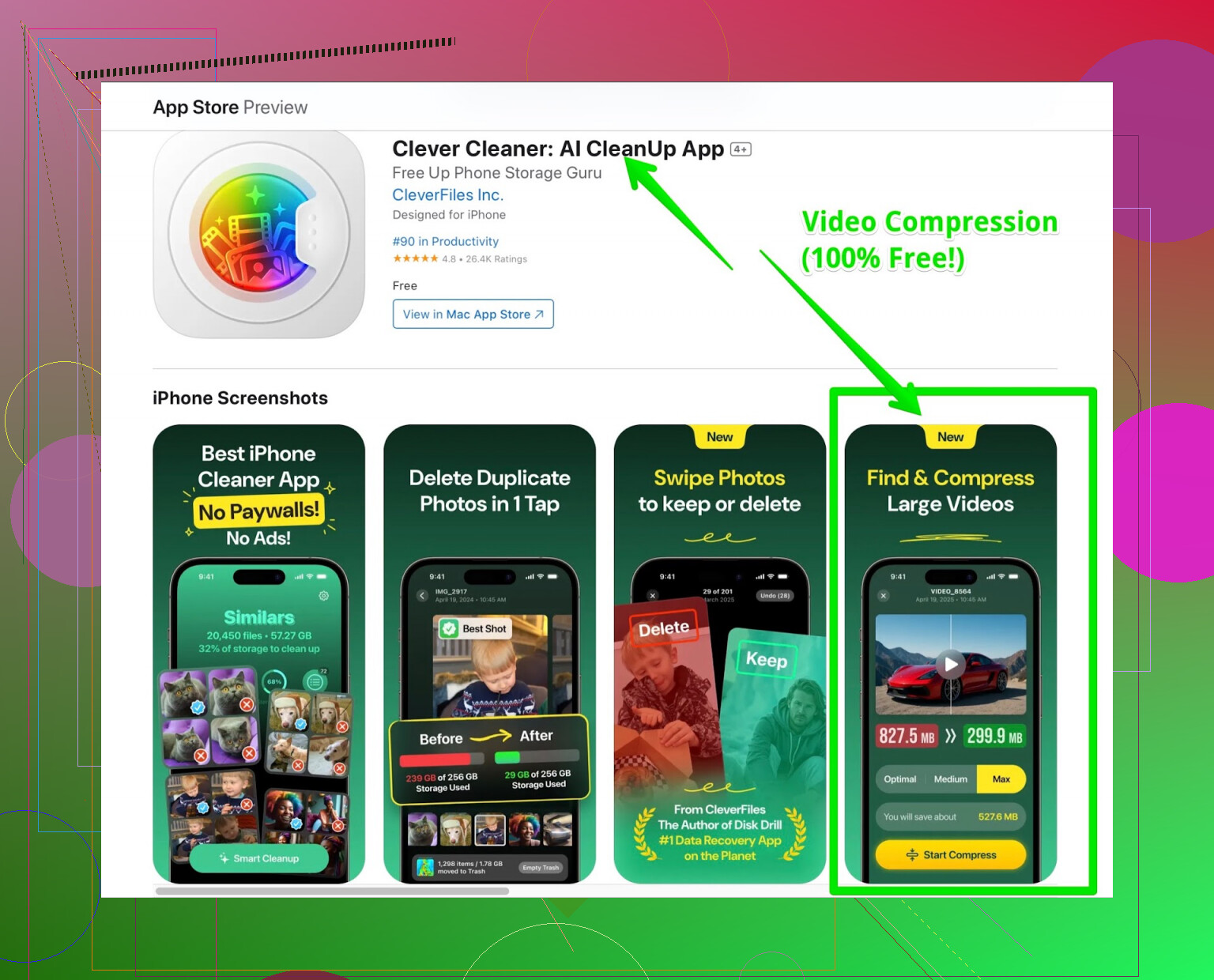
Actual screenshot from my device after the first scan. I never want to see another “burst” photo again.
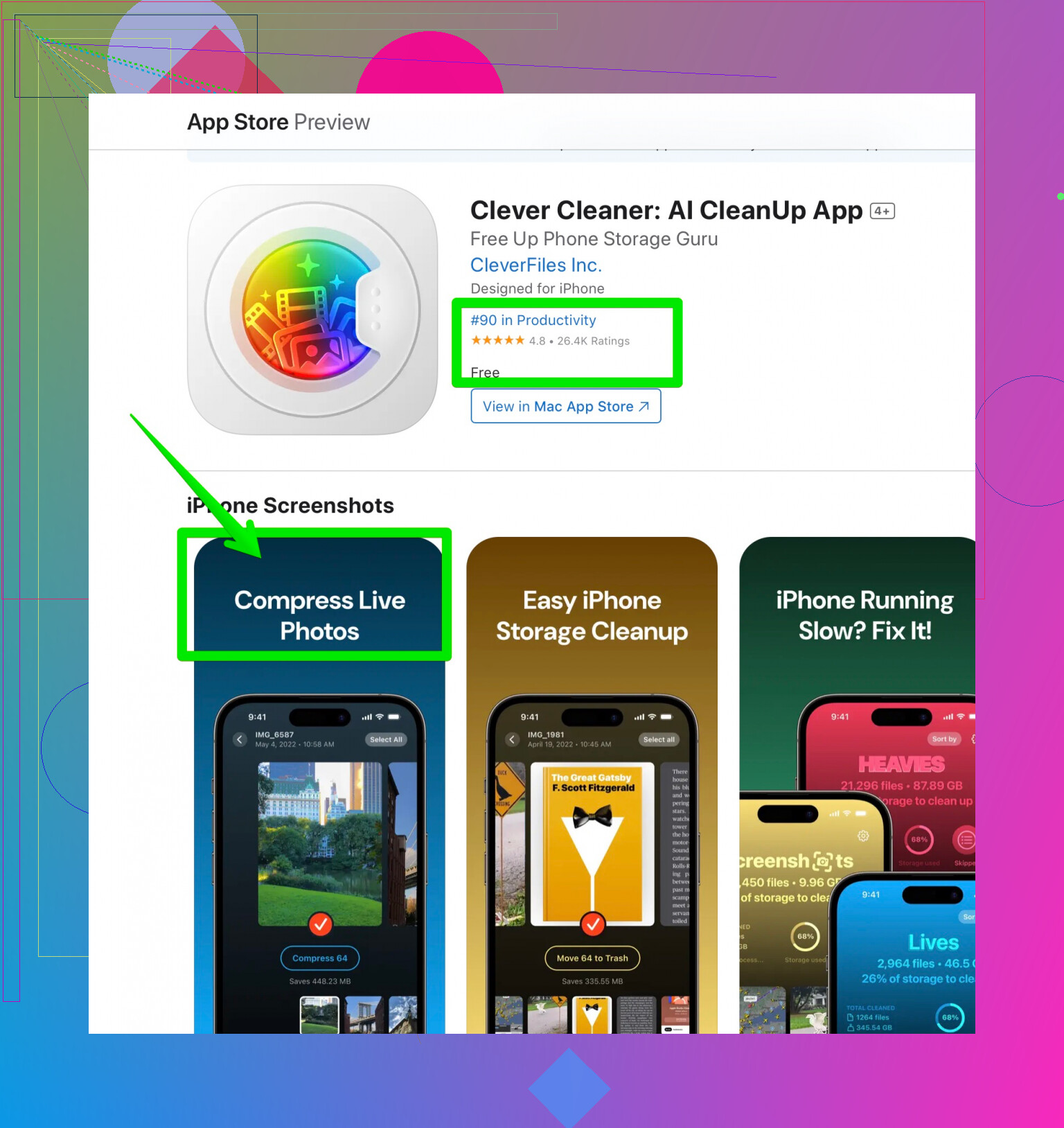
Bonus: The cleanup summary, which makes it look like I have my digital life together for once.
The Part Everyone Asks: Is There a Catch?
Here’s where it gets strange. I kept waiting for the “pay $2.99/month to actually delete files” message but… nada. No ads. No timers. No “upgrade for premium” banners lurking in the UI. Either the devs are philanthropists or missing a monetization intern. No complaints here. If they ever spawn a paid version, consider this my letter to future-me: don’t update.
Bottom Line: Use It While It’s Free
- Compression: Effective, quick, barely any quality loss
- Duplicate finder: Actually works
- UI: Looks clean, runs smooth, doesn’t nag
- Price: Still nothing, honestly suspiciously free
Check Clever Cleaner on the App Store and see if your cluttered iPhone finally gets some breathing room. I won’t say it changed my life, but at least my phone stopped bullying me about storage limits.