If you can’t find them in the Trash folder, they’re probably gone from there already. Gmail only keeps deleted emails in the Trash for 30 days, after which they are permanently deleted. But hey, don’t lose hope just yet. Here’s a quick rundown of your options:
-
Check Archived Emails: Sometimes, emails are archived instead of deleted. Use the search bar and type in some keywords from the missing emails to see if they pop up.
-
Search Emails Thoroughly: Use search operators in Gmail, like
in:allfollowed by some keywords. This searches your entire account, including all folders, which might help if you’ve accidentally moved them. -
Google Support: If these were deleted recently, you might still be able to recover them with the help of Google’s support team. Go to the Gmail help center and look for the “Missing emails” section - sometimes they can help retrieve emails that were deleted in the last 30 days but are no longer in the Trash.
-
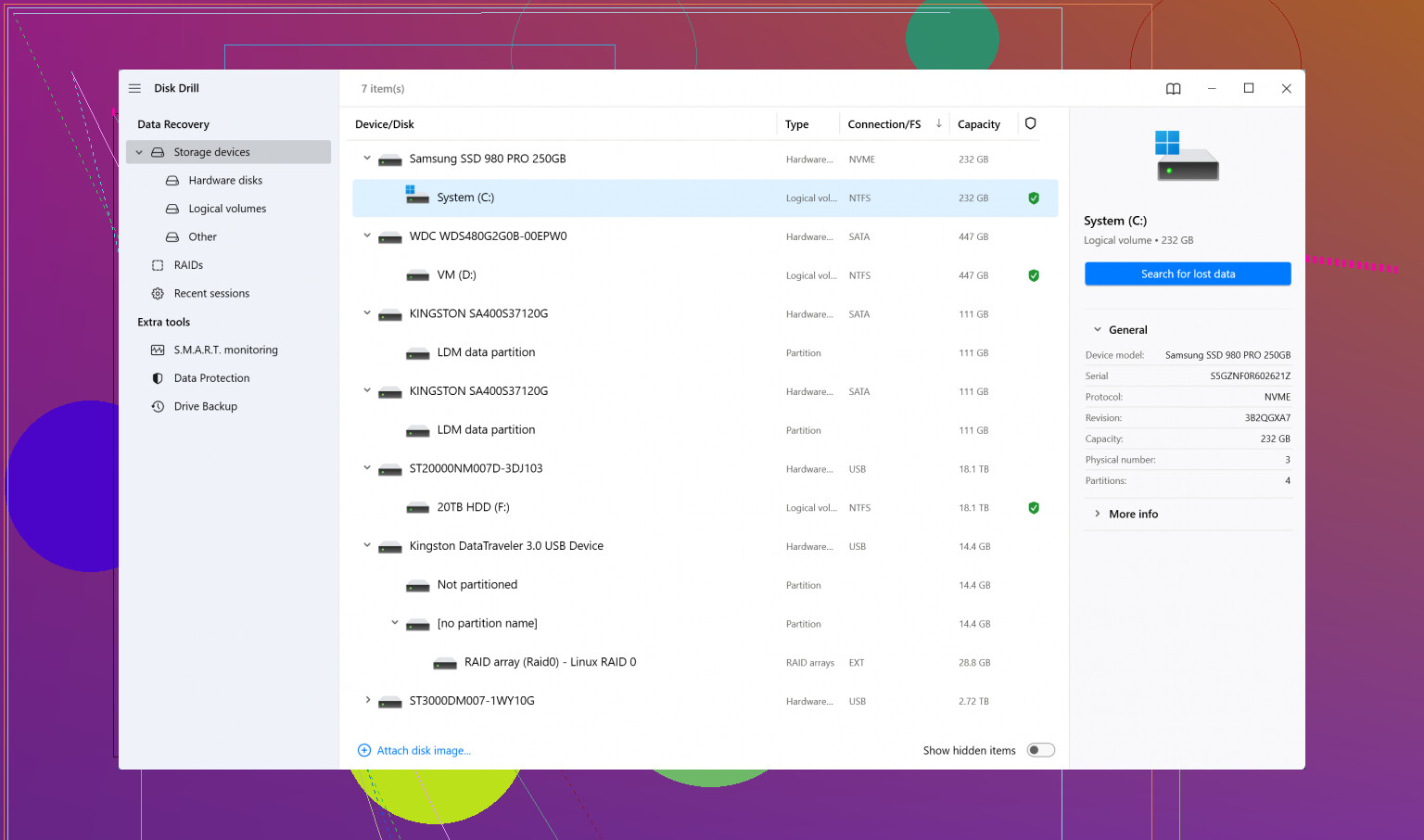
Third-Party Recovery Software: If those options don’t work out, you might want to consider a heavyweight like Disk Drill
. It’s not just for hard drives; it also supports recovering lost email data. Check out Disk Drill at CleverFiles for their email recovery features. Use with caution and make sure you follow their guidelines closely. -
Contact the Sender: A simple (though potentially awkward) solution could be asking the original sender to resend the emails. If these were important, people are usually understanding about resending information.
Remember that the best time to think about email recovery is before you need it. Regularly backup your important emails by enabling IMAP in Gmail and syncing them with an email client like Thunderbird or Outlook, which downloads local copies of your emails.
You’re not the first one in this boat - best of luck! Let us know how it goes.