Hey there,
Sorry to hear about your lost Snapchats, that’s always rough. Here’s the deal with Snapchat messages: they’re designed to be temporary and usually vanish after being viewed, depending on how you’ve set it up. That makes recovering deleted messages kinda tricky but not entirely hopeless.
First, let’s see what we can do within Snapchat itself:
-
Check Chat History: If you haven’t cleared the conversation or deleted the entire chat thread, head to the conversation screen and see if there’s anything left. Sometimes messages linger if they weren’t fully deleted.
-
Memories and Saved Messages: If you saved any of those critical messages to your ‘Memories’ or ‘Saved in Chat,’ you can retrieve them from there. Navigate to the ‘Memories’ section by swiping up from the camera screen.
-
Data Download Request: Snapchat allows you to request your data. Go to Settings > My Data > Login > Submit Request. Once they process it, you’ll get an email with a link to download your data, which might include some of the messages, but don’t get your hopes too high.
If none of the above helps, you might need to turn to other methods:
Using Third-Party Software
It’s possible to recover deleted Snapchat messages using recovery software. Disk Drill
is a solid option for this and relatively easy to use. You can download it from their site: Disk Drill. It’s fantastic for recovering all kinds of lost data, including Snapchat messages.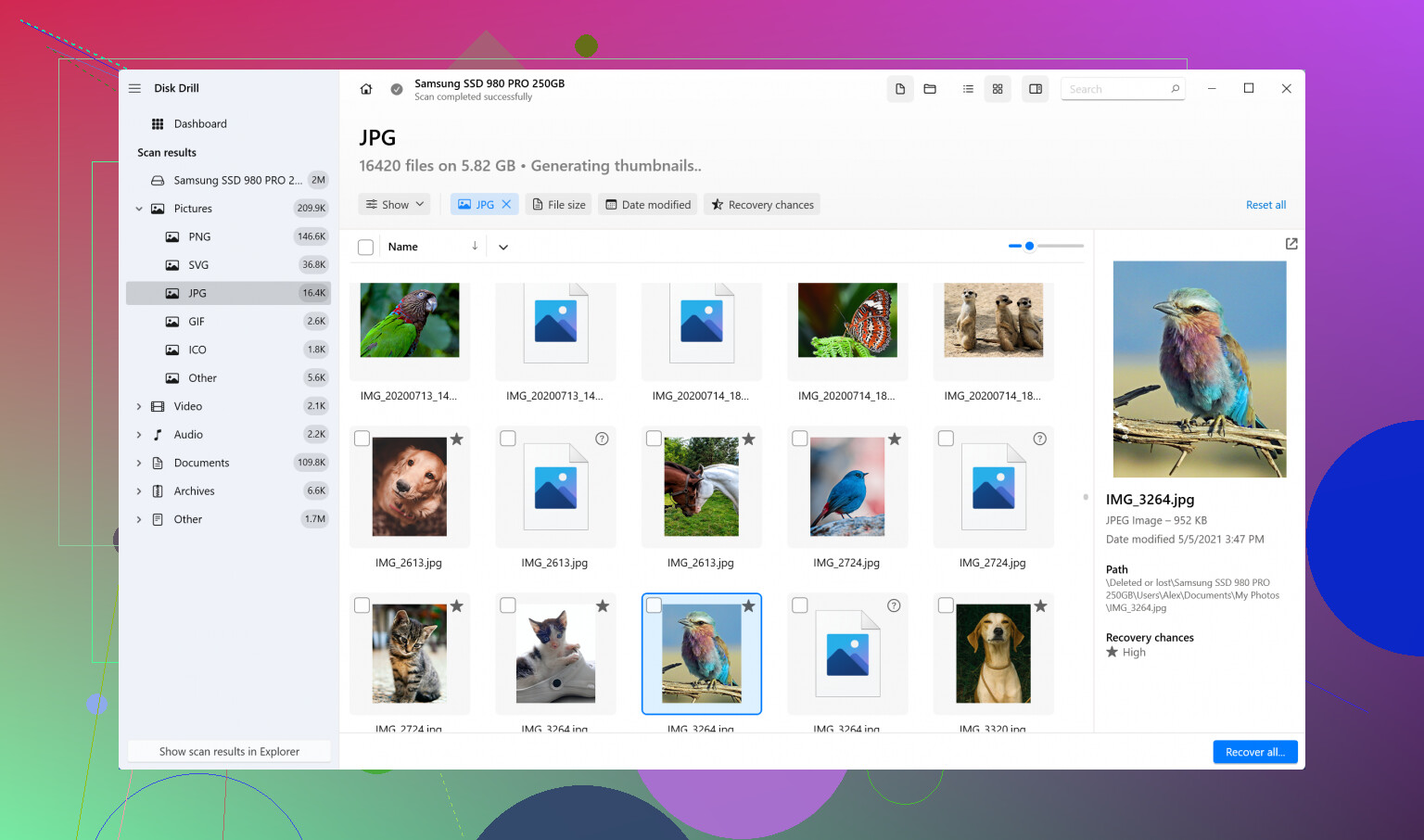
Here are the steps for using Disk Drill:
- Download and Install Disk Drill: Head over to their website and install the app on your computer.
- Connect Your Device: Plug your phone into your computer where Disk Drill is installed.
- Scan for Lost Data: Launch Disk Drill and select your device, then choose the ‘Recover’ option to scan for lost files.
- Preview and Recover: Once the scan is complete, you can preview the files. Find the ones you need and recover them.
Backup Options
Going forward, make sure to regularly back up any crucial project-related communication:
- Take Screenshots: Before deleting, always take a screenshot of important stuff.
- Record in Notes: Copy-paste important text into a separate notes app or document.
- Email Threads: Sometimes it’s easier to bypass Snapchat altogether and discuss important project stuff over email for better backup.
Pro Tips
- File Managers: Use a file manager app on your Android device to look in the directory paths where apps often save data temporarily.
- Cloud Backups: Regularly back up your stuff on Google Drive or iCloud.
Remember though, some data might be completely irretrievable, especially because Snapchat prioritizes privacy and ephemerality. Good luck!